

Build a Bible Quiz That Shows the Verse Behind Each Answer
Build a Bible quiz for your group that scores each answer with its verse and saves results to a database you own.
Build a Bible quiz on the book of Ruth for my Wednesday youth group that shows the verse behind each answer.
Trusted by Builders Worldwide
Active Builders Worldwide
Apps Successfully Created
Countries Globally Reached



What Goes Into a Bible Quiz on Emergent
A Bible quiz checks what a group remembers from a passage. Emergent builds the questions and the table that keeps the scores.
Questions drafted from your passage
Name a book or a few chapters, and Emergent drafts questions on that text with wrong choices from the same story. Check each one against your Bible and change it by prompt.
The chapter and verse after every answer
The results screen lists each question with the right answer and its reference, such as Jonah 1:17. A missed question becomes a verse to read that night instead of a lost point.
Scores kept in a table your church owns
Each answer is a row in a database you own, tagged with the player and the date. Sort by question to see what the group missed, or by name to follow one person's season.
Made for phones passed around a room
Players answer one question per screen with a progress bar on top, on a phone at youth night or a shared classroom tablet. Emergent sets no cap on how many people take it.
Reminders for anyone who has not played
Set a deadline, and the app emails a reminder to each member who has not finished by then. The group leader can also get a Slack message listing the names still out that week.
Your domain, your code, free to start
Use your church's domain, included in Emergent and using credits. Paid plans export the full code to your GitHub repository. The free tier covers building and publishing.
How Four Groups Run a Bible Quiz
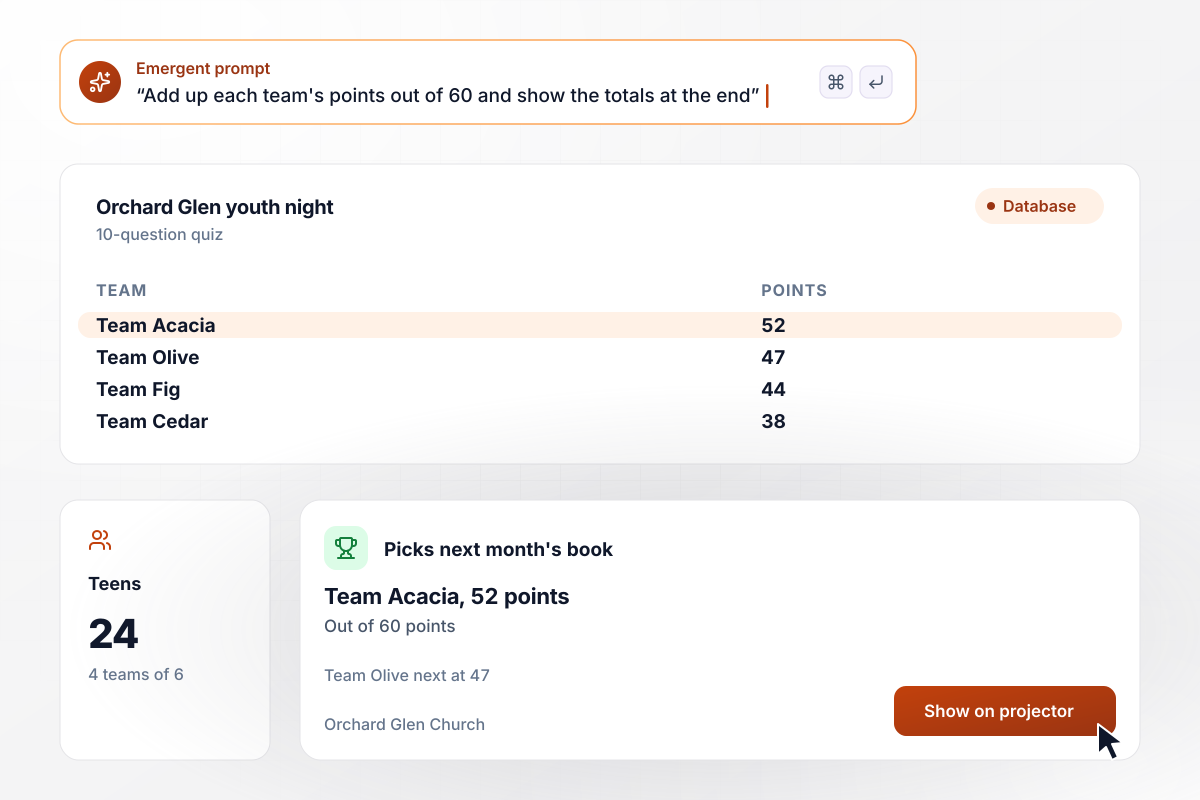
Team Acacia takes next month's pick on 52 points
Every Wednesday, 24 teens at Orchard Glen Church split into 4 teams of 6 and take a 10-question quiz on their phones. The app adds up each team's points out of 60 and puts the totals on the projector. Last week Team Acacia scored 52, ahead of Team Olive at 47, and chose next month's book.
window.awbMockup = { youthNight: "Build a 10-question Bible quiz for my Wednesday youth group of 24 teens. Split them into 4 teams of 6, let each teen answer on a phone, add up each team's points out of 60, and show the team totals on the projector at the end. Show the verse behind each answer.", sundaySchool: "Build a 6-question Bible quiz for my Sunday school class of 18 children in grades 3 to 5, with 3 choices per question and simple words. Show each child a score and the verse behind every answer, and list for me the children who score under 5 of 6.", readingGroup: "Build an 8-question Bible quiz for my reading group of 31 adults, who read Acts at 4 chapters a week. Open a new check-in on that week's chapters every Monday, and email a reminder to anyone who has not taken it by Saturday.", schoolBibleClass: "Build a unit test on Exodus for my 2 seventh-grade Bible sections, 46 students in all. Draw 20 questions for each section from my 60-question bank, keep every score in one table, and list the students who score under 12 of 20 for a Thursday study session." };
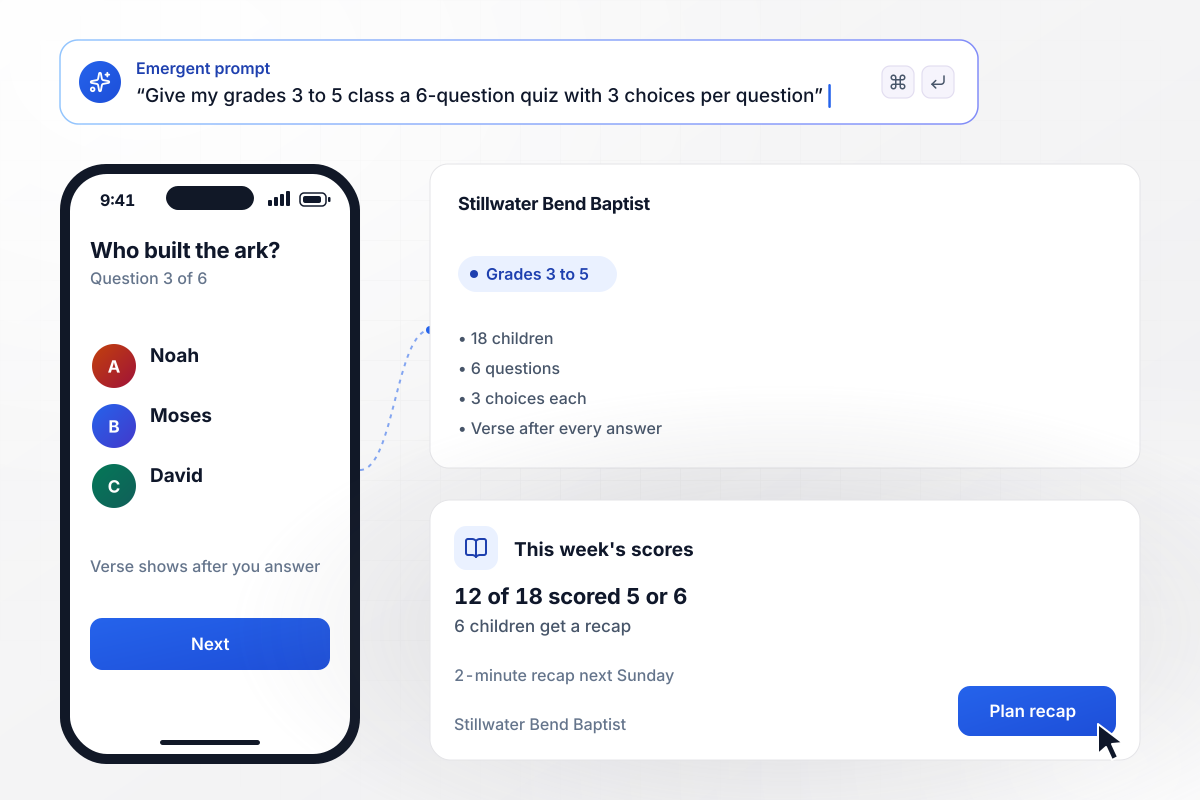
Six children open next Sunday on a 2-minute recap
After the lesson, the 18 children in grades 3 to 5 at Stillwater Bend Baptist take a 6-question quiz with 3 choices per question. Each child sees a score and the verse behind every answer. This week 12 of 18 scored 5 or 6. The other 6 open next Sunday on a 2-minute recap of the story.
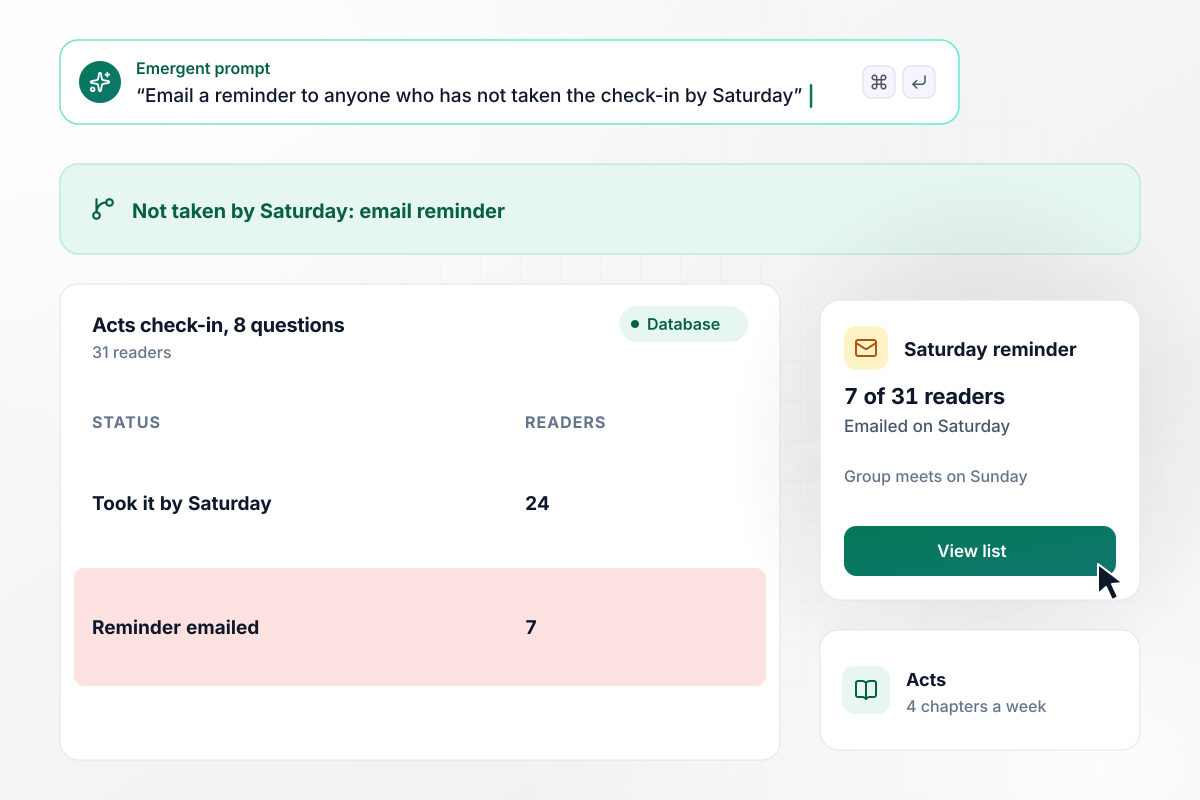
Seven readers get a Saturday reminder by email
The 31 adults in East Fennick Fellowship's reading group read Acts at 4 chapters a week. Every Monday, an 8-question check-in on that week's chapters opens. Anyone who has not taken it by Saturday gets an email reminder, and this week 7 of 31 got one before the group met on Sunday.
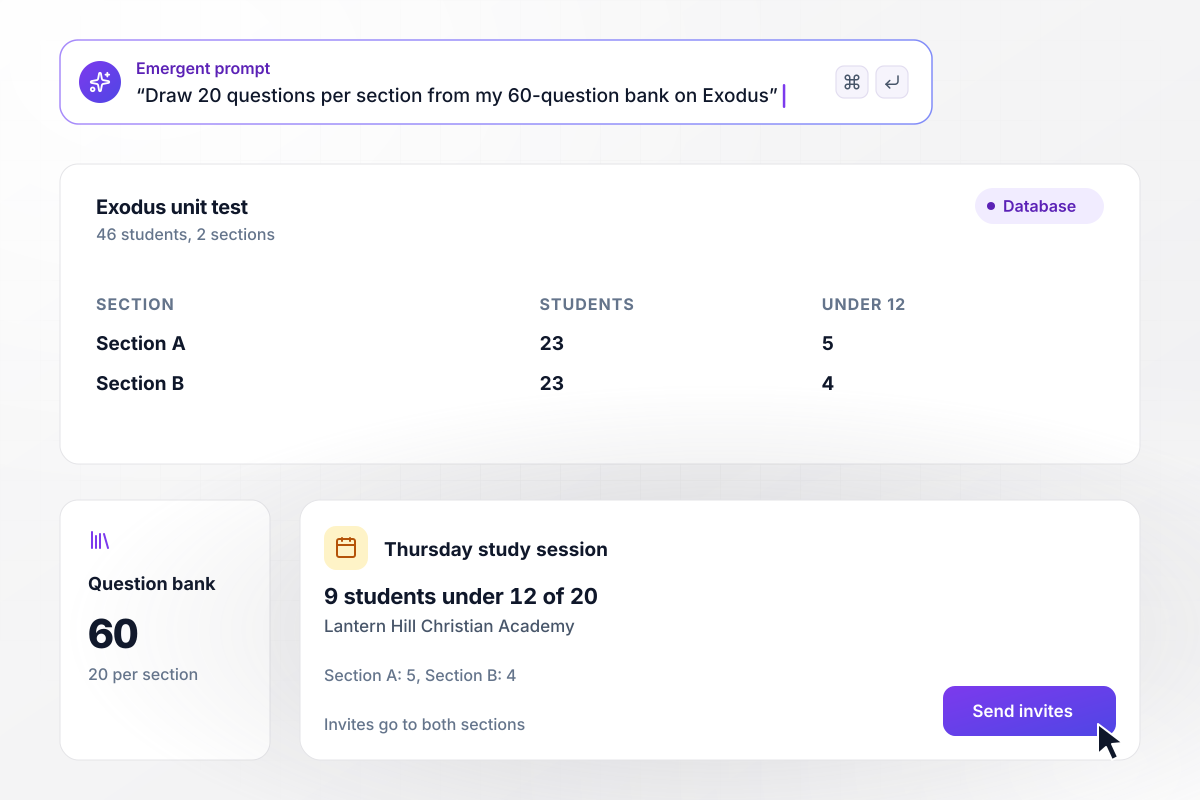
Each section gets 20 different questions from a bank of 60
Two sections of seventh graders at Lantern Hill Christian Academy, 46 students in all, take a unit test on Exodus. The app draws 20 questions from a 60-question bank, and each section gets its own set. The 9 students who score under 12 of 20 join a Thursday study session.






How to Make a Bible Quiz
Seven steps to make a Bible quiz that tests what your group read and shows which passages to go over again.
Choose a single book or a run of chapters your group read this week, such as Ruth or Acts 1 to 4. A quiz on one passage shows what stuck from that reading. Put the passage in your prompt, and Emergent drafts questions on it.
Word every question and answer the way the Bible your group carries words it, whether that is the King James Version or a modern one. Check each right answer in that translation before the quiz goes out, and name the translation on the first screen.
Write each question from a verse you can point to, and note the reference beside it. If you cannot find the verse in a minute, cut the question or rewrite it from the text. The reference then shows on the results screen.
Draw the wrong choices from people, places, and numbers in the same passage, and keep them close in length to the right one. Skip joke choices. A player should have to remember the story, not spot the odd one out.
For children under 10, use 3 choices and short words, with one idea per question. For teens and adults, use 4 choices and mix in questions on who said a line or where an event took place. Keep a kids' quiz to about 6 questions.
Have one co-leader and one regular member take the quiz before the group does. Look for a question with two defensible answers or a reference that points to the wrong verse. Fix both, then send the link.
After the quiz closes, sort the answers by question and open the next meeting with the 2 missed the most. Read each verse aloud, ask the question again, and put it back into a quiz a month later.
Why Build Your Bible Quiz on Emergent?
Run a Bible quiz every week, and the answers show what your group knows. On Emergent they sit in a table you own.

|
Interact (quiz specialist) | ProProfs | Typeform | |
|---|---|---|---|---|
| How you build | Prompt for the survey, quiz, or poll and the app around it | Templates and AI quiz maker | Templates, question library, and AI quiz builder | Templates and editor, AI assist |
| Pricing model | Credits, no response caps or per-response fees | Free plan capped by monthly responses, then paid plans | Free plan, then billed per active quiz taker | Plans by monthly response limit; discount for annual billing |
| Where responses live | A database table you own, plus any integration | Interact account | ProProfs account; reports export to Excel, CSV, or PDF | Typeform account |
| Code ownership | Full code export to GitHub on paid plans | None | None | None |




Pick the Pricing Plan That Works for You
Choose the plan that fits your building ambitions. From weekend projects to enterprise applications, we've got you covered.




Find the right survey, quiz, or poll
for your team















Frequently Asked Questions
Your Questions, Answered
Don't change this element unless you know what you are doing
More things you can build
with Emergent









on Emergent today


