

Build a Client Onboarding Workflow From Handoff to Day 30
Build a client onboarding workflow that gives each new client an owner and logs every step in a database you own.
Build a client onboarding workflow that runs on its own and logs every step.
Trusted by Builders Worldwide
Active Builders Worldwide
Apps Successfully Created
Countries Globally Reached



The Parts of a Client Onboarding Workflow
Every new client gets one record that holds its owner and the date each step is due.
A record the moment a deal closes
The app reads your CRM through its API and opens an onboarding record when a deal is marked won. The record carries the contract value and the notes sales left on the deal.
A checklist that fits the service sold
A bookkeeping client and a payroll client need different steps. Tell Emergent which steps belong to which service, and each new record starts with the right checklist.
Requests that chase themselves
Each requested file or login has a due date. The app sends the client a reminder by email on the days you pick, and tells the owner in Slack the day an item runs late.
AI that reads what clients upload
An AI step turns uploaded bank statements and signed forms into fields such as the account number and the start date. A person confirms any field the AI is unsure of.
One board for every client in flight
A live board lists each client by stage and owner, with late items on top. Account leads see which kickoffs are booked and which clients are still waiting on access.
The app's code, in your GitHub
Export the full code of your onboarding app to your GitHub repository on paid plans. Your team can review how client files are stored and change the app like any other code.
Four Points Where Client Onboarding Stalls
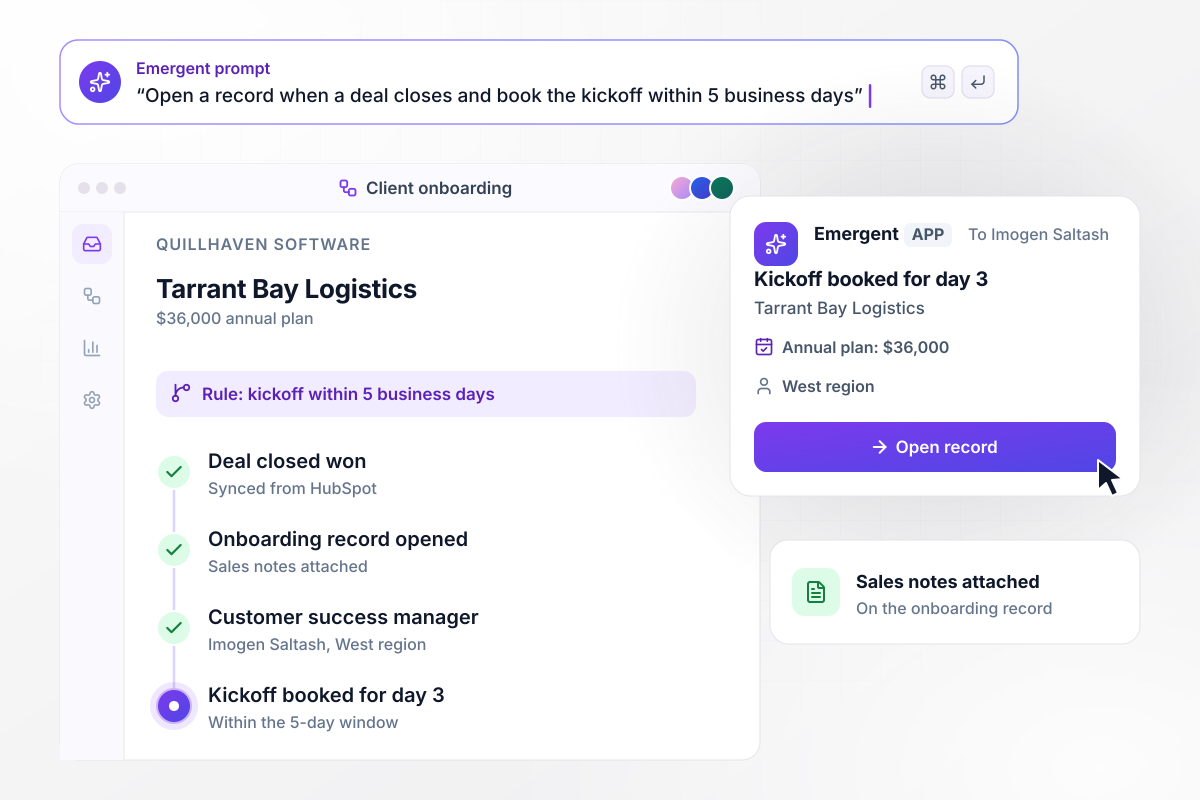
Kickoff lands on day 3 after the deal closes
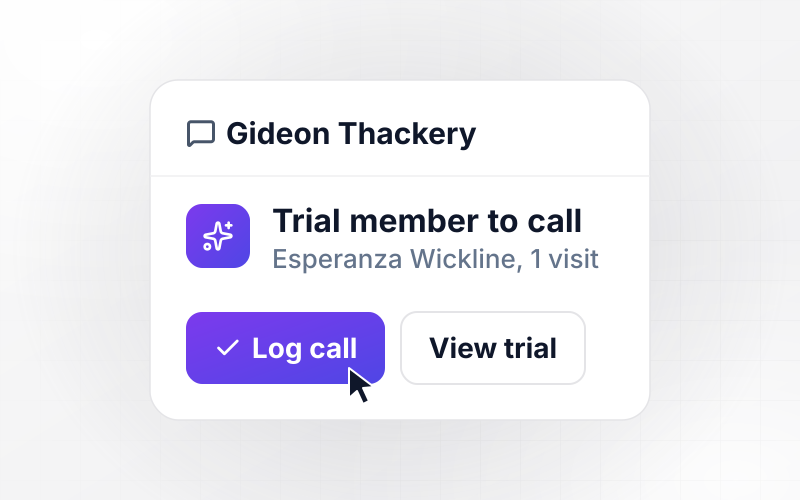
Tarrant Bay Logistics signs a $36,000 annual plan with Quillhaven Software, and the deal moves to closed won in HubSpot. The app opens an onboarding record with the sales notes and assigns Imogen Saltash, the West region's customer success manager. Kickoff is due within 5 business days and is booked for day 3.
window.awbMockup = { salesHandoff: "Build an onboarding tracker for my software company. When a deal moves to closed won in HubSpot, open an onboarding record with the plan, the contract value, and the sales notes. Assign the customer success manager for the client's region, send a welcome email with a kickoff booking link, and flag any kickoff not booked within 5 business days of the close.", clientDocuments: "Build a document checklist for my accounting firm's new bookkeeping clients. Each client gets a list of 12 documents to upload in a client portal. Email the client a reminder every 3 days about anything missing. On day 10, send the partner a direct message listing the documents that are still missing.", accessRequests: "Build an access tracker for my marketing agency. For each new client, list the 4 accounts we need shared: ads, analytics, social, and the website editor. Mark each one granted or pending. Remind the client contact with the steps for any account pending 2 days, and keep the kickoff on hold until all 4 are granted.", day30CheckIn: "Build a day-30 check-in for my IT services firm. On day 30 after go-live, send each new client 3 questions, each scored 1 to 5, with a comment box. When any score is under 3, send the client's account lead a direct message with the score and the comment, and log every answer on the client's record." };
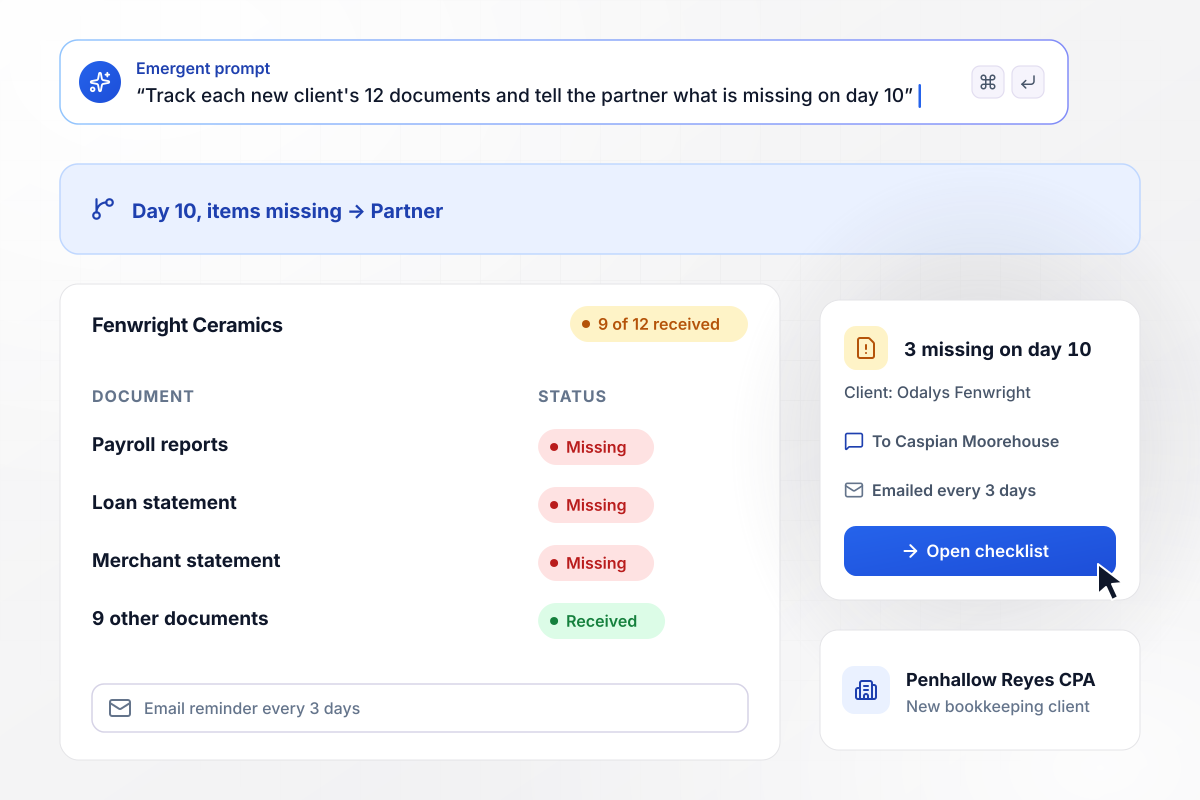
Three missing documents reach the partner on day 10
Penhallow Reyes CPA asks each new bookkeeping client for 12 documents, and Fenwright Ceramics has uploaded 9. Odalys Fenwright is emailed every 3 days about the other 3: payroll reports, a loan statement, and a merchant statement. On day 10, the partner, Caspian Moorehouse, gets a direct message listing them.
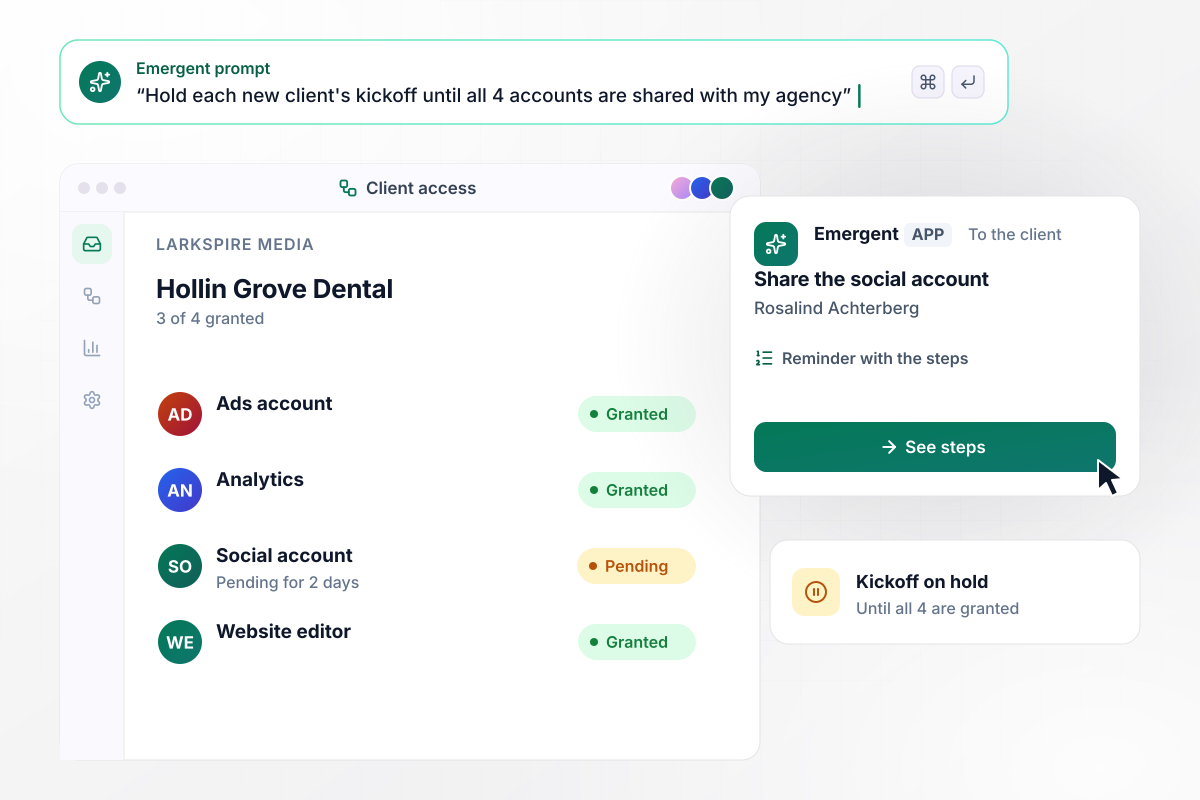
No kickoff until all 4 access grants land
Larkspire Media needs 4 accounts shared before it starts work for Hollin Grove Dental: ads, analytics, social, and the website editor. Three of the 4 are granted, and the social account has been pending for 2 days. The office manager, Rosalind Achterberg, gets a reminder with the steps, and the kickoff stays on hold.
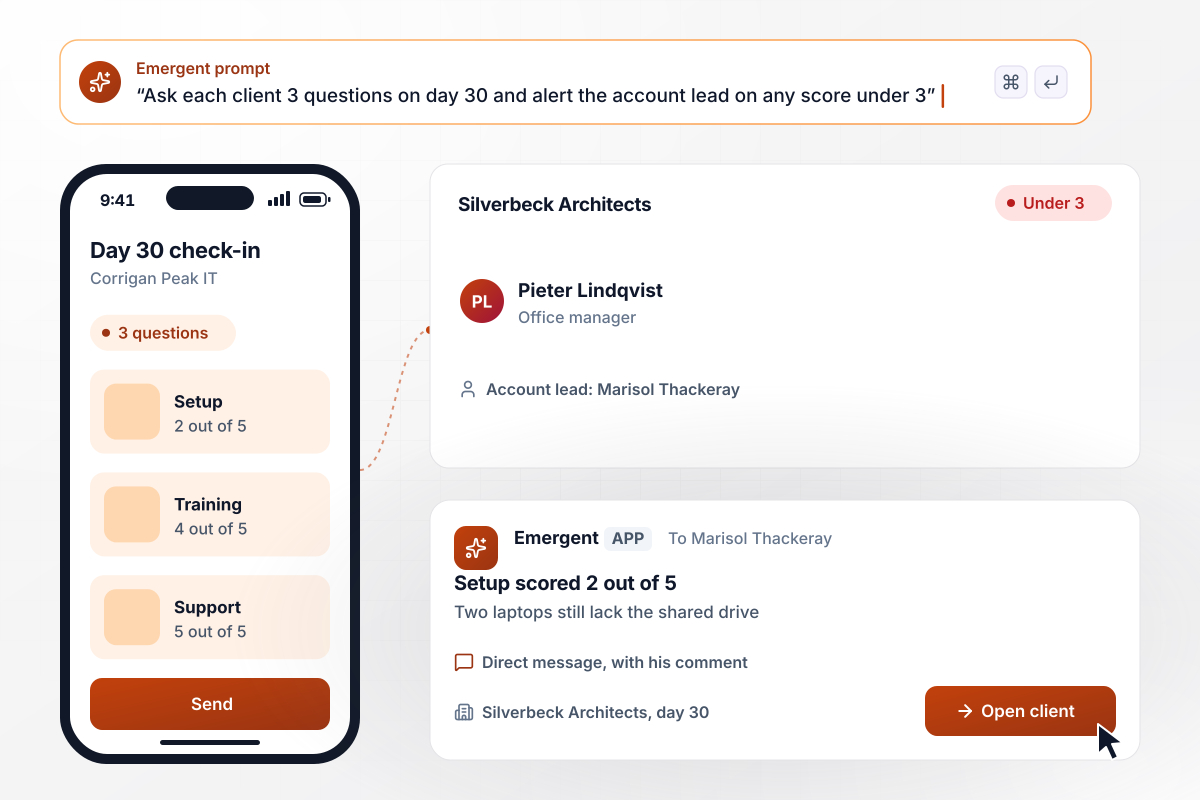
Any check-in score under 3 reaches the account lead
On day 30 after go-live, Corrigan Peak IT asks Silverbeck Architects 3 questions. The office manager, Pieter Lindqvist, rates setup as promised at 2 out of 5 and writes that two laptops still lack the shared drive. Any score under 3 goes to the account lead, and Marisol Thackeray has a direct message with his comment.






How to Build a Client Onboarding Workflow
Seven steps to plan a client onboarding workflow with owners and deadlines, then build it with Emergent.
Write down each stage between the signed contract and the first piece of delivered work, starting with the sales handoff and ending with the first check-in. Next to each stage, note who owns it today and what it waits on.
List the items each service needs before work can start, and give each item an owner on your side or the client's. Keep them separate per service, because a bookkeeping client and an ad campaign client wait on different things.
Choose the one event that starts onboarding, such as a deal marked won in your CRM or a signed contract. Opening the record from that event means no new client depends on someone remembering to set it up by hand.
Decide two numbers per item: how often the client gets a reminder, and how many days late it can run before your account lead or a partner hears about it. Put the kickoff deadline in the same place.
Write the checklists and day counts in plain English, the way you would brief a new hire. Emergent builds the onboarding app from that prompt: the client record, the reminders, the client upload page, and the board.
Connect the tools the workflow reads from and writes to through their APIs, such as HubSpot for closed deals, your email for client reminders, and Slack for alerts to your team. Each new client then arrives with its deal details filled in.
Before a real client sees it, replay three recent onboardings in the app with their real dates. Check that each reminder would have gone out on the right day, and fix any step that fired too early or too late.
Why Build Client Onboarding With Emergent?
Emergent builds the client record and its reminders as one app from a prompt, on a database you own.

|
Zapier | Make (Integromat) | n8n | |
|---|---|---|---|---|
| How you build | Prompt for the workflow and the app around it | Templates and editor, AI copilot | Visual canvas | Visual canvas, self-hosted or cloud |
| What you get | Workflow + trigger form + database + dashboard, as code you own | Zaps, plus Tables and Interfaces inside Zapier | Scenarios inside Make | Workflows inside n8n |
| Behavior at cap | Keeps running, no task cap | Overage billed at up to 1.25× the base rate | Runs pause | Cloud workflows stop until the reset or an upgrade |
| AI and agent steps | Native, share the same credit pool | Priced by model tier, drawn from the task pool | AI modules cost variable credits | Bring your own model API key, billed by the provider |
| Code ownership | Full code export to GitHub on paid plans | None | None | Yes on Community Edition |



Pick the Pricing Plan That Works for You
Choose the plan that fits your building ambitions. From weekend projects to enterprise applications, we've got you covered.




Find the right workflow automation
for you and your business
Frequently Asked Questions
Your Questions, Answered
Don't change this element unless you know what you are doing
More things you can build
with Emergent









on Emergent today


