

Build Notification Automation With Rules for Who Hears What
Get notification automation that sends each event to the people it concerns, on their channel, at an hour they will read it.
Build notification automation that runs on its own and logs every step.
Trusted by Builders Worldwide
Active Builders Worldwide
Apps Successfully Created
Countries Globally Reached



What the Notification App Decides
Each rule names an event, a person, a channel, and an hour. Emergent builds the app that applies them.
Rules written as plain sentences
Describe each rule the way you would tell a new hire: when an order is refunded, email the store manager. From that prompt, Emergent writes the trigger and the manager's message.
Recipients picked by role
A rule can name a role, such as the account owner, instead of a person. The app reads who holds that role at send time. After a handover, the new owner hears without a rule edit.
A channel for each person
One person wants a Slack direct message and another wants email. The app sends each note on the channel its rule names, and it connects to an SMS provider's API for texts.
A second try when a note sits unread
When an approver has not opened a discount sign-off request in the app after 30 minutes, the app sends it again by email. A backup approver gets it an hour after that.
No cap on how many go out
A launch week can triple the events your rules see. Emergent sets no task cap on automation. The rules send 3,000 notifications a week exactly the way they once sent 300.
Every send in your own database
The app writes each notification to a database you own, along with the rule that sent it and the time. On paid plans, Emergent exports the full code to your GitHub repository.
Four Notification Rules Teams Write First
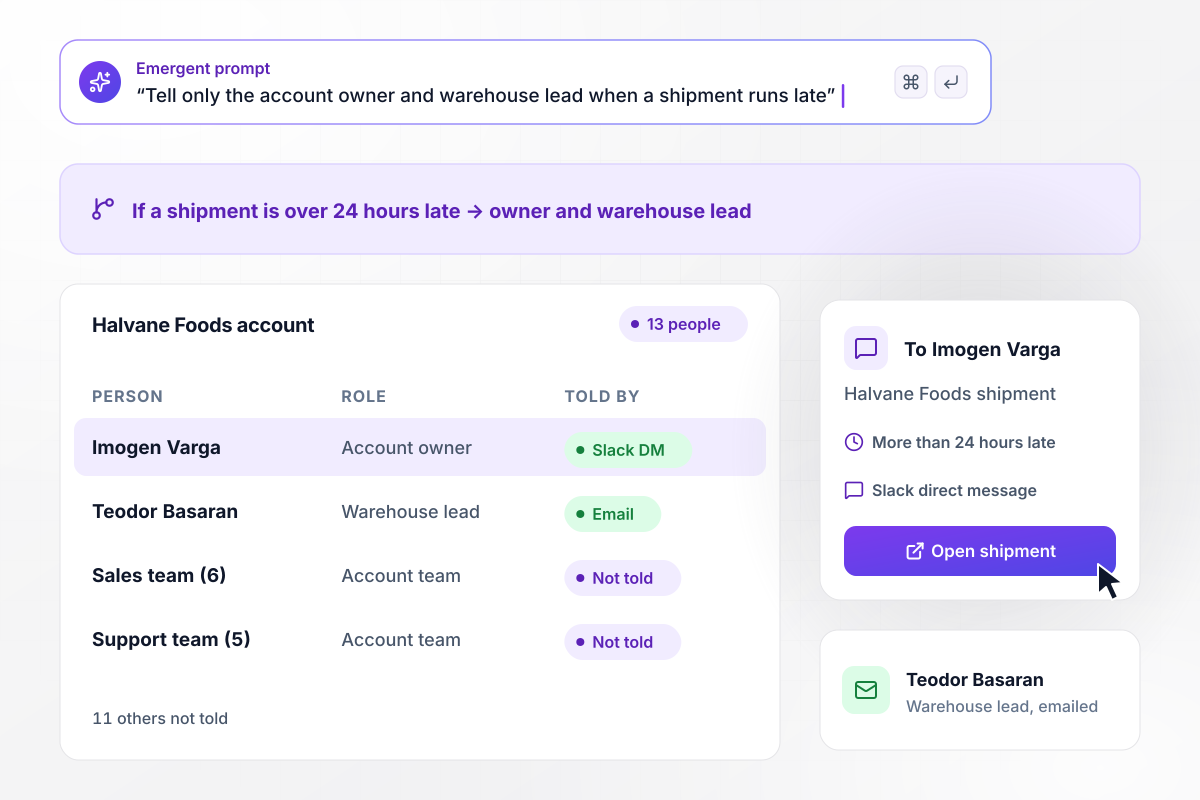
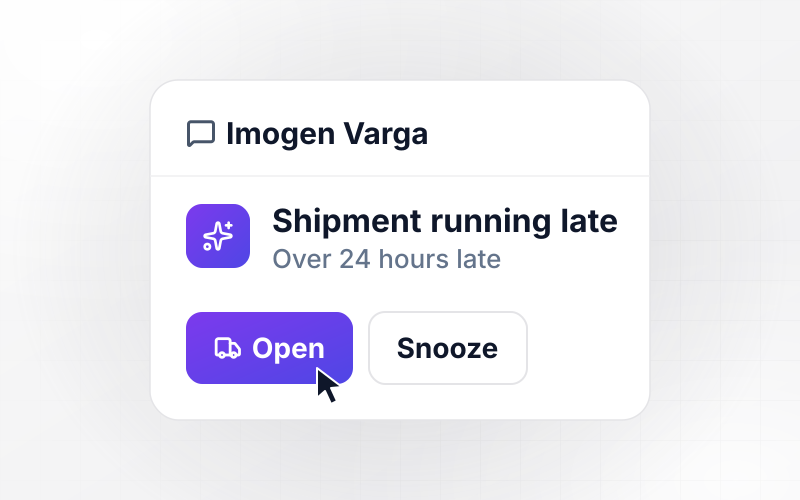
Two of 13 people hear when a shipment runs late
Quillmark Logistics has 13 people on the Halvane Foods account. When a shipment runs more than 24 hours late, the rule sends account owner Imogen Varga a Slack direct message and emails warehouse lead Teodor Basaran. The other 11 people on the account hear nothing about it.
window.awbMockup = { routingRules: "When a shipment is more than 24 hours late, send the account owner a Slack direct message and email the warehouse lead. Read both names from the account record, and tell nobody else on the account.", dailyDigests: "Collect comments and file uploads on each project lead's projects into one email at 4:00 PM. When a client sets a project to changes requested, skip the digest and send the project lead a Slack direct message right away.", quietHours: "Text a technician when one of their jobs moves. Never send between 8:00 PM and 7:00 AM in the technician's time zone: hold the text and send it at 7:00 AM with the new time.", sendLog: "Build a log of every notification sent this week with the rule, the person, the channel, and the time. Put bounced emails at the top with the address that failed and a link to the contact record." };
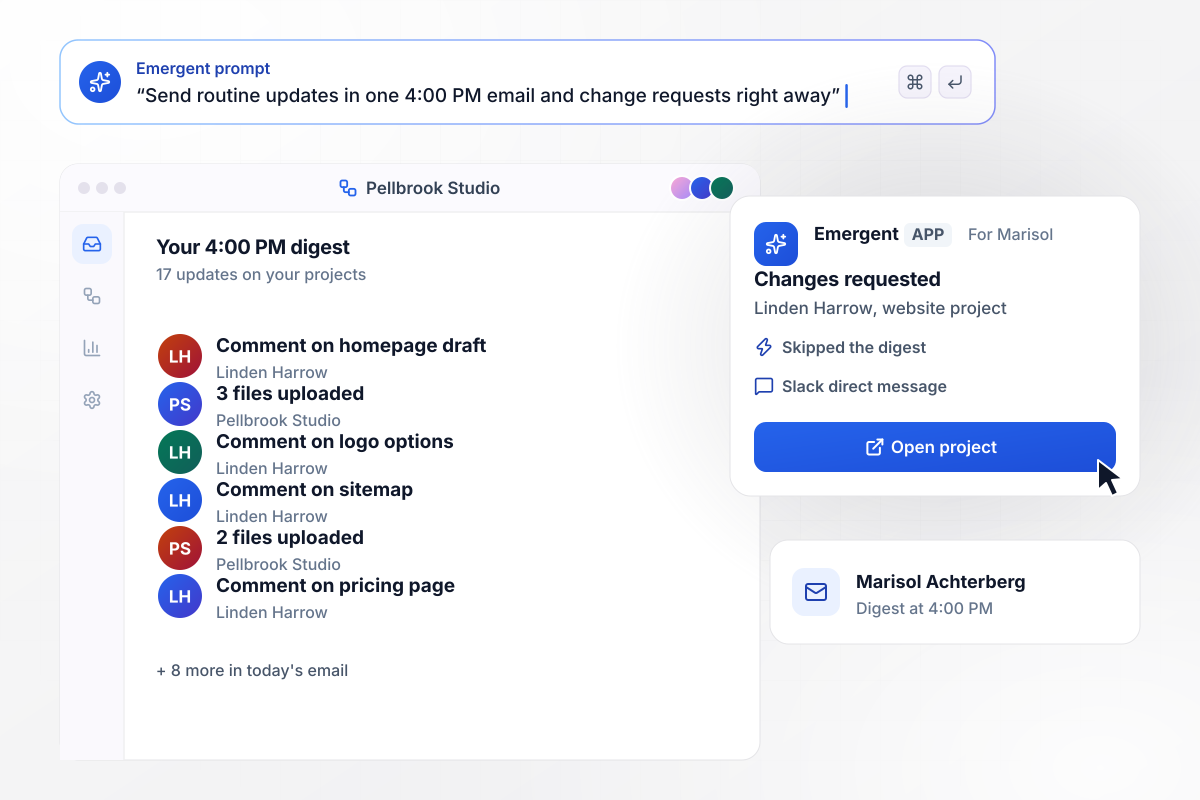
17 updates can wait and one cannot
Marisol Achterberg leads client projects at Pellbrook Studio. Comments and file uploads on her projects collect in one email at 4:00 PM, and today it holds 17 of them. When the client Linden Harrow set a project to changes requested, that status skipped the digest and reached her at once as a Slack direct message.
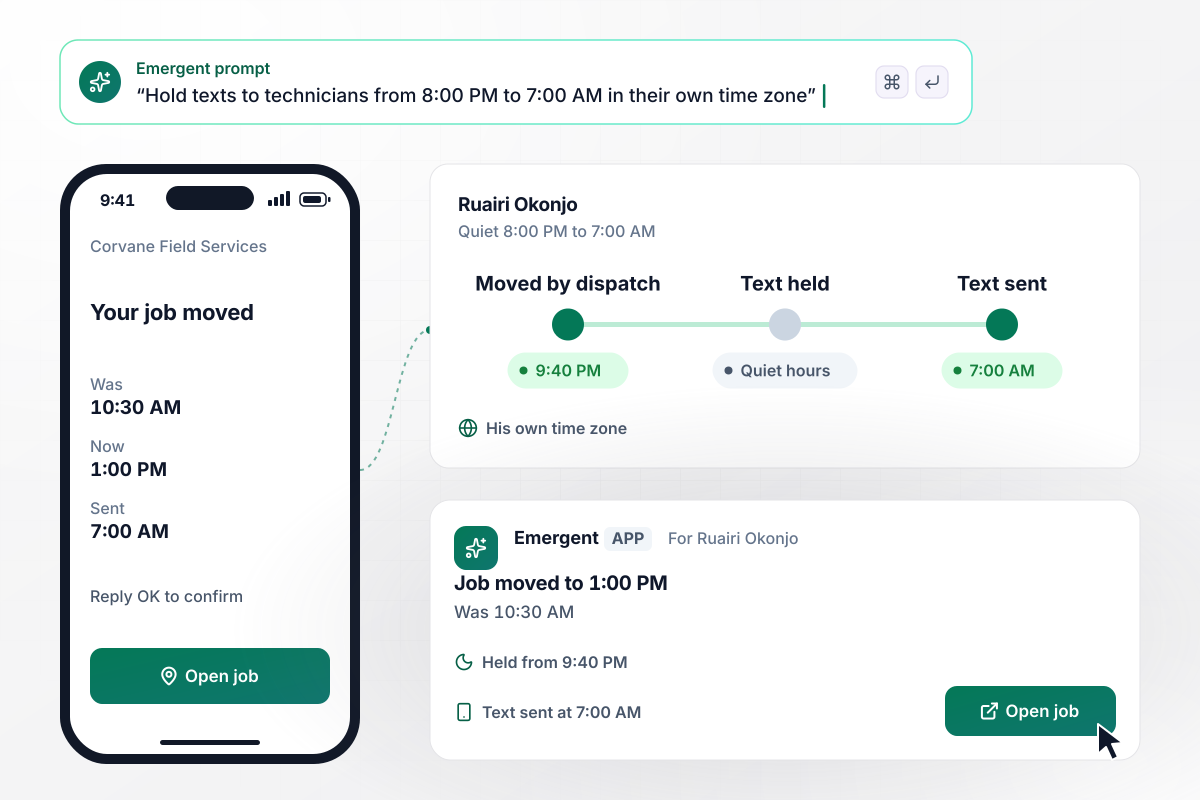
No texts to Ruairi between 8:00 PM and 7:00 AM
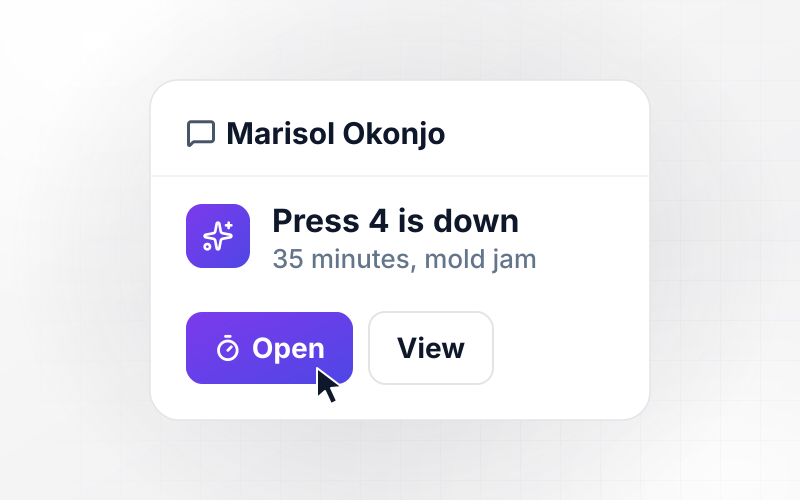
Corvane Field Services texts each technician when a job moves, but never between 8:00 PM and 7:00 AM in that technician's time zone. A dispatcher moved Ruairi Okonjo's 10:30 AM job to 1:00 PM at 9:40 PM. The app held the text and sent it to his phone at 7:00 AM.
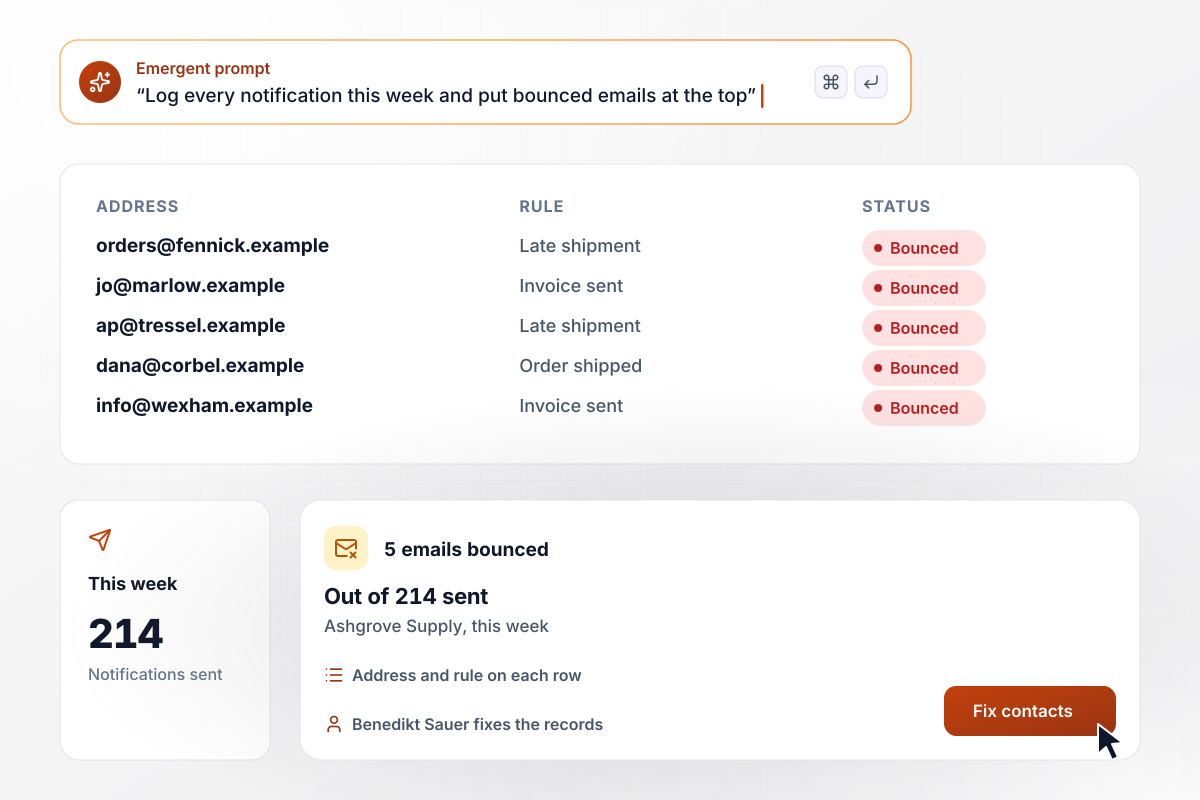
Five bounced emails, each with its rule
Ashgrove Supply's notification log counted 214 notifications sent this week. Five of them were emails that bounced, and each sits at the top of the log with the address that failed and the rule that sent it. Office manager Benedikt Sauer corrects the contact record from that row.






How to Build Notification Automation
Seven steps to turn the messages your team sends by hand into notification automation rules, then build them with Emergent.
Read back through a week of Slack and email and mark every message someone sent only to tell a colleague that something happened, such as a late order or a signed contract. Each one is a rule waiting to be written. Start with the one your team sends most often.
Give every rule the same four parts: when this event happens, tell this person or role, on this channel, at this time. If a sentence needs the word "everyone", name the two or three roles who act on the message instead.
Ask of each rule whether the person has to act within the hour. If not, move it into a daily digest at a fixed time, and keep instant messages for the events where a delay costs money or a customer.
Pick the hours each group should not be messaged, such as field staff overnight. Then decide what happens to a message that lands inside them: held until morning, or sent anyway because it cannot wait. Use each person's own time zone, not the office's.
For rules that need an answer, write down how long the first message can sit unopened. Then decide where it goes next: email to the same person, or a direct message to a backup. Leave rules that only inform without a second step.
Paste your rule sentences into a prompt, along with the tools the app should reach, such as Slack, your email service, or your order system. Emergent builds the app, and it connects to any tool with an API to read the events and send the messages.
Let a week of real events run through the rules, then read the send log. Look for people who got a message they did not need and addresses that bounced. Change the rule that caused each one by prompting, and run the next week against the new version.
Why Build Notification Rules With Emergent?
The rules and the send log come from one prompt as one app, and no task cap pauses it in a busy month.

|
Zapier | Make (Integromat) | n8n | |
|---|---|---|---|---|
| How you build | Prompt for the workflow and the app around it | Templates and editor, AI copilot | Visual canvas | Visual canvas, self-hosted or cloud |
| What you get | Workflow + trigger form + database + dashboard, as code you own | Zaps, plus Tables and Interfaces inside Zapier | Scenarios inside Make | Workflows inside n8n |
| Behavior at cap | Keeps running, no task cap | Overage billed at up to 1.25× the base rate | Runs pause | Cloud workflows stop until the reset or an upgrade |
| AI and agent steps | Native, share the same credit pool | Priced by model tier, drawn from the task pool | AI modules cost variable credits | Bring your own model API key, billed by the provider |
| Code ownership | Full code export to GitHub on paid plans | None | None | Yes on Community Edition |


Pick the Pricing Plan That Works for You
Choose the plan that fits your building ambitions. From weekend projects to enterprise applications, we've got you covered.




Find the right workflow automation
for you and your business




Frequently Asked Questions
Your Questions, Answered
Don't change this element unless you know what you are doing
More things you can build
with Emergent









on Emergent today




