

Build an E-Signature Workflow That Chases Every Signer
Get an e-signature workflow that sends each document to its signers in order and files the signed copy where it belongs.
Build an e-signature workflow that runs on its own and logs every step.
Trusted by Builders Worldwide
Active Builders Worldwide
Apps Successfully Created
Countries Globally Reached



What Has to Happen Between Send and Signed
Emergent builds the signing app from your description: who signs, in what order, when reminders go out, and where signed copies go.
Signer roles written as a brief
Describe who signs each document and in what order, as you would to a new office manager. Emergent builds the request form and the signer roles from that description.
A signing page inside the app
The app Emergent builds can capture e-signatures on its own signing page. If your team already pays for a signing tool, the app connects to it through its API instead.
Reminders that stop at the signature
Pick the days a signer who has not signed hears from you again. The app sends each reminder by email or Slack, and a signature cancels any reminder still waiting to go out.
Signed copies filed for you
When the last signature lands, the app names the finished file your way and saves it where your team looks, such as a shared drive folder or the customer's record in your CRM.
A live board of open requests
See which documents wait on whom and for how many days so far. The board updates live as signers open and sign, so nobody has to ask the sender where a document stands.
A signing record you own
Each signature is stored with its time and the exact version that was signed, in a database you own. Pull it up the day a client asks which copy they agreed to and when.
Four Documents, Four Signing Rules
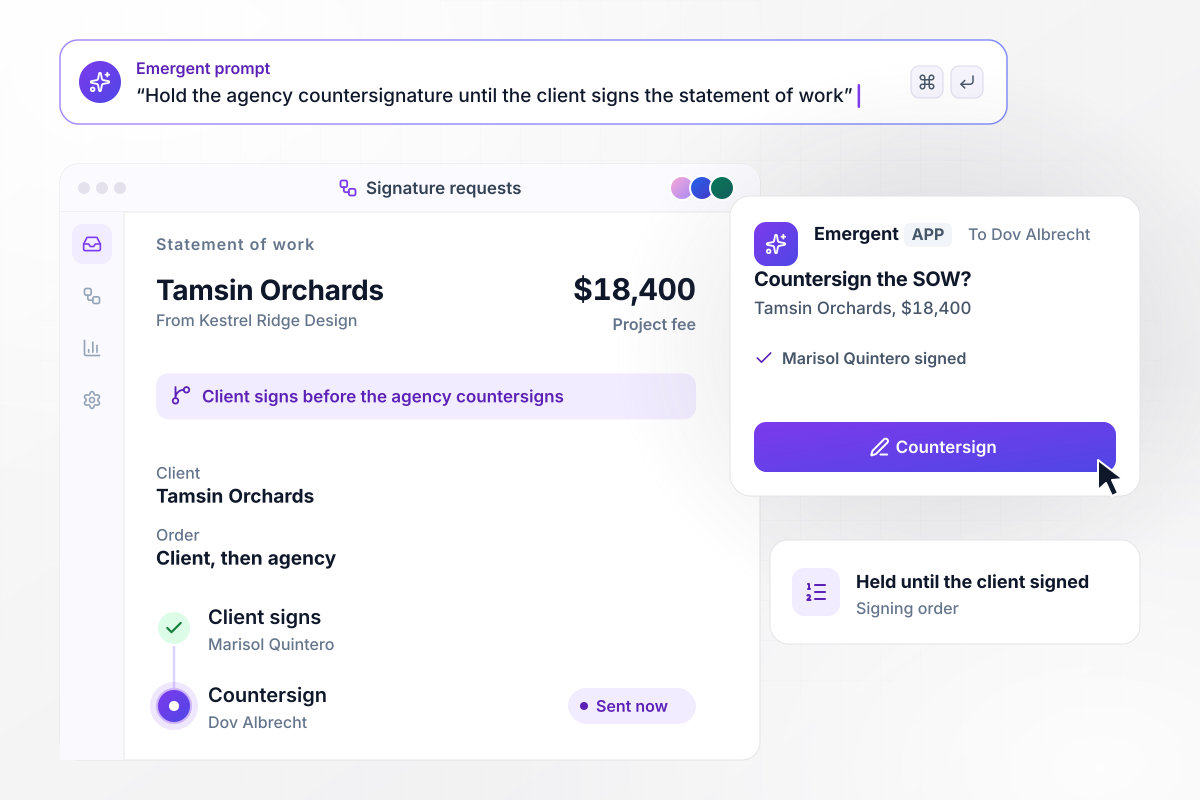
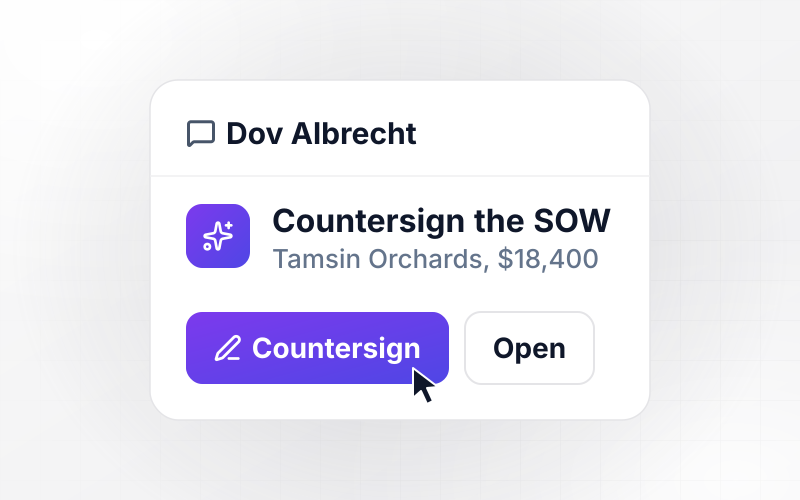
The agency signs only after Tamsin Orchards does
Kestrel Ridge Design wants the client's signature first on its $18,400 statement of work. The app sends the document to Marisol Quintero at Tamsin Orchards and holds the countersignature request. When Marisol signs, the app sends it on to the agency principal, Dov Albrecht, to countersign.
window.awbMockup = { signingOrder: "Send each statement of work to the client signer first and hold the countersignature request. When the client signs, send it to our agency principal to countersign, and show both signatures on the request.", parallelSigners: "Send partner consents to all three partners at the same time, in no set order. Show who has signed, keep the consent open until every partner signs, and mark it complete only at 3 of 3.", reminders: "Remind any signer who has not signed on day 3 and day 7 after sending, and copy the sender on the second reminder. On day 14 close the signing link and ask the sender whether to resend.", signedCopies: "When the last signer signs, name the file with the signing date and the customer name, and save it to that customer's folder in our shared drive. Attach it to the customer record and email a copy to every signer." };
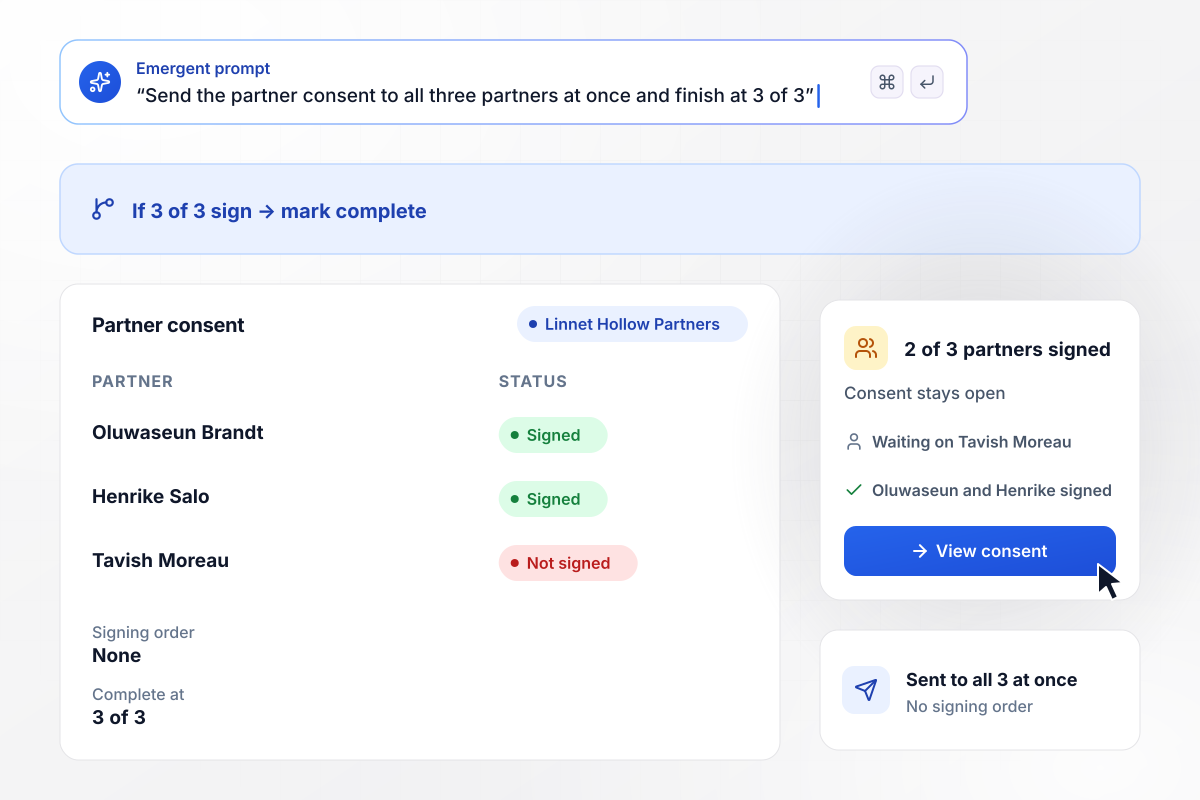
Three partners, one consent, signed in any order
Three partners at Linnet Hollow Partners must sign the same consent, and none needs to wait for another. The app sends it to all three at the same time: Oluwaseun Brandt, Henrike Salo, and Tavish Moreau. Two of the three have signed. The consent stays open until Tavish signs, because only 3 of 3 marks it complete.
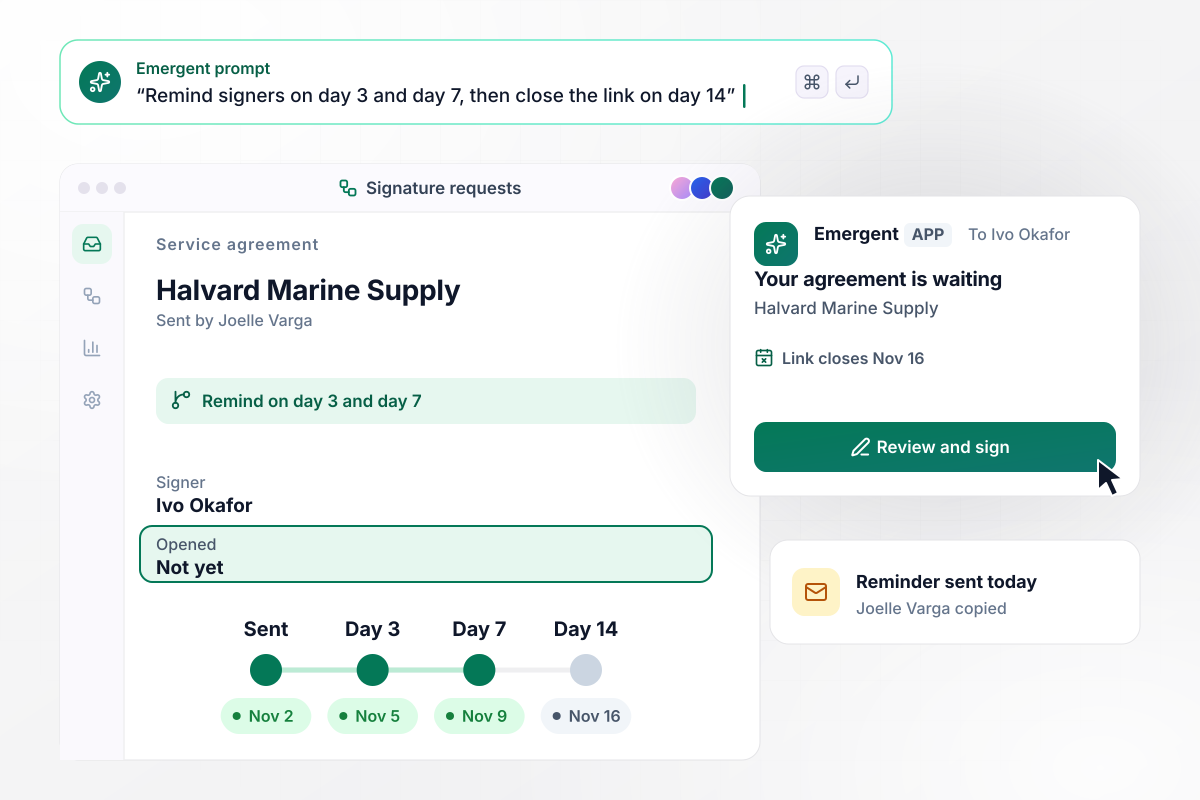
Reminders on day 3 and day 7, closed on day 14
Joelle Varga sent the service agreement to Ivo Okafor at Halvard Marine Supply on November 2, and he has not opened it. The app reminds him on day 3 and day 7, and copies Joelle on the second reminder so she can call him. On day 14, November 16, the link closes. Joelle then decides whether to resend.
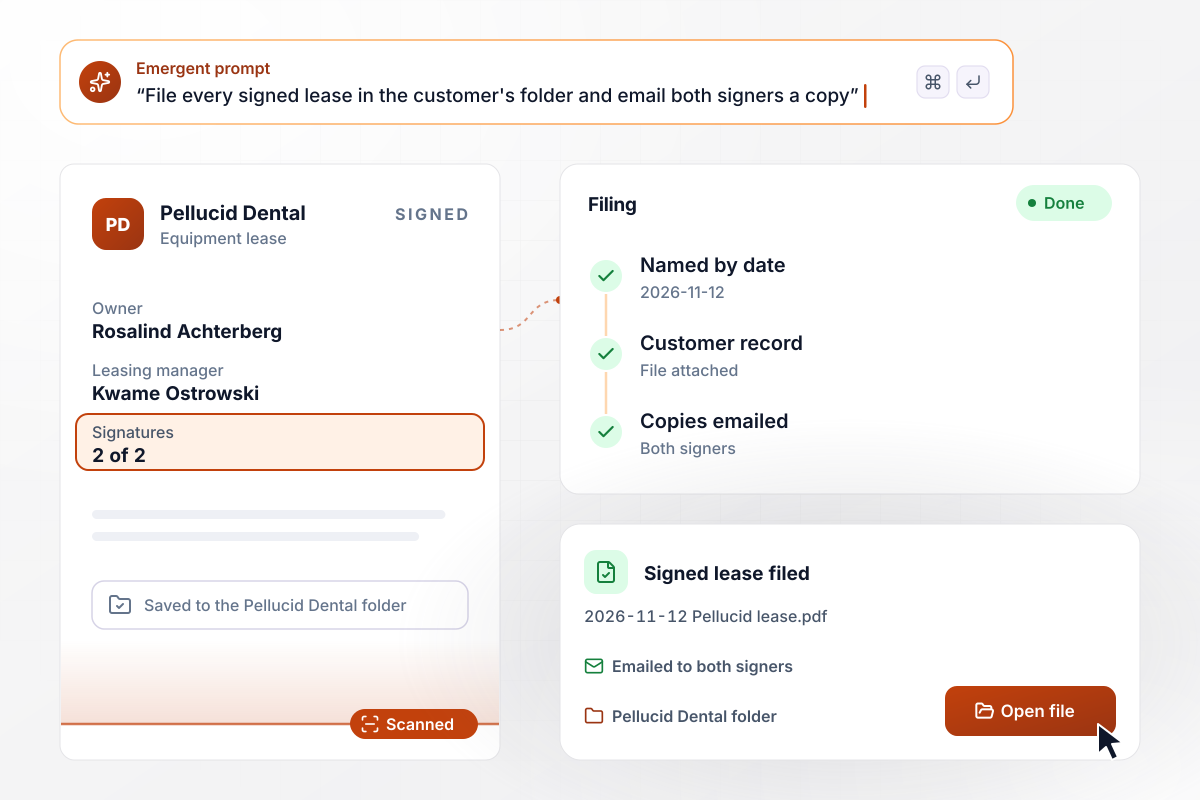
A signed lease lands in the customer's folder
Pellucid Dental's equipment lease needs two signatures: the owner, Rosalind Achterberg, and your leasing manager, Kwame Ostrowski. When Kwame signs, the app saves 2026-11-12 Pellucid lease.pdf in the Pellucid Dental folder, attaches the file to the customer record, and emails a copy to both signers.






How to Create an E-Signature Workflow
Seven steps to set up an e-signature workflow that gets each document signed and filed, then build it with Emergent.
List every document your team sent for signature last quarter, such as statements of work, leases, and partner consents. Note who signed each one and how many days the last signature took to arrive.
Decide whether each document's signers go in turn or sign at the same time. Put a signer in order only when their signature depends on an earlier one, such as an agency countersigning after its client.
Mark which fields belong to which signer: the client fills in the billing contact, and the owner initials the payment schedule. Each signer then sees only the fields that are theirs to complete.
Choose the reminder days and the day the link closes. Copy the sender on the last reminder: it gives a person time to call the signer before the link expires.
Name the folder and the record each signed copy belongs in, with a file name that starts with the date. Decide who gets a copy by email once the last signer signs.
Write the rules from the steps above as plain sentences and give them to Emergent. It turns them into a working app, and you change any rule later by prompting again.
Send one test document to two colleagues, one in each signing role, with the reminder days shortened to minutes. Have one colleague ignore it, and watch each reminder arrive and the link close.
Why Build E-Signature Workflows With Emergent?
Emergent builds the signing app and its record as one app on a database you own, with no task cap however many reminders go out.

|
Zapier | Make (Integromat) | n8n | |
|---|---|---|---|---|
| How you build | Prompt for the workflow and the app around it | Templates and editor, AI copilot | Visual canvas | Visual canvas, self-hosted or cloud |
| What you get | Workflow + trigger form + database + dashboard, as code you own | Zaps, plus Tables and Interfaces inside Zapier | Scenarios inside Make | Workflows inside n8n |
| Behavior at cap | Keeps running, no task cap | Overage billed at up to 1.25× the base rate | Runs pause | Cloud workflows stop until the reset or an upgrade |
| AI and agent steps | Native, share the same credit pool | Priced by model tier, drawn from the task pool | AI modules cost variable credits | Bring your own model API key, billed by the provider |
| Code ownership | Full code export to GitHub on paid plans | None | None | Yes on Community Edition |



Pick the Pricing Plan That Works for You
Choose the plan that fits your building ambitions. From weekend projects to enterprise applications, we've got you covered.




Find the right workflow automation
for you and your business




Frequently Asked Questions
Your Questions, Answered
Don't change this element unless you know what you are doing
More things you can build
with Emergent









on Emergent today




