

Build an Offboarding Workflow That Finishes Every Exit Step
Build an offboarding workflow that hands off clients, gets equipment back, briefs payroll, and sends the exit survey.
Build an offboarding workflow that runs on its own and logs every step.
Trusted by Builders Worldwide
Active Builders Worldwide
Apps Successfully Created
Countries Globally Reached



Every Exit Task on One Record
Each departure gets one record with the handover, the equipment, the payroll hand-off, and the exit survey on it.
A record the day HR enters a last day
The app reads your HR system through its API and opens an offboarding record as soon as HR enters a last day. Each exit task on the record gets a named owner and a due date.
A successor for every client and project
The record lists the departing employee's client accounts and open projects. Each one needs a named successor before the last day, and the manager sees which are unassigned.
Equipment tracked until it comes back
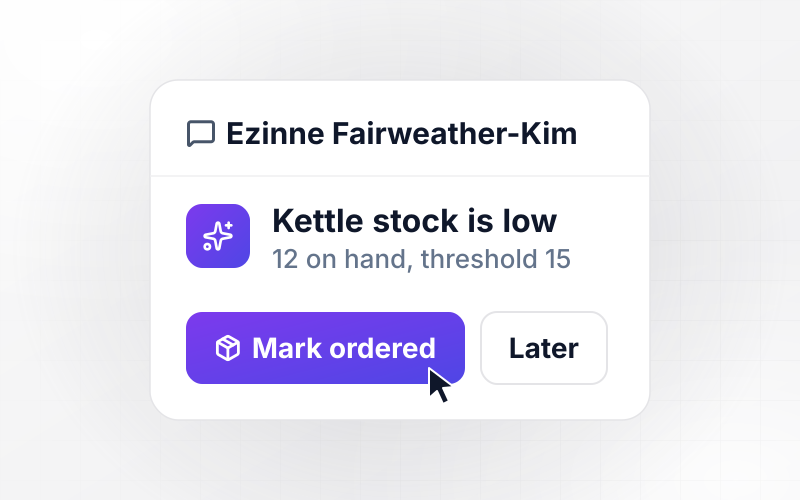
Every laptop and badge assigned to the departing employee is listed with its return status. If an item is still out after the last day, the app alerts IT in Slack or by email.
Final pay details handed to payroll
When HR confirms the end date, the app sends payroll that date, the unused PTO hours on record, and any open expense report. Payroll applies its own rules and marks it received.
Leaver feedback that only HR reads
On the last day the app sends the leaver a short survey, one question per screen. Answers land in a database you own, and the HR dashboard groups them by the reason given.
The offboarding app's code in your GitHub
Export the app's full code to your GitHub repository on paid plans. Your team can review how exit records and survey answers are stored, and who has permission to open them.
Where an Employee's Exit Stalls
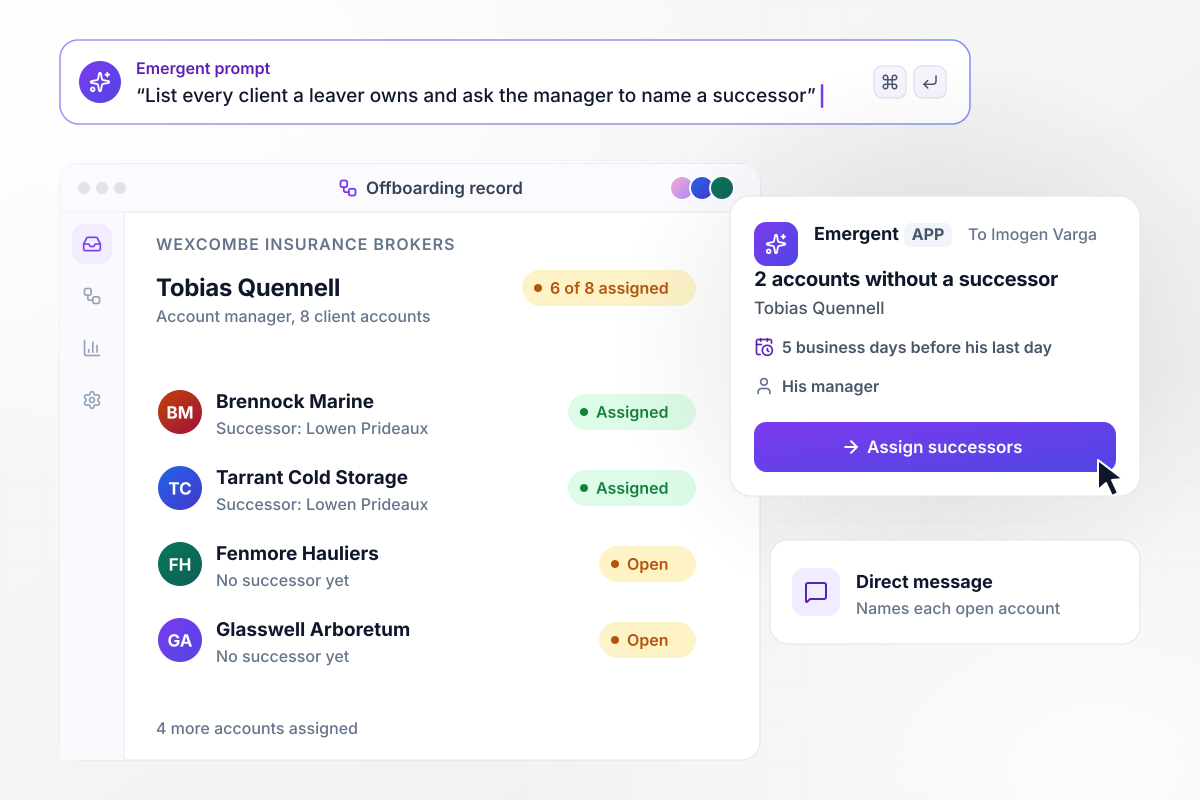
Each client account gets a successor before the last day
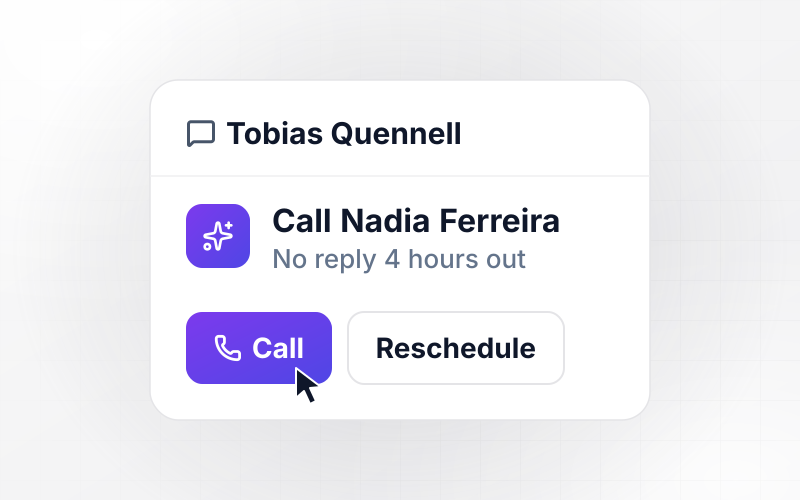
Tobias Quennell gives notice as an account manager at Wexcombe Insurance Brokers, and the app lists his 8 client accounts on his offboarding record. Six of the 8 have a named successor. Five business days before his last day, his manager, Imogen Varga, gets a direct message naming the 2 accounts still without one.
window.awbMockup = { clientHandover: "Build a client handover tracker for my insurance brokerage. When an account manager gives notice, list every client account they own on their offboarding record and ask the manager to name a successor for each one. Five business days before the last day, send the manager a direct message naming any account that still has no successor.", equipmentReturn: "Build an equipment return tracker for my analytics company, where most of the team works from home. When HR enters a last day, list every item assigned to the employee, such as the laptop, monitor, and headset, and mark each one when it is checked in. Seven days after the last day, send the IT asset lead a direct message about any item still out.", finalPayHandOff: "Build a final pay hand-off for my dental practice. When HR confirms an employee's last day, send our payroll specialist one record with that date, the unused PTO hours from our HR system, and any open expense report with its amount. Let the payroll specialist mark the hand-off received, and log the time on the employee's offboarding record.", exitSurvey: "Build an exit survey for my outdoor retail company. On each leaver's last day, send a 5-question survey, one question per screen, that asks for the main reason for leaving. Save every answer to the leaver's record, and show HR a dashboard grouped by reason each quarter that managers cannot open." };
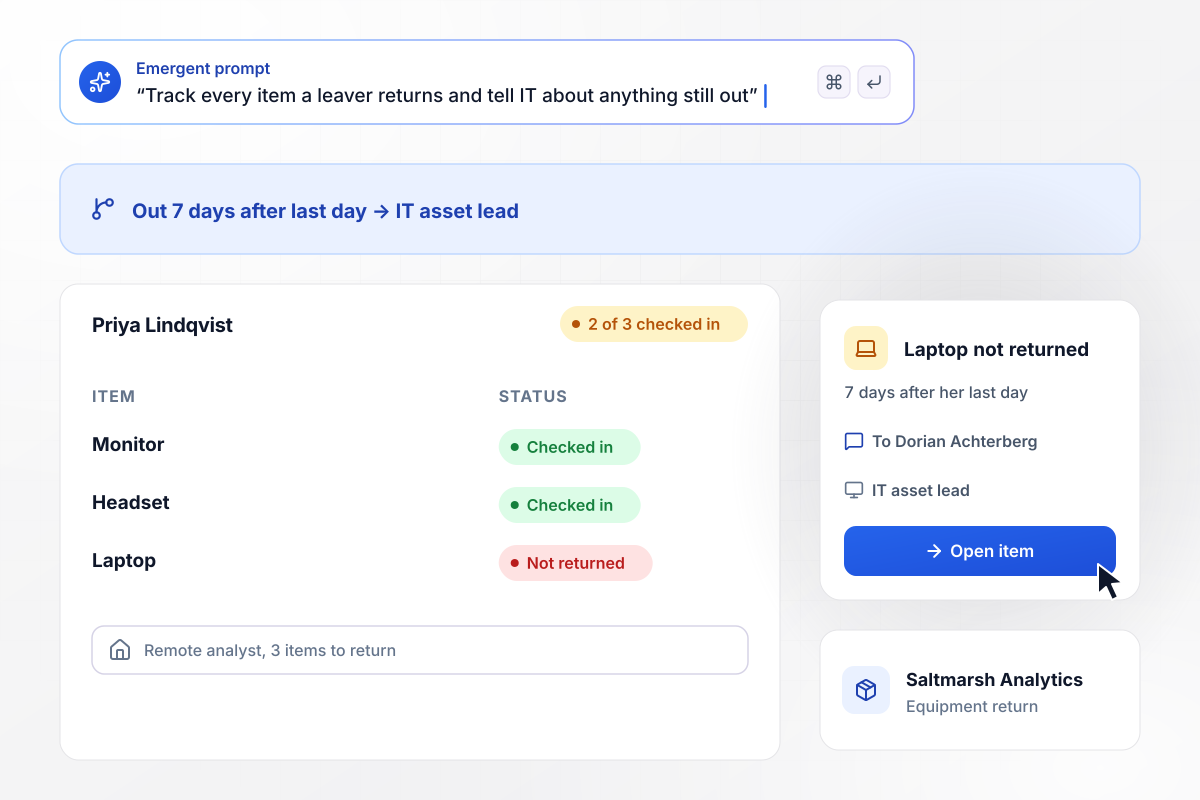
A laptop still out 7 days after the last day goes to IT
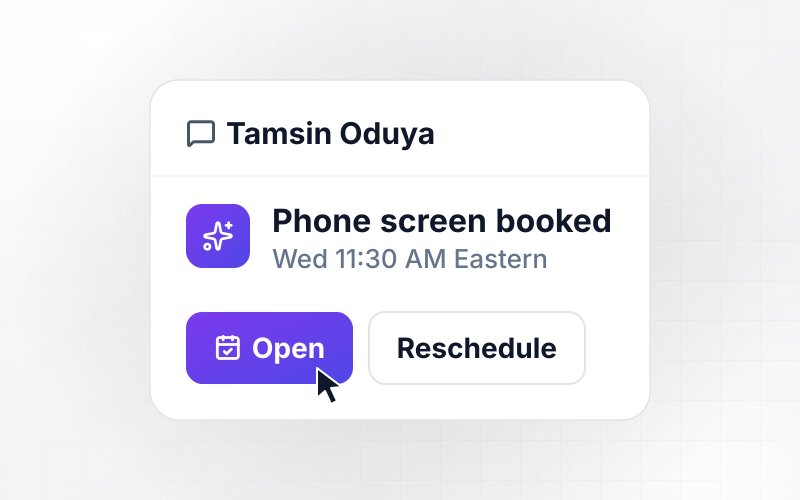
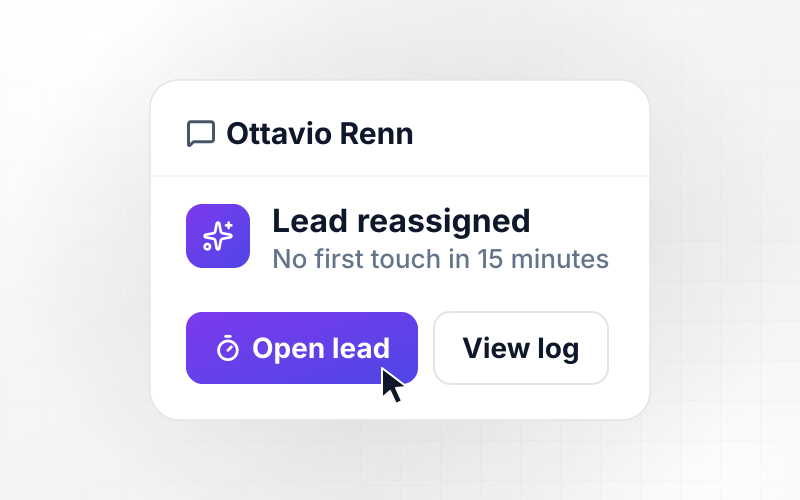
Priya Lindqvist works from home as an analyst at Saltmarsh Analytics, and her record lists 3 items to return. The monitor and the headset are checked in, and the laptop is not. Seven days after her last day, the IT asset lead, Dorian Achterberg, gets a direct message about the laptop.
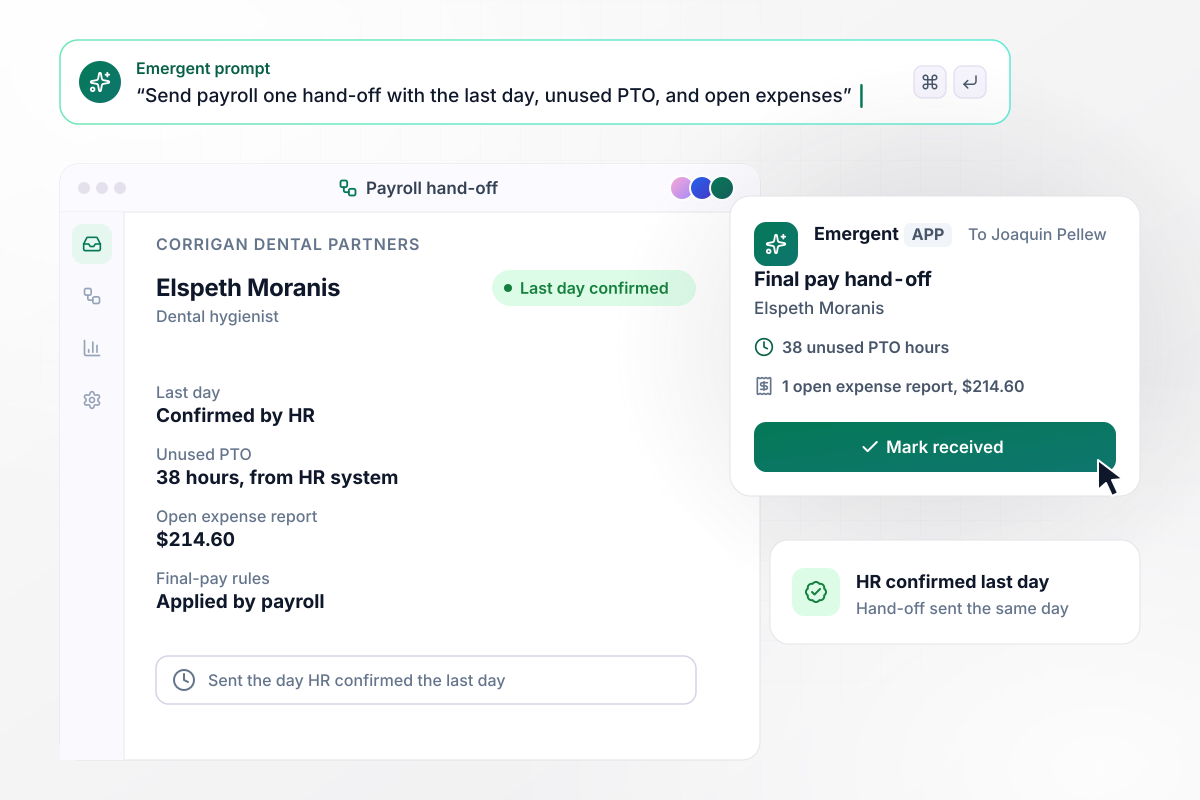
Payroll gets one hand-off the day HR confirms the last day
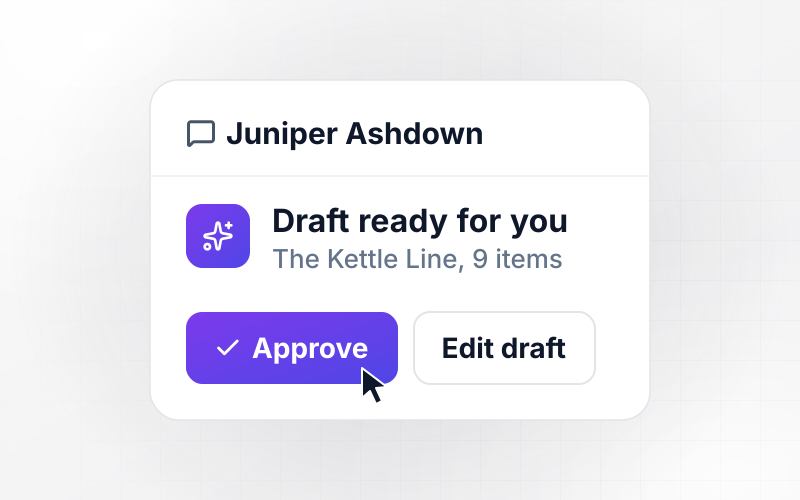
HR at Corrigan Dental Partners confirms the last day for Elspeth Moranis, a dental hygienist. The payroll specialist, Joaquin Pellew, gets one hand-off with that date, 38 unused PTO hours, and 1 open expense report for $214.60. He applies the company's final-pay rules and marks it received.
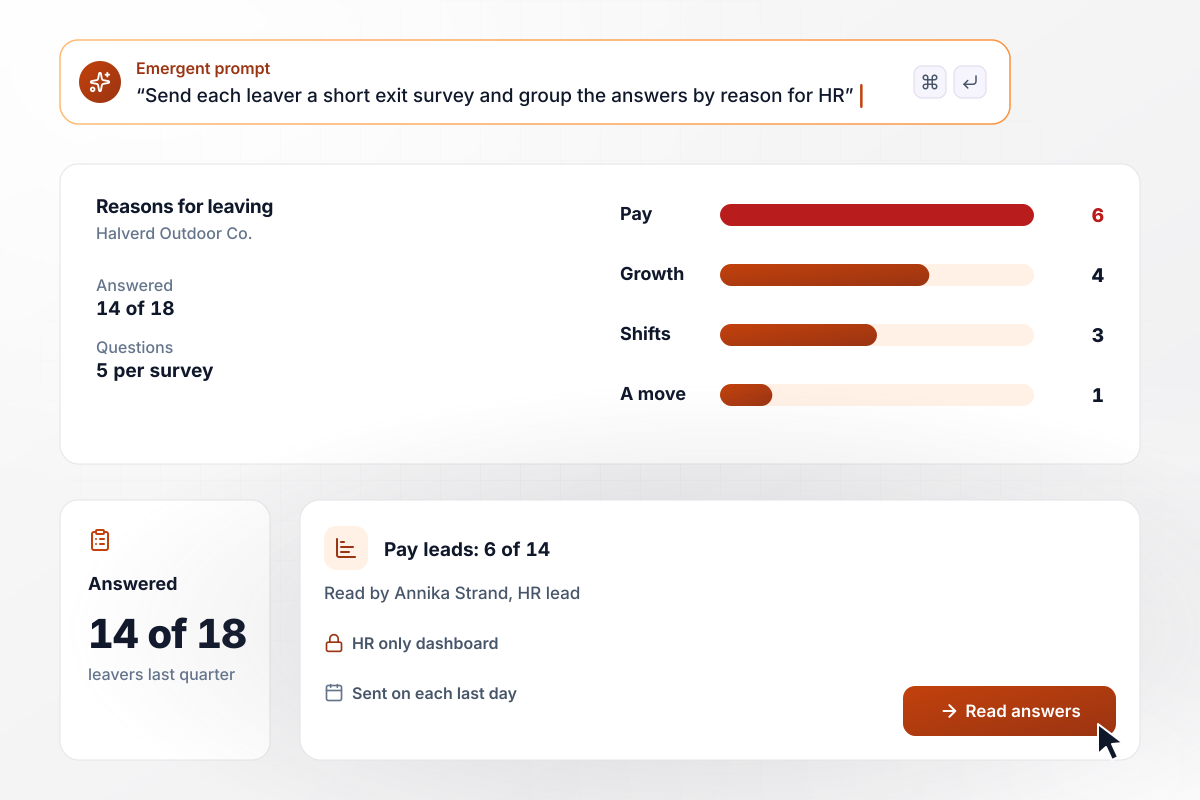
Pay comes up in 6 of 14 leavers' answers
Halverd Outdoor Co. sends every leaver a 5-question exit survey on the last day. Last quarter, 14 of 18 leavers answered: 6 named pay, 4 named growth, 3 named shifts, and 1 named a move. The HR lead, Annika Strand, reads the answers on a dashboard that managers cannot open.






How to Build an Offboarding Workflow
Seven steps to plan an offboarding workflow with an owner on every exit task, then build it with Emergent and test it.
Write down each task between the day notice is given and the week after the last day: the client handover, equipment, payroll, the exit survey, and the accounts IT closes. Next to each one, note who does it today and how they hear about it.
Choose one event that starts every offboarding, such as HR entering a last day in your HR system. Starting from one event keeps a resignation and a dismissal on the same path, with the same owners and the same deadlines.
Name one role for every task, such as the manager for the handover or the IT asset lead for equipment. Count each deadline in days from the last day, so a later last day moves every deadline along with it.
Connect your HR system and payroll provider through their APIs. The app reads the last day and the unused PTO from the HR system, and it alerts each owner in Slack or by email when a task comes due.
Keep the exit survey short: one question on the main reason for leaving, and a few on the role and the team. Decide who can read the answers, and set that access before the first leaver gets the survey.
Write a prompt that names the opening event and each task with its owner, deadline, and alert. Emergent builds the app and its database along with the HR dashboard, and you change any step by prompting again.
Run a recent departure through the app with its real dates and owners. Check that every task opened, each alert reached the right person, and payroll got its hand-off, then fix anything missed before the next notice comes in.
Why Build Offboarding With Emergent?
Emergent builds the exit app from your prompt. Every exit record and survey answer stays in a database you own, with no task cap.

|
Zapier | Make (Integromat) | n8n | |
|---|---|---|---|---|
| How you build | Prompt for the workflow and the app around it | Templates and editor, AI copilot | Visual canvas | Visual canvas, self-hosted or cloud |
| What you get | Workflow + trigger form + database + dashboard, as code you own | Zaps, plus Tables and Interfaces inside Zapier | Scenarios inside Make | Workflows inside n8n |
| Behavior at cap | Keeps running, no task cap | Overage billed at up to 1.25× the base rate | Runs pause | Cloud workflows stop until the reset or an upgrade |
| AI and agent steps | Native, share the same credit pool | Priced by model tier, drawn from the task pool | AI modules cost variable credits | Bring your own model API key, billed by the provider |
| Code ownership | Full code export to GitHub on paid plans | None | None | Yes on Community Edition |


Pick the Pricing Plan That Works for You
Choose the plan that fits your building ambitions. From weekend projects to enterprise applications, we've got you covered.




Find the right workflow automation
for you and your business




Frequently Asked Questions
Your Questions, Answered
Don't change this element unless you know what you are doing
More things you can build
with Emergent









on Emergent today




