

Build Calendar Automation Around Your Team's Real Availability
Build calendar automation that books meetings only where everyone is free and saves each one to a database you own.
Build calendar automation that runs on its own and logs every step.
Trusted by Builders Worldwide
Active Builders Worldwide
Apps Successfully Created
Countries Globally Reached



Inside the Calendar App Emergent Builds
Booking rules tend to live in one coordinator's head. The app Emergent builds runs them against your team's calendars.
Free and busy times read before any offer
The app asks Google Calendar or Outlook which hours are taken before it offers a slot. A candidate or customer picks from open times only, and nobody checks four calendars by hand.
Booking rules described in plain English
Tell Emergent your rules the way you would brief an assistant: no calls before 10 AM, 15 minutes between external meetings, Fridays kept for internal work. Emergent builds the logic.
A reminder first, then a named person
Pick when a reminder goes out by email, and how close to the start an unconfirmed booking can get before a named person on your team hears about it in Slack or in the app.
Each booking stored as a row you own
Every meeting the app books or cancels is saved, with its owner and the form or CRM record behind it, to a database you own. Next quarter's routing rules start from that history.
Meeting hours on a live dashboard
The dashboard adds up each person's hours in meetings as events land on their calendars. A manager sees who is close to the weekly limit by Tuesday, while meetings can still move.
Your scheduling code in your GitHub
Export the full code of the app to your GitHub repository on paid plans. Anyone on your team can read each booking rule, change how ties break, and run it next to your other code.
Four Calendar Jobs Worth Handing to an App
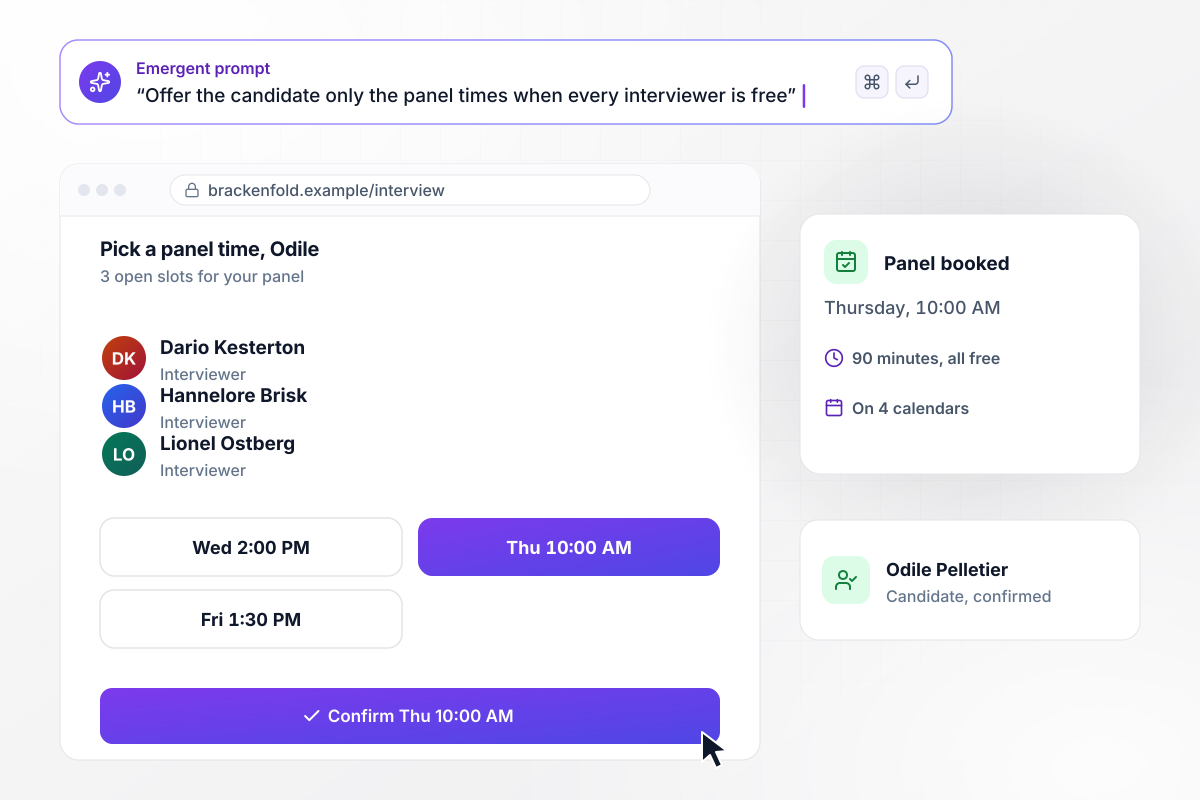
Odile picks Thursday from 3 open slots
Brackenfold Analytics needs a 90-minute panel for candidate Odile Pelletier with Dario Kesterton, Hannelore Brisk, and Lionel Ostberg. The app reads their calendars and offers Odile 3 slots when all of them are free. She picks Thursday at 10:00 AM, and the panel lands on four calendars, hers included.
window.awbMockup = { interviewPanels: "When a candidate reaches the panel stage, read the calendars of the three interviewers and offer the candidate 3 slots of 90 minutes where everyone is free in the next 5 business days. When the candidate picks one, put the panel on all four calendars and email the candidate the time.", demoRouting: "When someone requests a demo on our website form, give it to the sales rep with the fewest demos booked this week. Book a 30-minute demo at the first time that rep and the requester are both free, and send the rep a direct message with the company name and the request.", reminders: "Email each customer a reminder 24 hours before their service appointment with a button to confirm. If the customer has not confirmed 4 hours before the start time, send our service desk lead a Slack direct message with the customer's name, the service, and the time so they can call.", meetingLoad: "Build a dashboard that adds up each person's hours in meetings this week from their calendars, shown as one bar per person. Mark anyone over 20 hours in red, and show how many hours they would need to move to get back under the limit." };
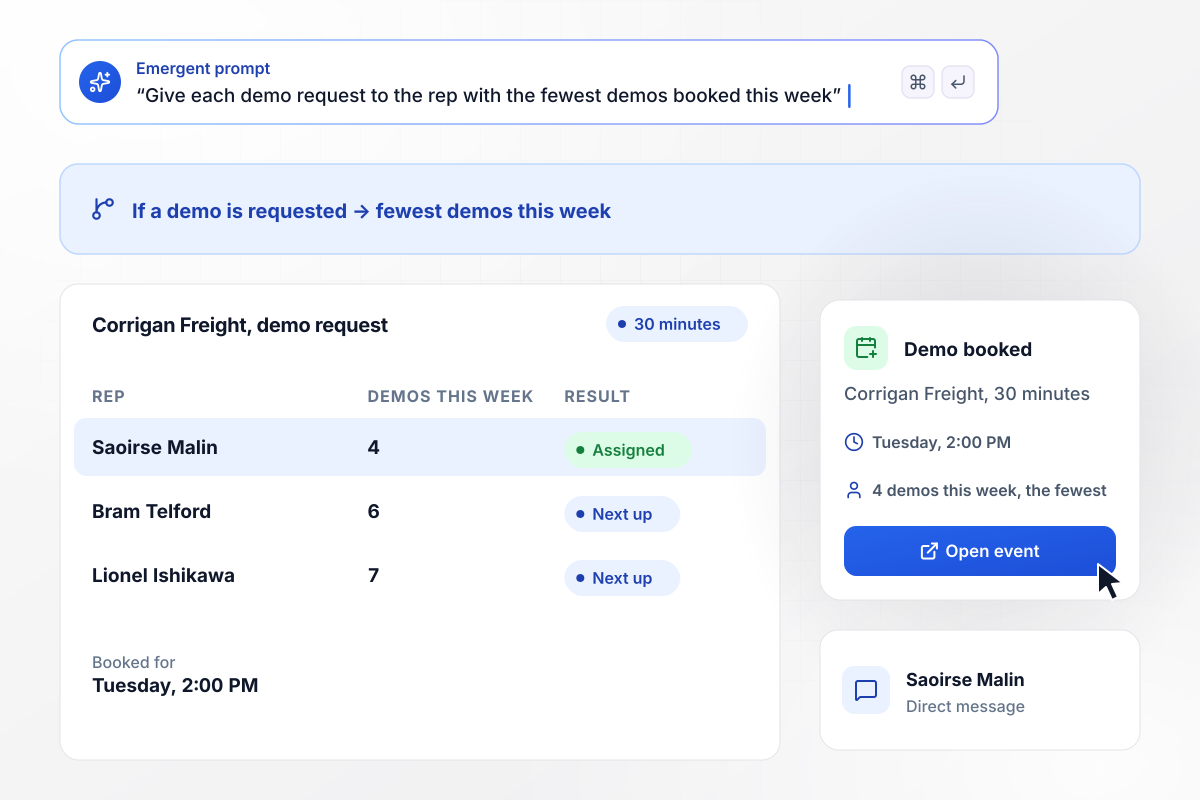
With 4 demos booked, Saoirse gets the next one
Corrigan Freight asks Tilwick Software for a demo. Your rule gives each demo to the rep with the fewest demos booked this week: Saoirse Malin has 4, Bram Telford 6, and Lionel Ishikawa 7. The 30-minute demo goes on Saoirse's calendar for Tuesday at 2:00 PM, with a direct message to her.
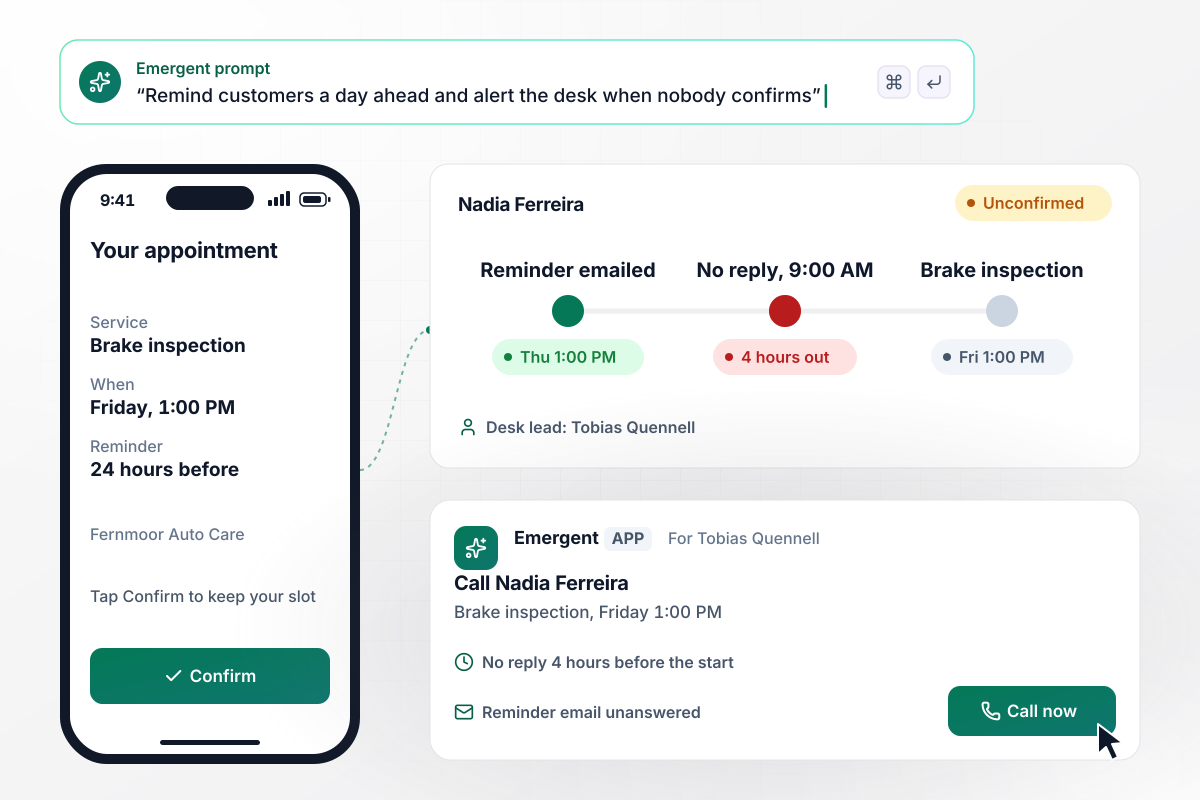
No reply 4 hours out means a call from the desk
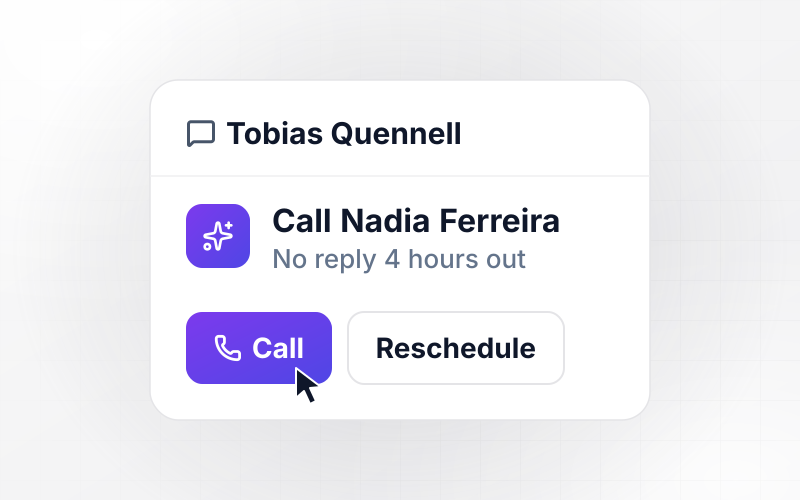
Fernmoor Auto Care emails every customer a reminder 24 hours before a service appointment. Nadia Ferreira's brake inspection is Friday at 1:00 PM, and she has not confirmed by 9:00 AM, 4 hours before it starts. Service desk lead Tobias Quennell gets a direct message to call her.
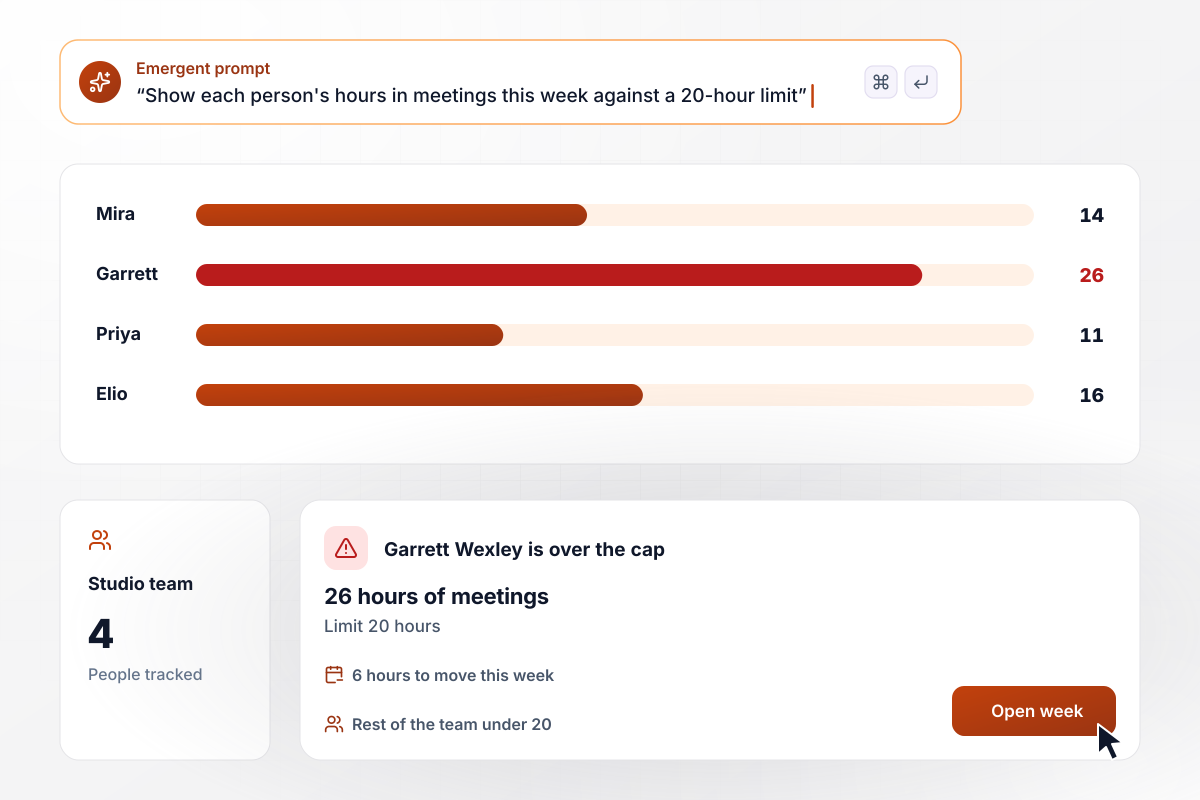
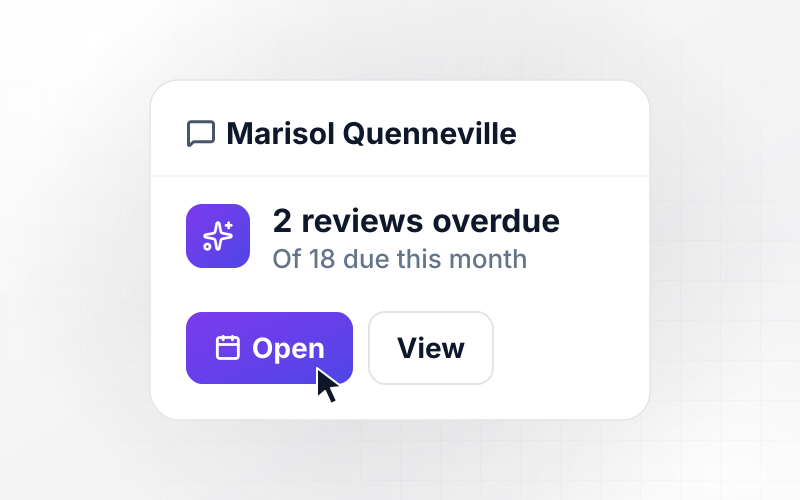
26 hours of meetings for Garrett, limit 20
Sparrowgate Architects caps meetings at a 20-hour limit per person each week. One of the four people on the studio team is past it: Garrett Wexley, at 26 hours. His bar turns red, and a card shows the 6 hours he would need to move to get back under the cap.






How to Build Calendar Automation
Seven steps to turn your team's booking rules into calendar automation that reads real availability, then build it with Emergent.
Count the emails it took to book your last 10 interviews, demos, or service appointments. Start with the meeting type that needed the most messages per booking. Its rules become the first version of the app, and the other meeting types follow once that one runs cleanly.
Write the rules as you would explain them to a new coordinator: who joins, how long it runs, the earliest start time, and the gap between meetings. Keep the numbers exact, such as 90 minutes for a panel or 15 minutes between external calls.
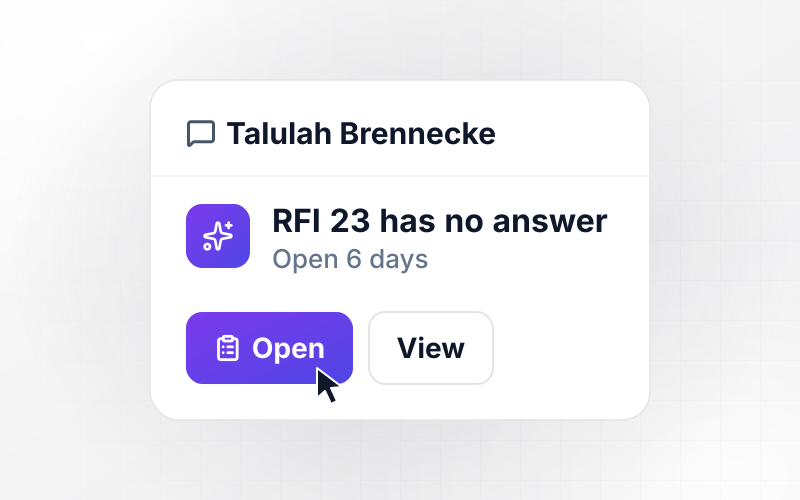
Decide who gets told when a booking goes wrong: an unconfirmed appointment, a canceled demo, or a candidate who never picks a slot. Name one person for each case instead of a shared inbox, and choose Slack or email for each one.
Open Emergent and describe the app in plain English, with the meeting names your team already uses. Include the rules from step 2 and the people from step 3. Emergent builds the booking page, the routing logic, and the dashboard from that prompt.
Connect Google Calendar or Outlook through their APIs, along with the CRM or form that starts each booking. Grant the access the app needs to see availability and add events, then test it on one person's calendar before adding the whole team.
Run a handful of real bookings through the app before it goes live, including one with a conflict and one that gets canceled. Check each event on every attendee's calendar, then find the matching row in the database for each booking.
When a rule needs to change, such as a new 20-hour weekly cap on meetings, describe the change in a new prompt. Emergent changes the app, and the dashboard shows how the next week's calendars look under the new rule.
Why Build Calendar Automation With Emergent?
Emergent builds the booking rules and the meeting dashboard as one app, with no task cap and every booking in a database you own.

|
Zapier | Make (Integromat) | n8n | |
|---|---|---|---|---|
| How you build | Prompt for the workflow and the app around it | Templates and editor, AI copilot | Visual canvas | Visual canvas, self-hosted or cloud |
| What you get | Workflow + trigger form + database + dashboard, as code you own | Zaps, plus Tables and Interfaces inside Zapier | Scenarios inside Make | Workflows inside n8n |
| Behavior at cap | Keeps running, no task cap | Overage billed at up to 1.25× the base rate | Runs pause | Cloud workflows stop until the reset or an upgrade |
| AI and agent steps | Native, share the same credit pool | Priced by model tier, drawn from the task pool | AI modules cost variable credits | Bring your own model API key, billed by the provider |
| Code ownership | Full code export to GitHub on paid plans | None | None | Yes on Community Edition |



Pick the Pricing Plan That Works for You
Choose the plan that fits your building ambitions. From weekend projects to enterprise applications, we've got you covered.




Find the right workflow automation
for you and your business




Frequently Asked Questions
Your Questions, Answered
Don't change this element unless you know what you are doing
More things you can build
with Emergent









on Emergent today




