

Build Customer Service Automation Around Your Support Queue
Build customer service automation that routes each ticket, answers order questions, and alerts a lead when a reply runs late.
Build customer service automation that runs on its own and logs every step.
Trusted by Builders Worldwide
Active Builders Worldwide
Apps Successfully Created
Countries Globally Reached



The Repeat Work Behind Every Support Queue
Customer service automation is software doing the routine steps of support, while agents keep the calls that need judgment.
Routing rules written in plain sentences
The contact form asks for a topic and an order number, and your routing rules turn those answers into a queue and an owner. Change a rule by describing the new one in a prompt.
Order answers pulled from your store
Status questions are answered from the order record itself. A lookup through your store's API returns the latest shipping status, and the customer sees it before filing a ticket.
A first-reply timer on every ticket
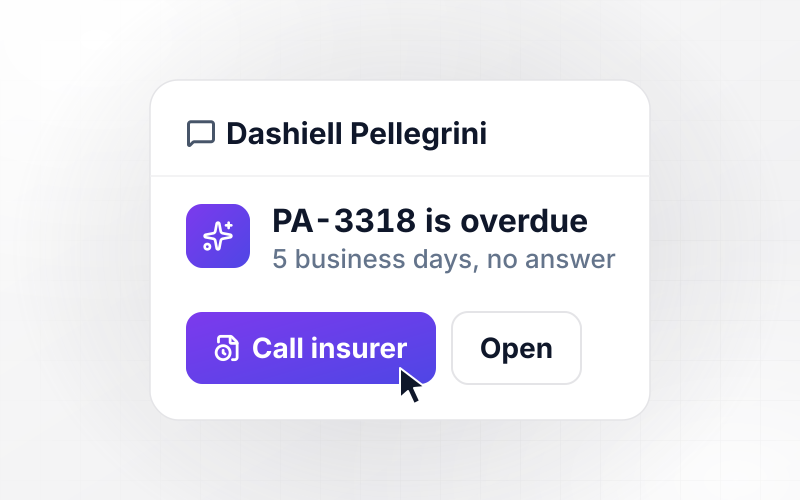
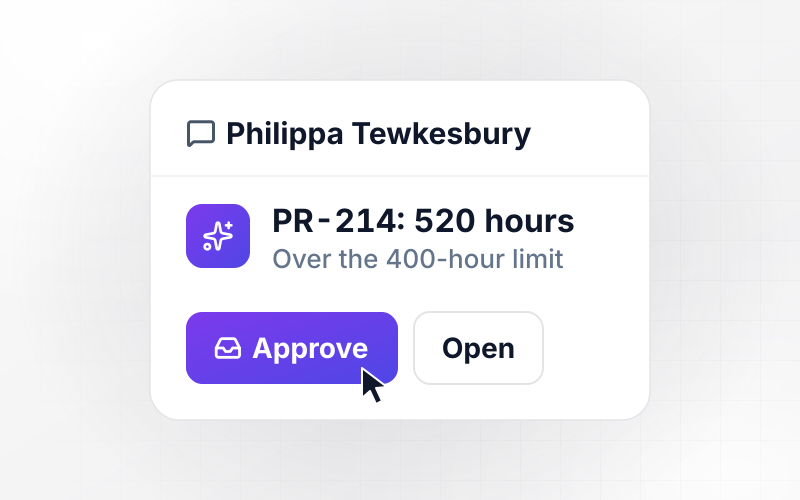
Each priority level carries a first-reply target you choose. When a ticket passes it unanswered, the app moves it up the queue and alerts the lead on shift in Slack or by email.
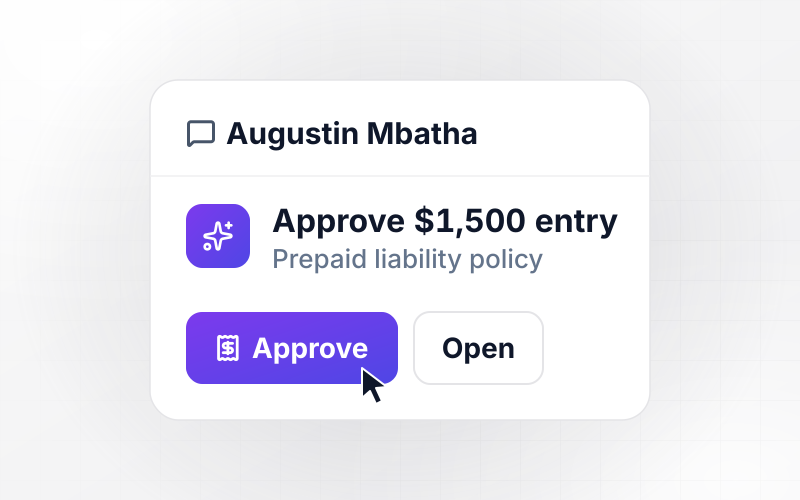
Refunds over your limit wait for a yes
Agents file refunds and credits from the ticket. Anything at or under your limit is approved right away; anything over it waits until the support manager has looked and said yes.
A live view of every queue
Open tickets, first-reply times, and pending refunds update on one dashboard as they change. Every ticket and every decision is stored in a database you own, ready for your reports.
Your support app's code, yours to keep
Exports the full code of the app, routing rules included, to your GitHub repository on paid plans. Engineers can read every rule as code and change it in the editor they already use.
Four Automations a Support Team Runs First
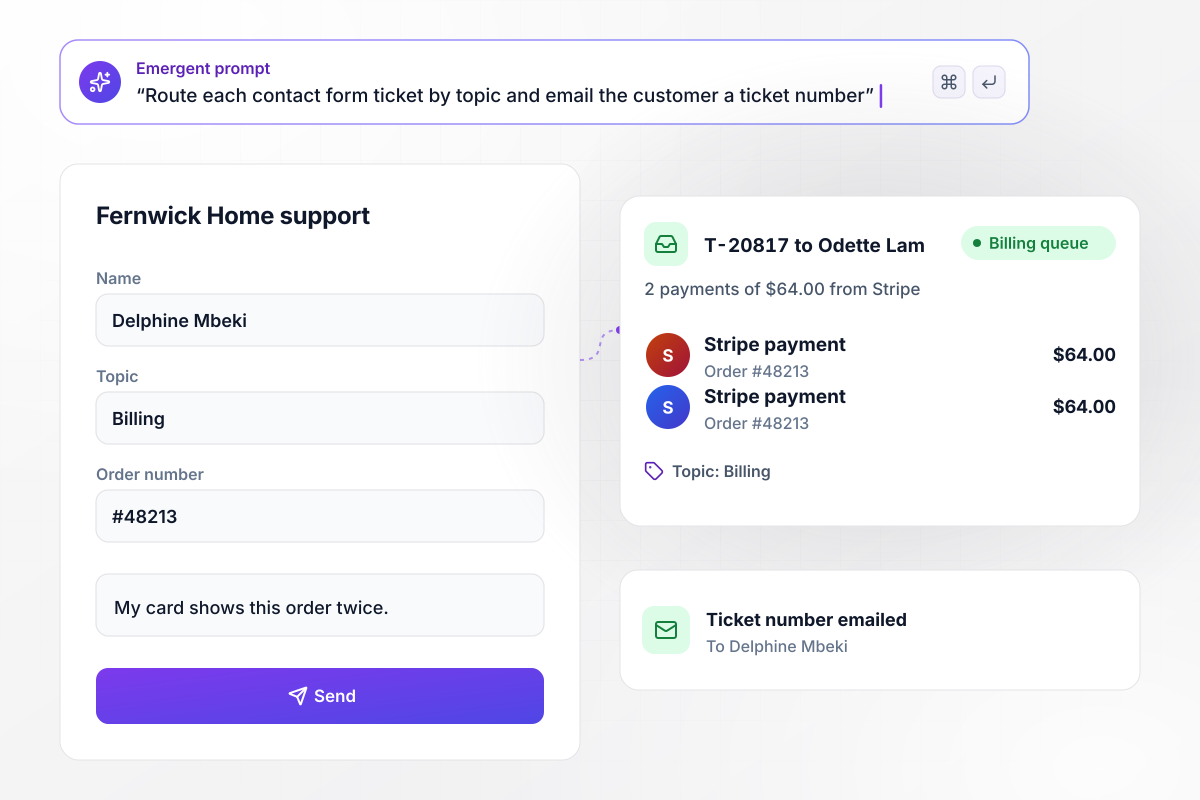
A double charge goes straight to billing
Delphine Mbeki picks Billing on the Fernwick Home contact form and enters order #48213. The app opens ticket T-20817, pulls her two payments of $64.00 from Stripe onto it, and assigns it to Odette Lam in the billing queue. Delphine gets her ticket number by email before an agent reads a word.
window.awbMockup = { ticketTriage: "Build a contact form for my store's support team that asks for a topic, an order number, and a message. Open a ticket for each submission, pull the customer's payments for that order from Stripe onto the ticket, and assign it to an agent in the queue that matches the topic. Email the customer the ticket number as soon as the ticket opens.", orderStatus: "Add a help page where customers type an order number and see its shipping status, read from my store's API. Show whether the order has shipped and whether it is out for delivery today. Do not open a ticket for these lookups, but save each one to the order so my agents can see it if the customer writes in later.", lateReplies: "Give every ticket tagged Priority a 4-hour first-reply target. If a Priority ticket reaches 4 hours with no reply, move it to the top of the queue and send the team lead on shift a direct message with the ticket and an Assign button. Show my team every ticket that missed its target this week.", refundRequests: "Let my agents file a refund from the ticket with the amount and a reason. Approve refunds of $150 or less right away. Send anything over $150 to the support manager in the app with the order attached, and log who approved or declined it, with the time of each decision." };
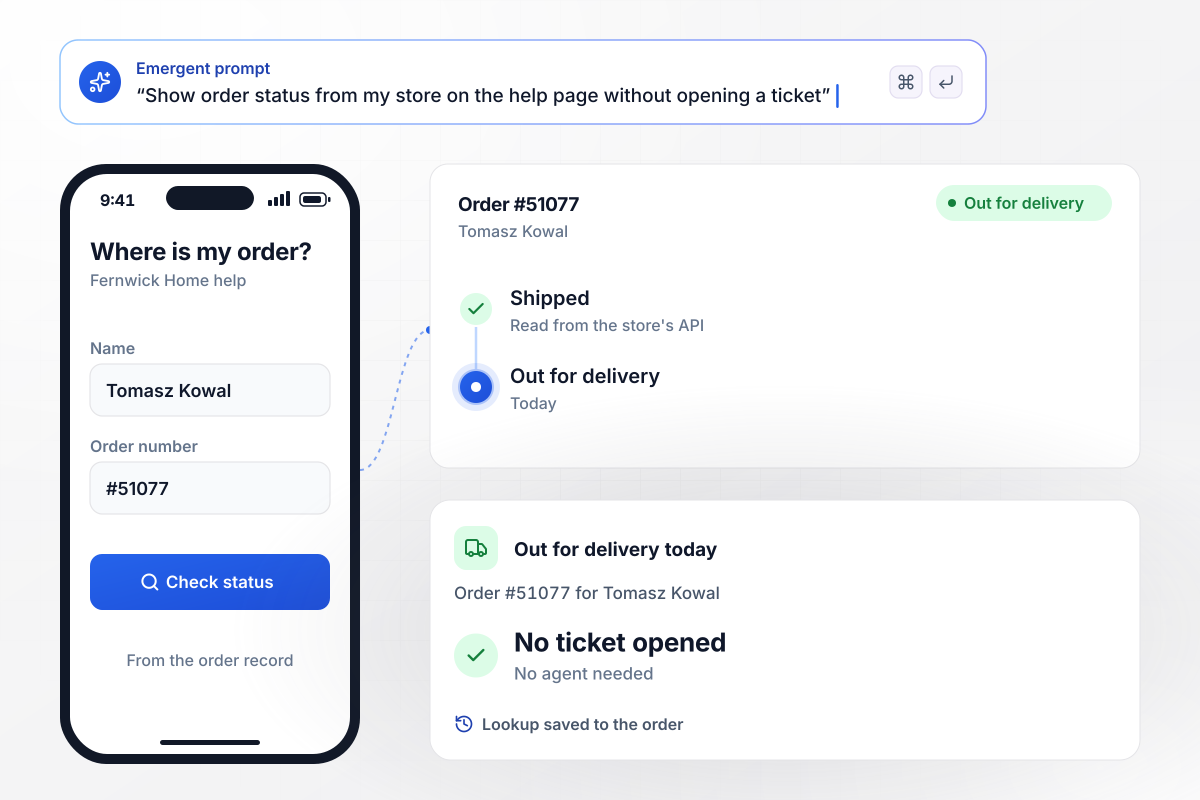
No ticket for a question the order record answers
Tomasz Kowal types order #51077 into the help page on his phone. The app reads the order's status from the store's API and shows him where it stands: shipped, and out for delivery today. No ticket is opened, and the lookup is saved to the order in case he writes in later.
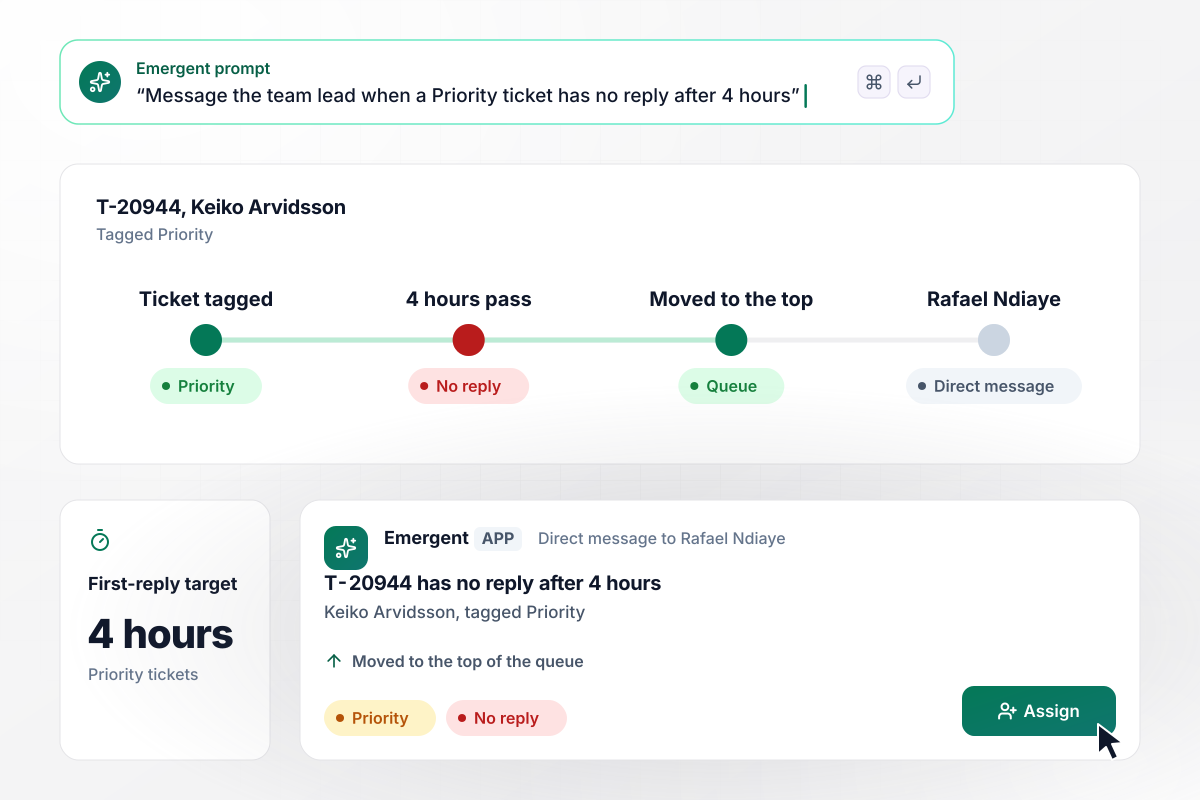
Four hours without a reply brings in the lead
Keiko Arvidsson's ticket, T-20944, is tagged Priority, and Priority tickets carry a 4-hour first-reply target. Four hours pass with no reply in a busy queue. The app moves T-20944 to the top of the queue and sends Rafael Ndiaye, the team lead on shift, a direct message with an Assign button.
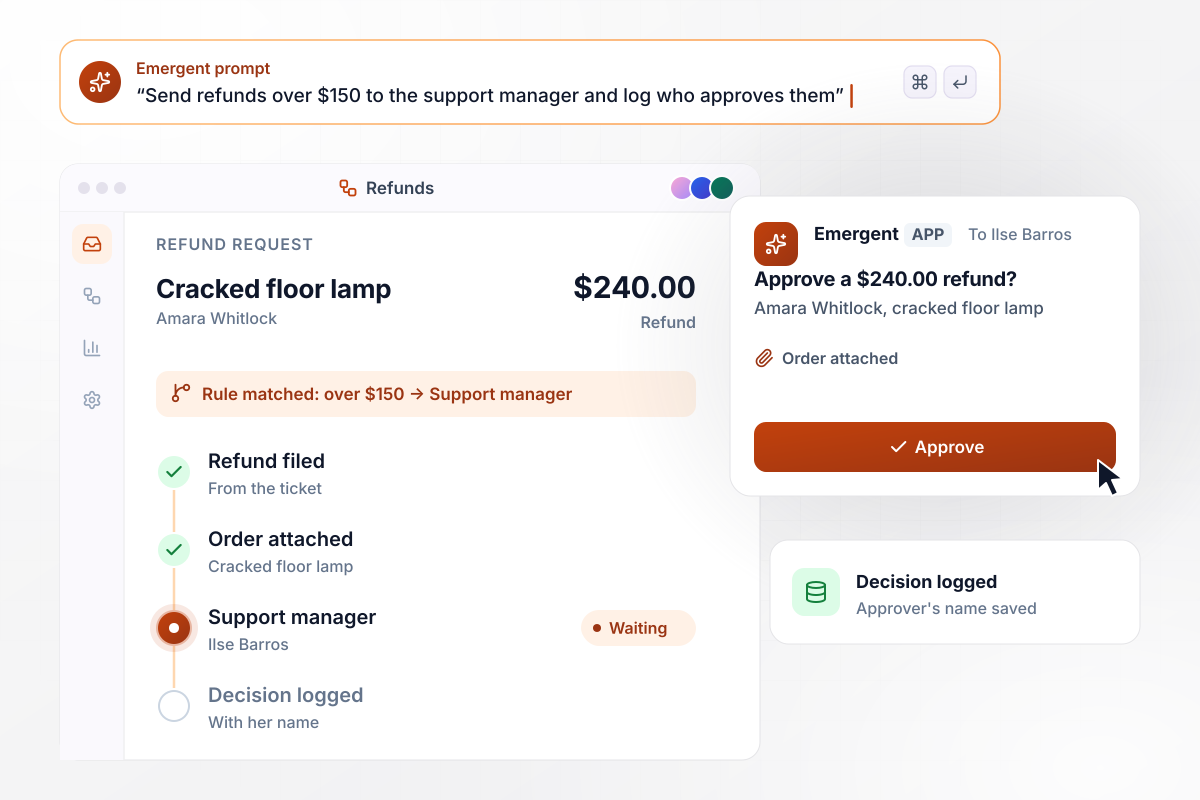
Refunds above $150 wait for the support manager
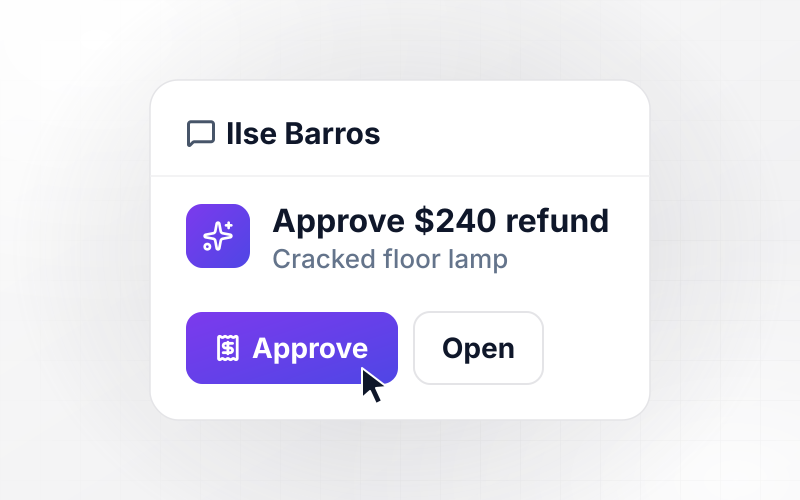
Amara Whitlock's floor lamp arrives cracked, and her agent files a $240 refund from the ticket. Refunds up to $150 clear without review. This one goes to Ilse Barros, the support manager, with the order attached. She approves it in the app, and the log records her name next to the decision.






How to Automate Customer Service
Seven steps to plan customer service automation around your busiest questions, then build and test it with Emergent.
Export the last 30 days of tickets and tag each one by topic. Sort the topics by volume, then mark the ones whose answer comes straight from a record, such as an order status. Those are the first candidates to automate.
Describe each automation the way you would brief a new agent: returns older than 30 days go to a lead, and Priority tickets get a reply within 4 hours. Emergent builds the app, its database, and the logic from those sentences.
Connect the help desk, the store, and the payment processor through their APIs. Each automation should read from the record that owns the fact: shipping status from the store, payments from the processor, the customer's plan from the CRM.
Set a first-reply target for each priority level and name who hears about a miss. Pick one person per shift, not a shared channel. A late ticket needs an owner, and a busy channel gives it none.
Mark the actions that move money or change an account. Refunds over your limit, account closures, and anything a customer disputes should wait for a named approver, with the order and the conversation beside the button.
Run a week of closed tickets through the automation before it touches a live customer. Check that each one reached the right queue and that every lookup returned the right order. Fix a rule by prompting, then run the week again.
Start with the order lookup, since it changes no money and no account. Watch two weeks of live tickets, compare first-reply times with the two weeks before, and read every lookup a customer followed up on. Then switch on the next automation.
Why Build Support Automation With Emergent?
Emergent builds the routing, lookups, and approvals as one app on a database you own, with no task cap when ticket volume spikes.

|
Zapier | Make (Integromat) | n8n | |
|---|---|---|---|---|
| How you build | Prompt for the workflow and the app around it | Templates and editor, AI copilot | Visual canvas | Visual canvas, self-hosted or cloud |
| What you get | Workflow + trigger form + database + dashboard, as code you own | Zaps, plus Tables and Interfaces inside Zapier | Scenarios inside Make | Workflows inside n8n |
| Behavior at cap | Keeps running, no task cap | Overage billed at up to 1.25× the base rate | Runs pause | Cloud workflows stop until the reset or an upgrade |
| AI and agent steps | Native, share the same credit pool | Priced by model tier, drawn from the task pool | AI modules cost variable credits | Bring your own model API key, billed by the provider |
| Code ownership | Full code export to GitHub on paid plans | None | None | Yes on Community Edition |

Pick the Pricing Plan That Works for You
Choose the plan that fits your building ambitions. From weekend projects to enterprise applications, we've got you covered.




Find the right workflow automation
for you and your business
Frequently Asked Questions
Your Questions, Answered
Don't change this element unless you know what you are doing
More things you can build
with Emergent









on Emergent today




