

Build Project Management Automation That Runs the Handoffs
Build project management automation that hands off work when a task closes and reports status straight from your tracker.
Build project management automation that runs on its own and logs every step.
Trusted by Builders Worldwide
Active Builders Worldwide
Apps Successfully Created
Countries Globally Reached



What Emergent Builds Into Each Project App
Emergent builds project management automation as one app: the rules you write and the record they leave behind.
Project rules written in plain English
Describe how work moves: who approves a request, which task waits on which, when the sponsor hears. Emergent builds the app and its database, and you change a rule by prompting.
Reads the tracker you already use
The app connects to your project tracker and time tracking tool through their APIs. Task status and logged hours sync in, and new owners and due dates sync back to the tracker.
Reminders that escalate on your clock
Choose when a reminder goes to a task owner in Slack or by email. Then set how many days late a task can run before the project lead gets an escalation naming the task and owner.
Every project's history in one database
Every request and handoff is saved as a row in a database you own, with its logged hours. When a sponsor asks why a launch date moved, the answer is in the record, not in a thread.
A portfolio board that updates live
The dashboard shows every active project with its next milestone, open tasks, and hours against budget. It updates as tasks close, so Monday's meeting starts from current numbers.
Export the full code on paid plans
Export the project app's full code to your GitHub repository on paid plans. A developer can read how intake rules and budget alerts work and review each change like any other code.
Four Project Chores the App Takes Over
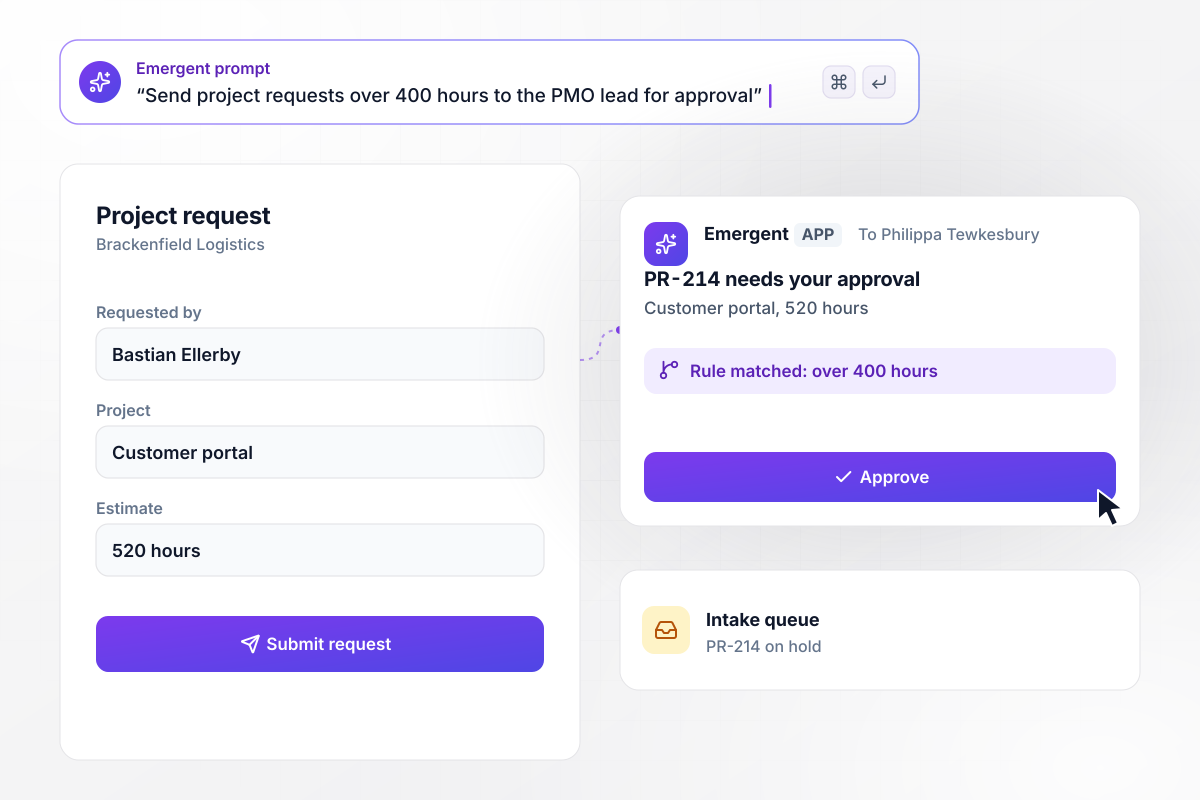
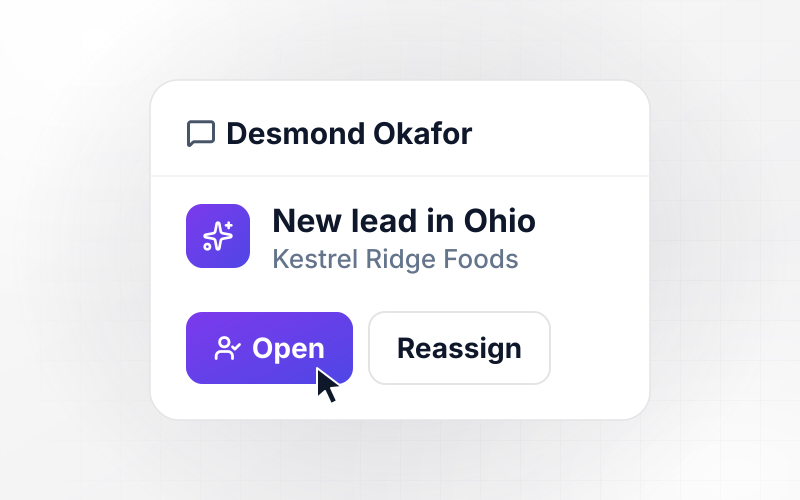
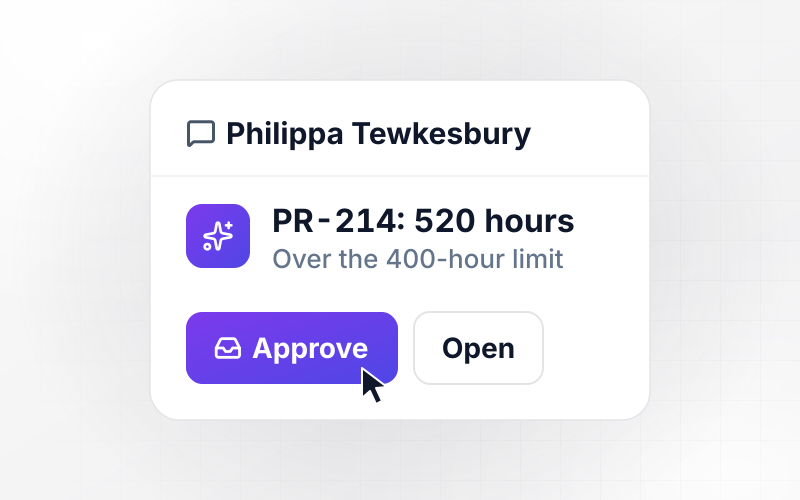
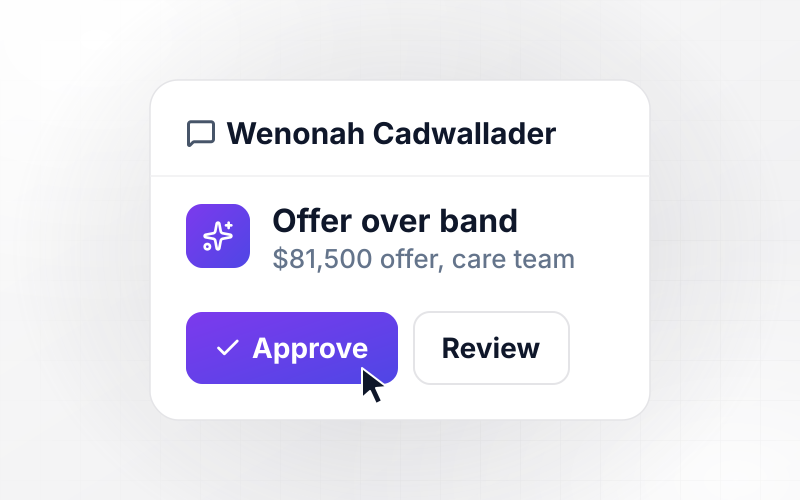
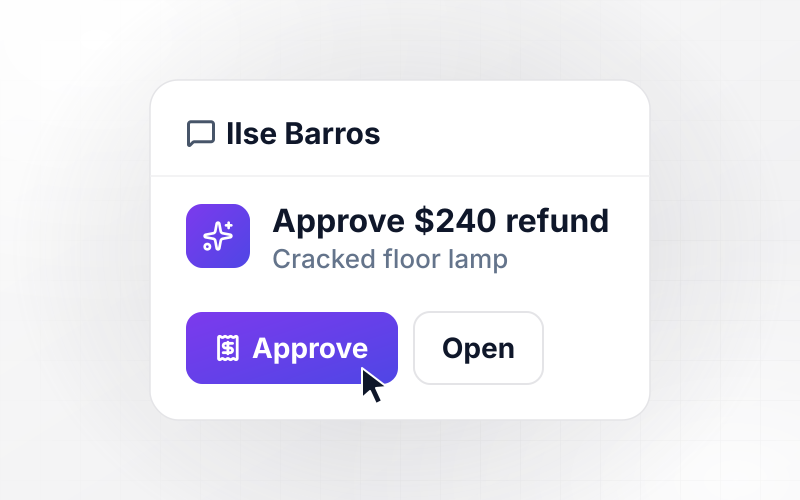
Any request over 400 hours waits for the PMO lead
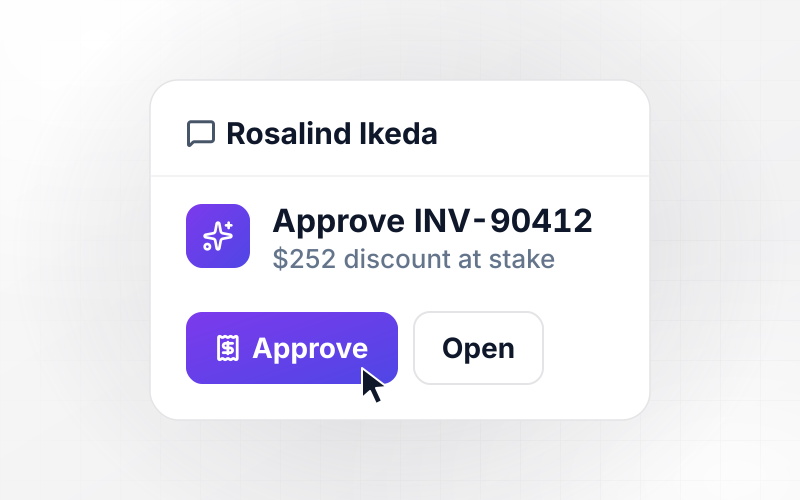
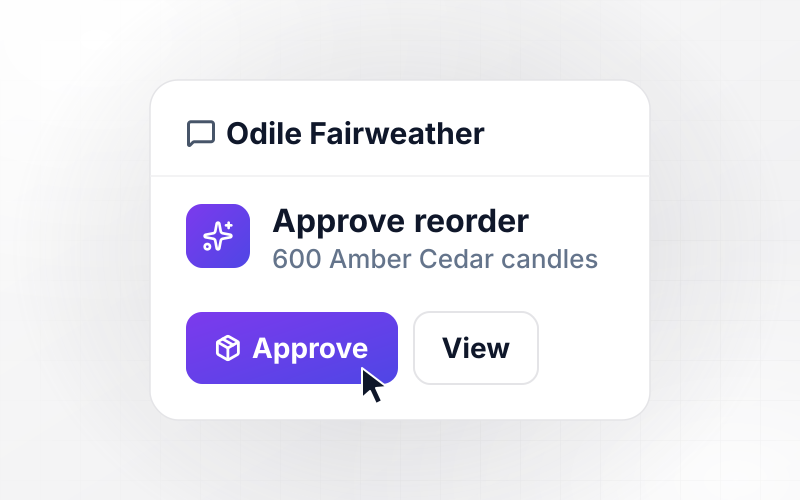
Bastian Ellerby at Brackenfield Logistics submits project request PR-214 for a customer portal, estimated at 520 hours. Any request over 400 hours needs the PMO lead's approval before work is scheduled. The app sends Philippa Tewkesbury a direct message with an Approve button and holds PR-214 in the intake queue.
window.awbMockup = { projectIntake: "Build an intake form where anyone in the company can request a project, name the deliverable, and estimate the hours. Give each request a number like PR-214. If the estimate is over 400 hours, send the PMO lead a direct message with an Approve button and hold the request in the intake queue until she decides.", taskHandoffs: "Connect to our project tracker and watch for tasks that other tasks depend on. When a task is marked done, assign the next task to its owner, set the due date 5 working days out, and send that person a direct message with the files from the finished task attached.", statusReports: "Every Friday at 4 pm, read our project tracker for each active project and write a status report: tasks done out of the total, milestones on track, and any milestone running late with the number of days. Email the report to the project's sponsor.", budgetAlerts: "Pull logged hours from our time tracking tool for each client project and compare them with the project's hour budget. When a project passes 80% of its budget, send the project lead a direct message with the hours left and a Review hours button, and show every project's burn on a dashboard." };
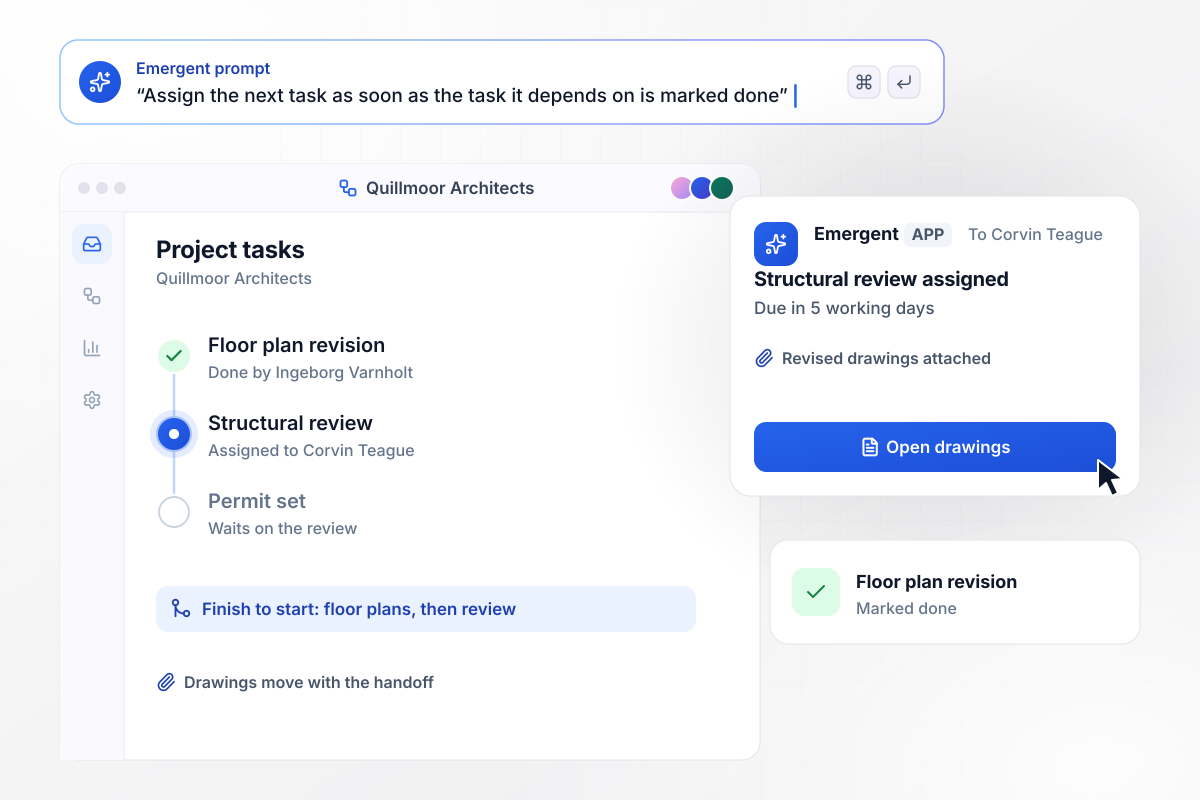
When the floor plans close, the structural review opens
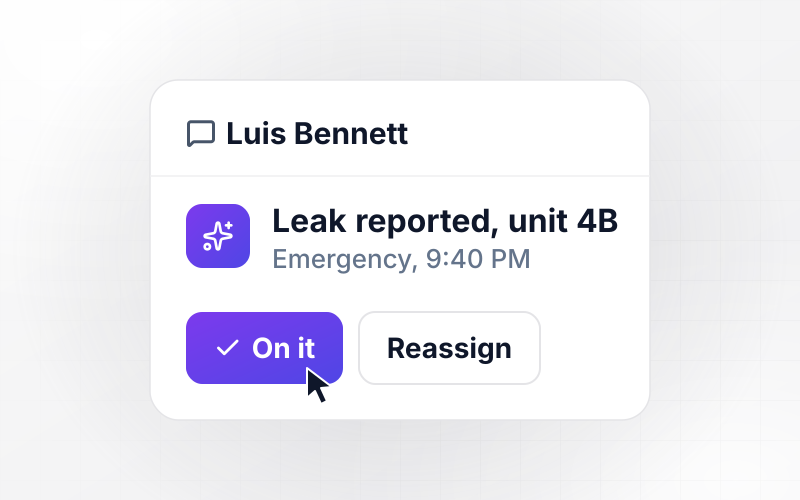
Ingeborg Varnholt at Quillmoor Architects marks the floor plan revision done. The structural review cannot start until that task finishes. The app now assigns it to Corvin Teague. His direct message carries the revised drawings and a due date 5 working days out. The permit set waits on his review in turn.
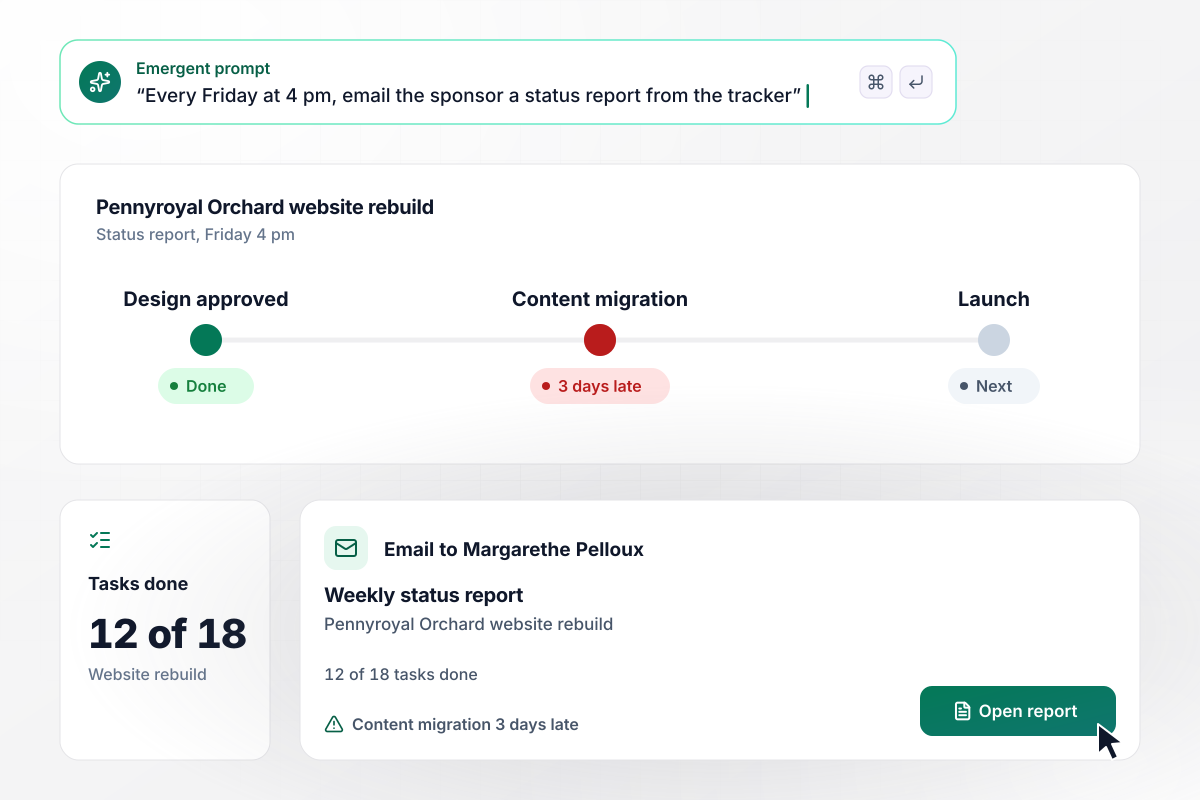
12 of 18 tasks done in Friday's report
Every Friday at 4 pm, the app reads the tracker for the Pennyroyal Orchard website rebuild and writes the status report. This week it shows 12 of 18 tasks done, with the content migration milestone 3 days late. The report goes by email to the sponsor, Margarethe Pelloux, and nobody copies numbers into a slide.
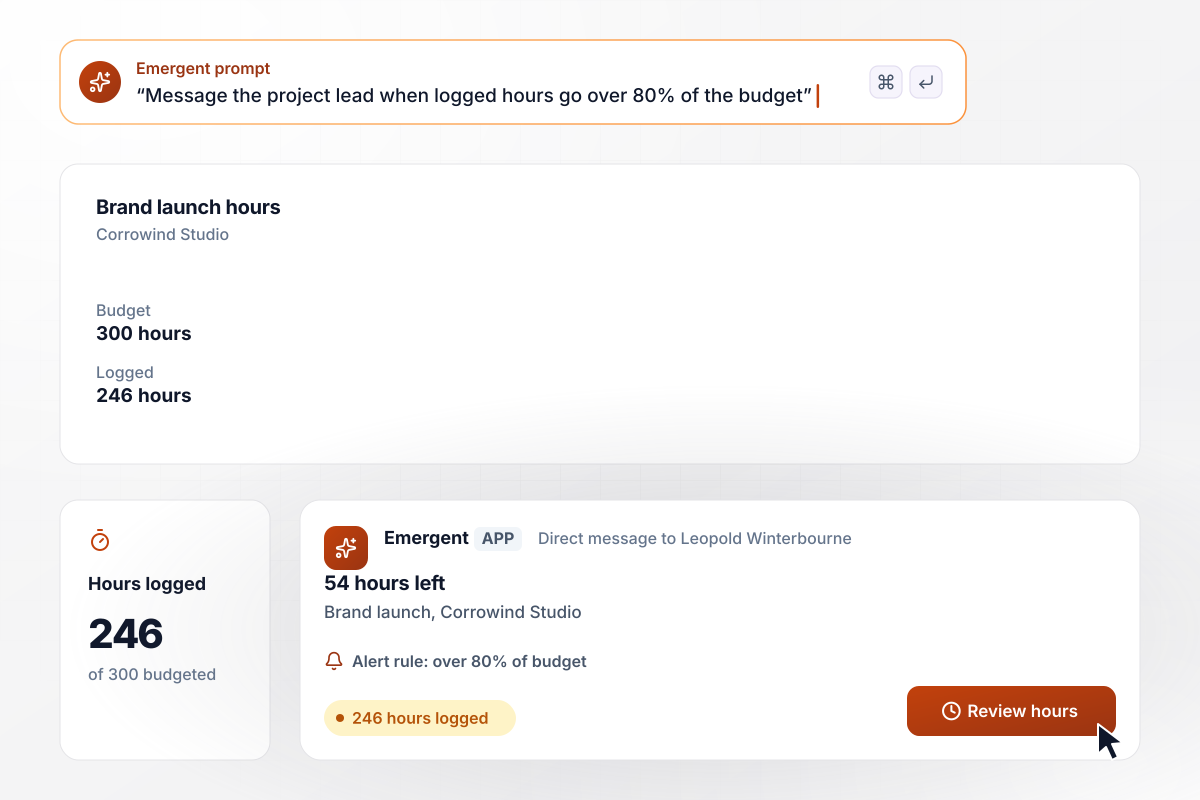
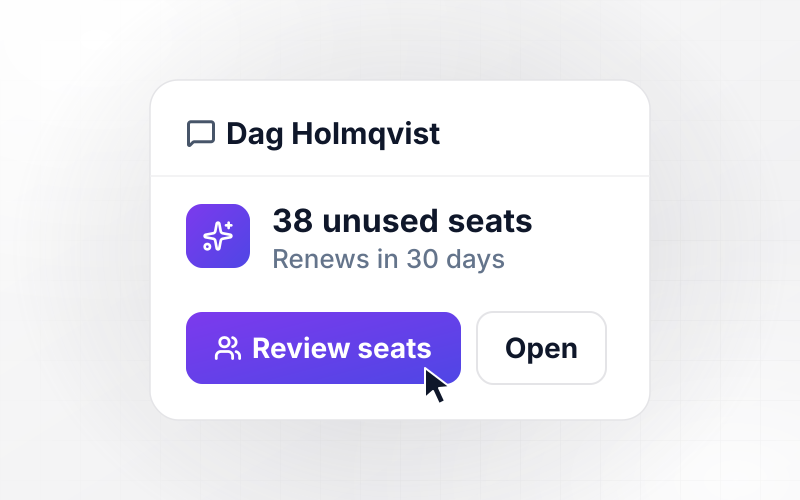
The project lead hears first above 80% of the hours
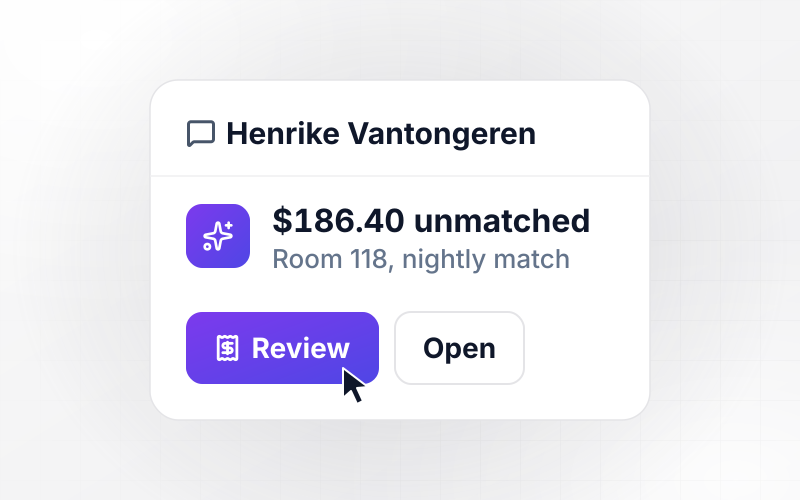
Corrowind Studio's brand launch has a 300-hour budget, and the team has logged 246 of those hours. Once logged hours are over 80% of the budget, the app sends Leopold Winterbourne, the project lead, a direct message that shows 54 hours left. Its Review hours button opens the breakdown by person.






How to Build Project Management Automation
Seven steps to choose your first project management automation and test it on last month's projects before launch.
List what your project leads did by hand last week: chasing approvals, reassigning work, building the status deck, and checking hours. Choose the one that comes back every week and ends the same way each time. Build that automation first.
Open your current project plan and mark every task that cannot start until another one finishes. In scheduling terms, that is a finish-to-start link. Write each one as a sentence, such as: when the floor plans are done, the structural review starts.
Give every rule a number anyone could check: requests over 400 hours go to the PMO lead, and the project lead hears once hours run above 80% of the budget. Describe the rules in a prompt, and Emergent builds the app around them.
Before you connect any tool, list the fields each rule depends on: task status, owner, due date, and logged hours. Check that people fill those fields in today, or the rule has nothing to act on.
Decide who receives each message. The next task owner gets the handoff, the sponsor gets the Friday report, and the project lead gets the budget alert. Send escalations to a named person rather than a busy channel, where nobody owns the reply.
Load 2 projects you closed last month, with their real dates, owners, and hours. Mark one task done a day late and push one budget over its limit, then check that the handoff and the alert reach the right people. Fix any rule by prompting.
For the first 4 weeks, open the dashboard with your project leads each Monday. Note every alert that fired too early or too late and change its number. Add the next automation only when the first one runs without anyone stepping in.
Why Automate Projects With Emergent?
Emergent builds the intake form and handoff rules as one app on a database you own, and its automations run with no task cap.

|
Zapier | Make (Integromat) | n8n | |
|---|---|---|---|---|
| How you build | Prompt for the workflow and the app around it | Templates and editor, AI copilot | Visual canvas | Visual canvas, self-hosted or cloud |
| What you get | Workflow + trigger form + database + dashboard, as code you own | Zaps, plus Tables and Interfaces inside Zapier | Scenarios inside Make | Workflows inside n8n |
| Behavior at cap | Keeps running, no task cap | Overage billed at up to 1.25× the base rate | Runs pause | Cloud workflows stop until the reset or an upgrade |
| AI and agent steps | Native, share the same credit pool | Priced by model tier, drawn from the task pool | AI modules cost variable credits | Bring your own model API key, billed by the provider |
| Code ownership | Full code export to GitHub on paid plans | None | None | Yes on Community Edition |


Pick the Pricing Plan That Works for You
Choose the plan that fits your building ambitions. From weekend projects to enterprise applications, we've got you covered.




Find the right workflow automation
for you and your business
Frequently Asked Questions
Your Questions, Answered
Don't change this element unless you know what you are doing
More things you can build
with Emergent









on Emergent today




