

Build Recruitment Automation That Keeps Candidates Moving
Get recruitment automation that screens applicants and puts every hiring stage on a clock, built from a plain-English prompt.
Build recruitment automation that runs on its own and logs every step.
Trusted by Builders Worldwide
Active Builders Worldwide
Apps Successfully Created
Countries Globally Reached



The Hiring Steps Your App Takes Over
Recruitment automation runs the repeatable steps of hiring, like screening and chasing slow reviews, while people choose who to hire.
Knockout questions on each application
Ask yes or no questions about hard requirements, such as a driver's license. An applicant who answers no lands in a queue that a recruiter reads before any decline goes out.
A clock on each hiring stage
Give every stage one owner and a time limit in business days. Once a candidate is overdue, the app alerts the stage owner in Slack or by email with everyone still waiting.
Past finalists surfaced first
When a job opens again, the app searches your candidate records for people who reached the final round for it. Each one appears with the interviewer's notes from then.
Offers held to the pay band
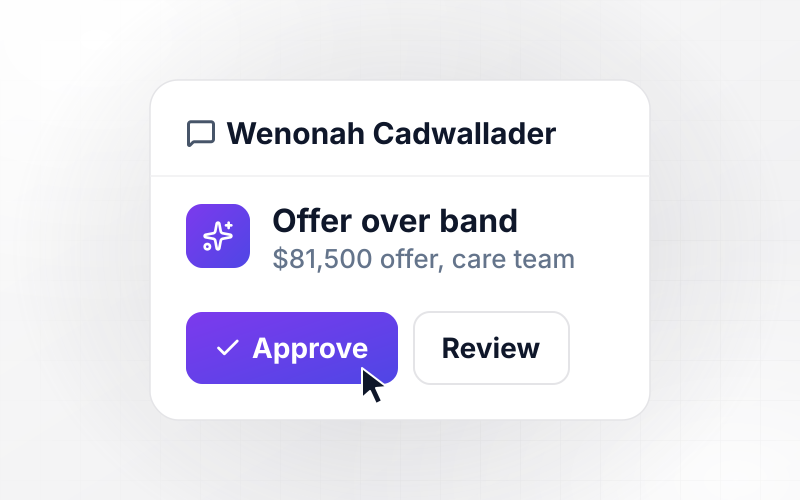
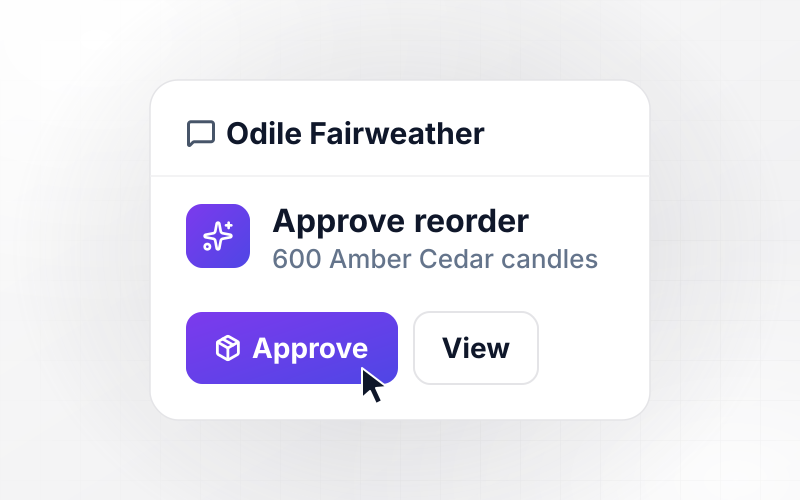
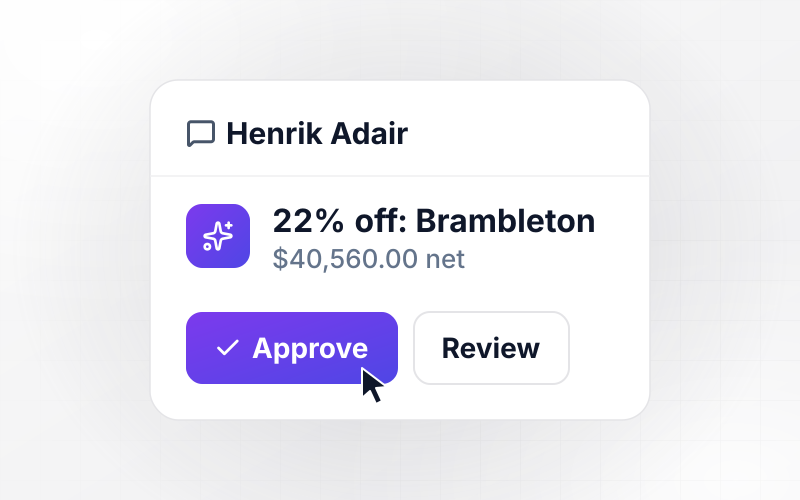
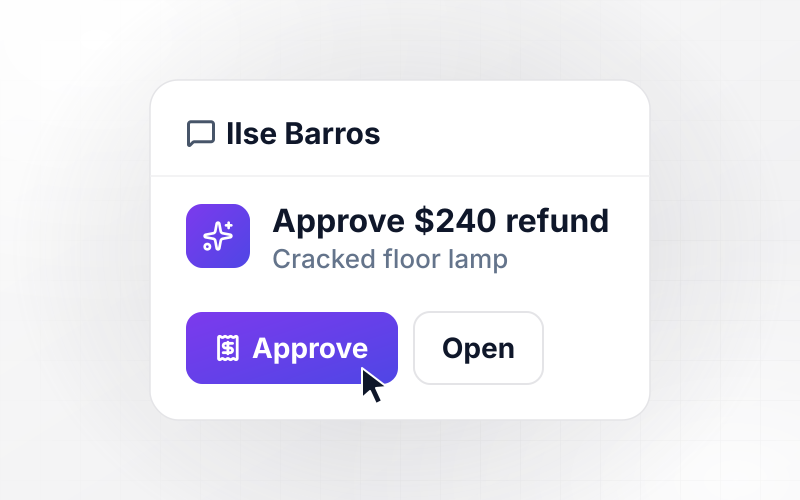
Store the minimum and maximum pay for each role and level. An offer above the maximum waits for the approver you name, who gets a direct Slack message showing the amount.
Synced with your applicant tracker
The app syncs candidate records and offers with any applicant tracking system that has an API. Recruiters keep their usual screens while the rules run on the same records.
Hiring rules you own as code
Candidate records live in a database your team owns. On paid plans, export the app's full code to your GitHub repository and review each hiring rule like any other code.
Four Places Hiring Slows Down
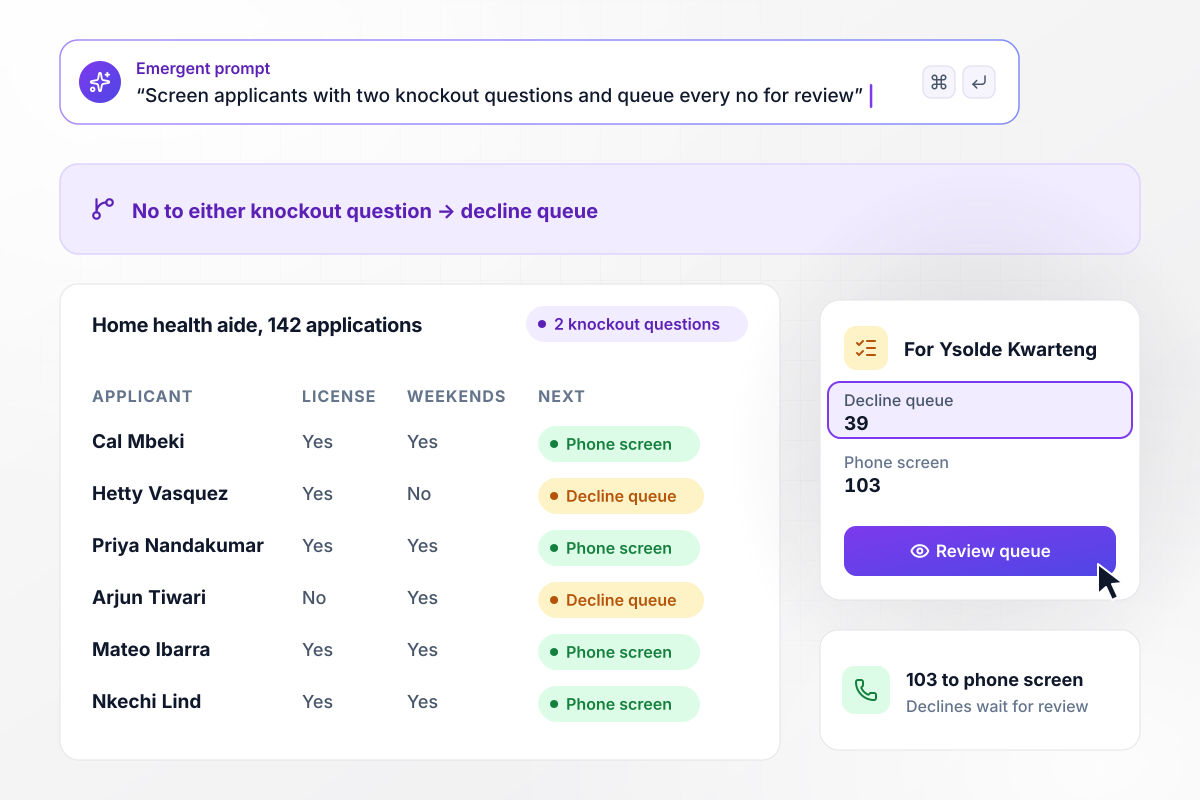
103 of 142 applicants go on to a phone screen
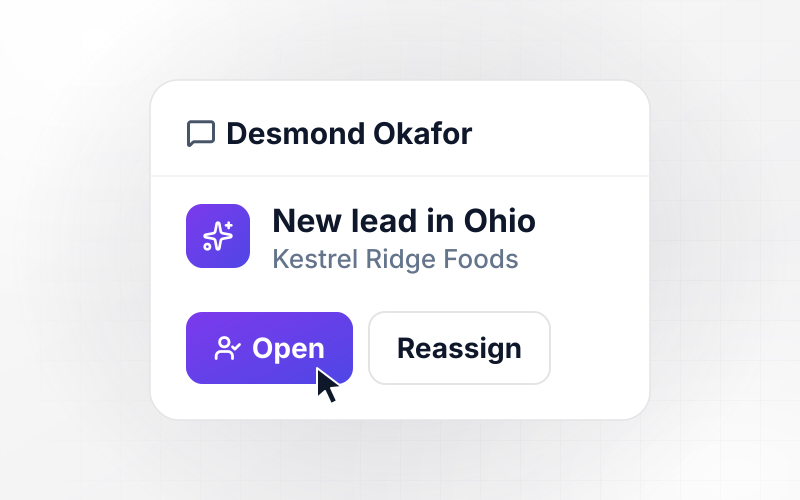
Kestrelwood Home Care got 142 applications for a home health aide opening. Two knockout questions ask for a driver's license and weekend availability. The 39 who answered no to either wait in a decline queue that recruiter Ysolde Kwarteng reads before any email goes out. The other 103 go to her phone screen.
window.awbMockup = { applicantScreening: "Build recruitment automation for my home care company's home health aide openings. Add two knockout questions to the application: a valid driver's license and weekend availability. Anyone who answers no to either goes to a decline queue my recruiter reads before any email is sent. Everyone else goes to her phone screen list with their answers attached.", stalledReviews: "Track how long each candidate waits in hiring manager review. When someone has waited more than 5 business days, send that hiring manager one direct Slack message listing every candidate waiting on them, the days each has waited, and a link to each profile. Copy the recruiter on the same message.", reopenedRoles: "When a job we have hired for before opens again, search our candidates for people who reached the final interview for that job in the last 12 months. List them for my recruiter with the interviewer's notes from each final round, and draft a short note she can send before the job is posted.", offerApprovals: "Store the pay band for each role at my company. Before an offer letter is drafted, compare the offer with the band maximum. If it is above the maximum, send our COO a direct Slack message with the amount and the gap so she can approve it or send it back, and log her decision on the offer." };
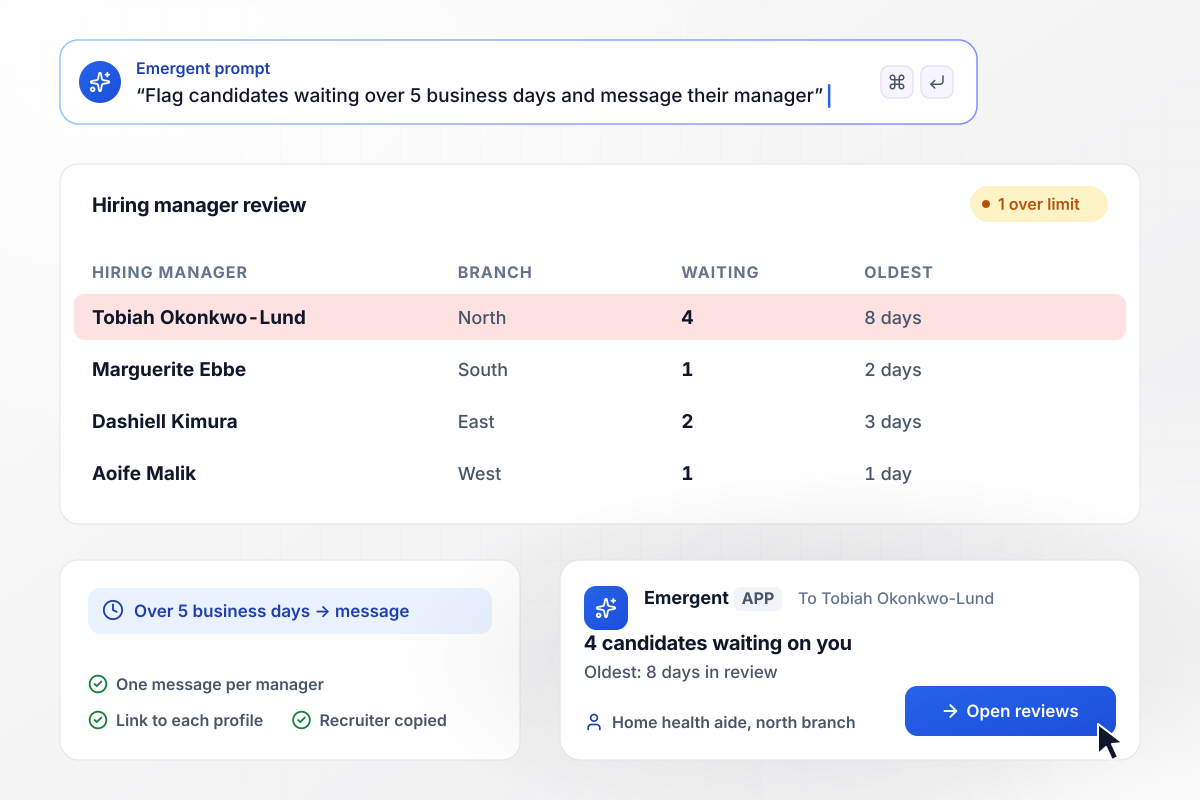
8 days in review, and Tobiah gets a message
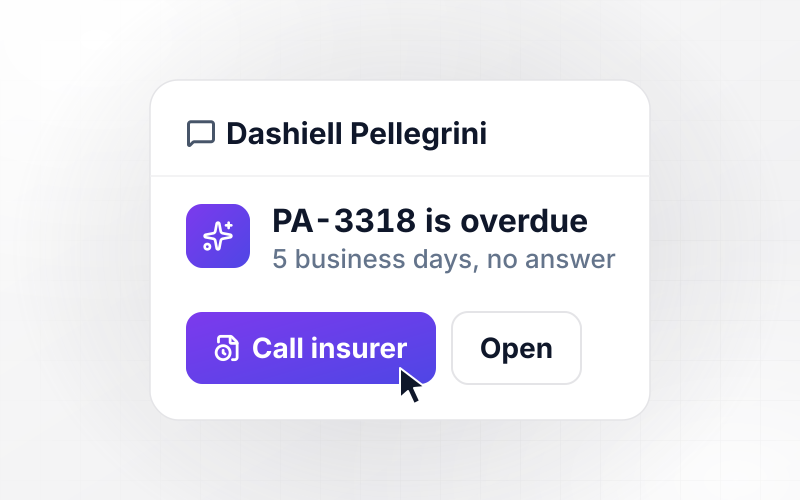
A candidate who sits in hiring manager review for more than 5 business days is flagged. Tobiah Okonkwo-Lund, who runs the north branch, gets one direct Slack message listing his 4 waiting candidates, the oldest at 8 days, with a link to each profile. Ysolde is copied on it.
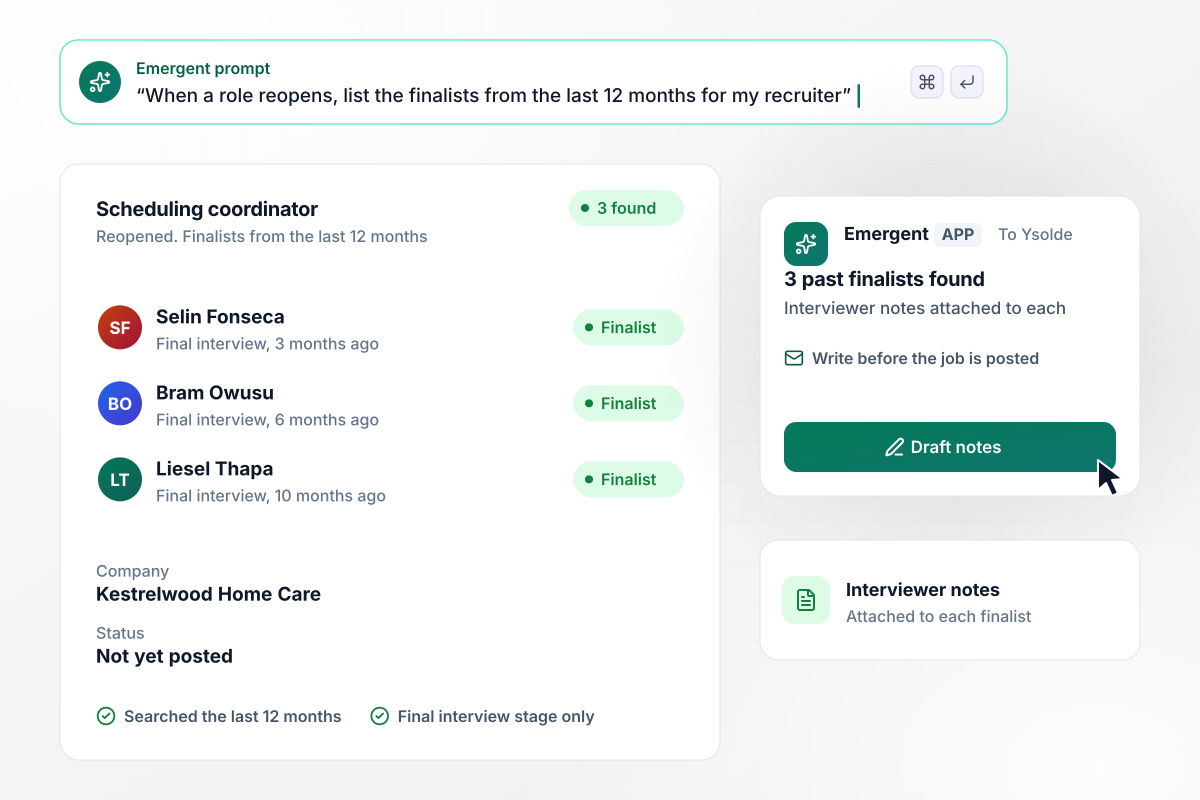
3 past finalists hear first when the role reopens
The scheduling coordinator job at Kestrelwood opens again this month. The app searched for candidates who reached the final interview for it in the last 12 months and found 3, each with the interviewer's notes attached. Ysolde writes to them before the job is posted publicly.
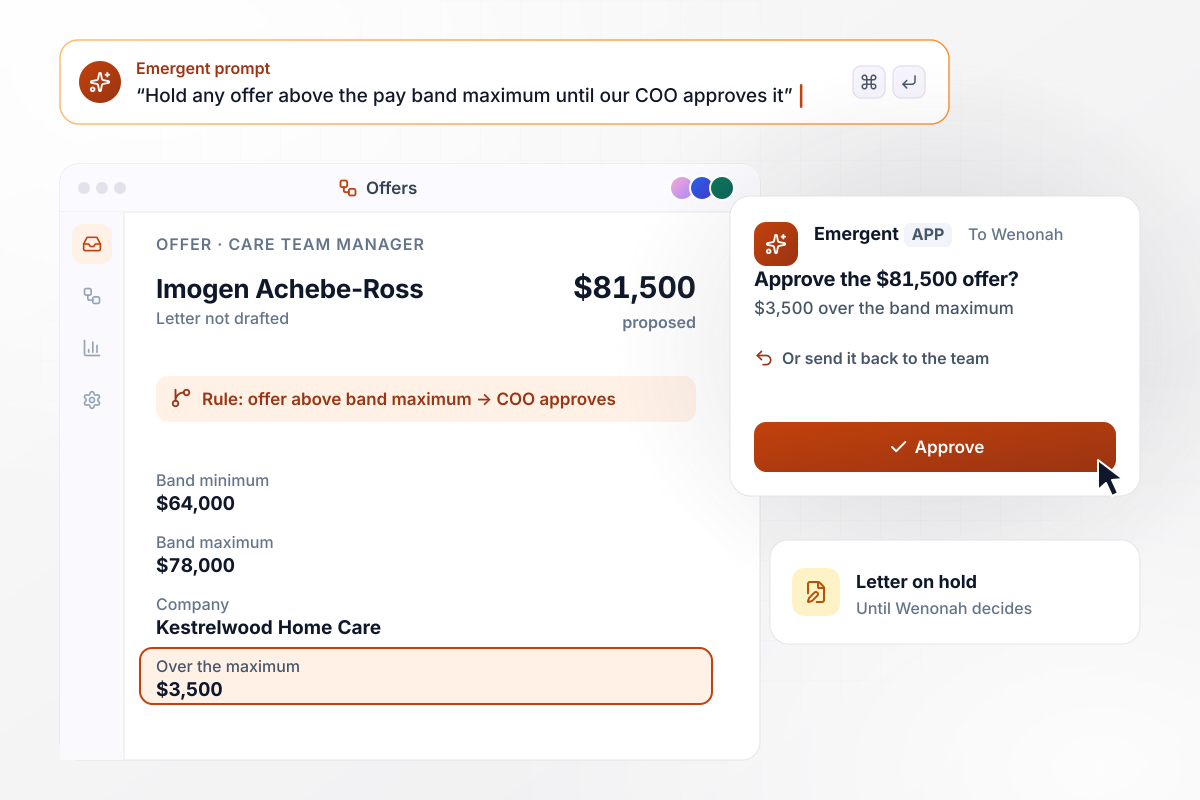
No offer letter until Wenonah approves $81,500
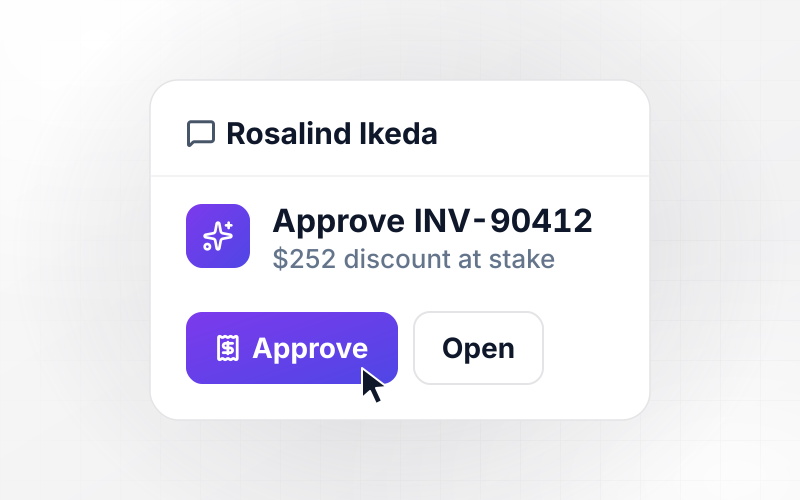
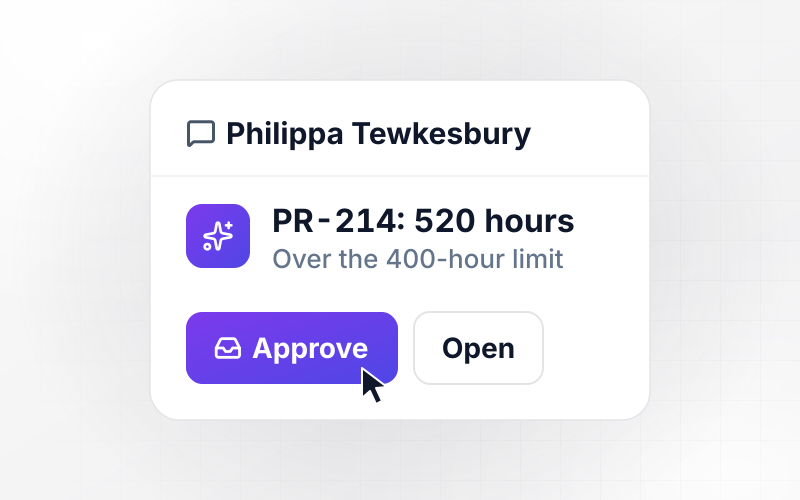
The care team manager band tops out at $78,000, and the hiring team wants to offer $81,500. That puts the offer $3,500 over the maximum. The offer letter is not drafted until COO Wenonah Cadwallader approves the amount in a direct Slack message or sends it back to the team.






How to Build Recruitment Automation
Seven steps to build recruitment automation that screens applicants and keeps each hiring stage moving, tested on past applicants first.
Write down every stage a candidate passes through: applied, phone screen, hiring manager review, interview, and offer. Next to each, note who acts on it today and how many days a candidate waits there. Start with the step where the wait is longest.
Phrase each knockout question as a yes or no about a hard requirement, such as weekend shifts for a care role. Keep it to 2 or 3 questions. Leave anything that needs judgment, like years of experience, to the recruiter's screen.
Import your current pay bands from the compensation spreadsheet, then name who approves an offer above a band. When compensation updates a band, the check reads the new numbers and no rule has to be rewritten.
Connect the applicant tracking system your team already uses through its API. Candidates and stage changes sync into the app, and decisions made in the app sync back to the same records.
Decide who gets each alert and where it lands. One daily digest per hiring manager is easier to act on than a message for every candidate. Set Slack or email per stage, and change it by prompting.
Run last month's applicants through the app before launch. Compare each knockout decision and reminder with what your recruiters did by hand. Where the two differ, adjust the rule by prompting and run the batch again.
Turn the app on for your highest-volume opening first, and keep a recruiter reading every decline for 2 weeks. Once the queue holds no surprises, add the next role, then switch on the offer check.
Why Automate Recruiting With Emergent?
Emergent builds your screening rules and offer checks as one app from a prompt, and changes any of them when you ask.

|
Zapier | Make (Integromat) | n8n | |
|---|---|---|---|---|
| How you build | Prompt for the workflow and the app around it | Templates and editor, AI copilot | Visual canvas | Visual canvas, self-hosted or cloud |
| What you get | Workflow + trigger form + database + dashboard, as code you own | Zaps, plus Tables and Interfaces inside Zapier | Scenarios inside Make | Workflows inside n8n |
| Behavior at cap | Keeps running, no task cap | Overage billed at up to 1.25× the base rate | Runs pause | Cloud workflows stop until the reset or an upgrade |
| AI and agent steps | Native, share the same credit pool | Priced by model tier, drawn from the task pool | AI modules cost variable credits | Bring your own model API key, billed by the provider |
| Code ownership | Full code export to GitHub on paid plans | None | None | Yes on Community Edition |


Pick the Pricing Plan That Works for You
Choose the plan that fits your building ambitions. From weekend projects to enterprise applications, we've got you covered.




Find the right workflow automation
for you and your business
Frequently Asked Questions
Your Questions, Answered
Don't change this element unless you know what you are doing
More things you can build
with Emergent









on Emergent today




