

Build Automated Inventory Management That Reorders on Time
Build automated inventory management that drafts reorders at your reorder points and keeps stock in a database you own.
Build automated inventory management that runs on its own and logs every step.
Trusted by Builders Worldwide
Active Builders Worldwide
Apps Successfully Created
Countries Globally Reached



What Emergent Builds Into Your Stock Records
Each part handles one job on your stock, and every change lands in the same item record.
A reorder drafted at the reorder point
Set a reorder point and a reorder quantity for each product. When a sale takes stock below that point, the app drafts the reorder and holds it for the buyer to approve.
One count for the shop and the website
Connect your point-of-sale system and your store platform through their APIs. A sale on either channel comes off one shared count before the next customer checks out.
Weekly cycle counts on a phone or tablet
The app picks the bins to count each week. Counters may fix a small variance you set on the spot, and a wider gap goes to the inventory lead with both figures shown.
Lot numbers and expiry dates on receipt
Receiving staff enter the lot and expiry date as cases arrive. A weekly report finds lots close to expiry and lifts them up the pick list, and older stock ships first.
Low-stock alerts in Slack or email
Choose the products that matter and the level that worries you. The app sends a Slack, email, or in-app alert when one crosses it, and a reminder if nobody acts within a day.
Stock history in a database you own
Sales, receipts, counts, and adjustments are written to one history per item. That history sits in a database you own, ready to query for any product in any month you pick.
Four Jobs the App Runs on Your Stock
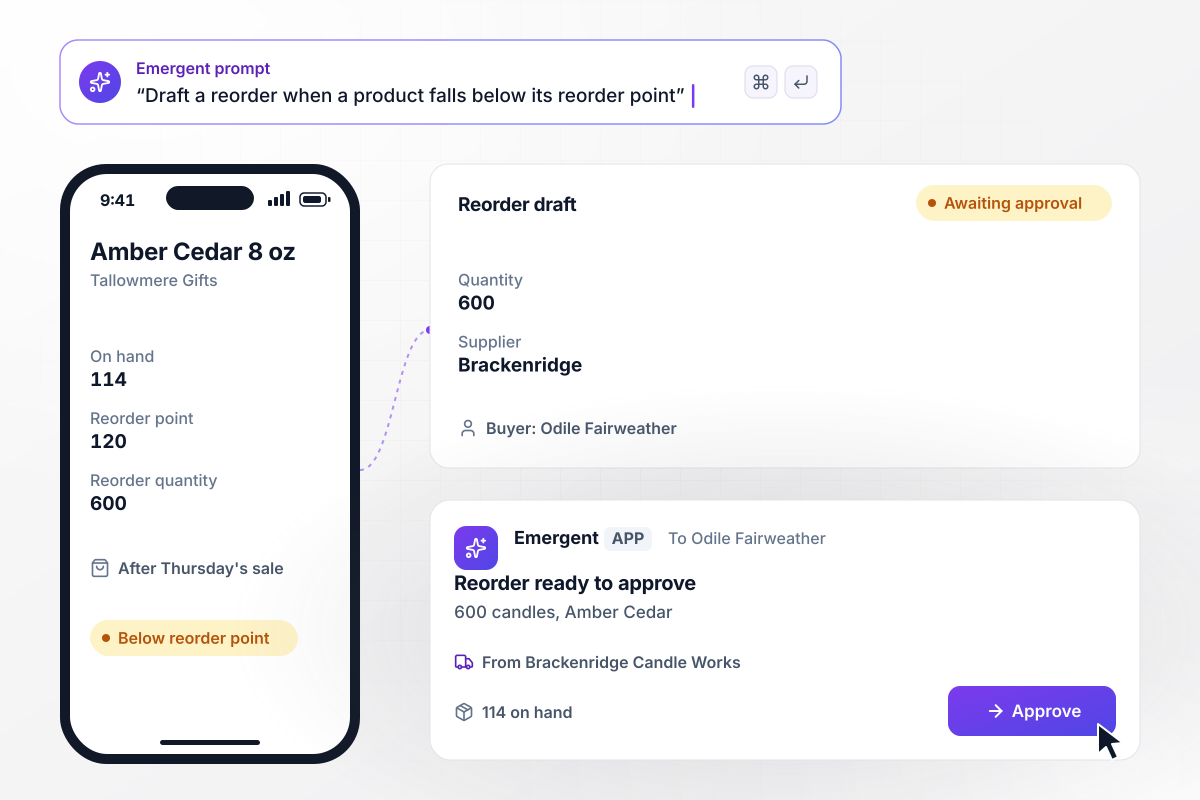
Below 120 candles, a reorder for 600 waits for the buyer
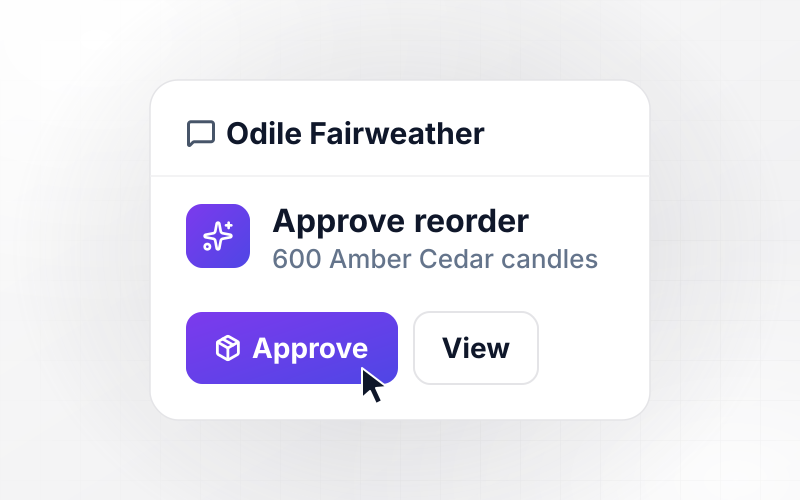
Tallowmere Gifts sets a reorder point of 120 for its Amber Cedar 8 oz candle. A Thursday sale left 114 on hand, and the app drafted a reorder of 600 candles from Brackenridge Candle Works. The draft waits for Odile Fairweather, the buyer, to approve it before it goes to the supplier.
window.awbMockup = { reorders: "Build reorder rules for my gift shop. Give each product a reorder point and a reorder quantity. When a sale takes stock below the reorder point, draft a reorder for the reorder quantity from that product's supplier and send it to the buyer to approve. Show every open draft with its on-hand count.", shopAndWebsite: "Build one stock count for my bike shop that my point-of-sale system and my online store both use. Take every sale on either channel off the same count for that product as it happens. Show today's opening count, units sold on each channel, and the count right now.", binCounts: "Build a weekly cycle count for my pet supply warehouse. Every Tuesday, pick 20 bins and give counters a list on their phones. If a bin is off by 2 units or fewer, let the counter fix it and log the change. If it is off by more, send it to the inventory lead in a direct message for a recount.", expiringLots: "Build lot tracking for my food warehouse. Record the lot number, case count, and expiry date for each delivery. Every Monday, find lots that expire within 30 days, move them to the top of the pick list, and send the sales lead a direct message with the lots and the total cases." };
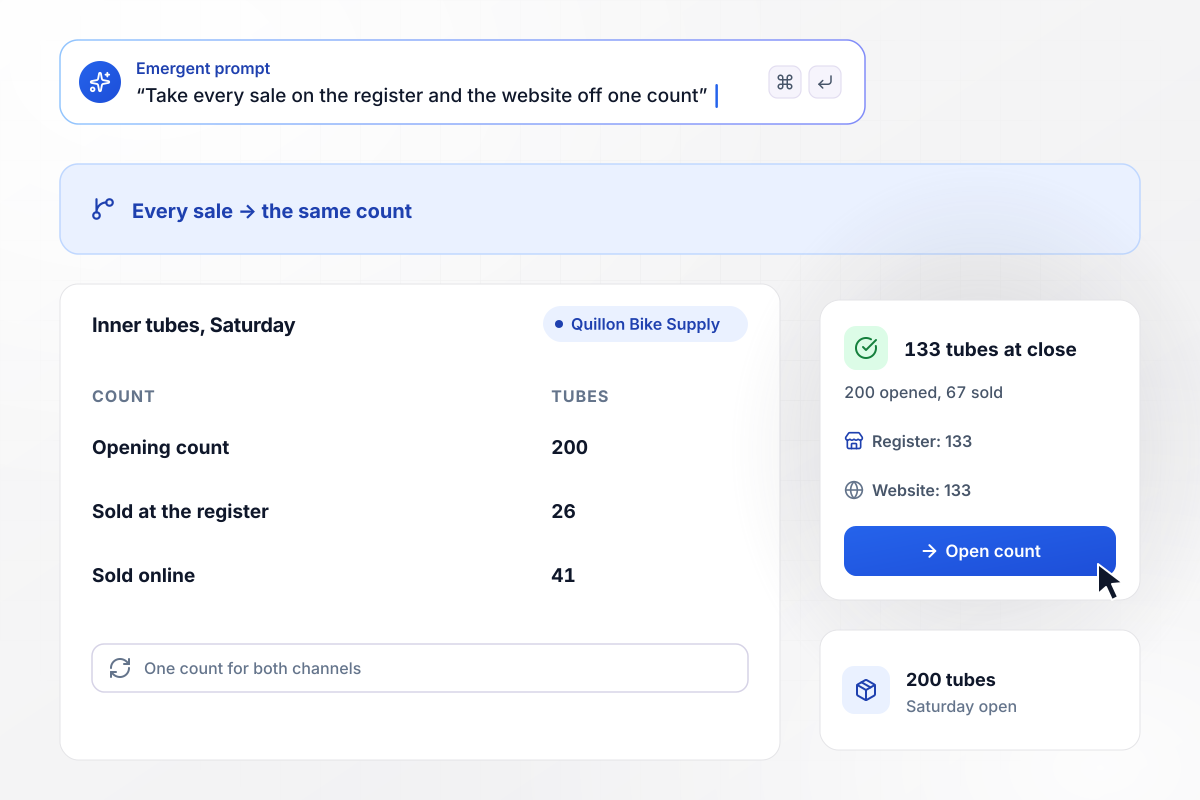
The register and the website both show 133 tubes
Quillon Bike Supply sells inner tubes in its shop and on its website from one shared count. Saturday opened with 200 tubes. The register sold 26 and the online store sold 41, and each sale came off the same count. At close, both channels showed 133 tubes.
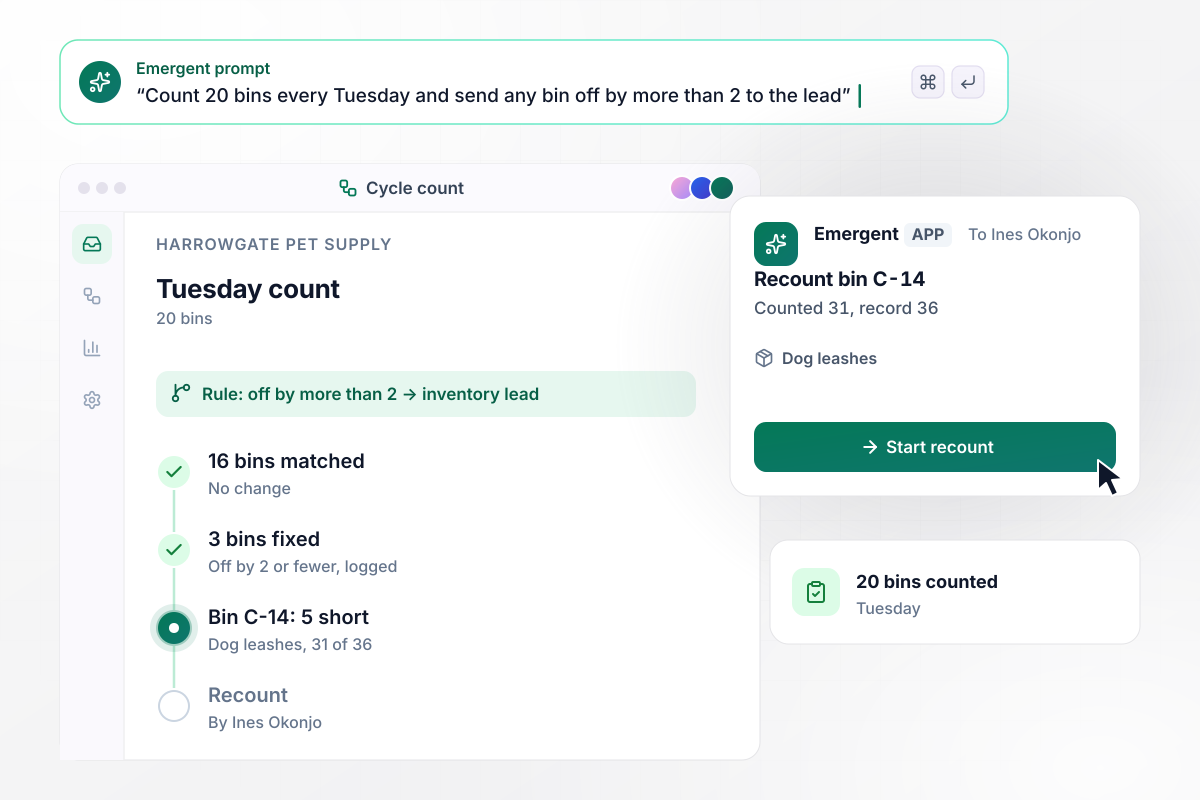
Bin C-14 counts 5 short and goes to the inventory lead
Harrowgate Pet Supply counts 20 bins every Tuesday. Counters fix gaps of 2 or fewer on the spot and the fix is logged, and a bin off by more than 2 goes to the inventory lead. This week 16 matched and 3 were fixed. Bin C-14 was 5 short, with 31 dog leashes against a record of 36, and went to Ines Okonjo, the lead.
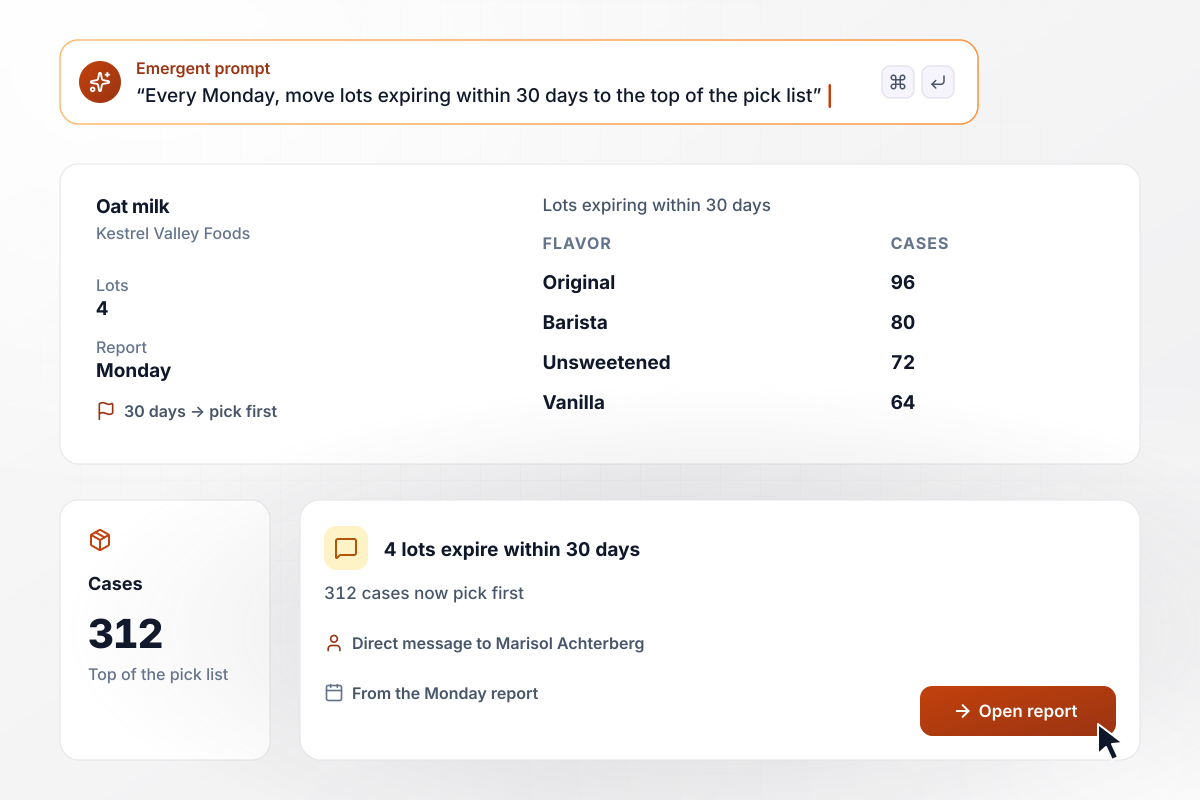
312 cases of oat milk move to the top of the pick list
Kestrel Valley Foods tracks oat milk by lot. The Monday report found 4 lots that expire within 30 days: 96 cases of Original, 80 of Barista, 72 of Unsweetened, and 64 of Vanilla. The app moved all 312 cases to the top of the pick list and sent Marisol Achterberg, the sales lead, a direct message.






How to Automate Inventory Management
Seven steps to set up automated inventory management with clean item data and clear rules, then build it with Emergent.
Export your item list with one row per SKU: name, supplier, unit cost, and the count on hand today. Merge duplicates and retire items you no longer sell. Fix it before anything else: every rule later depends on it.
For each product, write down the reorder point and the quantity you order. Start from what you sell while the supplier's order is on its way, add a buffer you are comfortable with, and mark products you never let run out.
Note each system that records units coming in or going out, starting with your point-of-sale system. Connect each one through its API. A sale or a delivery then changes the same count wherever it happens.
Decide which reorders the app may send on its own and which wait for the buyer. Name the person who gets count variances and expiry alerts, and the channel each alert uses.
Write the rules from the last four steps in plain English, one paragraph per job, and Emergent builds the app with its database and screens. Change any rule later by prompting again.
Load last month's sales and receipts and run them through the app. Compare the reorders it would have drafted with the ones you placed by hand, and adjust any reorder point that fired too early or too late.
Go live with one category first, such as the 50 items you sell fastest, and count those bins every week for a month. Add the next category when the counts and the reorders hold steady for 4 weeks in a row.
Why Automate Inventory With Emergent?
Emergent builds the reorder rules and the count screens as one app from a prompt, with no cap on tasks.

|
Zapier | Make (Integromat) | n8n | |
|---|---|---|---|---|
| How you build | Prompt for the workflow and the app around it | Templates and editor, AI copilot | Visual canvas | Visual canvas, self-hosted or cloud |
| What you get | Workflow + trigger form + database + dashboard, as code you own | Zaps, plus Tables and Interfaces inside Zapier | Scenarios inside Make | Workflows inside n8n |
| Behavior at cap | Keeps running, no task cap | Overage billed at up to 1.25× the base rate | Runs pause | Cloud workflows stop until the reset or an upgrade |
| AI and agent steps | Native, share the same credit pool | Priced by model tier, drawn from the task pool | AI modules cost variable credits | Bring your own model API key, billed by the provider |
| Code ownership | Full code export to GitHub on paid plans | None | None | Yes on Community Edition |


Pick the Pricing Plan That Works for You
Choose the plan that fits your building ambitions. From weekend projects to enterprise applications, we've got you covered.




Find the right workflow automation
for you and your business
Frequently Asked Questions
Your Questions, Answered
Don't change this element unless you know what you are doing
More things you can build
with Emergent









on Emergent today




