

Build CRM Automation Around the CRM You Already Run
Build CRM automation that assigns new leads, chases quiet deals, and starts onboarding when a deal closes.
Build crm automation that runs on its own and logs every step.
Trusted by Builders Worldwide
Active Builders Worldwide
Apps Successfully Created
Countries Globally Reached



The Repeat Work Inside Every CRM
CRM automation hands the clerical steps of a CRM to software, and reps keep the conversations that need a person.
Assignment rules written as sentences
Your demo form asks for a state and a company size, and the rules you write turn those answers into an owner. Change a territory by describing the new split in a prompt.
Two-way sync with the CRM you run
The app reads and writes contacts, deals, and tasks in HubSpot or any other CRM with an API. Reps keep working in the CRM they know, with no second system to keep current.
Reminders that reach one named owner
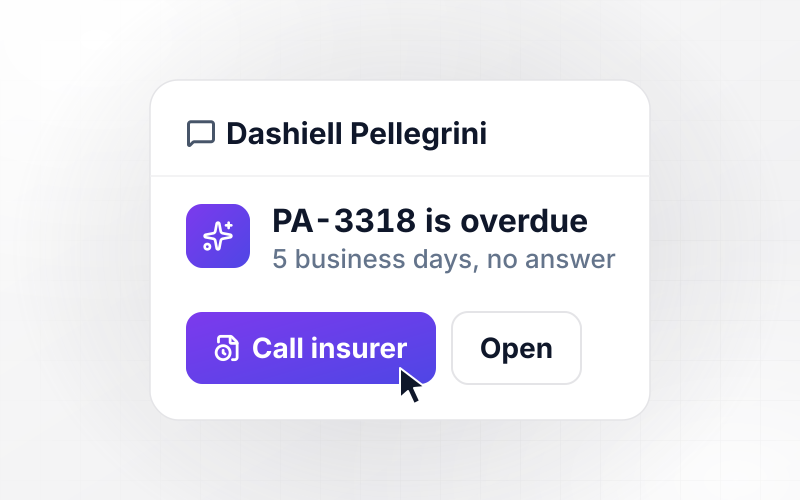
Each reminder goes to the person who owns the record, in Slack, by email, or in the app. If the task is still open the next morning, the reminder escalates to their manager.
A pipeline view that stays current
Open deals, stalled deals, and overdue tasks update on one dashboard while reps work. Every record and every change the automation makes is stored in a database you own.
No task cap when a campaign lands
A trade show or a webinar can bring in a week's worth of leads in one afternoon. Each new lead is assigned and logged, and the automation keeps running with no task cap.
The code behind your rules, yours to keep
Emergent exports the full code of the app, assignment rules included, to your GitHub repository on paid plans. Engineers can review each rule and change it in their own editor.
Four Automations Built Around One CRM
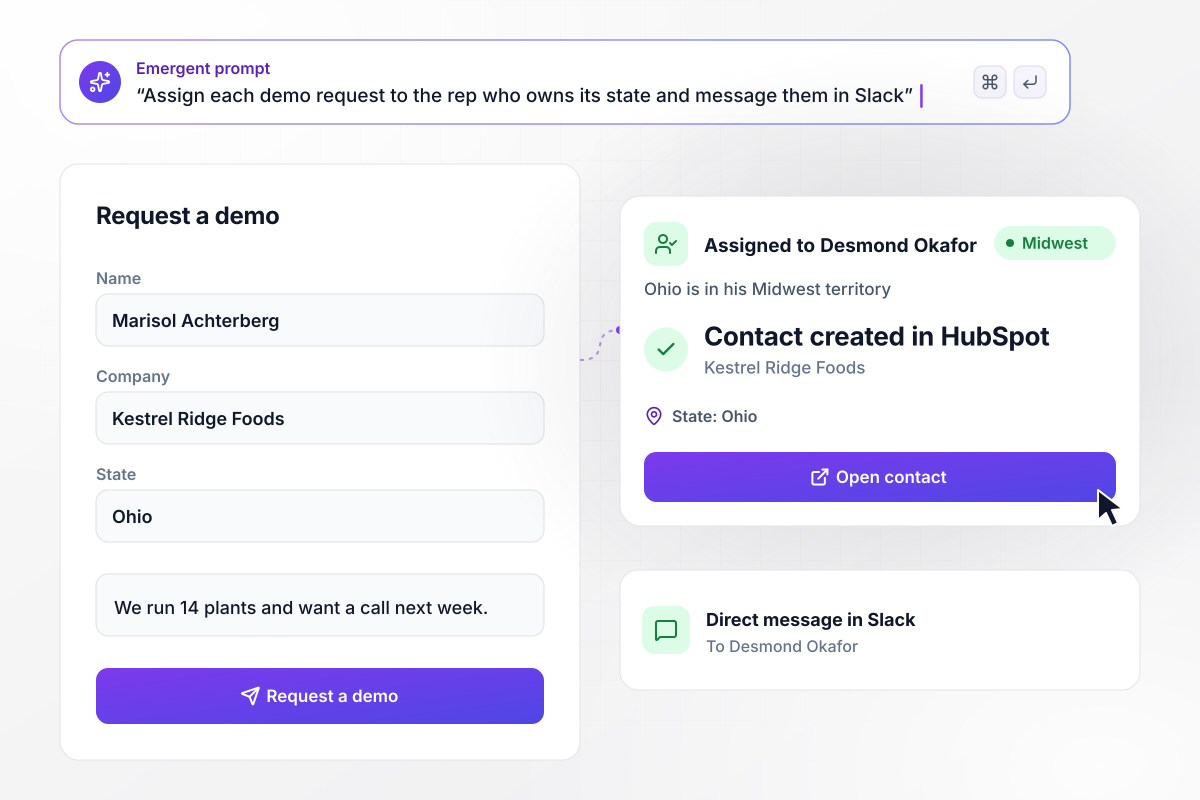
Ohio demo requests land with the Midwest rep
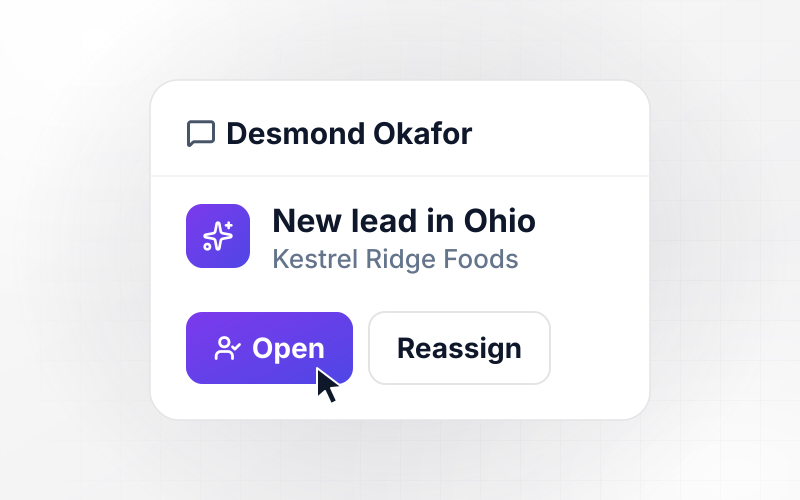
Marisol Achterberg fills in the demo form for Kestrel Ridge Foods and picks Ohio as her state. The app creates her contact in HubSpot and assigns it to Desmond Okafor, because Ohio sits in his Midwest territory. Desmond gets a direct message in Slack with her name and the note she left on the form.
window.awbMockup = { leadAssignment: "Build a demo request form that asks for a name, a company, a state, and a company size. Create each lead as a contact in HubSpot and assign it to the rep who owns that state's territory. Send the rep a direct message in Slack with the lead's name, company, and note.", stalledDeals: "Check every open deal in HubSpot each morning. If a deal has no logged call, email, or meeting for 7 days, add a follow-up task due today for the deal owner and email them a link to the deal with the last note. Show my team the stalled deals by owner.", dealHandoffs: "When a deal is marked Closed Won in HubSpot, open an onboarding record with the deal value and assign it to the account manager. Email the customer contact a kickoff form that asks for their team's contacts and a start date, and save the answers to the onboarding record.", duplicateContacts: "Before creating a new contact, check whether its email is already on a contact record. If it is, hold the new record as a possible duplicate and send both records to sales ops side by side. Let sales ops merge the two in the app and keep the original record's owner." };
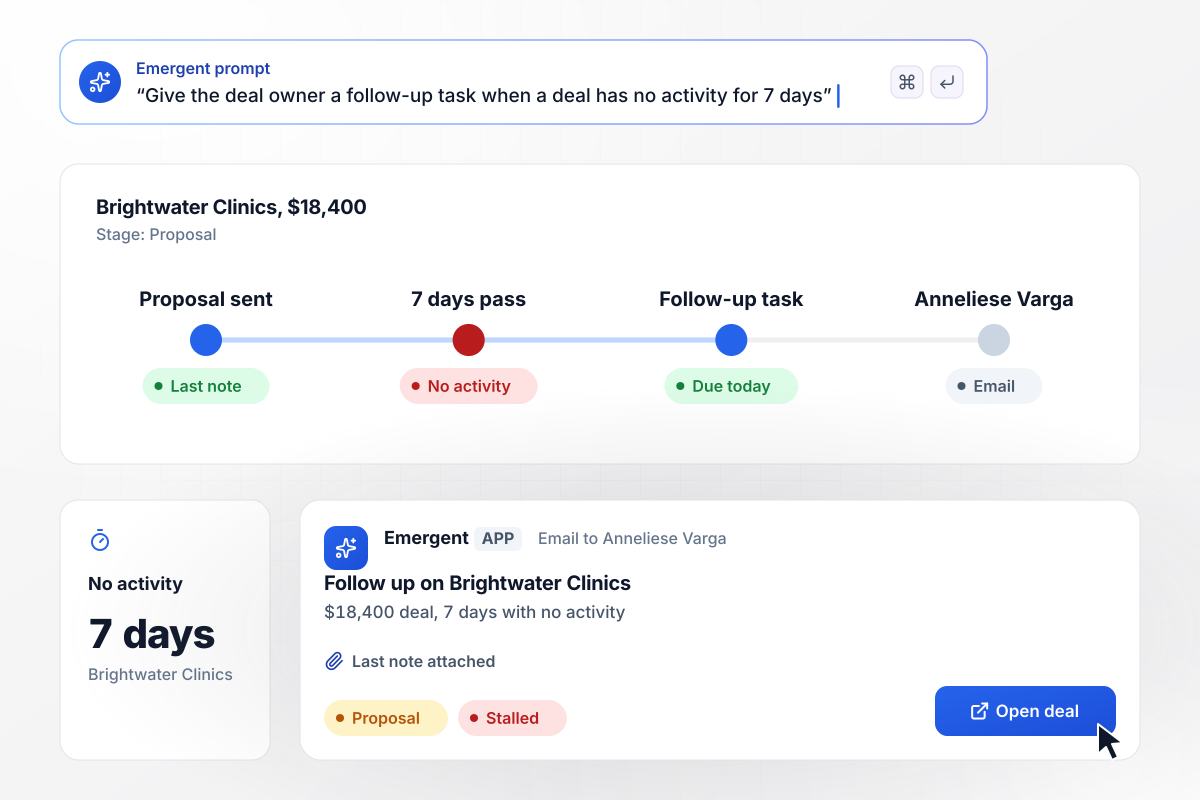
Seven quiet days hand the owner a follow-up task
The $18,400 Brightwater Clinics deal has sat in Proposal for 7 days with no call, email, or meeting logged. The app adds a follow-up task due today for Anneliese Varga, who owns the deal, and emails her a link to it with the last note attached. The deal stays on the stalled list until she logs the next activity.
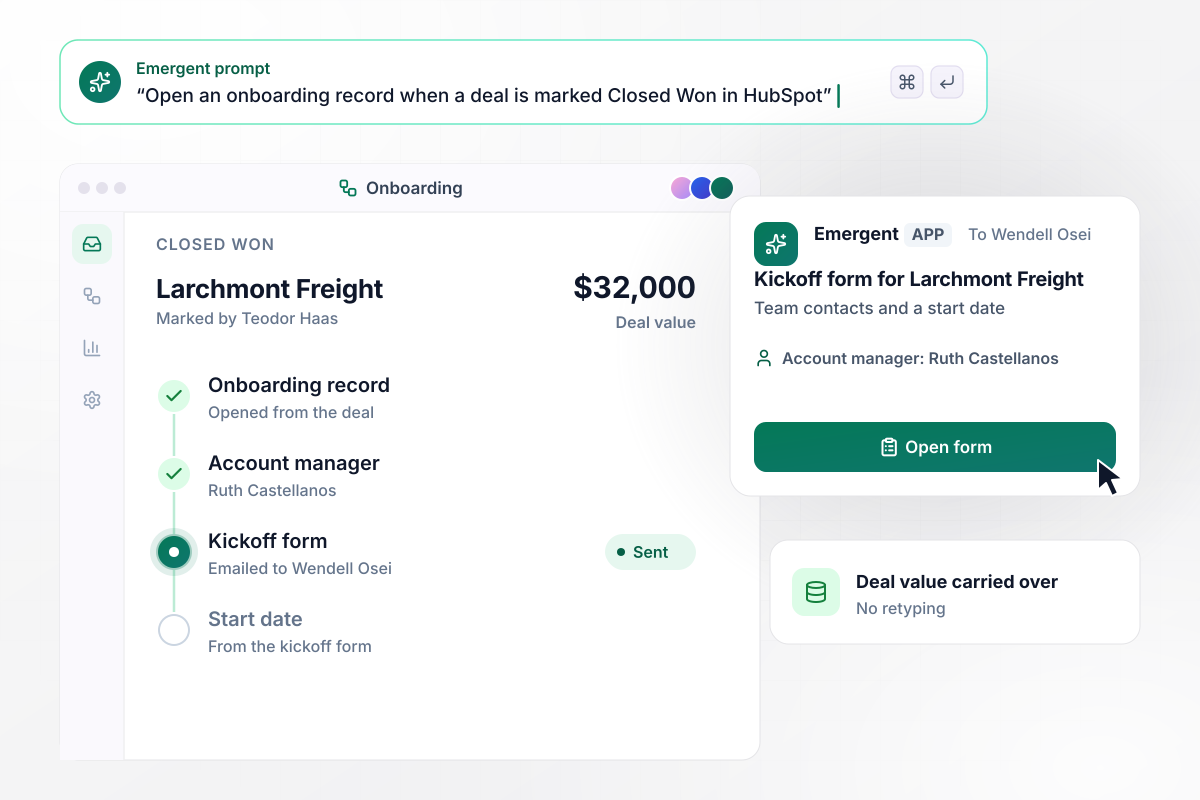
Every Closed Won deal starts its onboarding
Teodor Haas marks the $32,000 Larchmont Freight deal Closed Won in HubSpot. An onboarding record opens with the deal value and goes to the account manager, Ruth Castellanos. Wendell Osei gets a kickoff form by email asking for his team's contacts and a start date. Nobody retypes the deal.
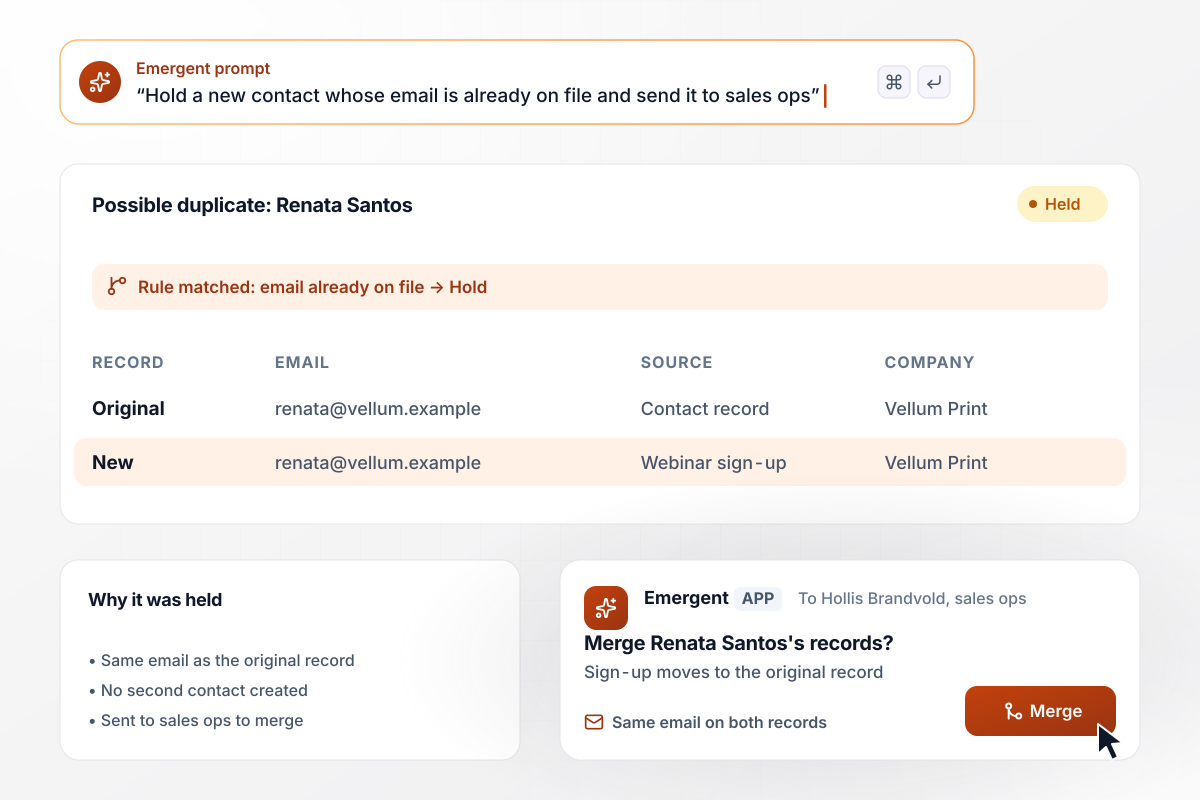
Two records with one email wait for a merge
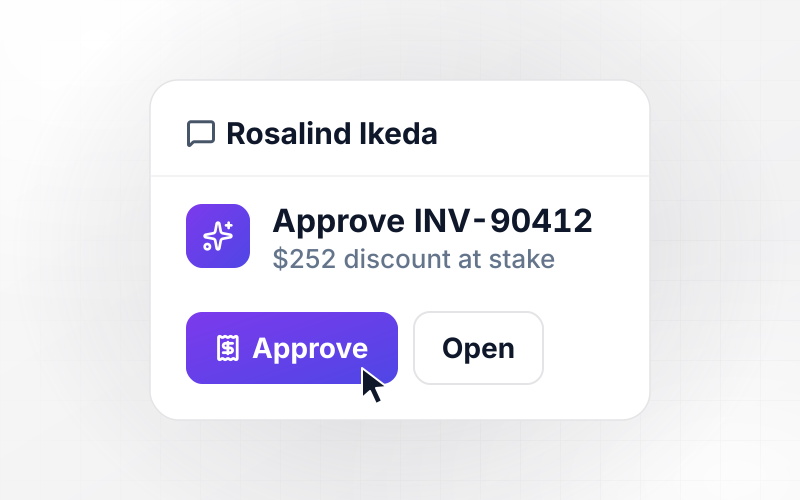
Renata Santos signs up for a webinar with an email already on her Vellum Print contact record. Instead of creating a second contact, the app holds the sign-up as a possible duplicate and sends both records to Hollis Brandvold in sales ops. He merges them in the app, and the sign-up lands on the original record.






How to Automate Your CRM
Seven steps to plan CRM automation around the work your reps repeat, then build it with Emergent and switch it on.
List every task a rep does by hand in a week: copying form leads into the CRM, logging calls, chasing deals that went quiet. Count how often each one happens, and start with the task that repeats most and needs the least judgment.
Export your contacts and deals and check the fields each rule depends on, such as state and deal owner. A rule that reads an empty state field assigns nobody. Fill those gaps before you build anything.
Describe each rule the way you would brief a new rep. Leads from companies with over 500 employees go to the enterprise team; a deal moved to Negotiation alerts the sales manager. Emergent builds the app and its logic from those sentences.
Connect the CRM and Slack through their APIs. Decide which system owns each fact: the CRM owns the deal stage and the owner, the form owns what the lead typed, and the app reads both.
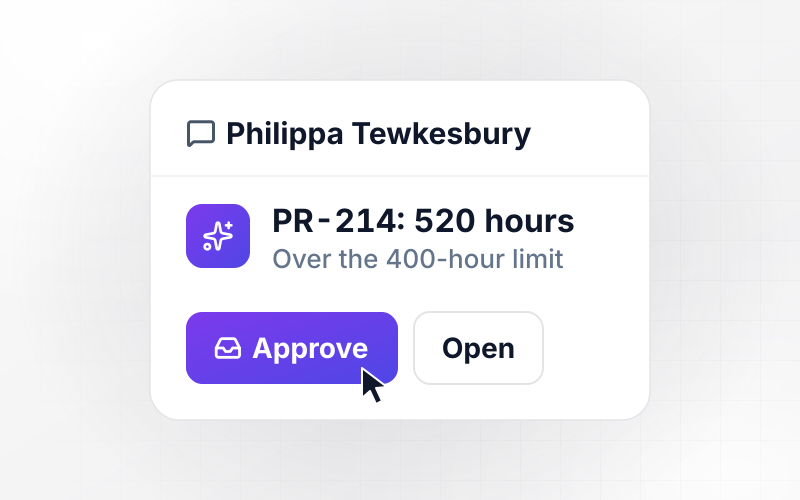
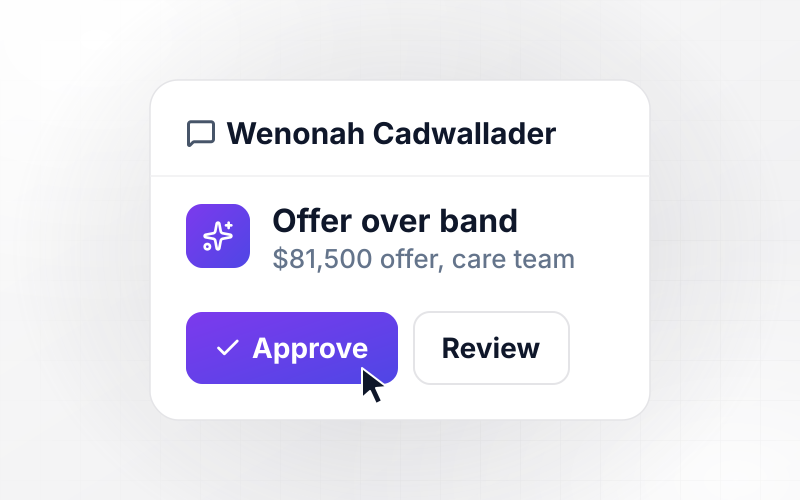
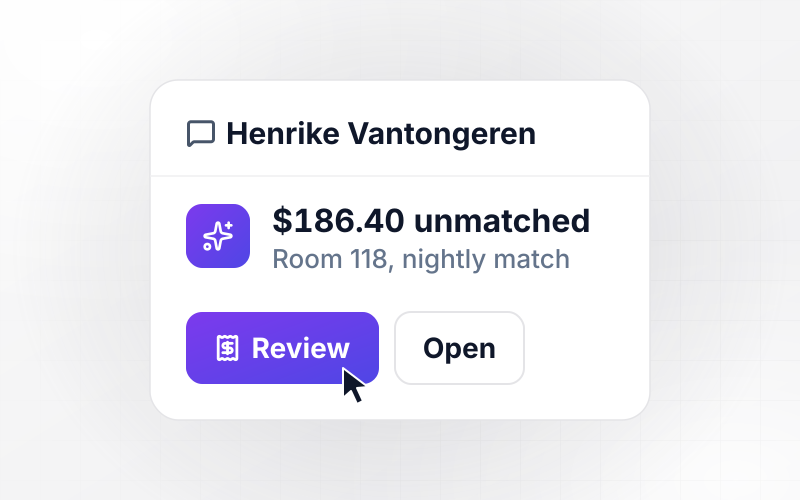
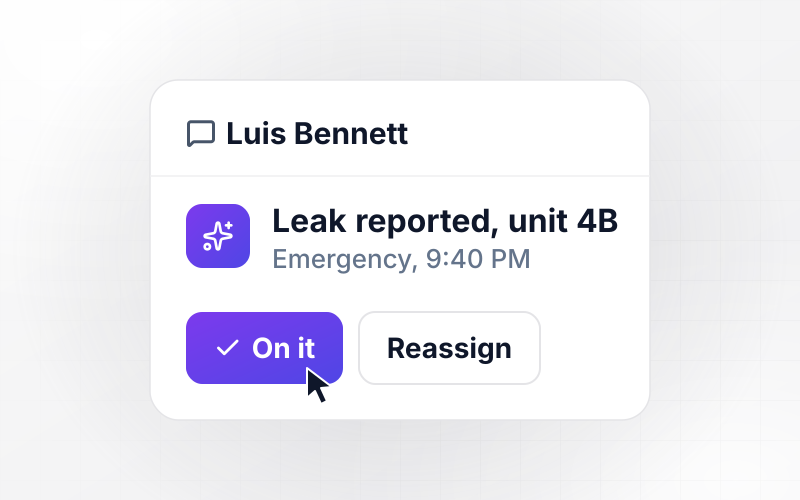
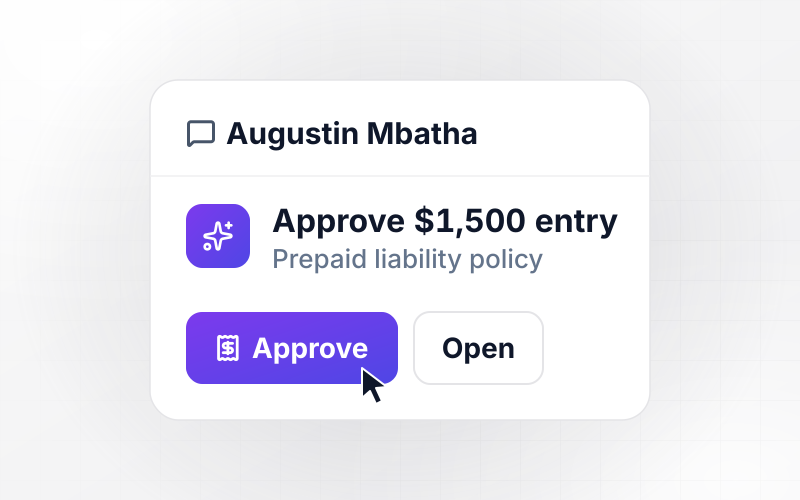
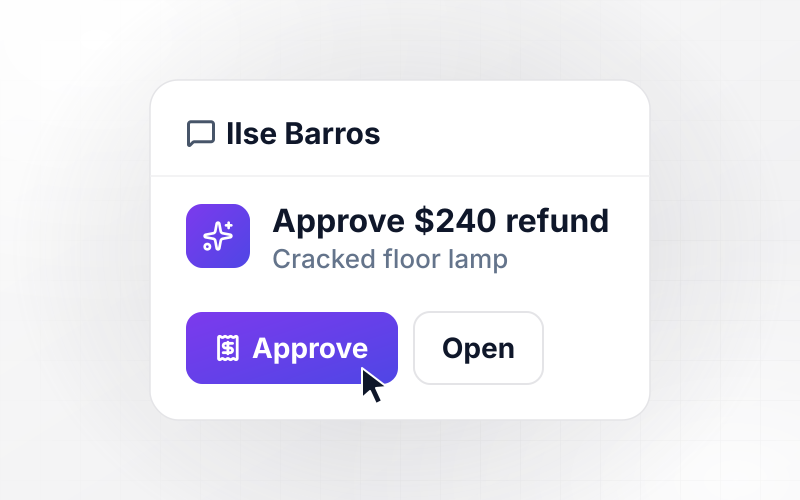
Pick the changes that should wait for a named person. Merging two contacts, moving a lead between reps, and editing a deal's value are good candidates, with both records shown beside the approve button.
Run last month's leads and deals through the automation before it writes to a live record. Check that each lead reached the right rep and that no deal got two tasks for one quiet stretch. Change a rule with a new prompt and replay the month.
Start with lead assignment, since it writes only to new records. Track the hours from form fill to first call for 14 days and compare them with the 14 days before. Then add the next rule.
Why Build CRM Automation With Emergent?
Emergent builds lead assignment and deal handoffs as one app that reads and writes the CRM your reps use.

|
Zapier | Make (Integromat) | n8n | |
|---|---|---|---|---|
| How you build | Prompt for the workflow and the app around it | Templates and editor, AI copilot | Visual canvas | Visual canvas, self-hosted or cloud |
| What you get | Workflow + trigger form + database + dashboard, as code you own | Zaps, plus Tables and Interfaces inside Zapier | Scenarios inside Make | Workflows inside n8n |
| Behavior at cap | Keeps running, no task cap | Overage billed at up to 1.25× the base rate | Runs pause | Cloud workflows stop until the reset or an upgrade |
| AI and agent steps | Native, share the same credit pool | Priced by model tier, drawn from the task pool | AI modules cost variable credits | Bring your own model API key, billed by the provider |
| Code ownership | Full code export to GitHub on paid plans | None | None | Yes on Community Edition |

Pick the Pricing Plan That Works for You
Choose the plan that fits your building ambitions. From weekend projects to enterprise applications, we've got you covered.




Find the right workflow automation
for you and your business
Frequently Asked Questions
Your Questions, Answered
Don't change this element unless you know what you are doing
More things you can build
with Emergent









on Emergent today




