

Build Lead Scoring Automation That Shows Why Each Lead Scored
Build lead scoring automation that adds points for fit and activity and keeps every score in a database you own.
Build lead scoring automation that runs on its own and logs every step.
Trusted by Builders Worldwide
Active Builders Worldwide
Apps Successfully Created
Countries Globally Reached



What Emergent Builds Into a Lead Score
Each part adds, removes, or explains points, and every change lands in the lead's score history.
Every point saved with the rule that gave it
Each point a lead earns is stored with the rule behind it and the date. A rep who opens the record sees 25 for the title and 15 for the pricing page, not one number to take on faith.
Fit and activity kept as two scores
Who the lead is and what the lead does are scored apart. A strong fit with no activity reads differently from a busy visitor at the wrong company, and you set a threshold for each.
Points off for quiet leads and bad signals
Set rules that subtract points: 10 for every 30 quiet days, more for a student email or a careers page visit. Old interest fades, and the score reflects what the lead is doing now.
Scores written back to your CRM record
Connect HubSpot or any CRM with an API, and the app writes the current score and its parts to each contact. Reps work from the score in the screen they already use every day.
A message when a lead crosses the line
When a lead passes your threshold, its owner gets a Slack message or an email naming the lead and the points that moved it. A lead that falls back below the line leaves the queue.
Your scoring app's code, in your GitHub
Export the full code of the scoring app to your GitHub repository on paid plans. A developer can read every point rule in the source and change it the way any other code is changed.
Four Ways a Lead Score Moves
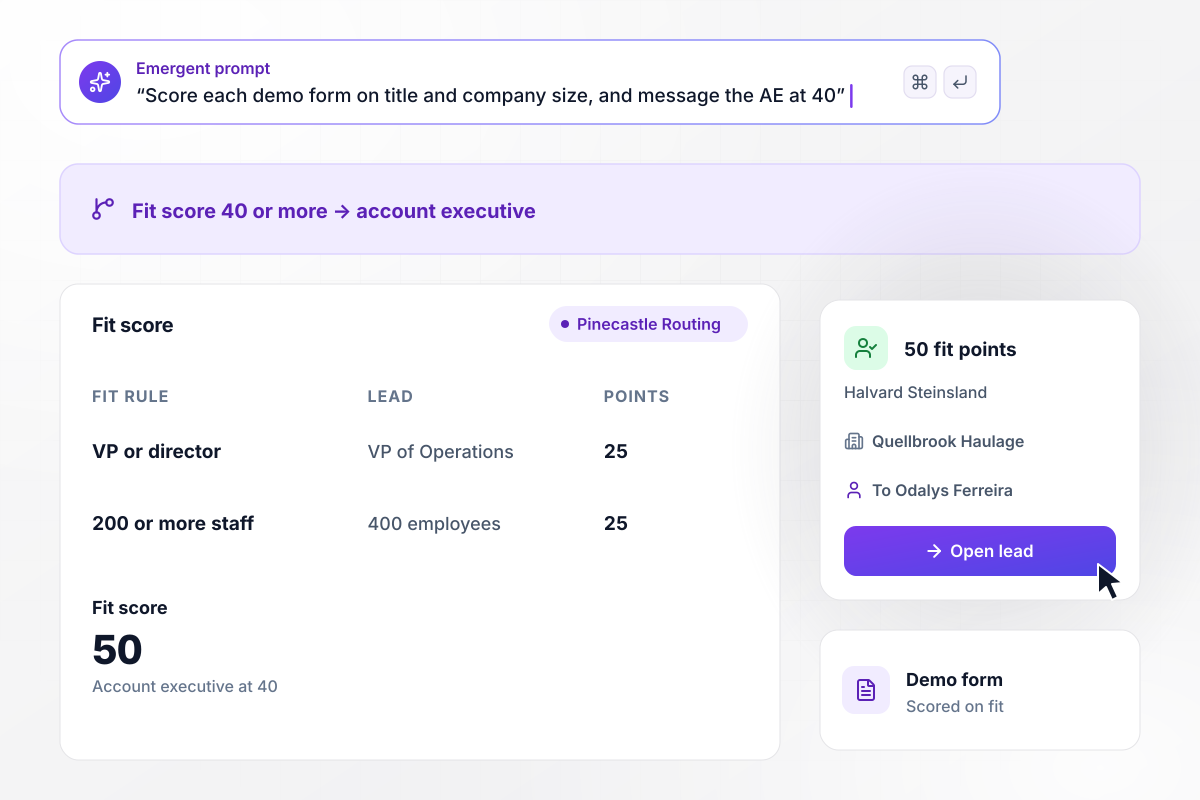
A VP title and 400 employees earn 50 fit points
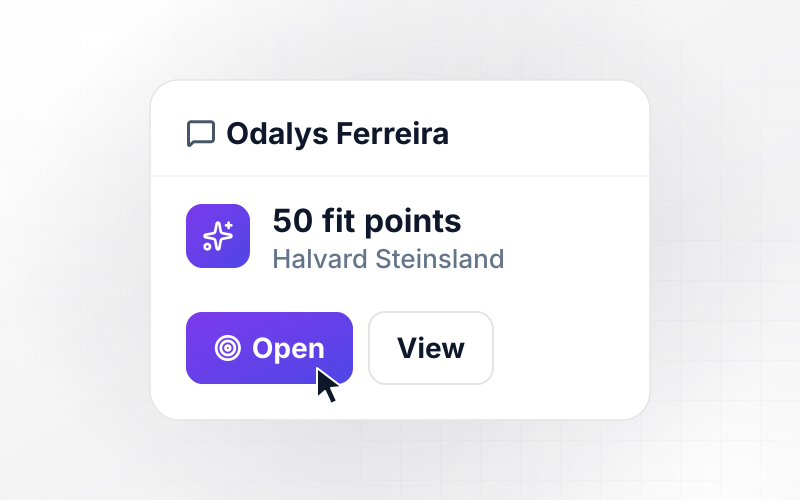
Pinecastle Routing scores every demo form on fit. Halvard Steinsland, VP of Operations at Quellbrook Haulage, gets 25 points for his title. The size rule pays 25 at 200 or more employees, and his company has 400. Any lead with 40 or more fit points reaches Odalys Ferreira, an account executive, by direct message.
window.awbMockup = { demoFormFit: "Build fit scoring for my route planning company's demo form. Give 25 points for a VP or director title and 25 for a company with 200 or more employees. Save each point with the rule that gave it. When a lead reaches 40 fit points, send the account executive a direct message with the lead's name, company, and score.", trialUsage: "Build product usage scoring for my scheduling app's free trials. Give a trial account 25 points when it invites 3 teammates, 20 when it connects a calendar, and 30 when it creates 10 bookings. At 70 points, mark the account product qualified and send its account owner a direct message with the points and the trial day.", quietLeads: "Build score decay for my payroll company's leads. Take 10 points off a lead for every 30 days with no activity, and keep the full score history on the lead's record. When a score drops below 60, take the lead off the rep's call list and put it back in the nurture emails.", rejectedLeads: "Build a rejection log for my analytics company's sales team. When a rep rejects a lead, ask for a reason from a short list. Each month, count the rejections by reason. If one reason comes up 5 or more times, send the marketing ops lead a direct message with the reason and the count." };
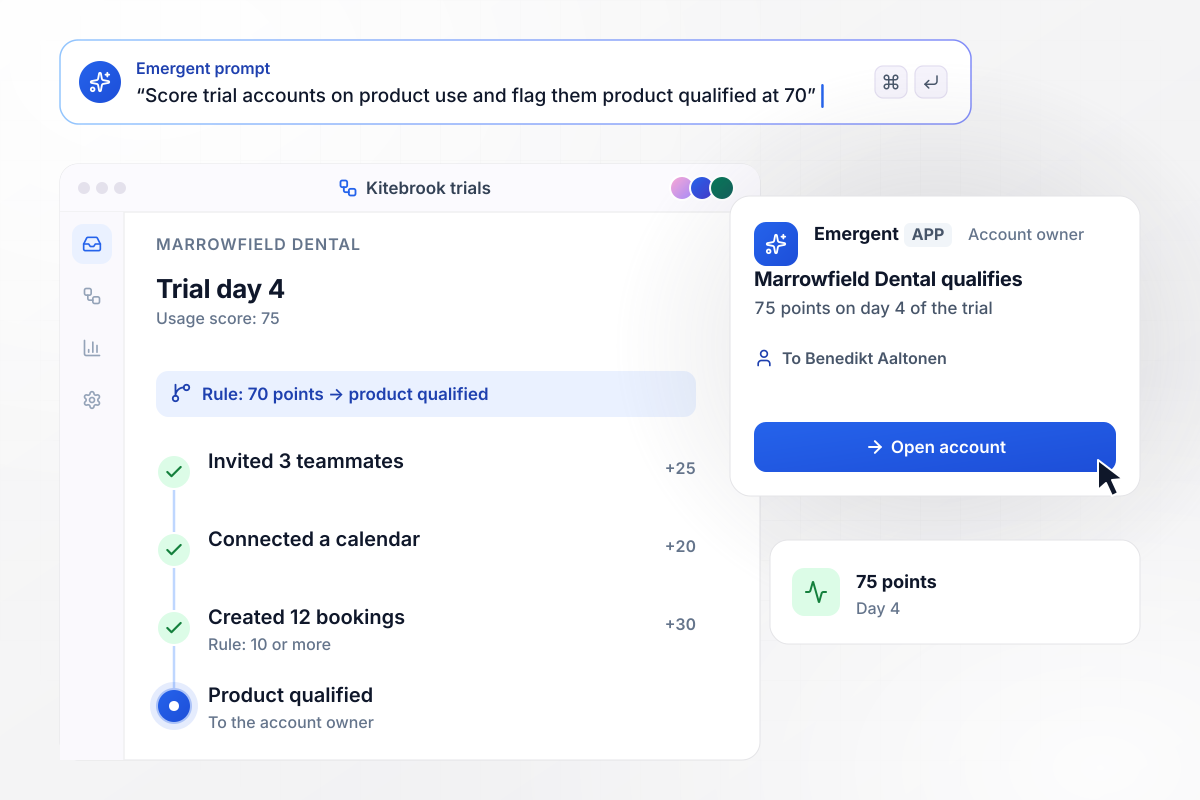
12 bookings by day 4 make the trial product qualified
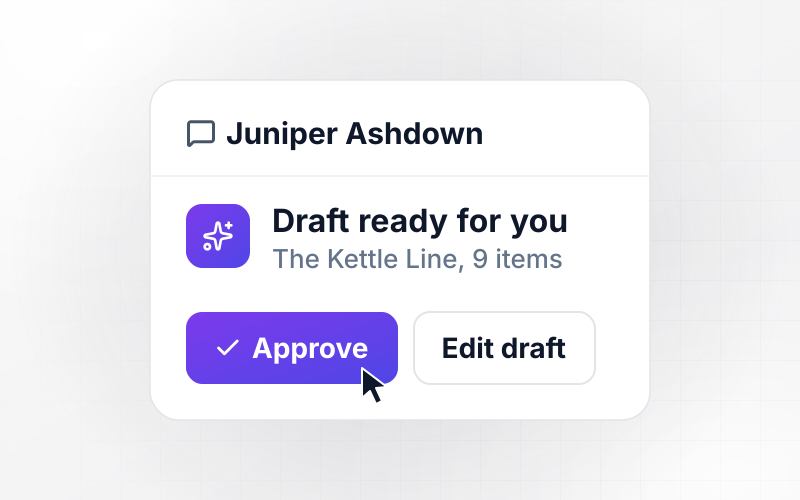
Kitebrook scores each trial on what its team does in the app. Marrowfield Dental invites 3 teammates for 25 points and connects a calendar for 20. Its 12 bookings clear the 10-booking rule for 30 more: 75 points on day 4. At 70 the account is product qualified, and its owner, Benedikt Aaltonen, gets a direct message.
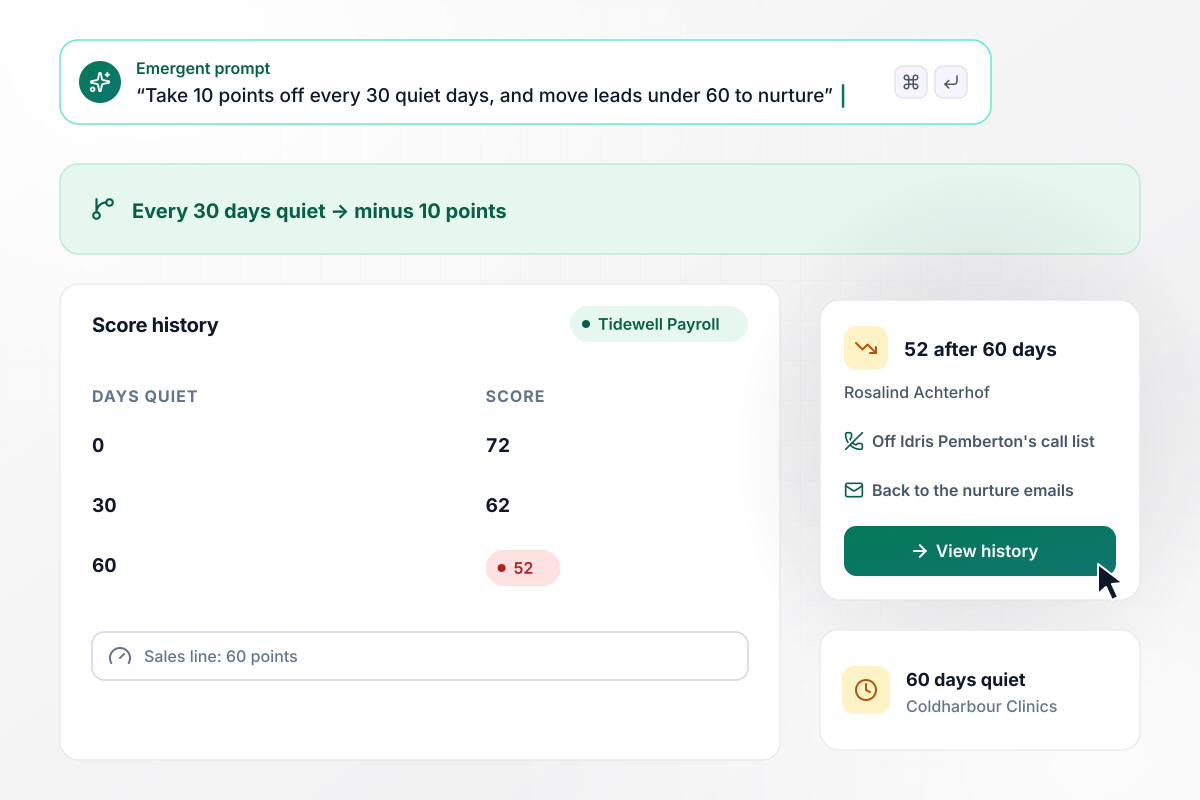
After 60 quiet days, 72 points become 52
Rosalind Achterhof of Coldharbour Clinics reached 72 points with Tidewell Payroll, above its 60-point sales line. Then she went quiet. The app takes 10 points off for every 30 days with no activity: 62 after the first 30 days, 52 after 60. Below 60, she leaves Idris Pemberton's call list and goes back to the nurture emails.
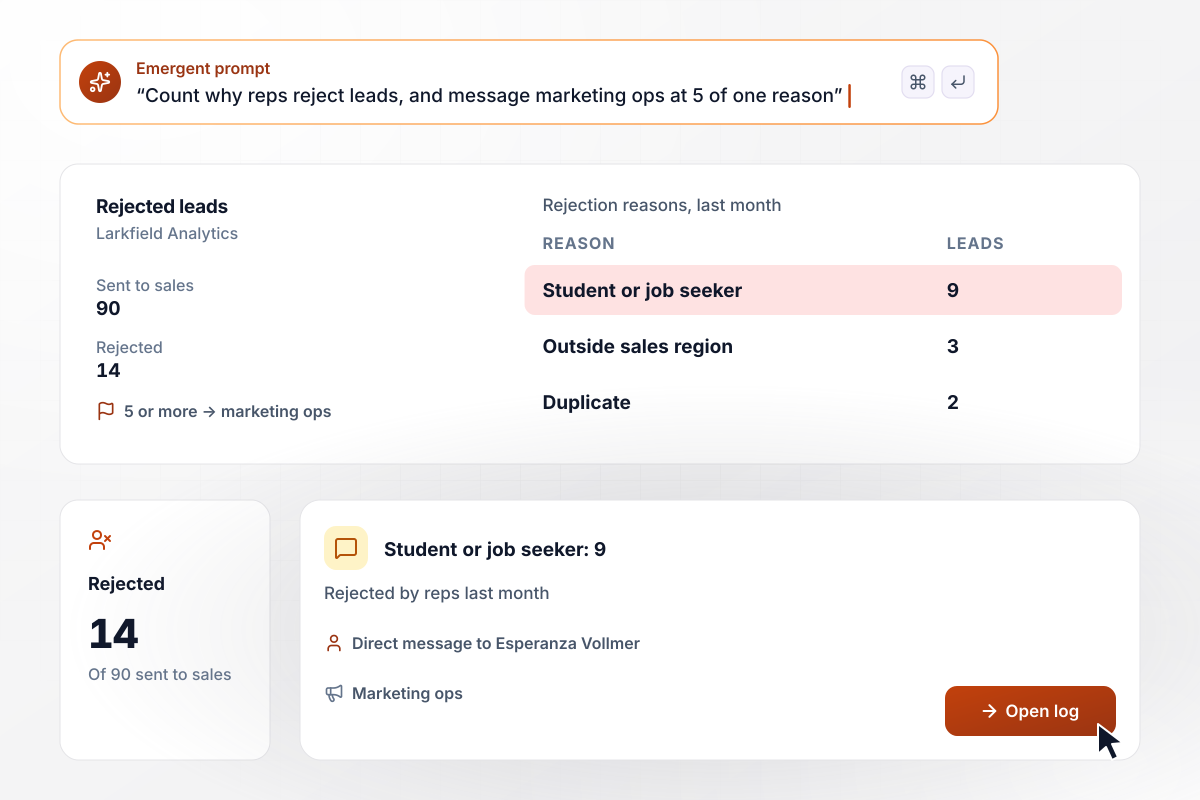
Marketing ops hears when 9 rejections share a reason
Larkfield Analytics reps rejected 14 of the 90 leads sent to sales last month, each with a reason. Nine said student or job seeker, 3 were outside the sales region, and 2 were duplicates. Any reason given 5 or more times in a month reaches Esperanza Vollmer in marketing ops by direct message.






How to Build Lead Scoring Automation
Seven steps from your won deals to lead scoring automation with point rules and a sales line, built with Emergent.
Pull the last 50 deals you won and 50 you lost. For each, note what the buyer looked like before the first call and what they did first: job title, company size, industry, the pages they read, the trial actions they took. Those patterns become your first rules.
Keep two numbers per lead, fit and activity, and cap each at 50 so neither can carry a lead to sales alone. Fit comes from form fields and company data. Activity comes from page views and trial actions. List no more than 8 signals for each.
Give each signal points in line with how often it appeared in won deals compared with lost ones. Then pick one threshold where a lead goes to sales. Start it where roughly a third of last quarter's leads would have crossed, and adjust from there.
Write the rules that subtract points: a personal email address, a careers page visit, an unsubscribe. Decide how fast activity points fade when a lead goes quiet. Keep fit points fixed unless the company's data changes, since a quiet VP is still a VP.
Connect your CRM, your forms, and your product's event data through their APIs. Describe the point rules and the threshold in a prompt, and Emergent builds the scoring app, a score history on each lead, and the alerts that reach each lead's owner.
Run last quarter's leads through the rules before anything goes live, and compare each score with what happened. Closed deals should sit near the top. If a lost lead outscores a won one, find the signal that lifted it and change its points by prompting.
Turn scoring on for one segment, such as inbound demo requests, and leave the rest on the old process for a month. Then sit down with sales to read the scores that missed, and change one rule at a time so you can see what each change did.
Why Automate Lead Scoring With Emergent?
Emergent builds the point rules, each lead's score history, and a report by score band from one prompt, with no task cap.

|
Zapier | Make (Integromat) | n8n | |
|---|---|---|---|---|
| How you build | Prompt for the workflow and the app around it | Templates and editor, AI copilot | Visual canvas | Visual canvas, self-hosted or cloud |
| What you get | Workflow + trigger form + database + dashboard, as code you own | Zaps, plus Tables and Interfaces inside Zapier | Scenarios inside Make | Workflows inside n8n |
| Behavior at cap | Keeps running, no task cap | Overage billed at up to 1.25× the base rate | Runs pause | Cloud workflows stop until the reset or an upgrade |
| AI and agent steps | Native, share the same credit pool | Priced by model tier, drawn from the task pool | AI modules cost variable credits | Bring your own model API key, billed by the provider |
| Code ownership | Full code export to GitHub on paid plans | None | None | Yes on Community Edition |

Pick the Pricing Plan That Works for You
Choose the plan that fits your building ambitions. From weekend projects to enterprise applications, we've got you covered.




Find the right workflow automation
for you and your business




Frequently Asked Questions
Your Questions, Answered
Don't change this element unless you know what you are doing
More things you can build
with Emergent









on Emergent today




