

Build a Lead Nurturing Workflow for Every Lead Not Ready to Buy
Build a lead nurturing workflow that puts each lead on the right track and hands it to a rep the moment the lead replies.
Build a lead nurturing workflow that runs on its own and logs every step.
Trusted by Builders Worldwide
Active Builders Worldwide
Apps Successfully Created
Countries Globally Reached



What Emergent Builds Into a Nurturing App
Each part decides what a lead hears next, or which rep hears about the lead.
A track for each way a lead arrives
The app enrolls each new lead by the guide or event that brought it in, and each track keeps its own emails and timing. Describe a new track in a prompt and Emergent builds it.
Exit rules that end a track early
A reply, a booked meeting, an unsubscribe, or a closed deal ends the track, and no queued email goes out after it. You choose which of these events counts as an exit.
Handoffs that carry the whole history
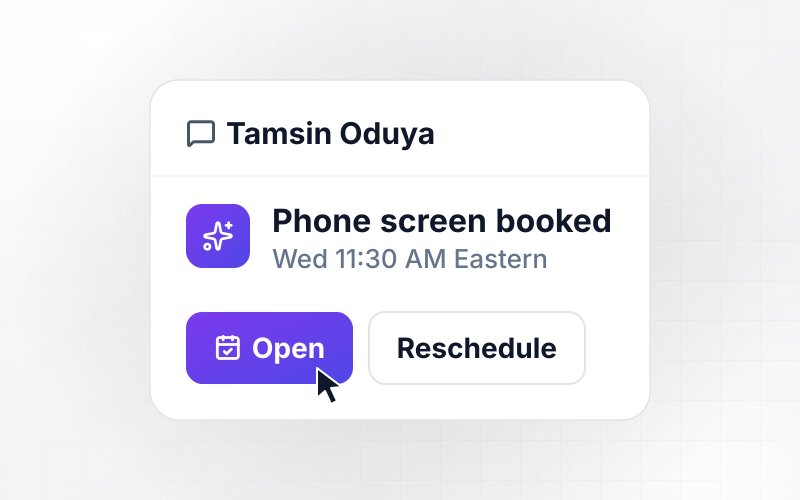
When a lead is ready for a person, the rep gets a Slack or email alert with the reply and every email the lead received. The call starts from what the lead has read.
Lead records in a database you own
Every lead, track, and send is stored in a database you own. The app reads and writes contacts and deal stages in your CRM through its API, where your reps already work.
Lost leads come back on a set date
A deal marked lost on timing, or a lead a rep marks as not now, gets a return date. On that date the app restarts nurturing for the contact and alerts the original rep.
No task cap as the list grows
Sends and branch checks run with no task cap, whether the list holds 500 leads or 50,000. On paid plans, you can export the full code of the app to your own GitHub repository.
Where Each Lead Goes, and When It Leaves
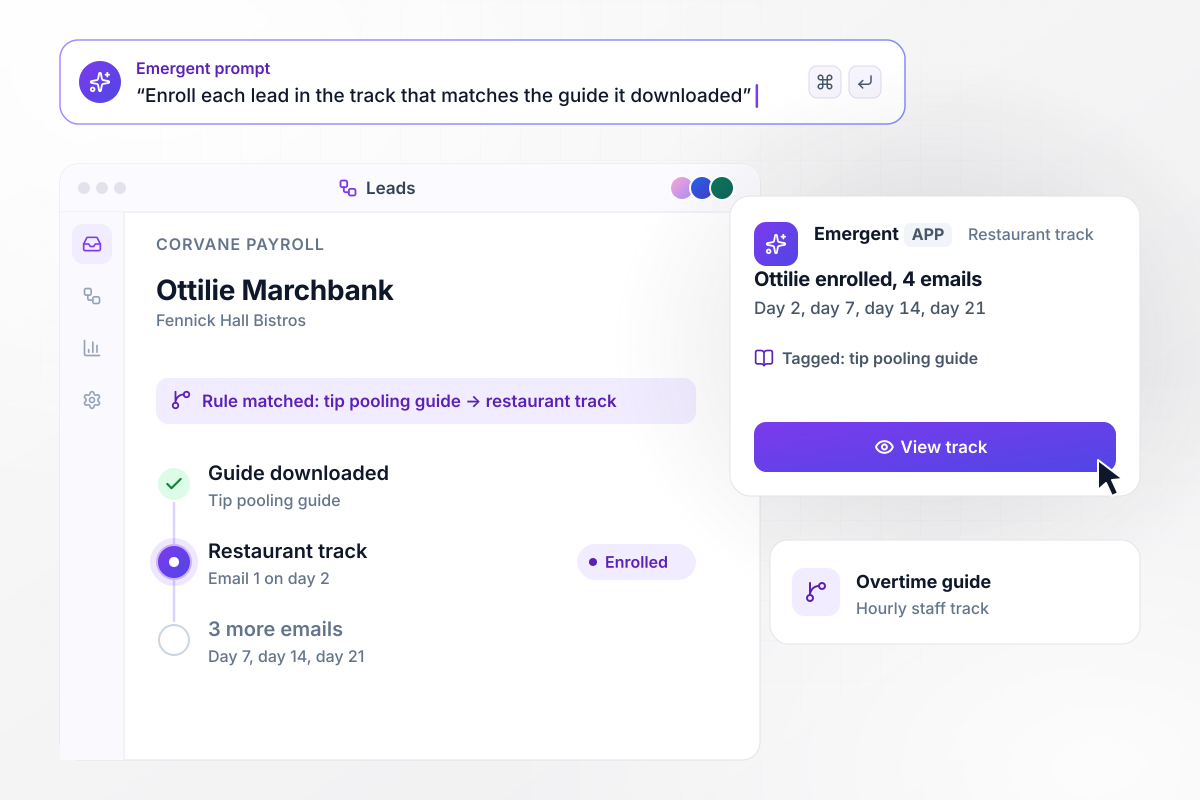
Tip pooling readers get restaurant emails for 21 days
Ottilie Marchbank, operations manager at Fennick Hall Bistros, downloads the tip pooling guide from Corvane Payroll. The app tags her by that guide and enrolls her in the restaurant track: 4 emails, on day 2, day 7, day 14, and day 21. A lead who downloads the overtime guide gets the hourly staff track instead.
window.awbMockup = { guideDownloads: "When a lead downloads one of my guides, tag the lead by that guide and enroll it in the matching track. The tip pooling guide starts the restaurant track of 4 emails on day 2, day 7, day 14, and day 21. The overtime guide starts the hourly staff track.", tradeShowScans: "Import the badge scans from a trade show with the booth note on each. Turn every hot lead into a call task for the rep the same day. Put warm leads in a 6-week track with one email a week, and send cold leads one recap email.", leadReplies: "When a lead replies to any email in a track, cancel the rest of that track. Send the lead's owner a direct message with the reply and every email the lead received so far.", closedLostDeals: "When a deal is marked lost with the reason timing, wait 180 days. Then put the contact into a 3-email check-in track and send the original rep a direct message with the lost reason." };
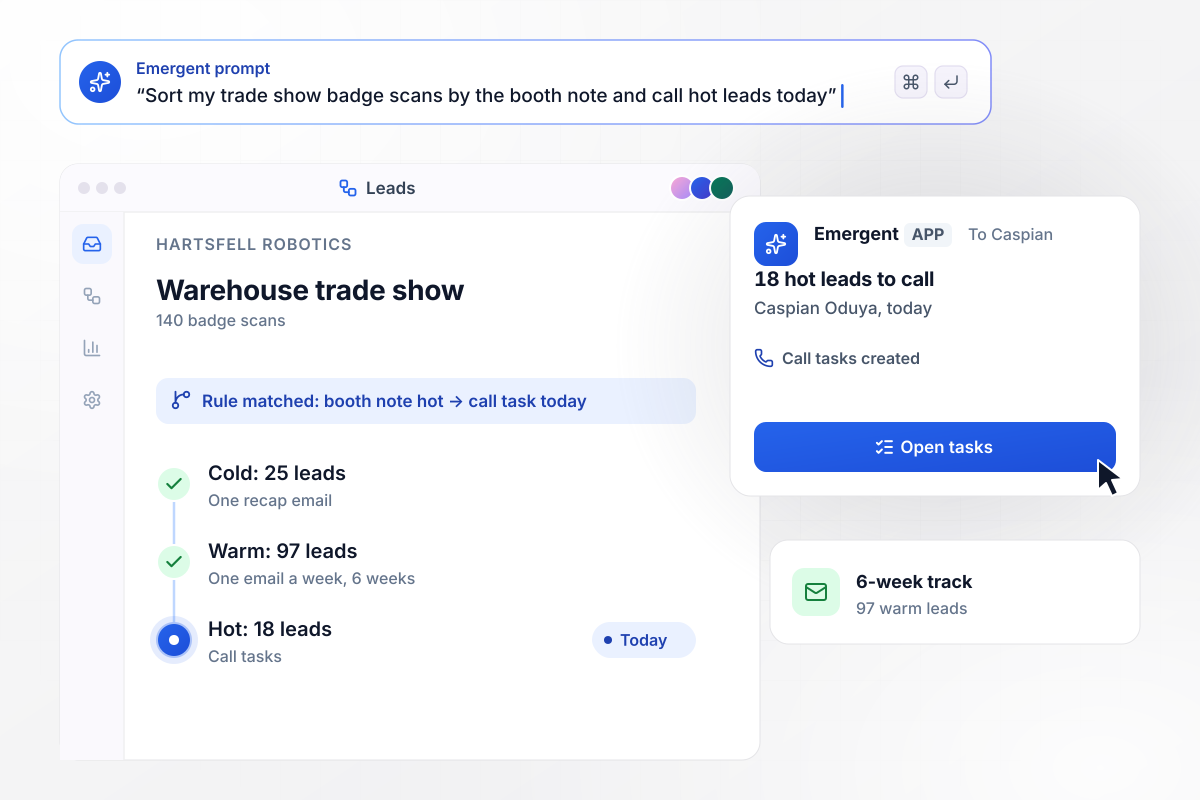
140 badge scans, 18 calls before the day ends
Hartsfell Robotics brings 140 badge scans home from a warehouse trade show, each with a booth note. The app sorts them by that note. The 18 hot leads reach the rep, Caspian Oduya, as call tasks the same day. The 97 warm leads start a 6-week track with one email a week, and the 25 cold leads get one recap email.
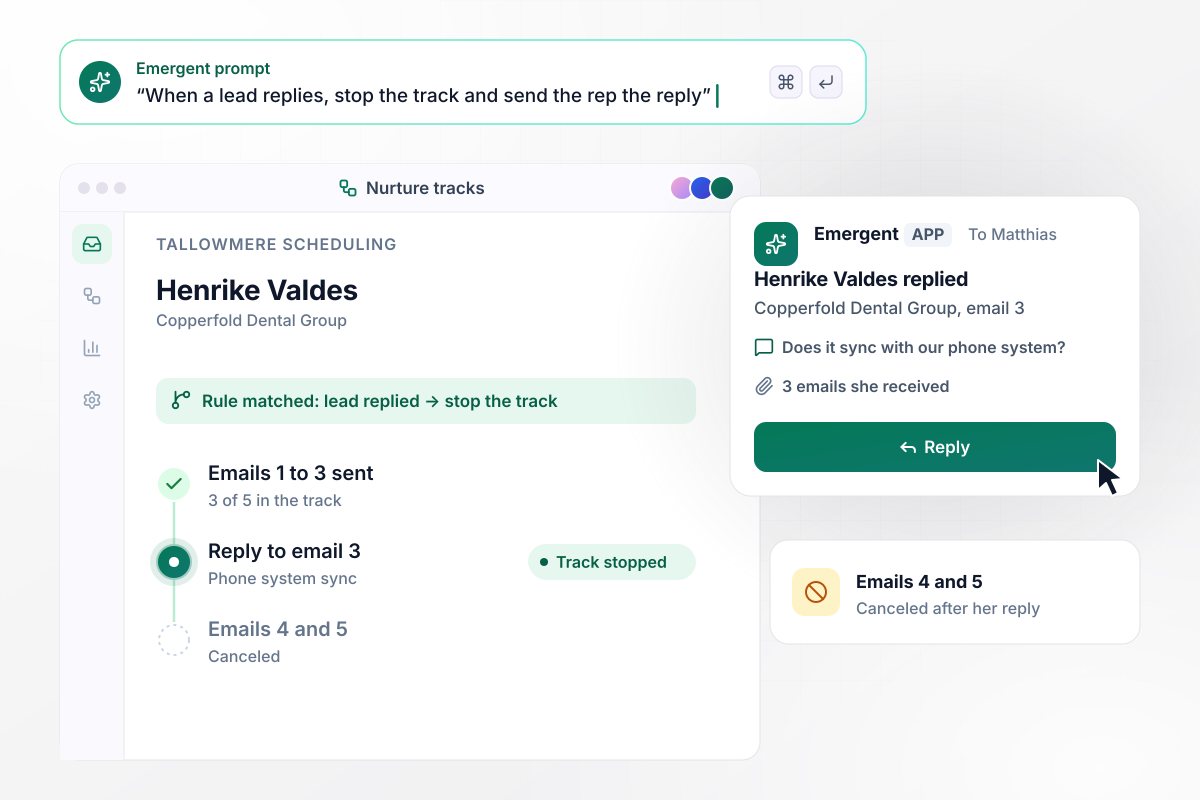
One reply stops emails 4 and 5 for good
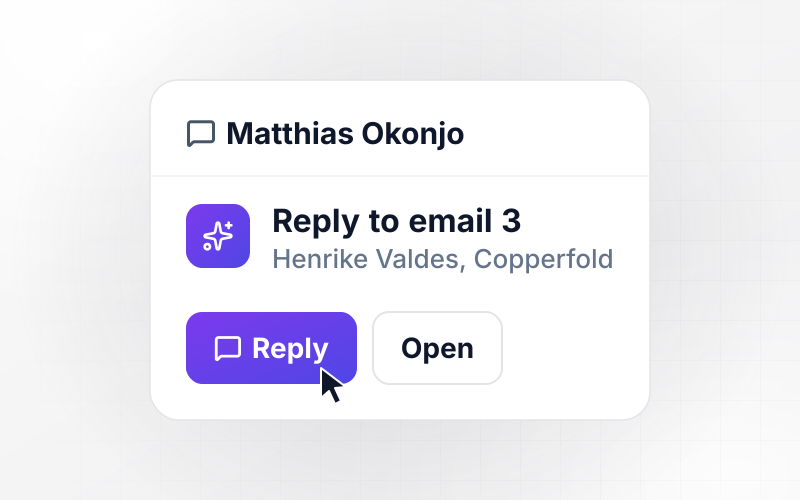
Henrike Valdes at Copperfold Dental Group replies to email 3 of 5 from Tallowmere Scheduling to ask whether it syncs with her phone system. The app cancels emails 4 and 5. Her reply goes to the rep Matthias Okonjo in a direct message, along with the 3 emails she received.
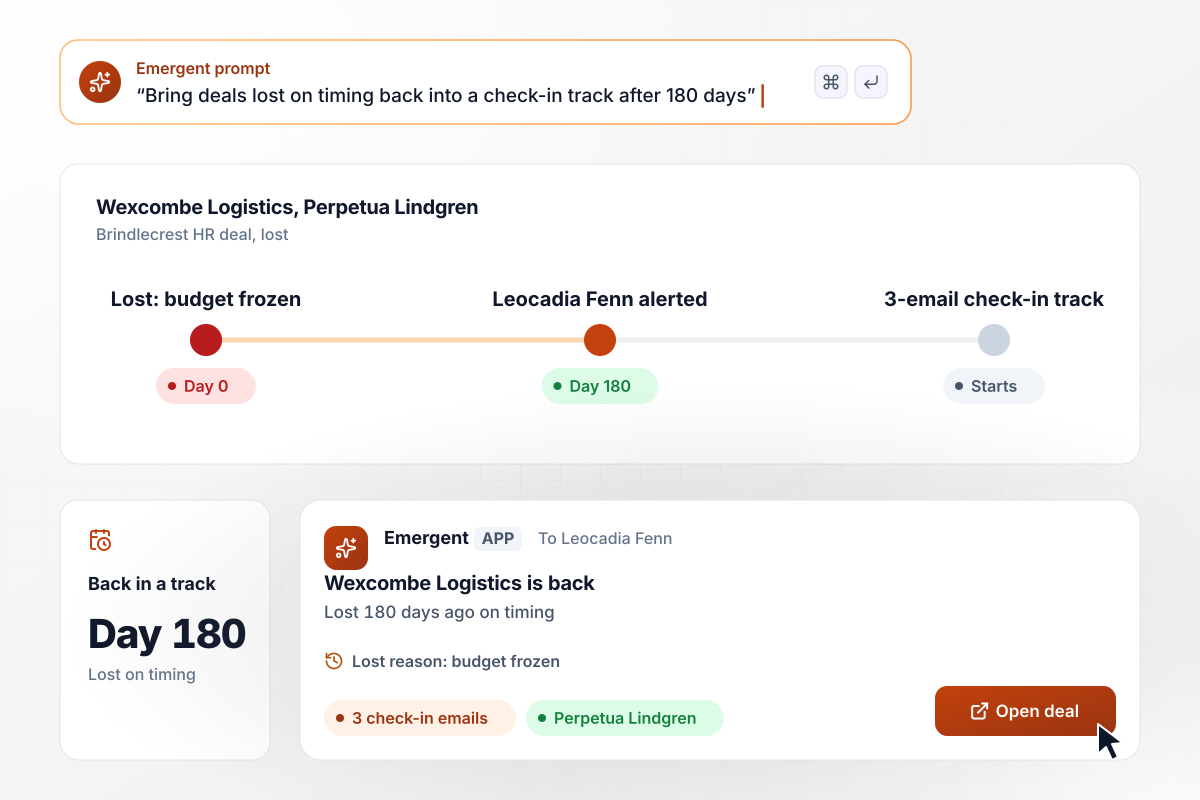
Lost on timing, back in a track after 180 days
Brindlecrest HR lost the Wexcombe Logistics deal, and the rep logged the reason as timing: the budget was frozen. After 180 days, the app puts the contact, Perpetua Lindgren, into a 3-email check-in track and sends the original rep, Leocadia Fenn, a direct message with the lost reason.






How to Build a Lead Nurturing Workflow
These 7 steps map your lead sources into a lead nurturing workflow and test it on last month's leads before it goes live.
Pull last quarter's new leads and group them by what brought them in: a guide, an event, a demo form, or a referral. Any group with 20 or more leads earns its own track.
For each group, write the emails in order with the day each one goes out. Keep a track to 5 emails or fewer, and let each email answer one question that group asks before buying.
Decide which rep receives a lead that leaves a track, and whether the alert goes to Slack or email. A lead that already has an owner in your CRM goes back to that owner.
Paste your tracks and handoff rules into a prompt. Emergent builds the app with its database and a dashboard that shows each lead's current track and next send.
Give the app API access to your CRM and to the tool that sends your email. Map each field the tracks read, such as lead source and deal stage, before any lead is enrolled.
Load last month's leads in test mode and check which track each one lands in. Compare the result with what your reps would have chosen, and fix any rule that disagrees.
Turn on the track with the most leads first and keep the others manual for 2 weeks. Read every handoff message in that time, then switch on the next track.
Why Build Lead Nurturing With Emergent?
Emergent builds the nurture tracks and the rep handoff as one app from a prompt, and every lead record sits in a database you own.

|
Zapier | Make (Integromat) | n8n | |
|---|---|---|---|---|
| How you build | Prompt for the workflow and the app around it | Templates and editor, AI copilot | Visual canvas | Visual canvas, self-hosted or cloud |
| What you get | Workflow + trigger form + database + dashboard, as code you own | Zaps, plus Tables and Interfaces inside Zapier | Scenarios inside Make | Workflows inside n8n |
| Behavior at cap | Keeps running, no task cap | Overage billed at up to 1.25× the base rate | Runs pause | Cloud workflows stop until the reset or an upgrade |
| AI and agent steps | Native, share the same credit pool | Priced by model tier, drawn from the task pool | AI modules cost variable credits | Bring your own model API key, billed by the provider |
| Code ownership | Full code export to GitHub on paid plans | None | None | Yes on Community Edition |


Pick the Pricing Plan That Works for You
Choose the plan that fits your building ambitions. From weekend projects to enterprise applications, we've got you covered.




Find the right workflow automation
for you and your business




Frequently Asked Questions
Your Questions, Answered
Don't change this element unless you know what you are doing
More things you can build
with Emergent









on Emergent today




