

Build a Low Stock Alert That Reaches the Right Person
Build a low stock alert that tells the person who restocks each item, while there is still time to order.
Build low stock alert that runs on its own and logs every step.
Trusted by Builders Worldwide
Active Builders Worldwide
Apps Successfully Created
Countries Globally Reached



What Emergent Builds Into a Stock Alert App
Each item gets its own rule and its own owner, and every alert stays on record until someone acts on it.
Rules you write in a sentence
Type the rule as you would tell a new buyer: alert me when the kettle drops under 15. Emergent builds the app, its database, and the logic, and a new prompt changes the number.
Counts from the systems you sell through
The app connects to any tool with an API, so counts can come in from your point of sale, online store, or warehouse system. Each sale or receipt moves the count it checks.
One owner for every alert
Each alert goes to the person who restocks that item, by Slack, email, or in the app. A reminder follows if it sits untouched, then an escalation to the next person you name.
Thresholds that follow sales speed
A fixed number suits slow sellers. For fast ones, the app divides units on hand by daily sales and compares the result with the supplier's lead time, so a busy week alerts sooner.
A live board of items under threshold
A dashboard lists each item below its line, its owner, and whether it is marked ordered. It updates in real time as counts change, and alert history sits in a database you own.
No cap when the checks pile up
Busy holiday weeks run more checks, with no task cap to hit. Paid plans export the full code to your GitHub repository, and the free tier covers building and publishing.
Four Low Stock Alerts at One Shop
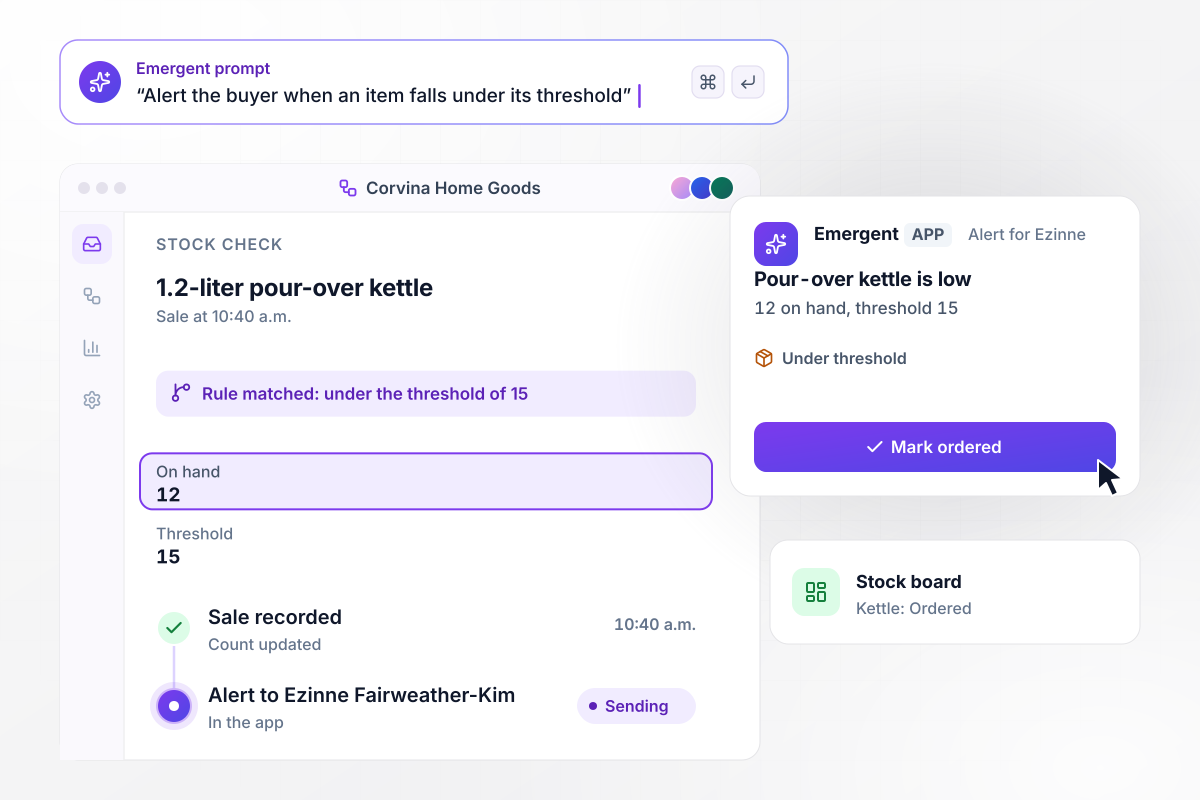
The kettle drops to 12 units, under its threshold of 15
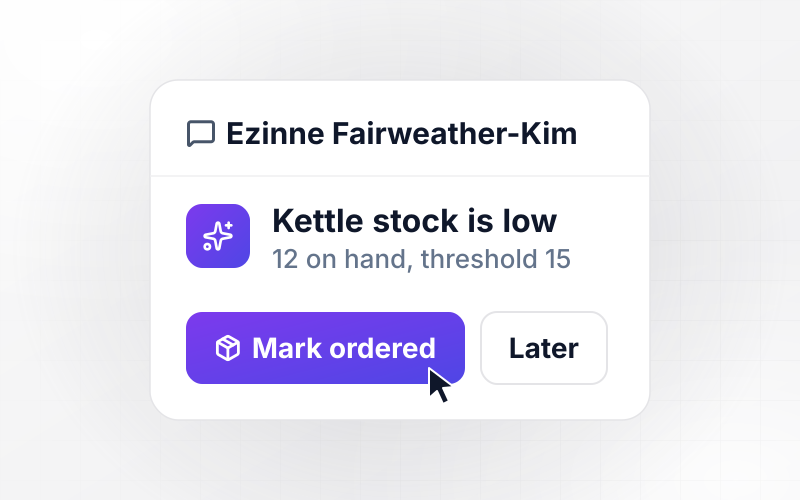
At 10:40 a.m., a sale takes the 1.2-liter pour-over kettle at Corvina Home Goods to 12 units, under the threshold of 15 the buyer set. The app sends the buyer, Ezinne Fairweather-Kim, an in-app alert with the count against the threshold and a Mark ordered button. Once she taps it, the board shows the kettle as Ordered.
window.awbMockup = { itemThresholds: "Give each item its own low stock threshold. When a sale takes an item under its threshold, send the buyer an in-app alert with the count against the threshold and a Mark ordered button. When the buyer taps it, show the item as Ordered on the stock board.", leadTimeAlerts: "For each item, divide units on hand by average daily sales to get days of cover. When days of cover falls below the supplier's lead time in days, email the buyer, even if the count is still above the item's fixed threshold.", storeCounts: "Track counts for each store and the warehouse separately, with a threshold per store. When a store falls under its threshold, send that store's manager an in-app alert with the store count, the warehouse count, and a Request transfer button.", escalations: "When a low stock alert has not been marked ordered within 4 hours, email the operations lead with the item, the time of the first alert, and an Open alert button." };
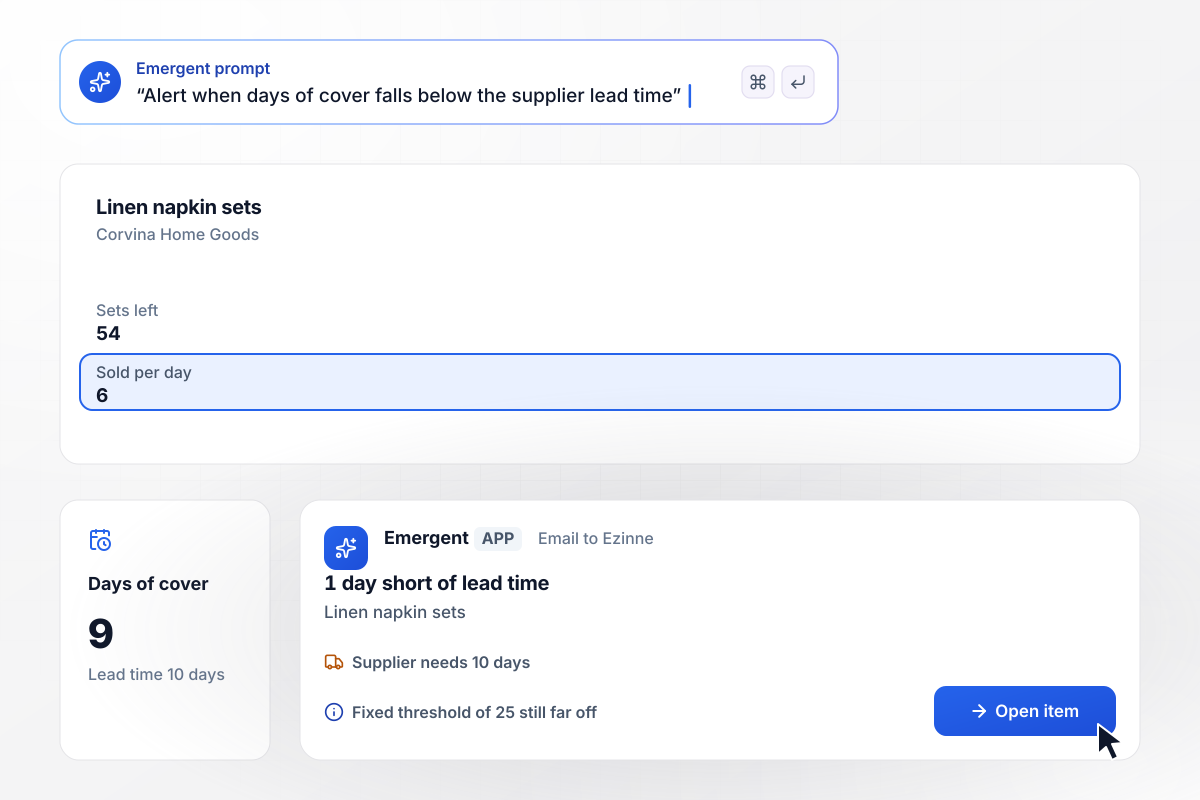
9 days of cover against a 10-day lead time sends the alert
Linen napkin sets sell 6 a day at Corvina Home Goods, and the supplier needs 10 days to deliver. With 54 sets left, the app counts 9 days of cover, 1 day short of the lead time, and emails Ezinne Fairweather-Kim. The fixed threshold of 25 sets is still far off.
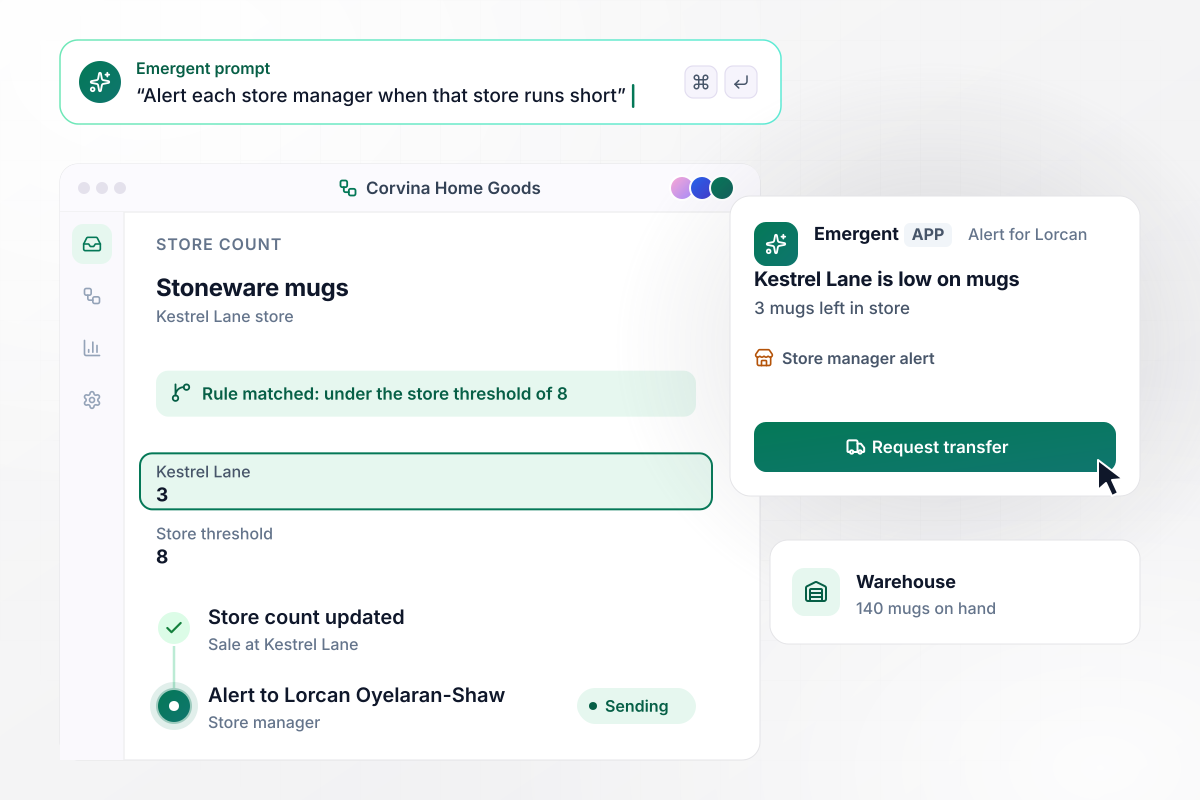
With 140 mugs in the warehouse, Kestrel Lane has 3
The Kestrel Lane store is down to 3 stoneware mugs, under its store threshold of 8, while the Corvina warehouse holds 140. The store manager, Lorcan Oyelaran-Shaw, gets an in-app alert. It shows both counts next to a Request transfer button. A transfer refills the shelf without a new purchase order.
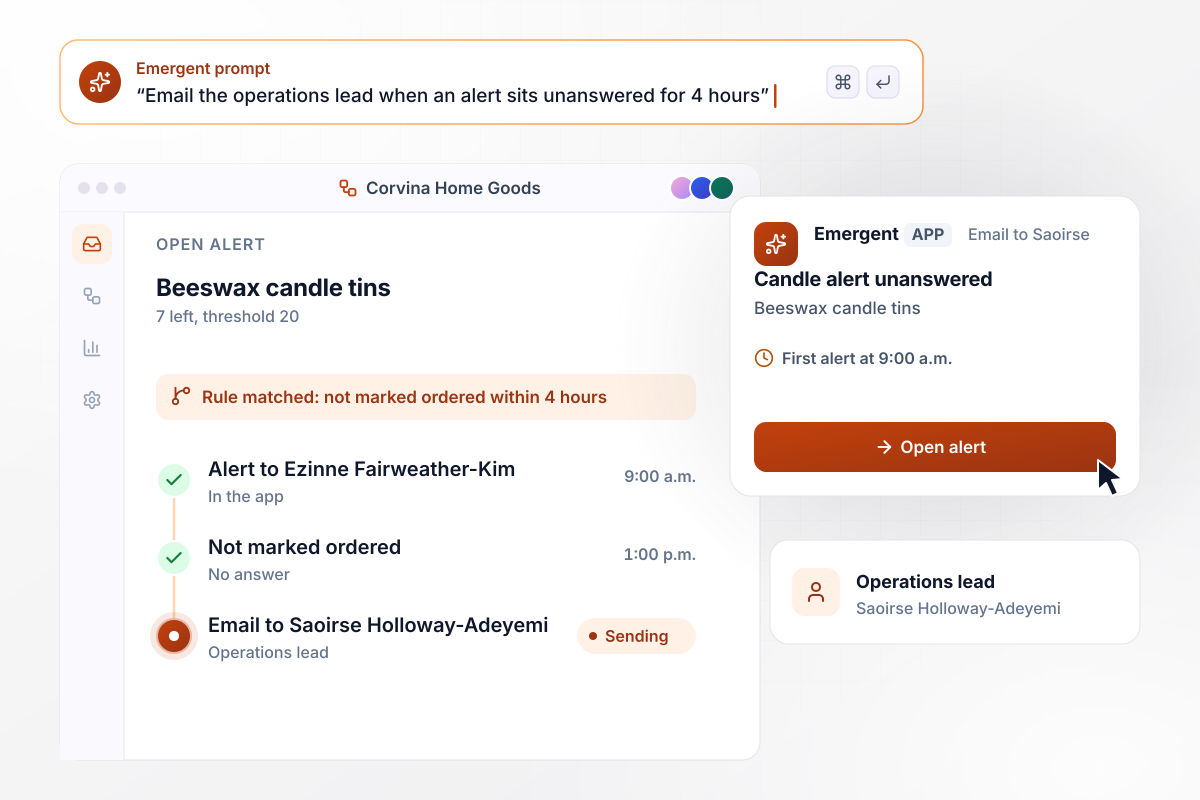
After 4 hours with no answer, the operations lead hears
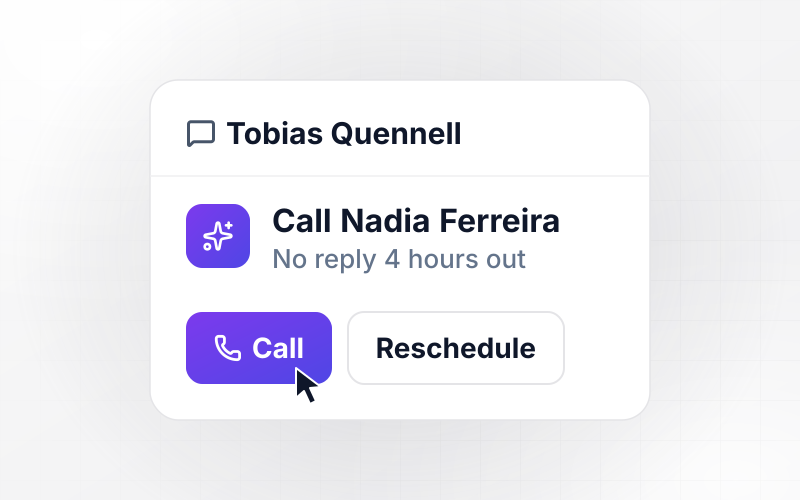
Ezinne Fairweather-Kim gets a beeswax candle alert at 9:00 a.m., with 7 tins left against a threshold of 20. Nobody has marked it ordered by 1:00 p.m. At that point the app emails the operations lead, Saoirse Holloway-Adeyemi, with the item, the 9:00 a.m. alert time, and an Open alert button.






How to Build a Low Stock Alert
These 7 steps set a low stock alert threshold for each item from real sales and give every alert an owner.
Start with the items that would lose you a sale or a regular customer if the shelf went empty. Write one owner next to each before you set any number, because an alert nobody owns gets read by nobody.
Export 90 days of sales for each item on the list and work out units sold per day. Note the supplier's lead time beside it, counted from the day you order to the day stock is on the shelf.
Multiply daily sales by the lead time in days, then add a buffer for late deliveries. A teapot that sells 2 a day, with a 5-day lead time and 2 days of buffer, gets a threshold of 14.
Connect the system that holds your counts, then pick 5 items and count them by hand. If a shelf count and the app's count disagree, fix the source before any alert goes out.
Run last month's sales through the rules and list every alert that would have fired. Compare that list with the stockouts you had, then change each threshold that missed with a prompt.
Turn on alerts for the items from step 1 only, and watch them for 2 weeks. Add the rest of the catalog once each owner says the alerts arrive with enough time to act.
Each quarter, pull up every alert that came too late to prevent a stockout and every one that fired weeks early. Raise or lower those thresholds, and adjust items whose sales shift with the season.
Why Build Low Stock Alerts With Emergent?
Emergent builds the alert rules, the board that tracks them, and the database behind both from one prompt, with no task cap.

|
Zapier | Make (Integromat) | n8n | |
|---|---|---|---|---|
| How you build | Prompt for the workflow and the app around it | Templates and editor, AI copilot | Visual canvas | Visual canvas, self-hosted or cloud |
| What you get | Workflow + trigger form + database + dashboard, as code you own | Zaps, plus Tables and Interfaces inside Zapier | Scenarios inside Make | Workflows inside n8n |
| Behavior at cap | Keeps running, no task cap | Overage billed at up to 1.25× the base rate | Runs pause | Cloud workflows stop until the reset or an upgrade |
| AI and agent steps | Native, share the same credit pool | Priced by model tier, drawn from the task pool | AI modules cost variable credits | Bring your own model API key, billed by the provider |
| Code ownership | Full code export to GitHub on paid plans | None | None | Yes on Community Edition |



Pick the Pricing Plan That Works for You
Choose the plan that fits your building ambitions. From weekend projects to enterprise applications, we've got you covered.




Find the right workflow automation
for you and your business




Frequently Asked Questions
Your Questions, Answered
Don't change this element unless you know what you are doing
More things you can build
with Emergent









on Emergent today




