

Build a Budget Approval Workflow Around Your Spending Limits
Get a budget approval workflow that checks each request against your limits and sends it to the approver they call for.
Build a budget approval workflow that runs on its own and logs every step.
Trusted by Builders Worldwide
Active Builders Worldwide
Apps Successfully Created
Countries Globally Reached



What Decides Who Approves a Budget Request
Your budget policy as an app built by Emergent: the limits that add an approver, the balance each request is checked against.
Limits written in plain English
Describe each rule as your controller would say it: capex over $50,000 goes to the CFO. Emergent builds the request form and routing from that, and changes both when you prompt.
Actuals pulled from your ledger
The app connects to any tool with an API, such as QuickBooks or NetSuite. Spend to date syncs in. Each request is then weighed against what its budget line has left today.
Nudges before a request stalls
An approver who has not decided within the window you set gets a reminder in Slack or by email. After a second miss, the request goes to the backup you named for them.
Every decision on one record
Each decision and its comment is saved with its request in a database you own. Who approved the $120,000 packaging line is answered on that request, not in an email thread.
A live view of what is left
The app can show a live dashboard of every budget line, with approved, spent, and open amounts. Department heads can check their own balance before asking for more money.
No seat for each approver
Apps built on Emergent carry no per-approver seats. Adding a plant manager or the CFO to a rule costs no extra license. The free tier covers building and publishing.
Four Budget Requests, Four Different Limits
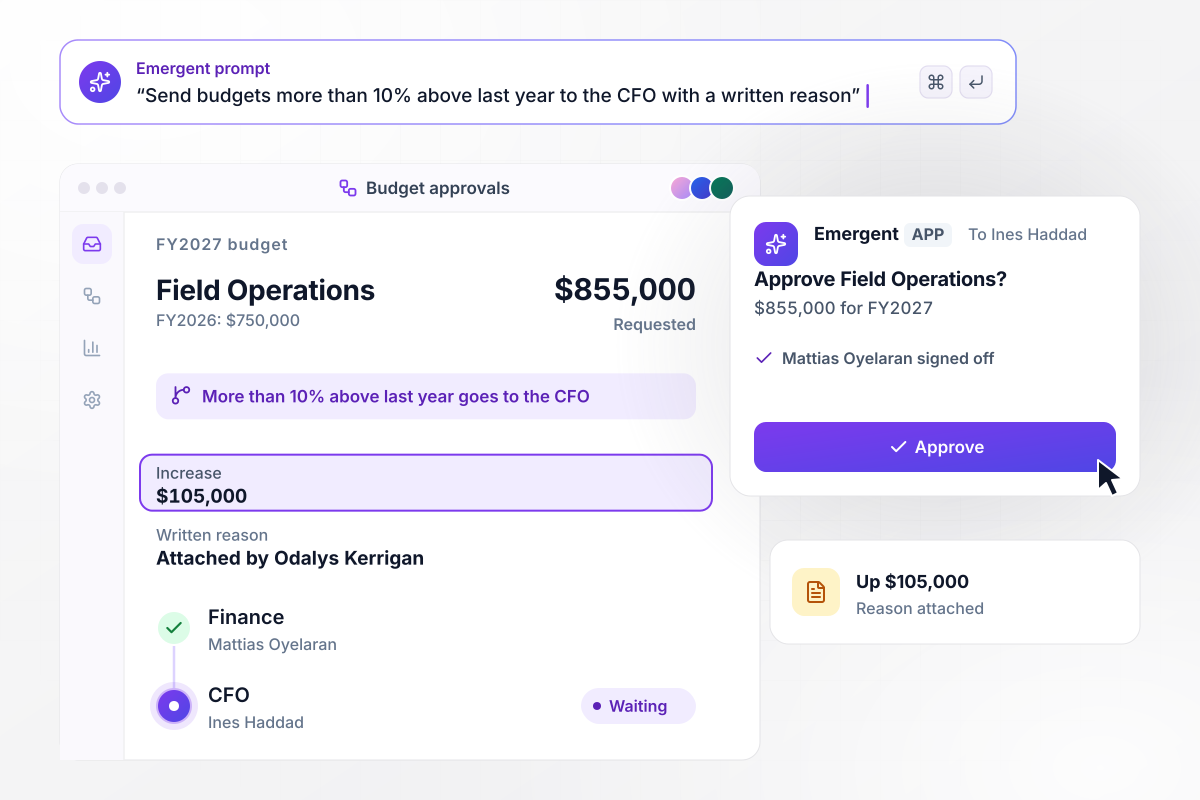
A $105,000 rise waits for a written reason
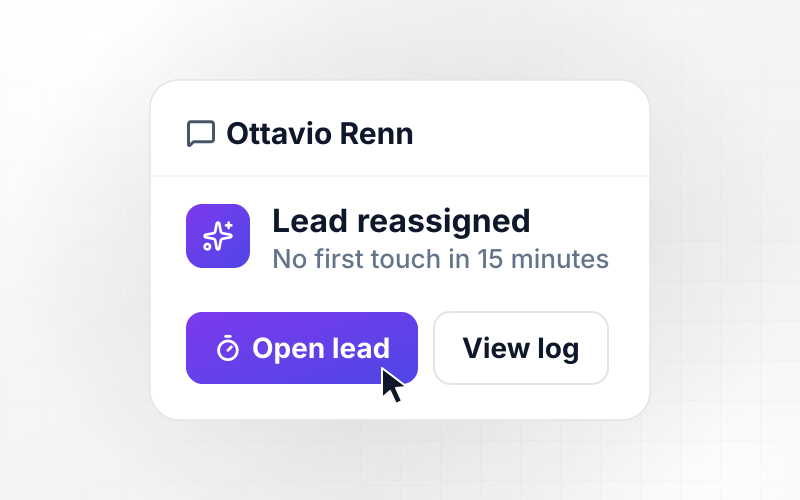
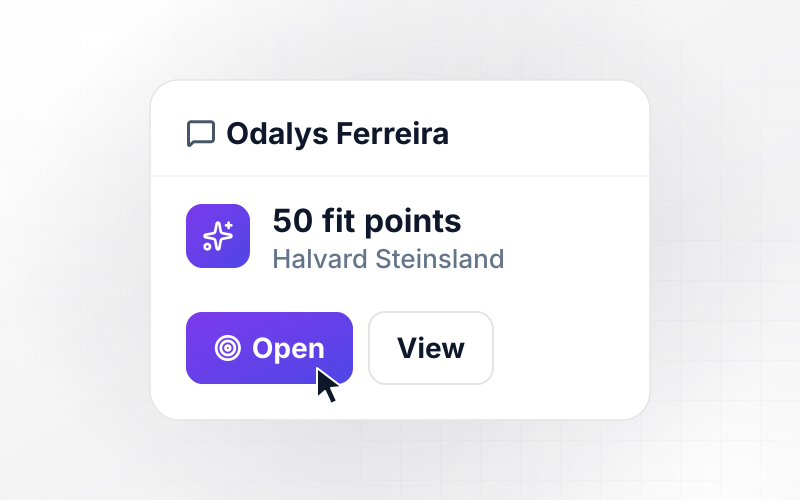
Field Operations asks for $855,000 for FY2027, $105,000 more than its $750,000 for FY2026. Any budget more than 10% above last year goes to the CFO with a written reason. The app got one from Odalys Kerrigan, the department head. Mattias Oyelaran in finance has signed off, and it waits for the CFO, Ines Haddad.
window.awbMockup = { annualBudgets: "Compare each department's budget for next year with this year's. If it is more than 10% higher, ask the department head for a written reason, then send it to finance and, once finance signs off, to the CFO.", capexRequests: "Add a capex request form that asks for the cost, the yearly savings, and the payback in years. Send back any request over $50,000 that has no payback figure, and route complete ones over $50,000 to the CFO.", lineTransfers: "Let managers ask to move money between budget lines. Send transfers under $25,000 inside one department to that department head only, update both line balances once approved, and notify finance.", overBudgetHolds: "Check every spend request against what is left on its budget line. If the request is larger, hold it and send the budget owner a direct message to approve the amount over budget or move money in first." };
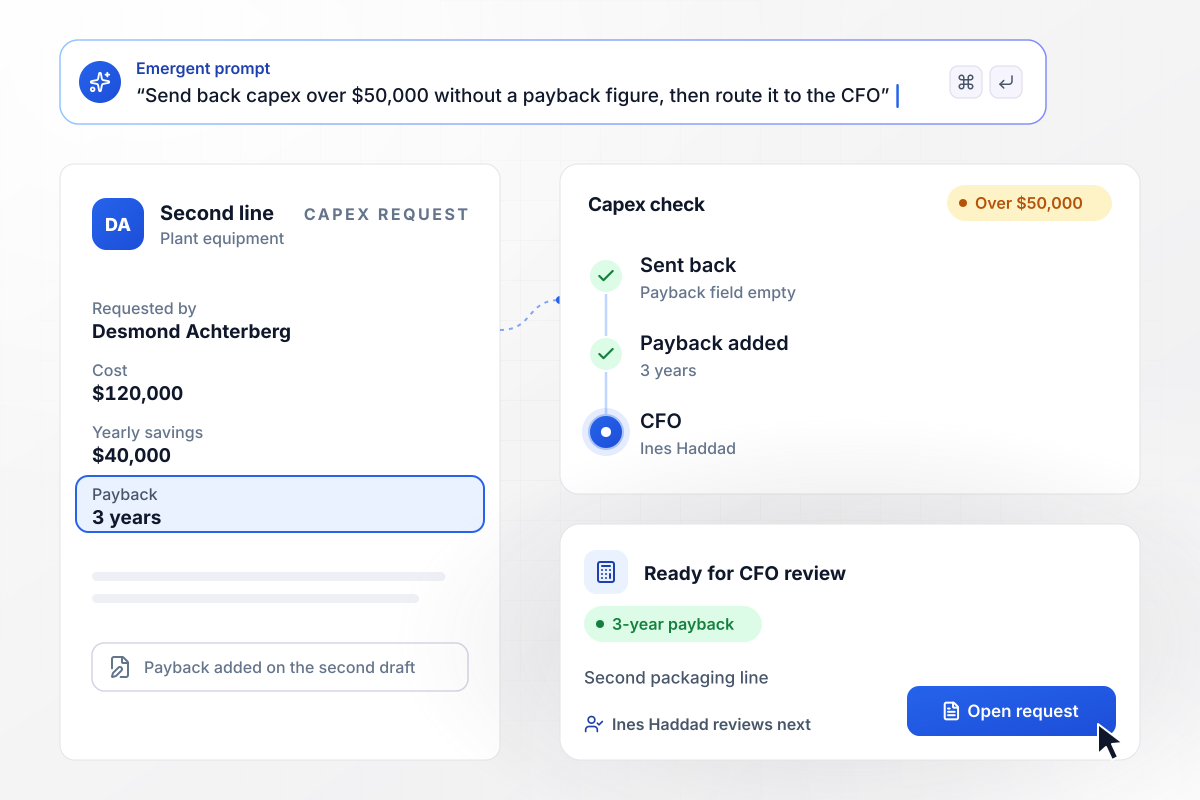
No payback figure, no CFO review
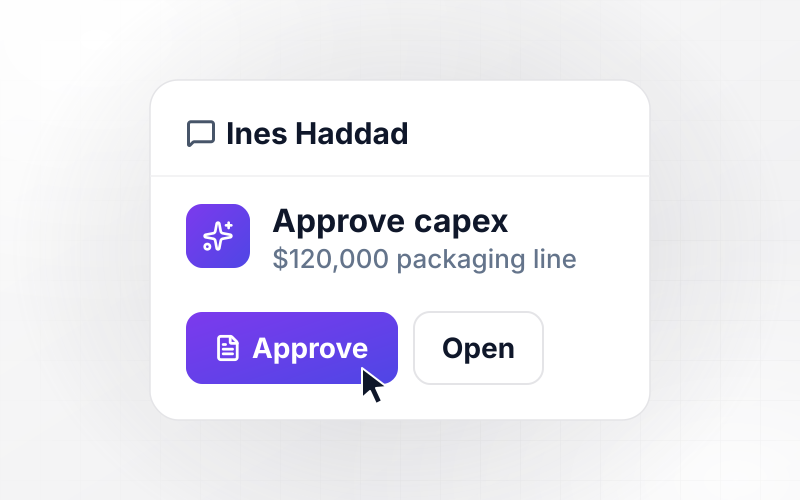
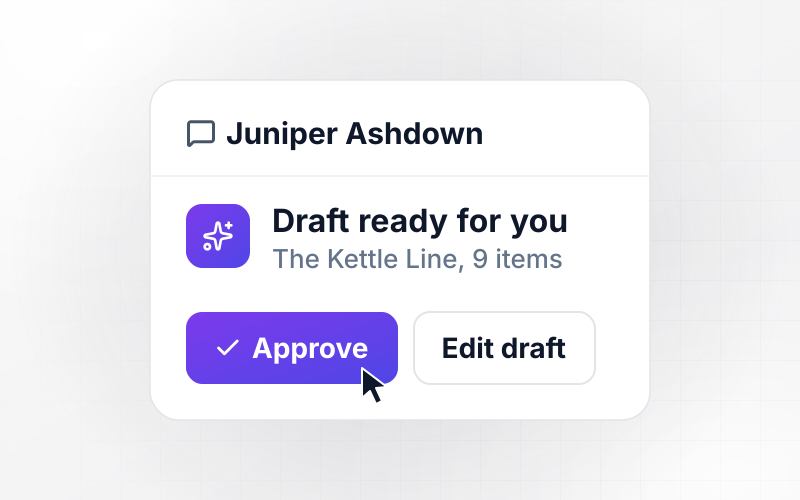
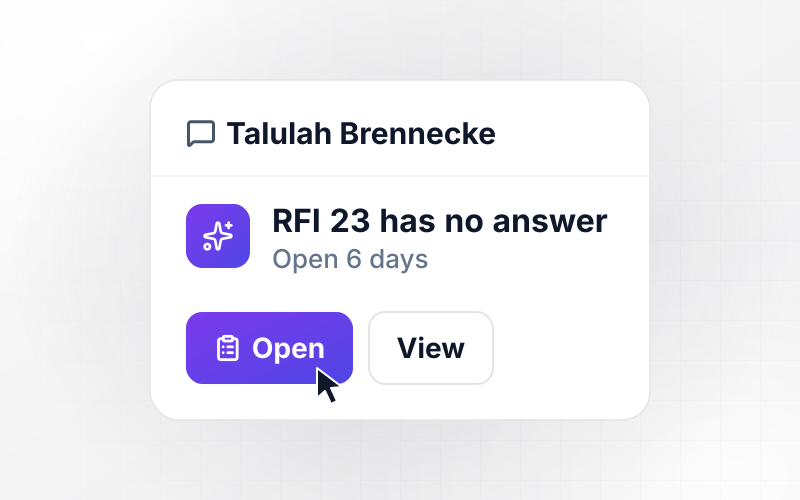
Desmond Achterberg wants a second packaging line for the plant: $120,000, saving $40,000 a year. Capex over $50,000 needs a payback figure on the form before it moves. The app sent his first draft back with that field marked. He added a payback of 3 years, and the request went to the CFO, Ines Haddad.
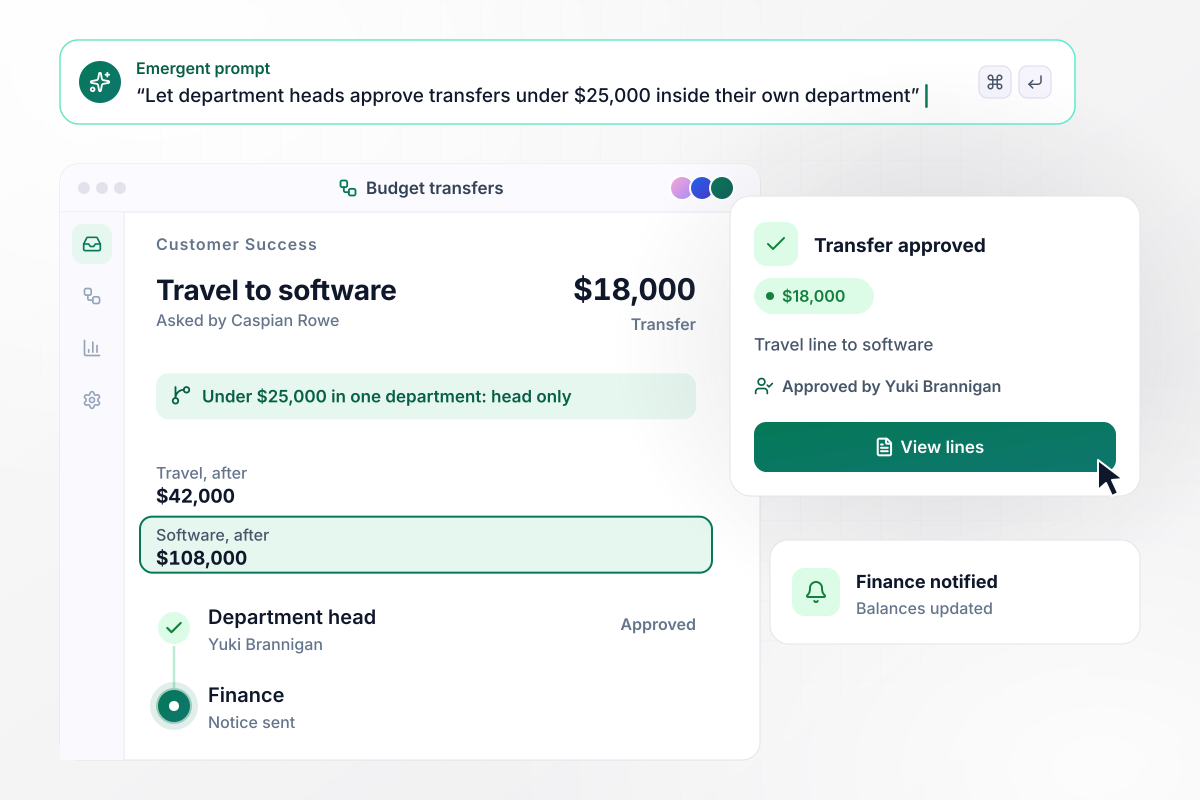
Software gets $18,000 that travel will not spend
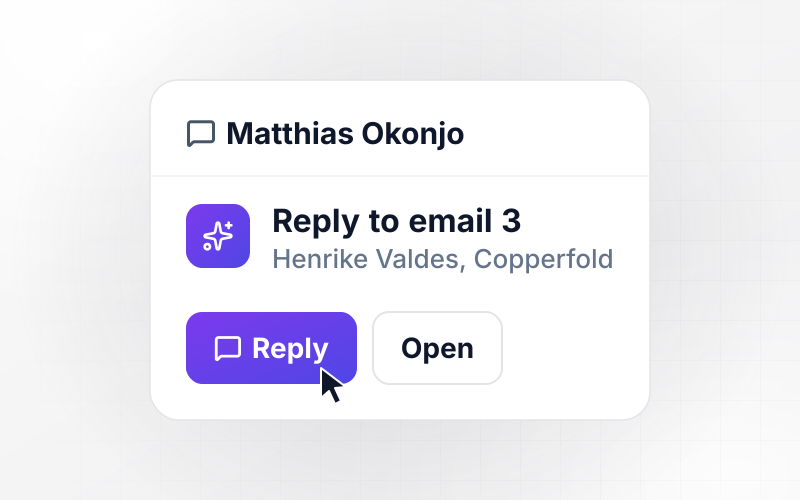
Caspian Rowe in Customer Success asks to move $18,000 out of the travel line and into software. Transfers under $25,000 inside one department need only the department head. This one goes to Yuki Brannigan alone. Once she approves, travel drops to $42,000, software rises to $108,000, and finance gets a notice.
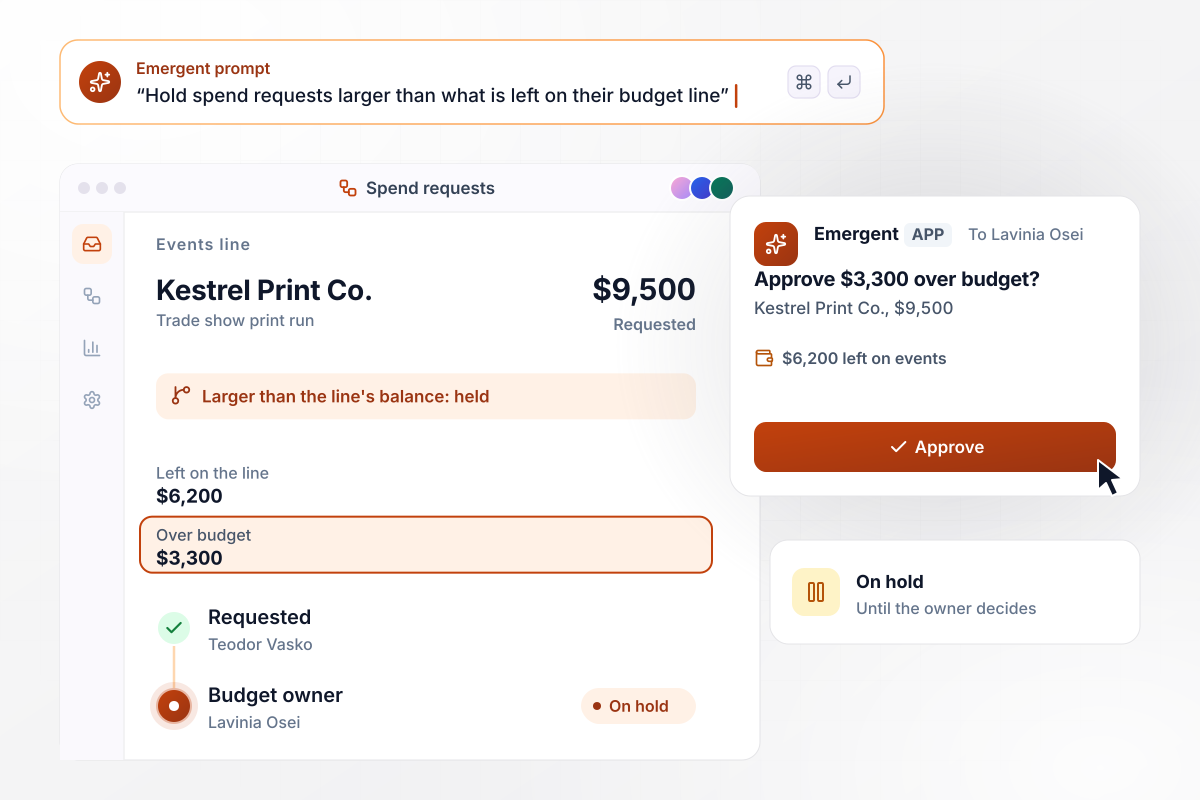
$9,500 asked, $6,200 left on the line
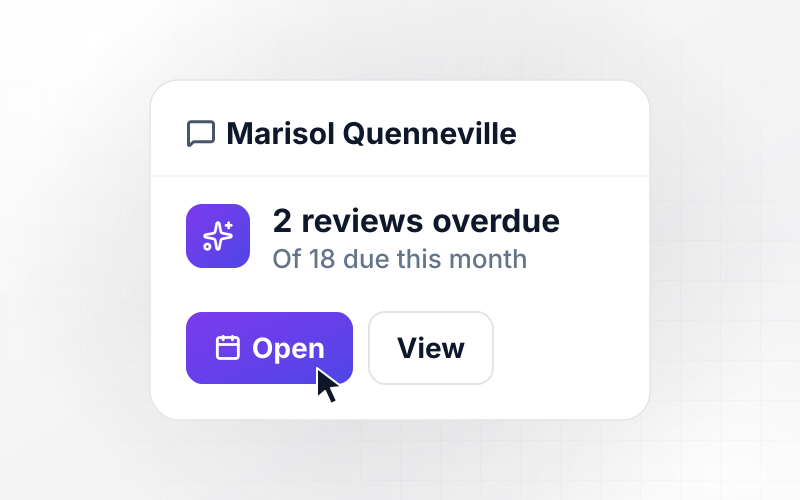
Teodor Vasko asks for a $9,500 print run with Kestrel Print Co. for a trade show. The events line has $6,200 left, and the app holds any request larger than its line's balance. It sends the budget owner, Lavinia Osei, a direct message: approve the $3,300 over budget, or move money in first.






How to Create a Budget Approval Workflow
Seven steps to turn your budget policy into a budget approval workflow that routes every request, then build it with Emergent.
Gather last year's budget requests and capex asks in one sheet. Note who approved each one and how many days it waited, and mark any spend that went ahead before approval.
Group the requests into the decisions your finance team makes: new annual budgets, capex, moves between lines, and spend past a line's balance. Each group gets its own rules.
Turn every judgment call into a figure: a large request becomes one over $10,000, and a quick reply becomes 3 working days. A limit with a number in it routes the same way for every department head.
List what the form must ask so the rules can run, such as the budget line, the amount, and the payback in years. A rule that needs a field the form lacks cannot route anything.
Decide how long a request may wait with one person before a reminder goes out, and who takes over after that. The CFO needs a backup too, especially during year-end planning.
Paste your limits and form fields into Emergent as a short prompt, one rule per line. It turns them into a working app, and you change any rule later by prompting again.
Before going live, replay three of last year's requests, one from each of three groups. Each should land with the approvers who decided it then; adjust any rule that sends one somewhere new.
Why Build Budget Approvals With Emergent?
Emergent builds your budget rules and every decision into one app on a database you own, with no task cap when year-end requests pile in.

|
Zapier | Make (Integromat) | n8n | |
|---|---|---|---|---|
| How you build | Prompt for the workflow and the app around it | Templates and editor, AI copilot | Visual canvas | Visual canvas, self-hosted or cloud |
| What you get | Workflow + trigger form + database + dashboard, as code you own | Zaps, plus Tables and Interfaces inside Zapier | Scenarios inside Make | Workflows inside n8n |
| Behavior at cap | Keeps running, no task cap | Overage billed at up to 1.25× the base rate | Runs pause | Cloud workflows stop until the reset or an upgrade |
| AI and agent steps | Native, share the same credit pool | Priced by model tier, drawn from the task pool | AI modules cost variable credits | Bring your own model API key, billed by the provider |
| Code ownership | Full code export to GitHub on paid plans | None | None | Yes on Community Edition |


Pick the Pricing Plan That Works for You
Choose the plan that fits your building ambitions. From weekend projects to enterprise applications, we've got you covered.




Find the right workflow automation
for you and your business




Frequently Asked Questions
Your Questions, Answered
Don't change this element unless you know what you are doing
More things you can build
with Emergent









on Emergent today




