

Build a Document Approval Workflow That Tracks Every Version
Build a document approval workflow that sends each draft to the right approvers and ties every approval to one version.
Build a document approval workflow that runs on its own and logs every step.
Trusted by Builders Worldwide
Active Builders Worldwide
Apps Successfully Created
Countries Globally Reached



What Goes Into a Document Approval Workflow
Each workflow decides who reviews a draft and which version their approval covers.
Approvers in order, or all at once
Some documents need one approver after another; others need several at the same time. Set the order per document type, and add conditions, such as legal review for a new client.
Each approval covers one version
An approval applies to the exact version the approver opened. If anyone edits the document afterward, that approval is cleared and the new version goes back to the same approver.
Reminders first, then a delegate
Choose how long each approver has before a reminder arrives in Slack or by email, and who takes over after that. A review that stalls moves on without anyone chasing it.
AI reads documents as they arrive
An AI step turns each uploaded document into fields, such as its owner and revision number. Any field it cannot read with confidence goes to a person before the document is routed.
A live board of what waits on whom
The dashboard lists every open review, who holds it, and how long it has waited, updated as decisions land. Each decision is saved to a database you own, with its version.
Code you can take to GitHub
Export the approval app's full code to your GitHub repository on paid plans, with every route and reminder. Engineers can review the rules like other code and change them.
Four Documents That Wait on Approval
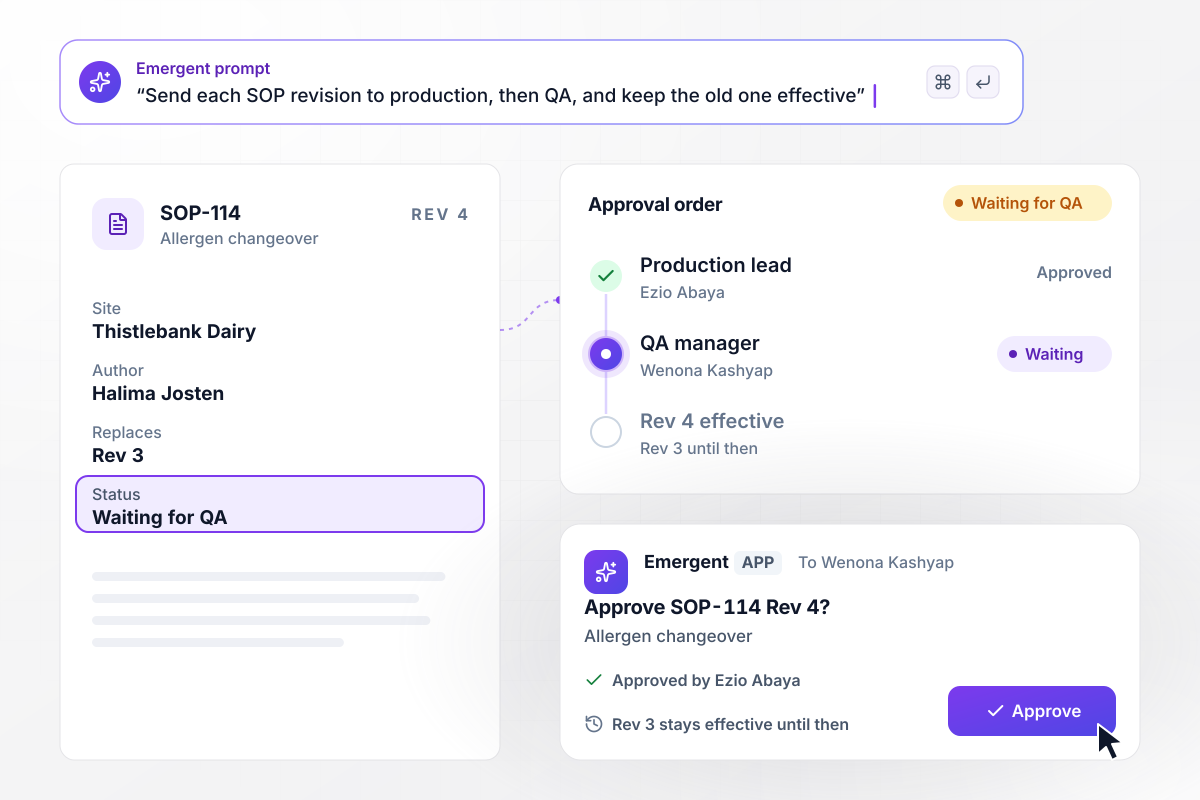
QA approves Rev 4 before it replaces Rev 3
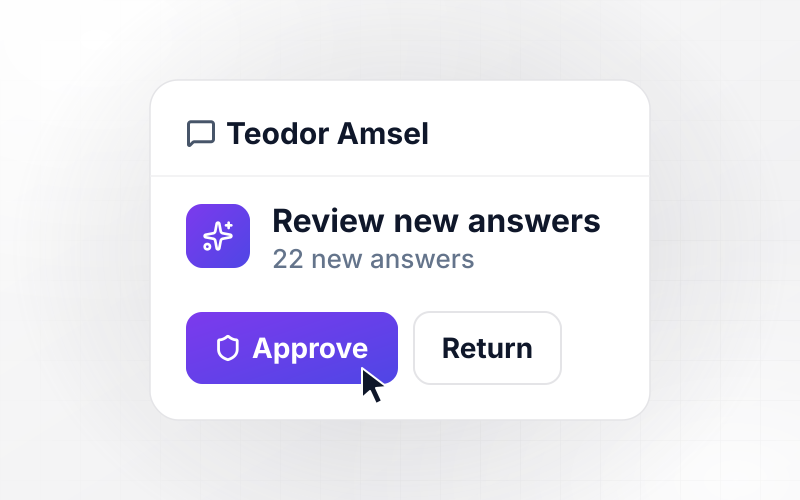
Halima Josten uploads Rev 4 of SOP-114, the allergen changeover procedure at Thistlebank Dairy. Ezio Abaya, the production lead, approves it first. It then waits for Wenona Kashyap, the QA manager. Rev 3 stays the effective version until she approves, and her decision is saved with the time.
window.awbMockup = { sopRevisions: "Build an approval app for my dairy's standard operating procedures. When the quality lead uploads a new revision, send it to the production lead first and then to the QA manager. Keep the previous revision marked effective until the QA manager approves, then make the new one effective. Save each decision with the revision number and the time.", drawingReleases: "Send each new drawing revision to design, manufacturing, and quality at the same time. Show each approver's decision next to their name. Release the drawing only when all three approve, and keep the previous revision current until then. Give my engineers a list of drawings still waiting on an approver.", clientReports: "Route every client report to a partner for approval before it goes out. If the partner makes no decision within 48 hours, send the report to that partner's delegate in a direct message with the report attached, and tell the partner where it went. Show me every report that was reassigned this month.", editsAfterApproval: "Track every version of our grant proposals. When someone edits a proposal after the finance director has approved it, clear that approval, save the edit as a new version, and send it back to the finance director with the changed lines marked. Block submission to the funder until the latest version is approved." };
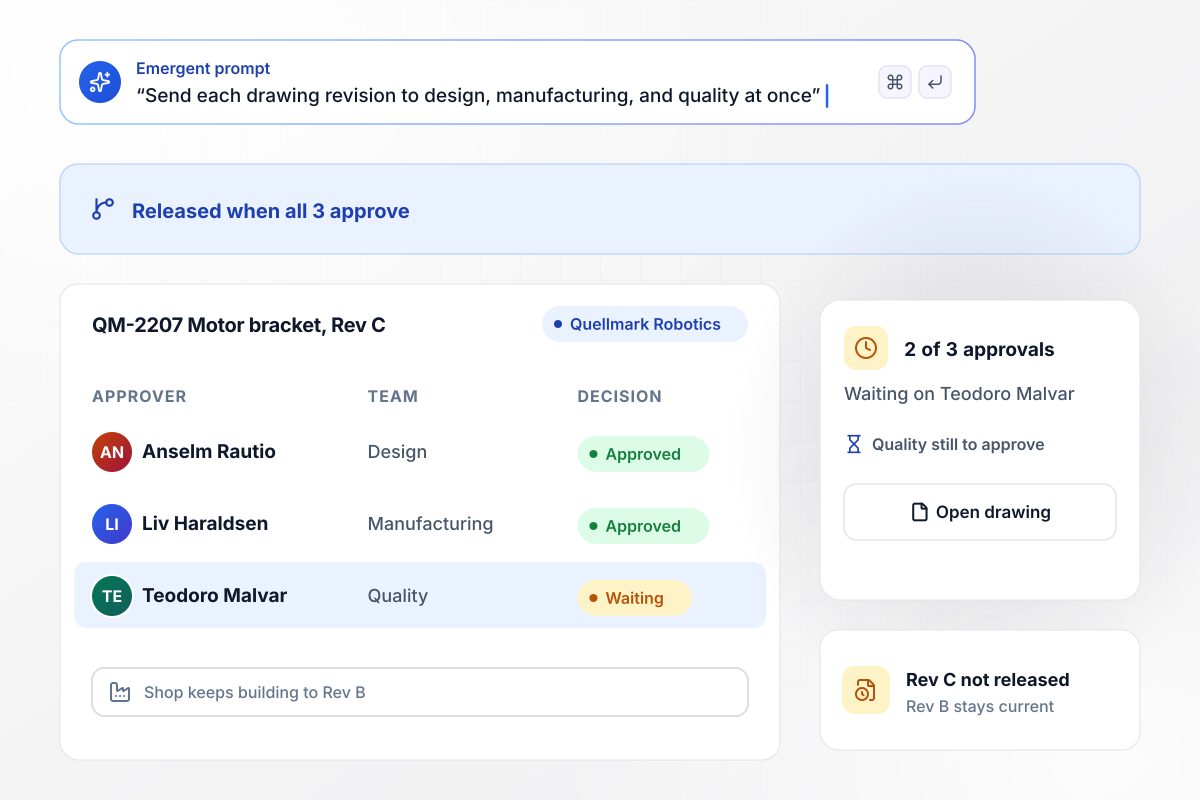
Drawing QM-2207 waits on its last approver
Quellmark Robotics sends Rev C of drawing QM-2207, a motor bracket, to design, manufacturing, and quality at once. It is released only when all 3 approve. So far 2 of 3 have: Anselm Rautio in design and Liv Haraldsen in manufacturing. Until Teodoro Malvar in quality approves, the shop keeps building to Rev B.
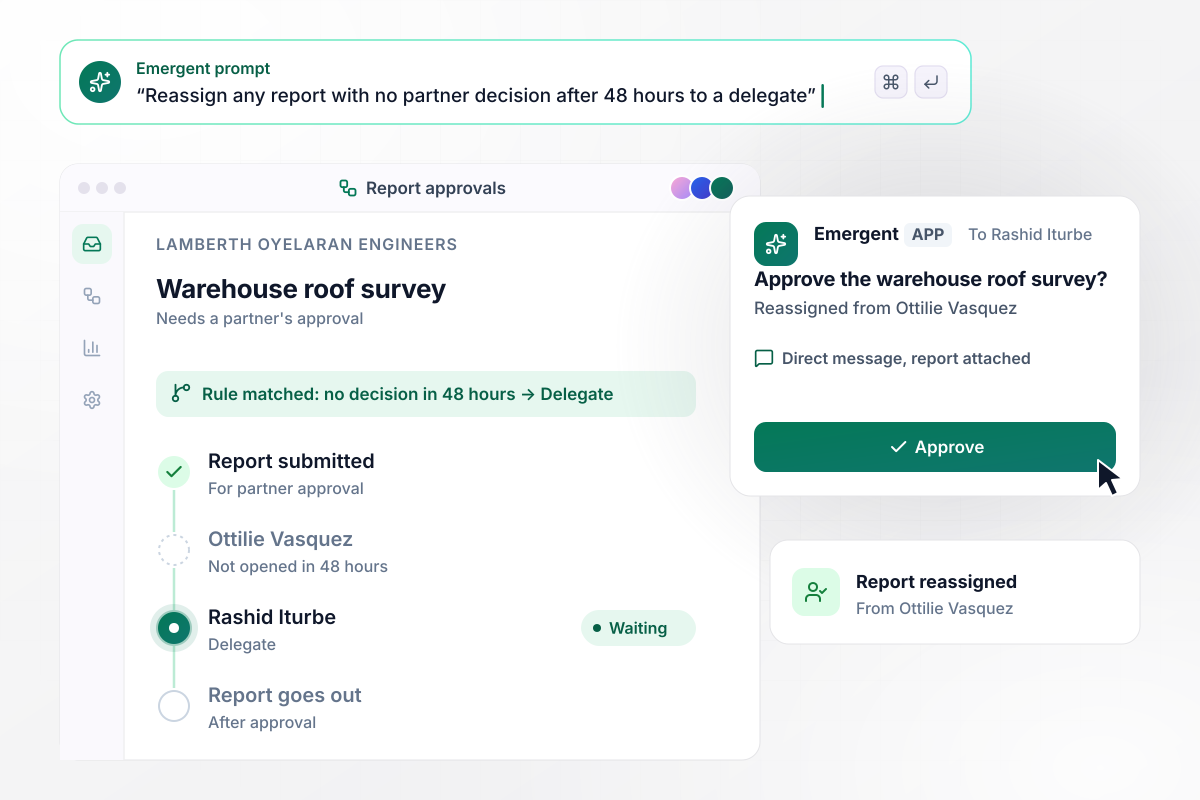
A stalled report passes to the partner's delegate
Lamberth Oyelaran Engineers' warehouse roof survey needs a partner's approval before it goes out. A report with no decision after 48 hours goes to a delegate. The partner, Ottilie Vasquez, has not opened it in 48 hours. The app sends it to her delegate, Rashid Iturbe, in a direct message with the report attached.
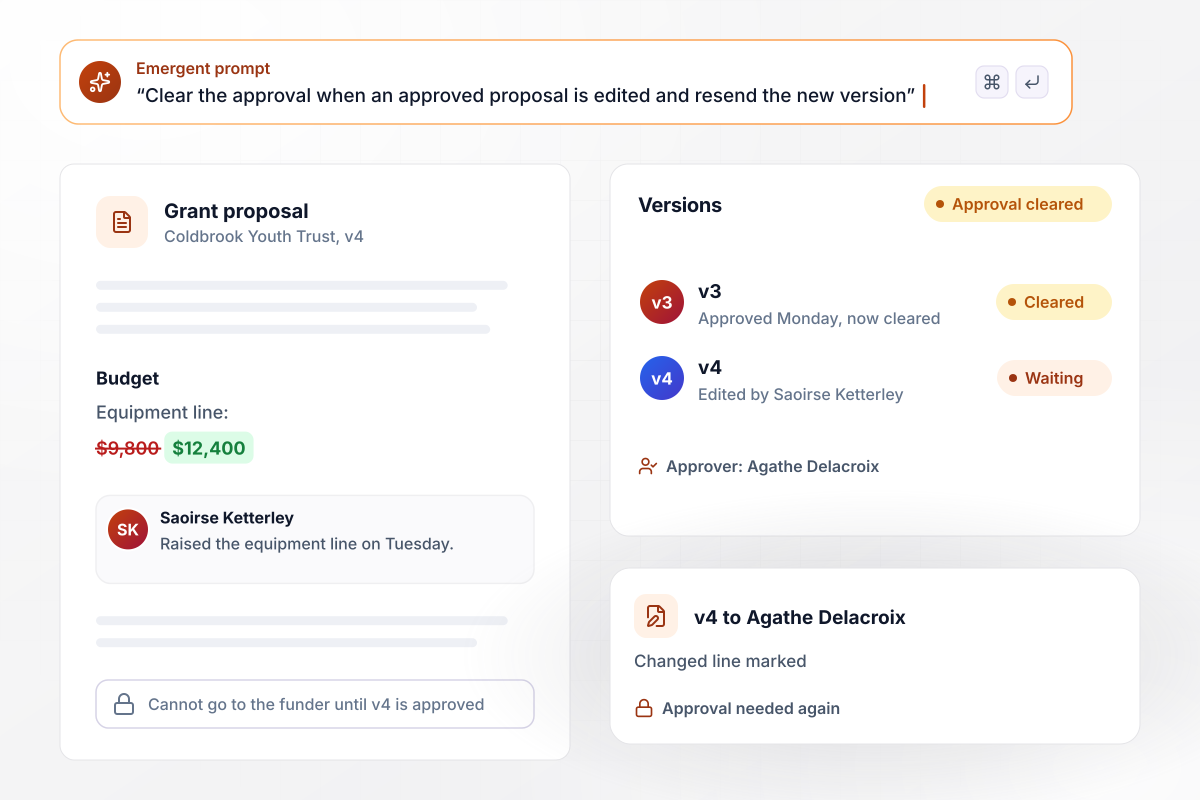
One budget change sends v4 back to finance
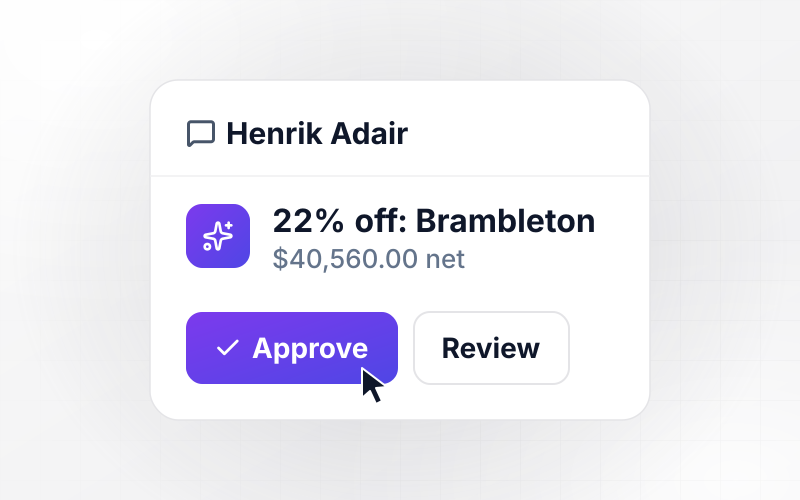
Agathe Delacroix, finance director at Coldbrook Youth Trust, approved v3 of a grant proposal on Monday. On Tuesday, Saoirse Ketterley raises the equipment line from $9,800 to $12,400. The edit clears her approval and sends v4 back with the changed line marked. It cannot go to the funder until she approves.






How to Build a Document Approval Workflow
Seven steps to map a document approval workflow, build it with Emergent, and test it on drafts you have already approved.
List every document type that waits on someone before it can be used: procedures, drawings, client reports, proposals. Next to each, note who approves it today and the longest it waited last quarter. The type with the longest wait is your starting point.
Write one sentence per document type that names a person or a role at every step, such as the production lead and then the QA manager. Emergent builds the app and its routing logic from those sentences.
Pick two deadlines for every approver: one for a reminder and a longer one for handing the document to a delegate. Use numbers your team can meet, such as 24 hours and 48 hours, and name each delegate in advance.
Connect the drive or document system that holds your drafts through its API. The app then reads the current version from the source, not a copy someone attached to an email, and records each decision against that version.
Decide what happens when an approver says no. Send the document back to its author with the comment, then choose whether the revised version restarts at the first approver or returns to the one who rejected it. Set one rule per document type.
Run five documents from last month through the workflow before going live. Check that each reached the right approvers in the right order, and edit one after approval to confirm its approval clears. Fix a rule by prompting, then run all five again.
Switch on that first document type and keep the rest on the old process for 2 weeks. Compare approval times with the 2 weeks before, read every reassignment to a delegate, then move the next type over.
Why Build Document Approvals With Emergent?
Emergent builds the routing, the reminders, and the version record as one app on a database you own, with no per-approver seats.

|
DocuWare | Zapier | Make (Integromat) | |
|---|---|---|---|---|
| How you build | Prompt for the workflow and the app around it | Sales-led setup with a rep or local partner | Templates and editor, AI copilot | Visual canvas |
| What you get | Workflow + trigger form + database + dashboard, as code you own | Document archive with indexing, workflows, and forms | Zaps, plus Tables and Interfaces inside Zapier | Scenarios inside Make |
| Behavior at cap | Keeps running, no task cap | Add users or storage anytime; no hard cap | Overage billed at up to 1.25× the base rate | Runs pause |
| AI and agent steps | Native, share the same credit pool | Intelligent Indexing in Cloud plans; IDP is an add-on | Priced by model tier, drawn from the task pool | AI modules cost variable credits |
| Code ownership | Full code export to GitHub on paid plans | Self-hosted on-premises option, no source code | None | None |

Pick the Pricing Plan That Works for You
Choose the plan that fits your building ambitions. From weekend projects to enterprise applications, we've got you covered.




Find the right workflow automation
for you and your business
Frequently Asked Questions
Your Questions, Answered
Don't change this element unless you know what you are doing
More things you can build
with Emergent









on Emergent today




