

Build Lead Routing Automation That Assigns Every Lead an Owner
Build lead routing automation that assigns each new lead to a rep by rules you write in plain English.
Build lead routing automation that runs on its own and logs every step.
Trusted by Builders Worldwide
Active Builders Worldwide
Apps Successfully Created
Countries Globally Reached



What Your Lead Routing App Handles
Every new lead passes through your rules in order and leaves with one owner and a record of why.
Rules checked in the order you set
You write each rule as a sentence. The app checks them top to bottom and stops at the first match, and any lead that matches no rule goes to a fallback queue you name.
A rotation that respects caps and time off
Reps take new leads in turn. Set a daily cap for each rep and mark anyone who is away, and the app passes over them until they are back under the cap or back at work.
Existing accounts stay with their owner
The app reads your CRM through its API and matches each lead's email domain to an account. A match goes to that account's owner, whose name is written back to the CRM.
Timers on the first call or email
Each assignment starts a clock. If no call or email is logged before it runs out, the app moves the lead to the next rep and alerts the sales manager in Slack or by email.
A log of why each lead went where it did
Each lead keeps the rule it matched, the rep it reached, and every handoff after that, in a database you own. A rep who asks why a lead skipped them gets the answer there.
The routing app's code in GitHub
Export the full code of the app to your GitHub repository on paid plans. Your team can read every routing rule in the code and change it like the rest of your stack.
Four Rules That Decide Who Gets the Lead
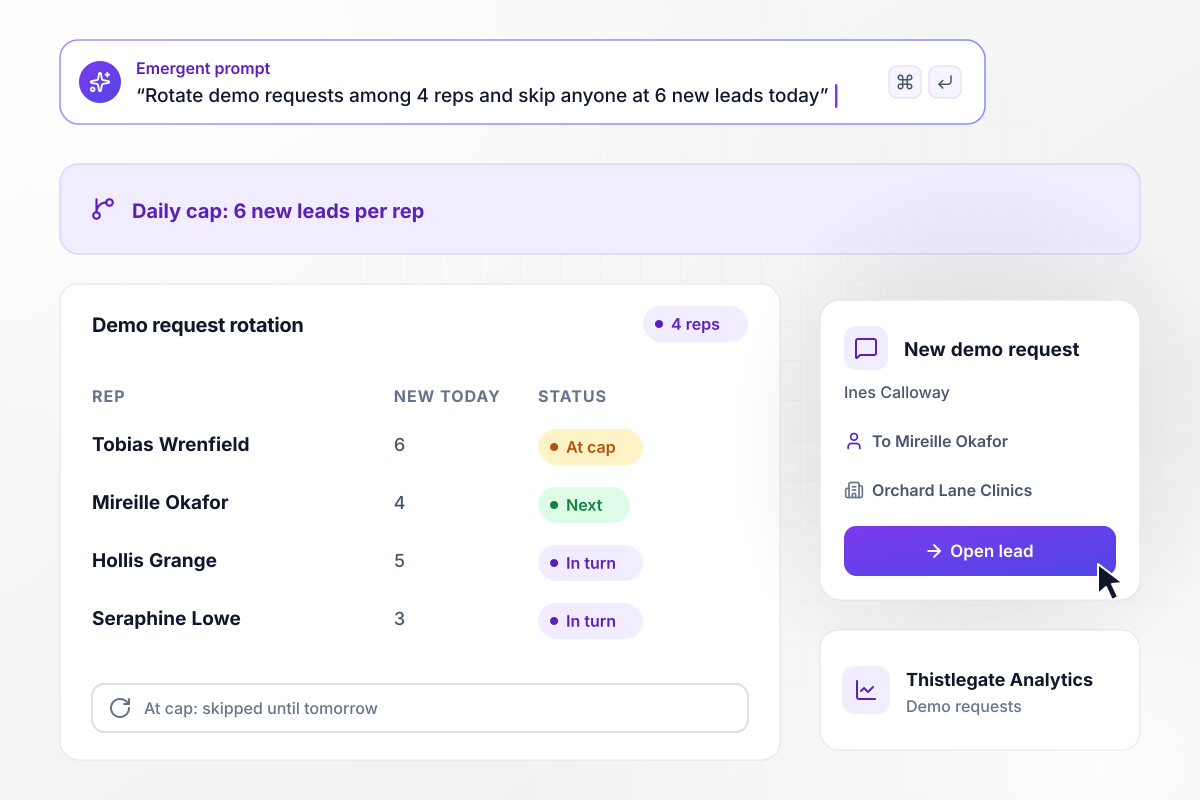
A rep with 6 new leads today is skipped in the rotation
Thistlegate Analytics rotates demo requests among 4 reps, each capped at 6 new leads a day. Tobias Wrenfield already has 6 today, so the request from Ines Calloway at Orchard Lane Clinics skips him. It goes to Mireille Okafor, the next rep in line, as a direct message.
window.awbMockup = { roundRobin: "Build a round robin lead router for my analytics company. Rotate new demo requests among 4 reps, cap each rep at 6 new leads a day, and skip anyone at the cap or marked away. Send the assigned rep a direct message with the request, and log the rule that placed each lead.", accountOwners: "Build an account owner match for my fleet software company. When someone starts a trial, compare their email domain with the accounts in HubSpot. On a match, send the lead to that account's owner and add the person as a contact on the account. Send every other lead to the rotation.", firstTouchTimer: "Build a first-touch timer for my payroll company's quote requests. Start a 15-minute clock when a lead is assigned. If the rep logs no call or email in that time, move the lead to the next rep and send the sales manager a direct message naming the lead.", languageRouting: "Build language routing for my online tutoring company. Add a language choice to the contact form. Send any request in Spanish to the 2 bilingual reps in turn, mark the language on the lead record, and send all other requests to the main rotation." };
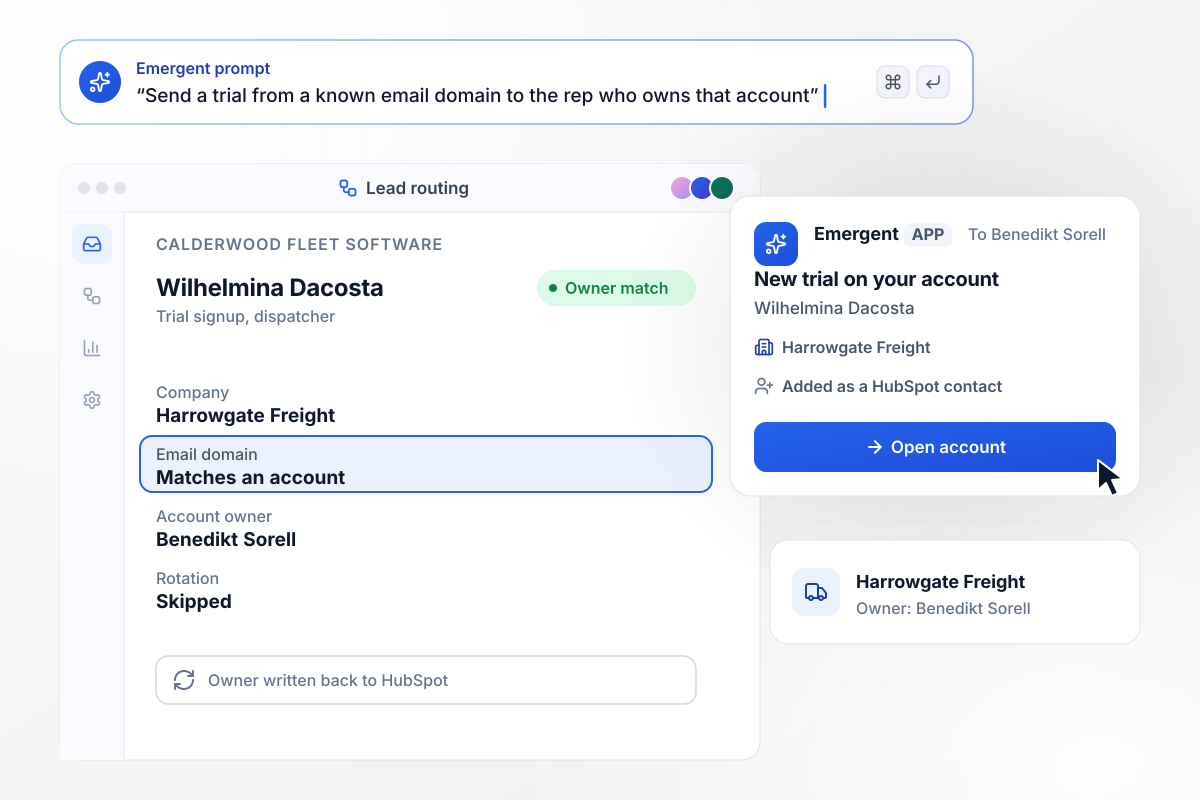
Leads from a known domain reach that account's owner
A dispatcher at Harrowgate Freight, Wilhelmina Dacosta, starts a trial of Calderwood Fleet Software. Her email domain matches an account Benedikt Sorell already owns in HubSpot. The app sends the lead to him instead of the rotation and adds her as a contact on that account.
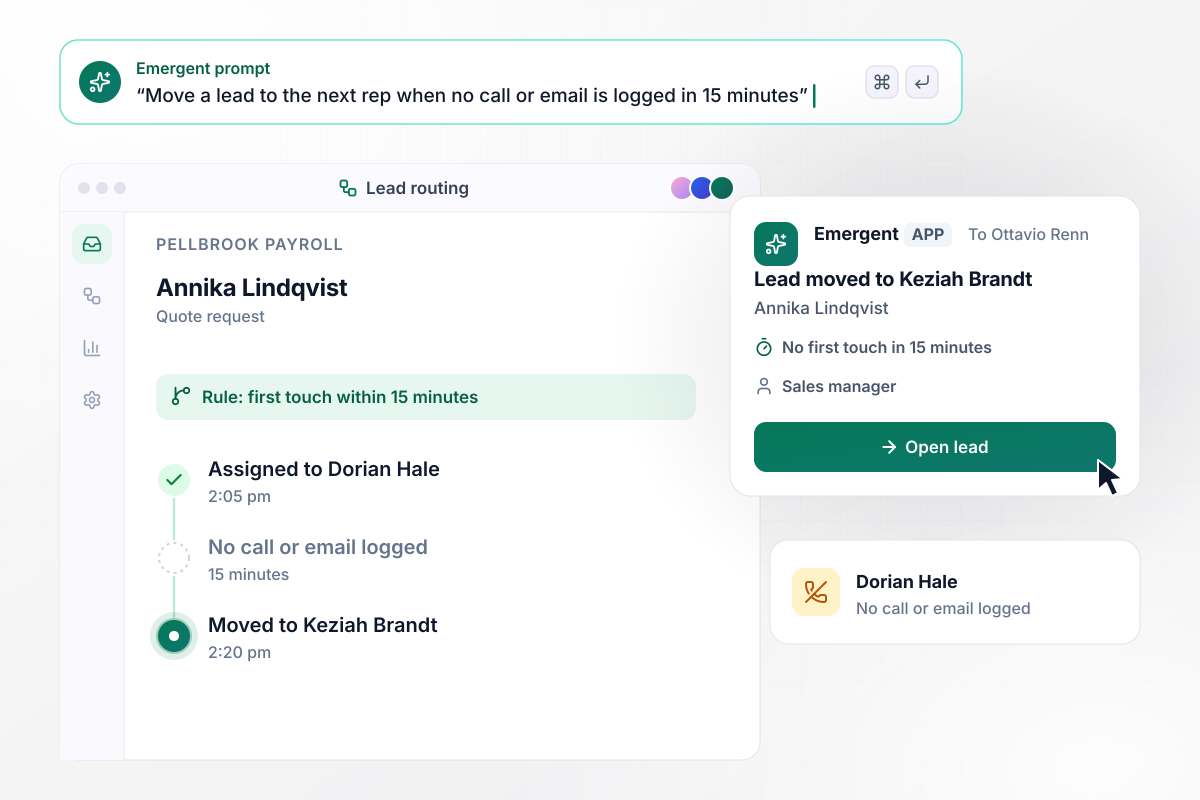
An untouched lead moves on after 15 minutes
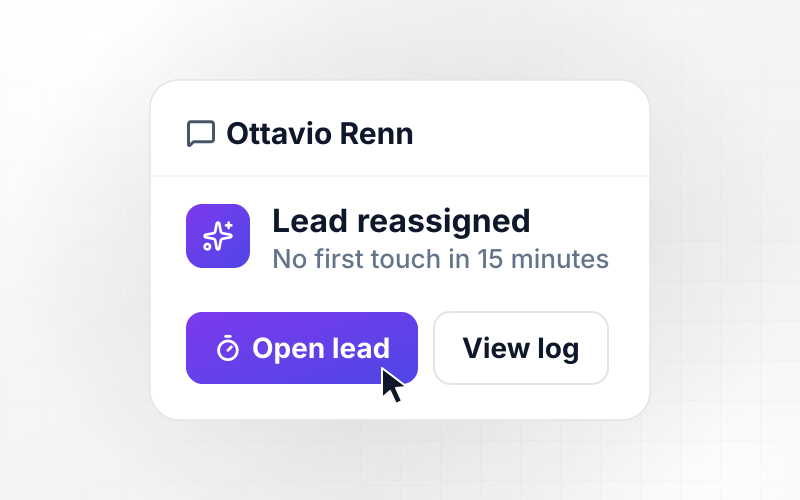
Pellbrook Payroll assigns Annika Lindqvist's quote request to Dorian Hale at 2:05 pm. At 2:20 pm, with no call or email logged in 15 minutes, the app moves the request to Keziah Brandt. The sales manager, Ottavio Renn, gets a direct message saying the lead has moved.
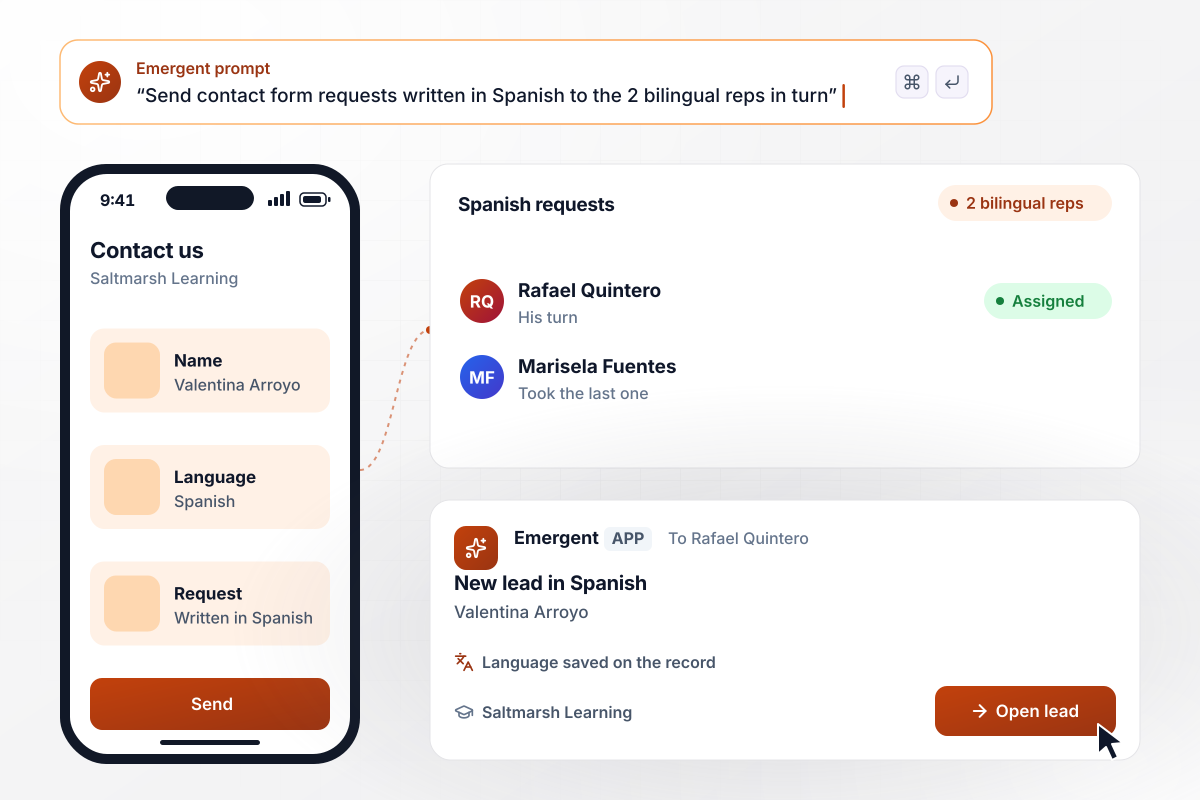
Leads written in Spanish go to a bilingual rep
Valentina Arroyo writes her request in Spanish on the contact form at Saltmarsh Learning, an online tutoring company. The app sends Spanish requests to the 2 bilingual reps in turn. It is Rafael Quintero's turn, so he gets the lead, with Spanish marked as her language on the record.






Build Lead Routing Automation
Seven steps to plan lead routing automation and its rules, then build it with Emergent and test it on last week's leads.
Write down every place a lead can arrive, such as the demo form, trial signups, or the chat widget. Note the fields each one captures, since a rule can only check a field the lead carries.
Put the rules in the order they should be checked, with the narrowest first: account owners, then language, then the rotation. Name the person who works the fallback queue.
List the reps in each rotation and the daily cap for each one. Pick the one place reps mark themselves away, such as a status field in the CRM.
Choose how many minutes a rep has to call or email a new lead, and who gets the lead next if they do not. Decide what the clock does outside business hours.
Write the rules, caps, and timer in plain English, the way you would brief a new sales ops hire. Emergent builds the routing app from that prompt, with the lead record and the routing log.
Connect your CRM and your forms through their APIs. Leads then arrive with their fields filled in and ready for the first rule.
Take last week's leads and run them through the app. Compare each owner the app picks with the rep who took the lead by hand, then fix any rule that sent one to the wrong place.
Why Build Lead Routing With Emergent?
Emergent builds the routing app and its log from one prompt, and there is no task cap on how many leads the app routes.

|
Zapier | Make (Integromat) | n8n | |
|---|---|---|---|---|
| How you build | Prompt for the workflow and the app around it | Templates and editor, AI copilot | Visual canvas | Visual canvas, self-hosted or cloud |
| What you get | Workflow + trigger form + database + dashboard, as code you own | Zaps, plus Tables and Interfaces inside Zapier | Scenarios inside Make | Workflows inside n8n |
| Behavior at cap | Keeps running, no task cap | Overage billed at up to 1.25× the base rate | Runs pause | Cloud workflows stop until the reset or an upgrade |
| AI and agent steps | Native, share the same credit pool | Priced by model tier, drawn from the task pool | AI modules cost variable credits | Bring your own model API key, billed by the provider |
| Code ownership | Full code export to GitHub on paid plans | None | None | Yes on Community Edition |

Pick the Pricing Plan That Works for You
Choose the plan that fits your building ambitions. From weekend projects to enterprise applications, we've got you covered.




Find the right workflow automation
for you and your business




Frequently Asked Questions
Your Questions, Answered
Don't change this element unless you know what you are doing
More things you can build
with Emergent









on Emergent today




