

Build Data Sync Automation That Knows Which System Wins
Build data sync automation that keeps records matching across your tools, with one owner system for every field.
Build data sync automation that runs on its own and logs every step.
Trusted by Builders Worldwide
Active Builders Worldwide
Apps Successfully Created
Countries Globally Reached



The Rules Your Data Sync Runs On
Two tools that hold the same customer drift apart with each edit. The app Emergent builds closes the gap by a rule you wrote.
A field map with an owner column
Emergent builds a mapping table from your prompt: each HubSpot field, the QuickBooks field it matches, and the system that owns it. Change an owner later by prompting.
Only edited records move
Tell Emergent which field marks an edit, such as a last-modified date. The app then picks up only records changed since its last good run, not the whole customer list.
Possible duplicates held, not created
Pick the key that identifies a record, such as an email address. When an incoming record matches one on that key, the app holds it for a named person to merge or skip.
Failed writes retried, then escalated
The app retries a failed write on the schedule you set. After the last attempt, it alerts the owner of that connection in Slack or email with the record and the error.
Every change logged in a database you own
The app logs each change: the record, the field, the old and new values, and the run. The log sits in a database you own. Last Tuesday's edits are a single query away.
Runs as often as the data needs
Emergent sets no task cap on automation. Run a stock sync 96 times a day, or a customer sync every 5 minutes all day, and none of those runs counts against a monthly limit.
Four Sync Jobs, Each With Its Own Rule
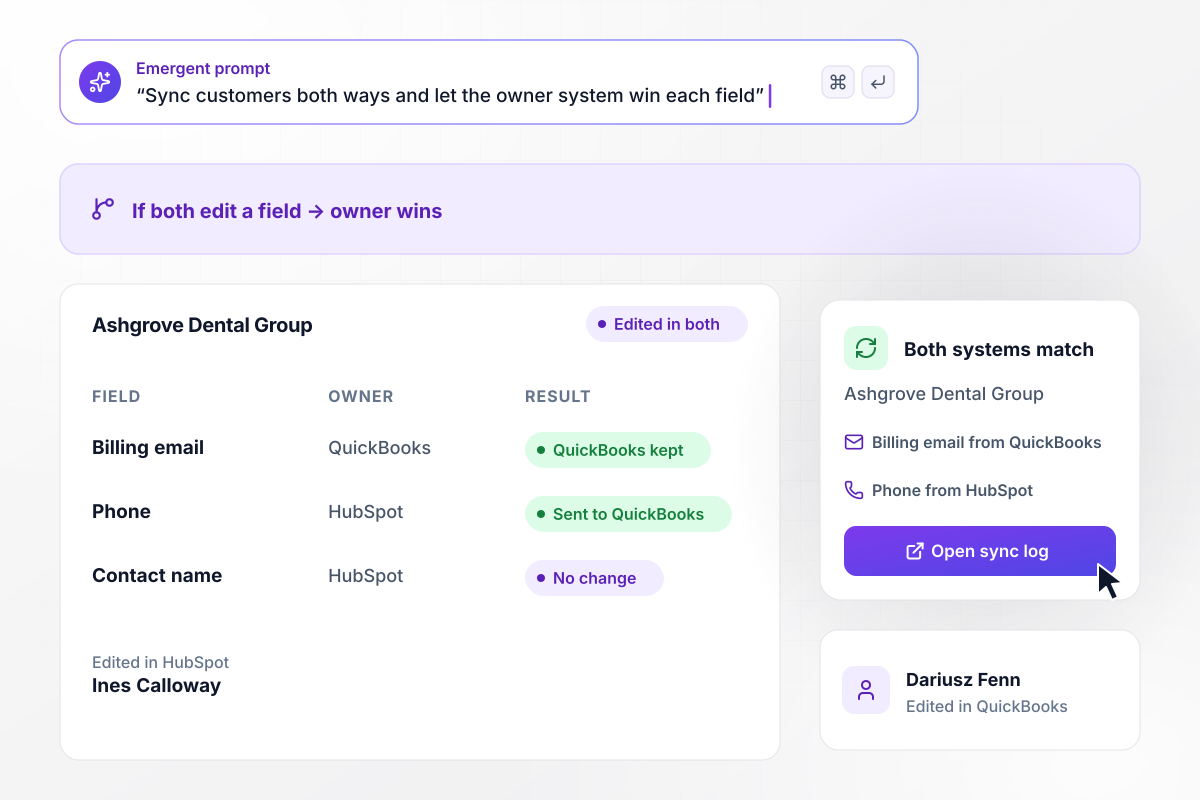
Billing email from QuickBooks, phone from HubSpot
Quillmere Supply syncs customers both ways between HubSpot and QuickBooks. Ines Calloway edits Ashgrove Dental Group's phone and billing email in HubSpot. Dariusz Fenn edits its billing email in QuickBooks. When both edit a field, the owner wins: QuickBooks keeps the email, and the phone goes to QuickBooks.
window.awbMockup = { fieldOwners: "Sync customers both ways between HubSpot and QuickBooks. QuickBooks owns the billing email and address, and HubSpot owns the phone and the contact name. When both systems change the same field between runs, keep the owner's value in both and write the other value to a sync log.", stockCounts: "Every 15 minutes, read the stock count for each SKU from our warehouse database and update the count in our online store. Change only the SKUs whose count is different, and log each change with the old count, the new count, and the run time.", heldRecords: "Each night, sync new clients from our booking system into the CRM. Before creating a contact, search the CRM by email. If a contact with that email already exists, hold the record and send Wren a direct message listing every held record, with Merge and Skip buttons.", syncHealth: "Build a dashboard with one row per sync connection showing its schedule, its last good run, and the records it moved today. Turn a row red when a connection misses two scheduled runs in a row, and name its owner next to the last error." };
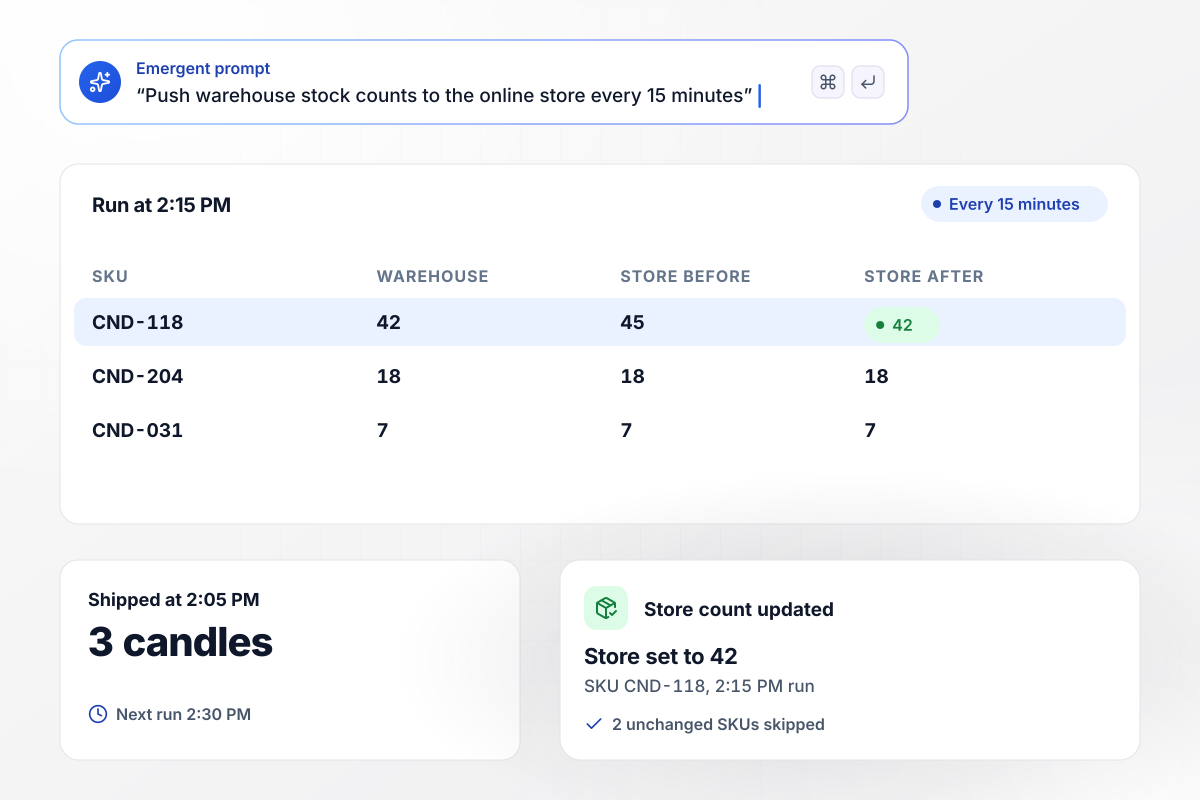
Store shows 42 candles after the 2:15 PM run
Tallowby Candle Co. pushes stock counts from its warehouse database to its online store every 15 minutes. At 2:05 PM, 3 candles of SKU CND-118 ship to a wholesale buyer, and the store still shows 45. The 2:15 PM run sets the store to 42, the count on the shelf, and leaves the 2 SKUs that did not change alone.
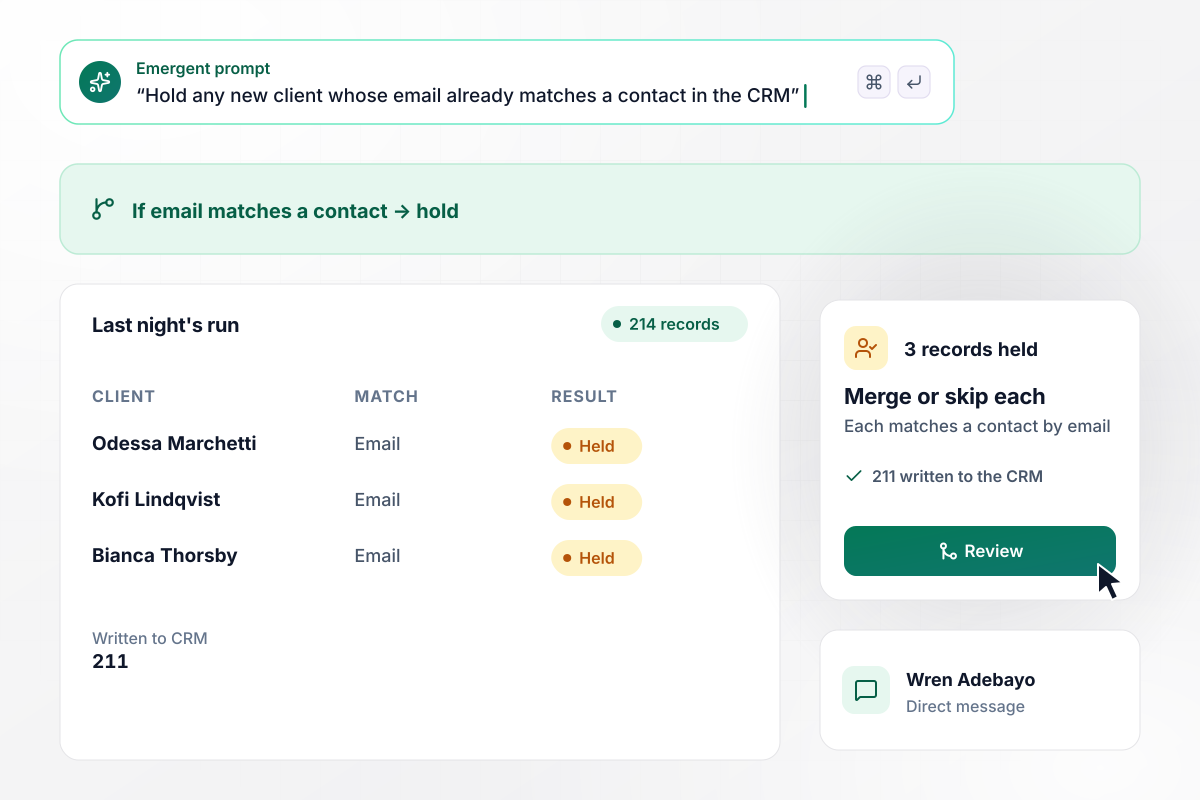
Of 214 records, 211 go through and 3 wait with Wren
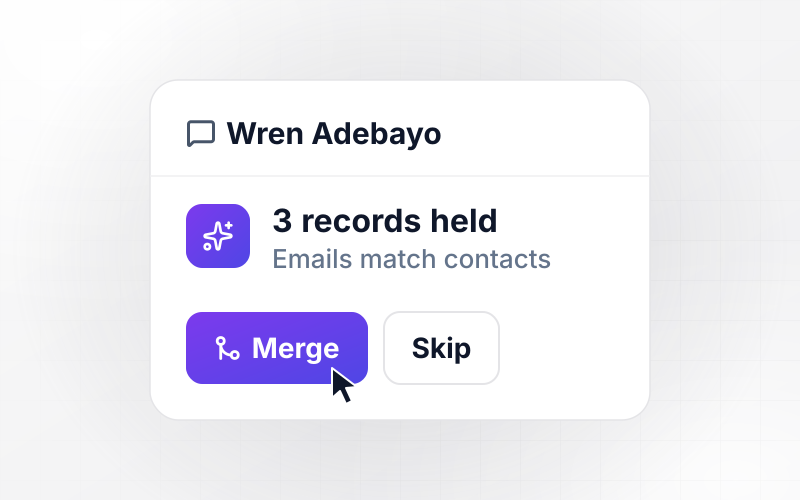
Linthwaite Studios syncs new clients from its booking system into the CRM each night. Last night's run found 214 records. The app wrote 211 and held 3 that matched an existing contact by email. Wren Adebayo gets a direct message listing the 3 records held, with a choice to merge or skip each one.
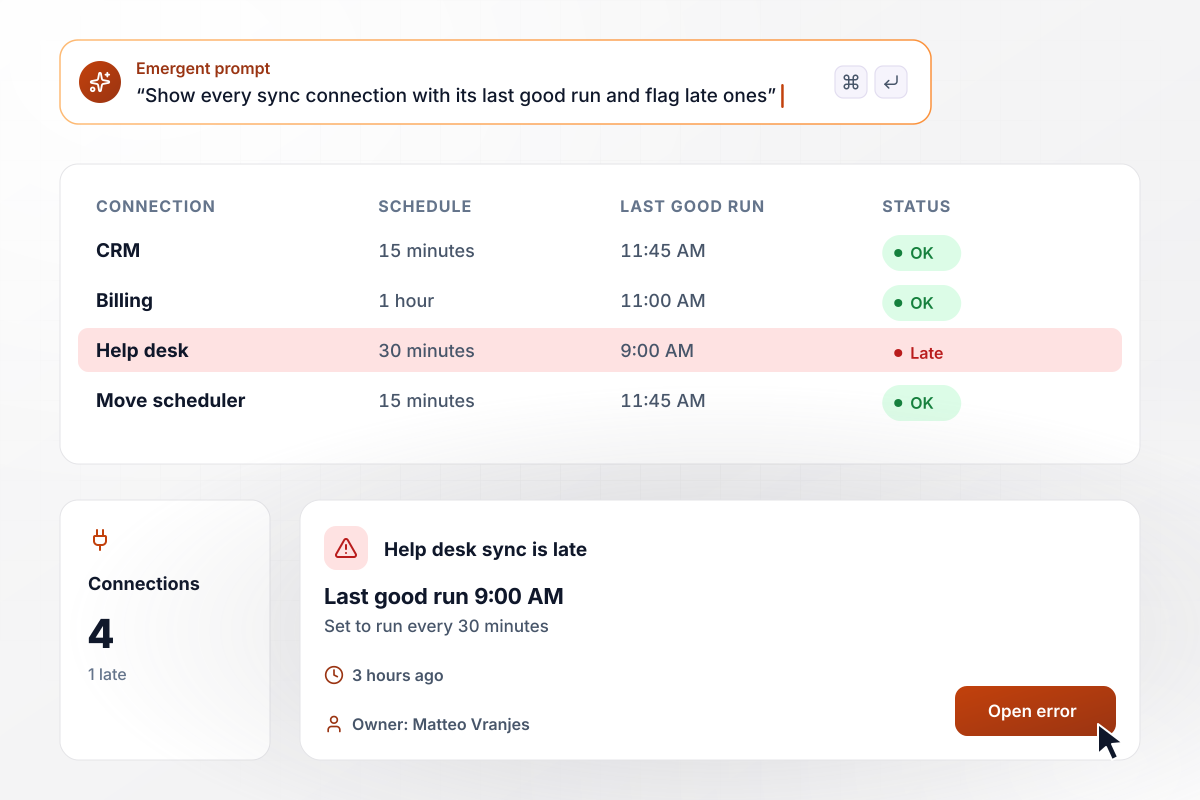
A 30-minute sync that last worked 3 hours ago
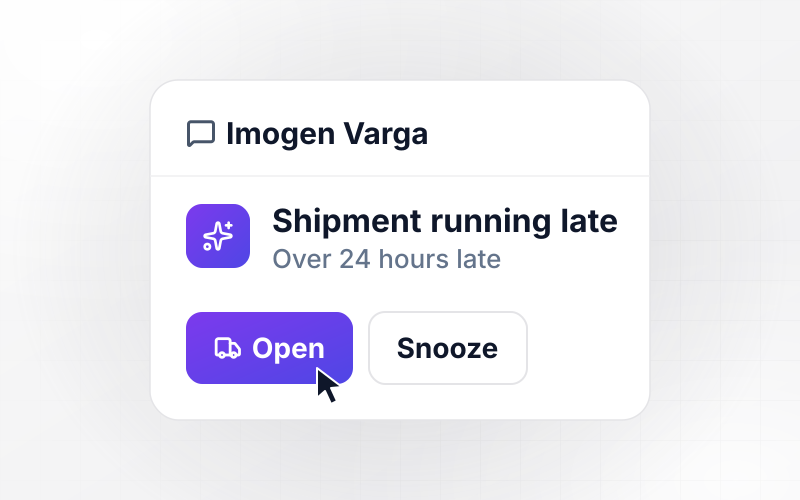
Copperline Movers watches its 4 connections on a live dashboard. The help desk sync is set to run every 30 minutes, but its last good run was at 9:00 AM, 3 hours ago. Its row turns red, and the card names Matteo Vranjes as the owner of that connection, with the last error one click away.






How to Build Data Sync Automation
Seven steps to set the owners, keys, and schedules behind data sync automation and build it with Emergent before it touches live records.
Ask your team which records they fix by hand each week, such as a customer email that differs between the CRM and the ledger, or a stock count the store gets wrong. Start with the record that breaks the most work, and add the others once it syncs cleanly.
For every field two systems share, write down which one holds the true value. Keep it as a short table: the field, its name in each system, and the owner. A field where neither system should win is a sign that one side should only read it.
Choose the value that says two records are the same customer or product, such as an email address, a product code, or the other system's ID. Decide what happens when a match is unclear: hold the record, and name the person who decides.
Match each schedule to whoever reads the data. Stock counts that shoppers see can run every 15 minutes, while a customer list that feeds a monthly report can sync nightly. Write the schedule down for each connection, with the person who owns it.
Open Emergent and describe the sync in plain English: the systems, the field owners from step 2, the key from step 3, and the schedules from step 4. Emergent builds the sync and its dashboard from that prompt.
Connect each system through its API, using a sandbox or test account where one exists. Run the first sync against a copy of the data, then compare 20 records by hand in both systems before you point the app at live records.
When a field changes owner or a new system joins, describe the change in a new prompt. Emergent changes the app, and the sync log shows the first run under the new rule. Check it before the next run.
Why Build Data Sync Automation With Emergent?
Emergent builds the field rules and the sync dashboard as one app, with no task cap and full code export on paid plans.

|
Zapier | Make (Integromat) | n8n | |
|---|---|---|---|---|
| How you build | Prompt for the workflow and the app around it | Templates and editor, AI copilot | Visual canvas | Visual canvas, self-hosted or cloud |
| What you get | Workflow + trigger form + database + dashboard, as code you own | Zaps, plus Tables and Interfaces inside Zapier | Scenarios inside Make | Workflows inside n8n |
| Behavior at cap | Keeps running, no task cap | Overage billed at up to 1.25× the base rate | Runs pause | Cloud workflows stop until the reset or an upgrade |
| AI and agent steps | Native, share the same credit pool | Priced by model tier, drawn from the task pool | AI modules cost variable credits | Bring your own model API key, billed by the provider |
| Code ownership | Full code export to GitHub on paid plans | None | None | Yes on Community Edition |


Pick the Pricing Plan That Works for You
Choose the plan that fits your building ambitions. From weekend projects to enterprise applications, we've got you covered.




Find the right workflow automation
for you and your business




Frequently Asked Questions
Your Questions, Answered
Don't change this element unless you know what you are doing
More things you can build
with Emergent









on Emergent today




