

Build Payroll Automation Around Your Payroll Provider
Build payroll automation that checks every timesheet and holds unusual hours before the payroll cutoff.
Build payroll automation for my 60-person clinic that checks hours and pay changes before each biweekly pay run.
Trusted by Builders Worldwide
Active Builders Worldwide
Apps Successfully Created
Countries Globally Reached



The Payroll Work That Happens Before the Run
Emergent builds the app that collects hours and pay changes, then hands them to the payroll provider you already use.
One timesheet flow for every store
Hourly staff submit their week from a phone, and each timesheet lands with the manager who owns that store. Overtime and missing days are marked before anyone opens payroll.
Checks you write in plain English
Type a rule such as "hold anyone whose hours jump by a quarter" and Emergent builds the check along with the database that stores each result. To change the rule, prompt again.
Rate changes with a named approver
Raises and shift premiums move through the approvers you set, with the old rate and the new rate side by side. Payroll only receives a change after its approver says yes.
Connected to your payroll provider
If your time clock and payroll provider have APIs, the app reads hours from one and sends approved rates to the other. Books in QuickBooks or Xero connect the same way.
Reminders that reach a person
Slack, email, and in-app alerts go to the manager who owns each open timesheet, timed against the payroll cutoff you set. An escalation goes to the next person you name.
Every pay period on record
Each timesheet and each approval is saved with a name and a time in a database you own. A live dashboard shows what is still open before the cutoff for this pay period.
Four Payroll Automations to Build First
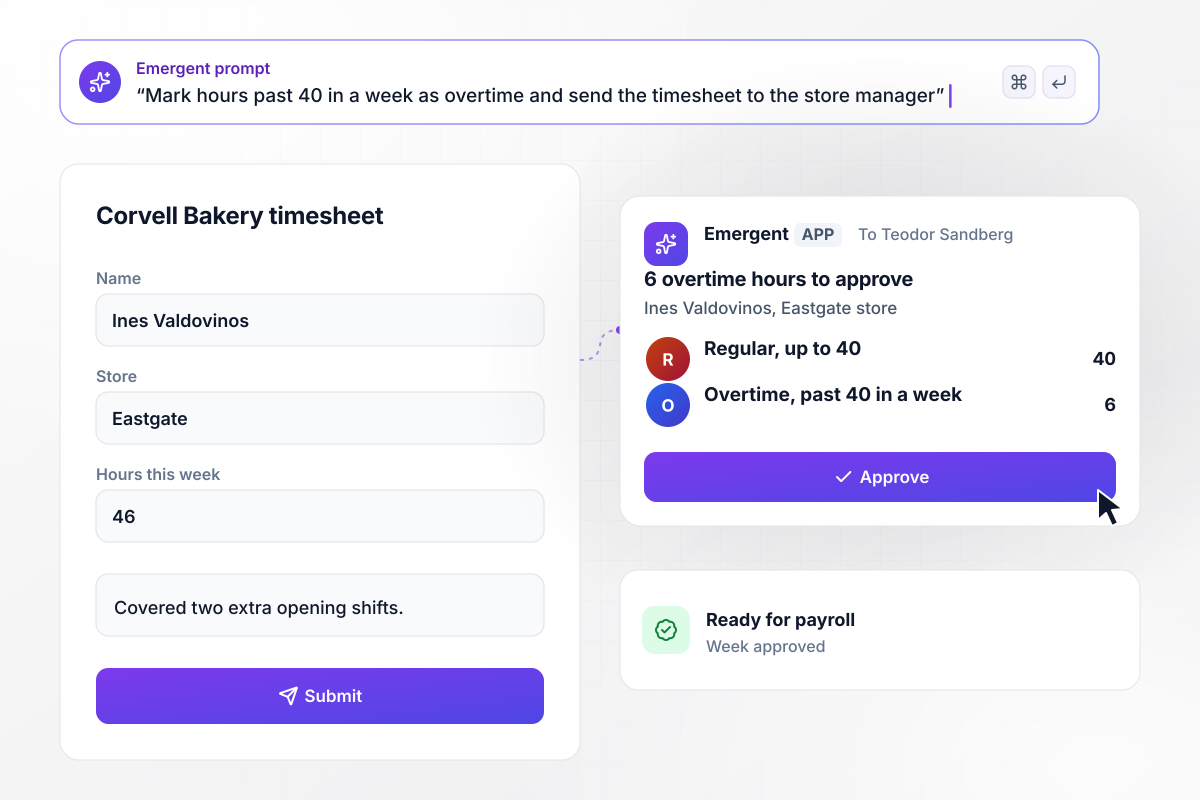
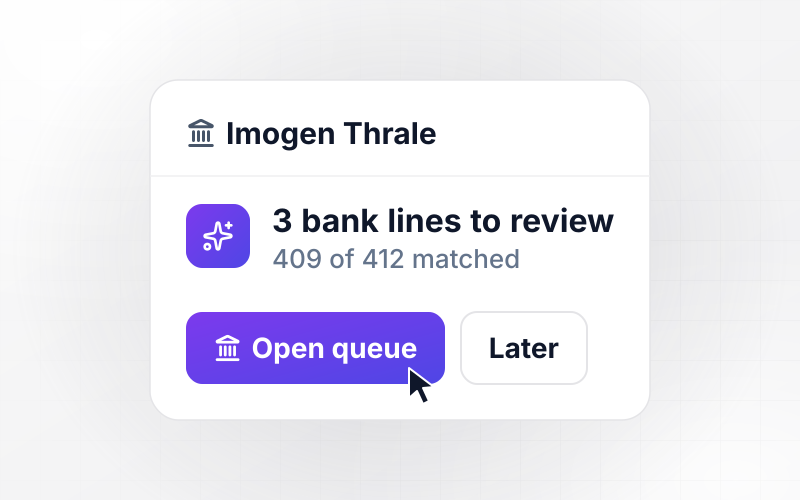
A 46-hour week waits for its manager
Ines Valdovinos submits a 46-hour week from the Eastgate store of Corvell Bakery. Corvell's rule counts hours past 40 in a week as overtime, and the app marks 6 overtime hours before it sends the timesheet to her manager, Teodor Sandberg. He approves it in the app, and her week is ready for payroll.
window.awbMockup = { overtimeReview: "Build a weekly timesheet app for my bakery's hourly staff across 3 stores. Each person submits their hours from a phone. Mark any hours past 40 in a week as overtime, send the timesheet to the manager of that store, and mark the week ready for payroll once the manager approves it.", hoursChecks: "Before each pay run, compare every person's approved hours with the last pay period. Hold any line where hours changed by more than 25% and send it to the payroll lead with both timesheets attached. Keep every other line ready for payroll.", raiseApprovals: "Let store managers request a raise with the current rate, the new rate, and a reason. Raises up to 5% go through on the manager's request. Send anything over 5% to the HR director in the app, and once it is approved, write the new rate to my payroll provider through its API.", cutoffReminders: "My payroll cutoff is Thursday at 5 p.m. On Tuesday, find every timesheet that is still unapproved and send each store manager a direct message listing their open timesheets, with a button that opens them for approval." };
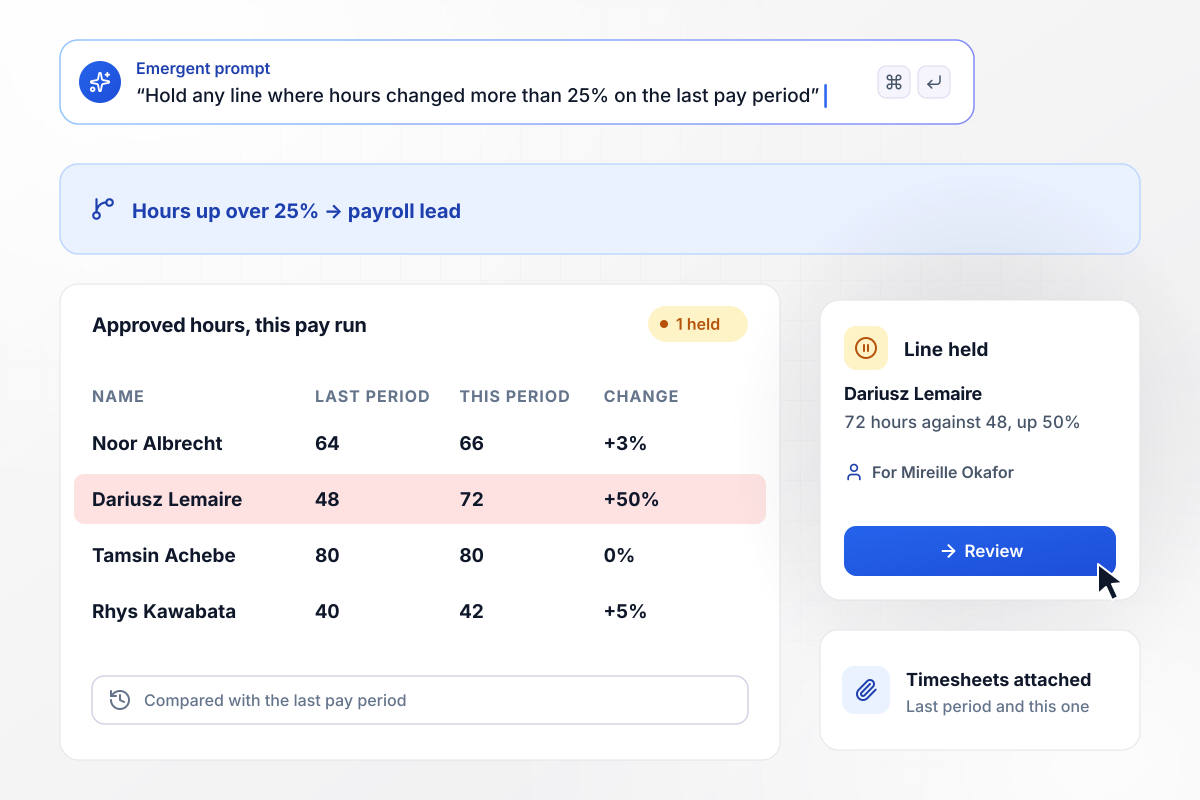
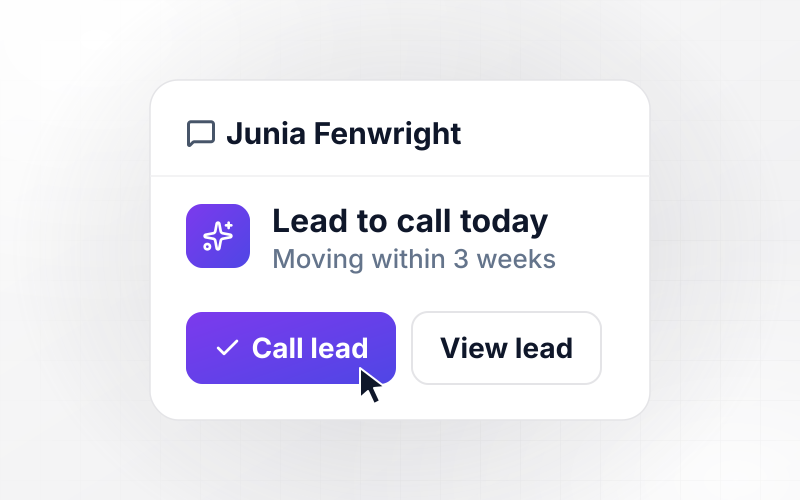
Hours up by half on last period wait for review
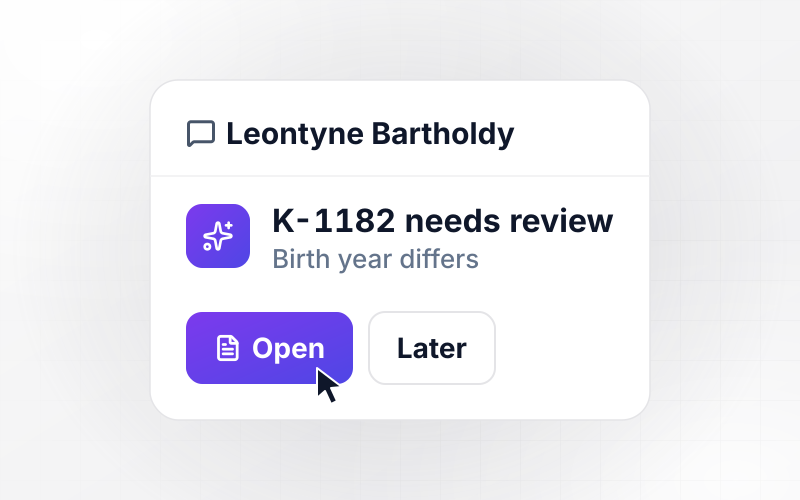
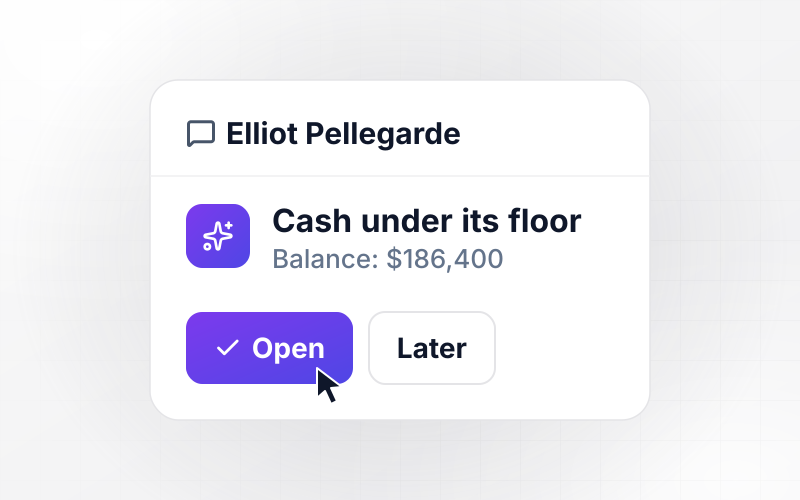
Before the pay run, the app lines up each person's approved hours against the last period. Dariusz Lemaire shows 72 hours against 48, up by half. Corvell holds any change over 25%. His line waits for Mireille Okafor, the payroll lead, with both timesheets attached, while every other line stays ready.
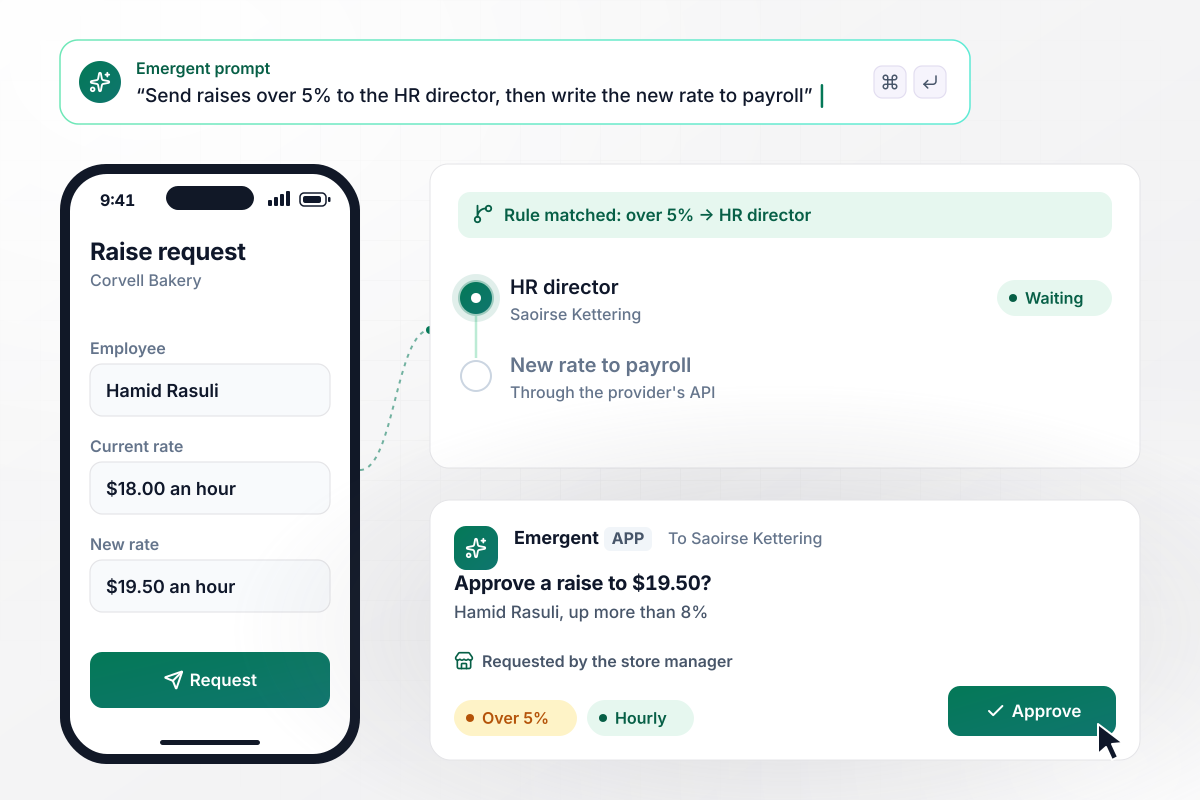
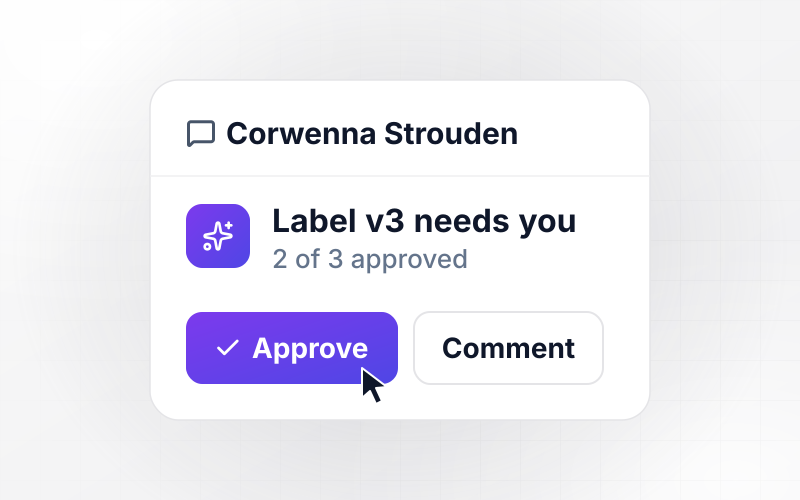
Any raise over 5% needs the HR director
Hamid Rasuli's store manager requests a raise from $18.00 to $19.50 an hour, up more than 8%. Raises up to 5% go through on the manager's request alone. This one waits for Saoirse Kettering, the HR director. Once she approves, the app writes the new rate to the payroll provider through its API.
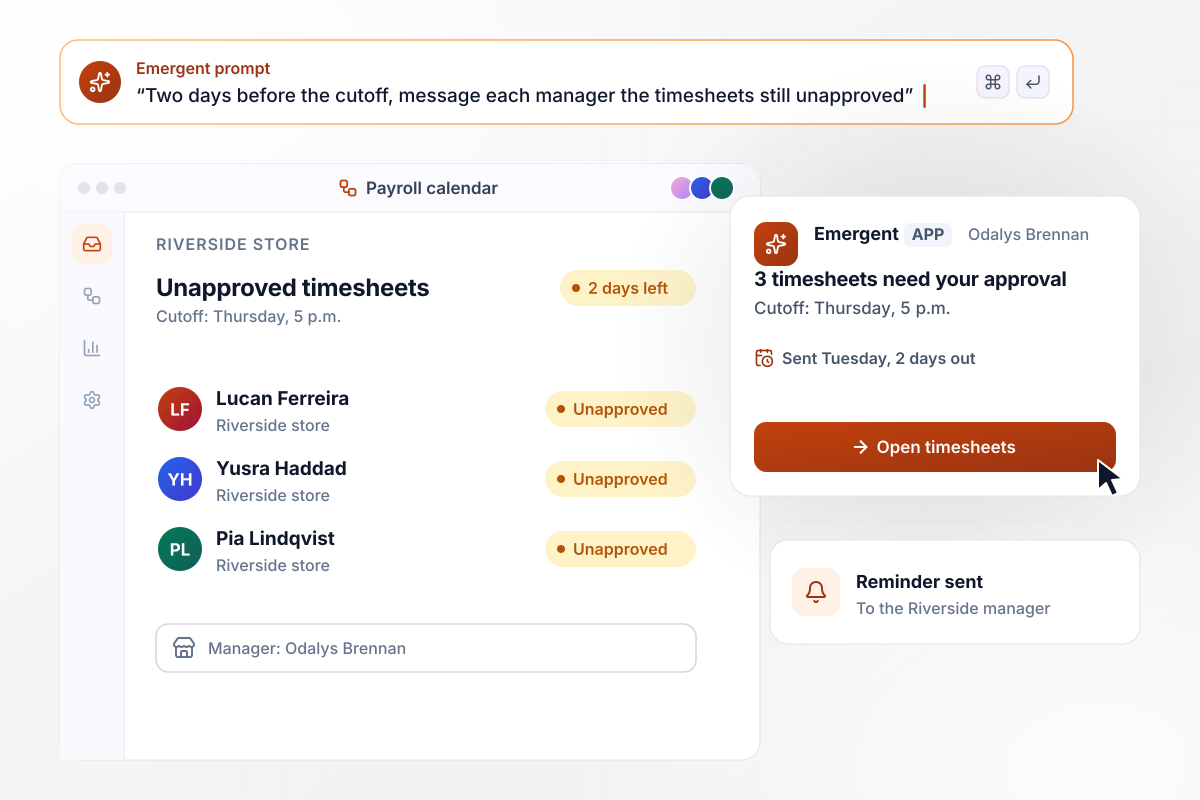
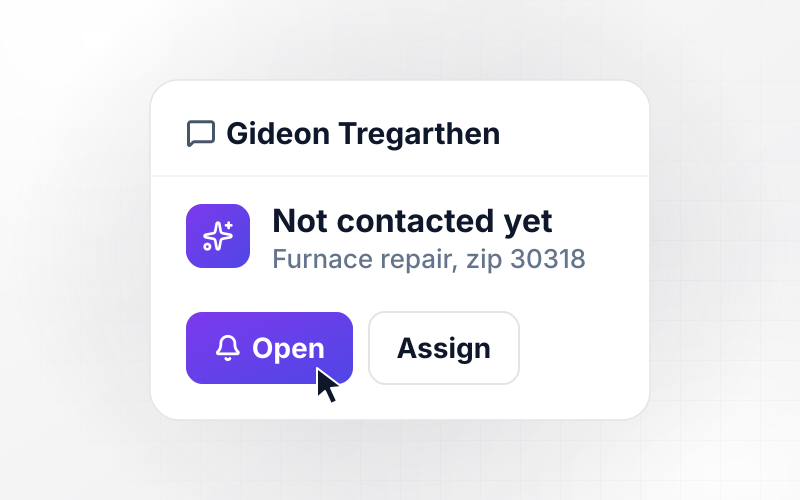
Two days out, each manager sees what is still open
Corvell's payroll cutoff is Thursday at 5 p.m. On Tuesday the app finds 3 unapproved timesheets at the Riverside store, from Lucan Ferreira, Yusra Haddad, and Pia Lindqvist. Their manager, Odalys Brennan, gets a direct message that lists all 3 with one button to open them.






How to Automate Payroll
Seven steps to plan payroll automation around your pay calendar, then build and test it with Emergent before it goes live.
List every manual step between the time clock and payday: who collects hours, who approves them, and who keys in rate changes. Mark each place where someone copies a number from one screen to another. Those go first.
Write each rule the way you would explain it to a new payroll clerk. A timesheet missing a scheduled shift goes back to the employee, and a new shift premium needs the operations lead. Emergent builds the app and its logic from those sentences.
Connect the time clock and the payroll provider through their APIs. Decide which system owns each fact: hours come from the clock, and pay rates come from the provider. Nobody should keep a second copy in a spreadsheet.
Enter the pay dates and the cutoff for each period. Pick when reminders go out and who hears about a timesheet that is still open after the last reminder. Name one person per store, not a shared channel.
Mark the changes that alter someone's pay: overtime, raises, back pay, and a final paycheck. Each one should wait for a named approver who sees the old figure next to the new one before anything reaches payroll.
Run the last two pay periods through the app before it touches a live run. Compare its approved hours and rates with what payroll paid, line by line. Fix any rule that disagrees by prompting again.
Switch on one location for a full pay period while the others stay on the old process. Count the corrections payroll had to make after the cutoff, then add the next location once that count reaches zero.
Why Build Payroll Automation With Emergent?
Emergent builds the timesheets and approvals as one app on a database you own, with no task cap in a heavy pay period.

|
Zapier | Make (Integromat) | n8n | |
|---|---|---|---|---|
| How you build | Prompt for the workflow and the app around it | Templates and editor, AI copilot | Visual canvas | Visual canvas, self-hosted or cloud |
| What you get | Workflow + trigger form + database + dashboard, as code you own | Zaps, plus Tables and Interfaces inside Zapier | Scenarios inside Make | Workflows inside n8n |
| Behavior at cap | Keeps running, no task cap | Overage billed at up to 1.25× the base rate | Runs pause | Cloud workflows stop until the reset or an upgrade |
| AI and agent steps | Native, share the same credit pool | Priced by model tier, drawn from the task pool | AI modules cost variable credits | Bring your own model API key, billed by the provider |
| Code ownership | Full code export to GitHub on paid plans | None | None | Yes on Community Edition |




Pick the Pricing Plan That Works for You
Choose the plan that fits your building ambitions. From weekend projects to enterprise applications, we've got you covered.




Find the right workflow automation
for you and your business
Frequently Asked Questions
Your Questions, Answered
Don't change this element unless you know what you are doing
More things you can build
with Emergent









on Emergent today


