

Build Abandoned Cart Automation That Knows When to Stop
Build abandoned cart automation that sends each reminder on your timing and logs every cart in a database you own.
Build abandoned cart automation that runs on its own and logs every step.
Trusted by Builders Worldwide
Active Builders Worldwide
Apps Successfully Created
Countries Globally Reached



What Emergent Builds Around a Left Cart
Each part handles one decision about a cart, and every decision is saved to that cart's record.
Carts and orders read from your store
The app connects to your store through its API and pulls each cart with its items, value, and contact details. It pulls new orders too, to match each order to its cart.
Reminders on the schedule you write
You set the wait before each reminder and how many go out. Before every send, the app looks for a matching order, and a cart that became an order gets no more messages.
Consent read before any message
Each shopper's saved consent picks the channel. Agreed to texts means an SMS, agreed to email means an email, and a cart with neither is logged and gets no message at all.
Big carts handed to a sales rep
Pick a cart value where a person should step in. Carts above it skip the email sequence, and the rep you name is sent a direct message with the items and the buyer's contact.
Orders counted per reminder
A dashboard shows carts left, reminders sent, and orders placed after each reminder, week by week. Read it to see whether the second or the third message earns its place.
Your carts, in a database you own
Every cart, message, and order match is stored in a database you own, and nothing caps the tasks it runs. On paid plans you can export the full code to your GitHub repository.
Where a Left Cart Goes Next
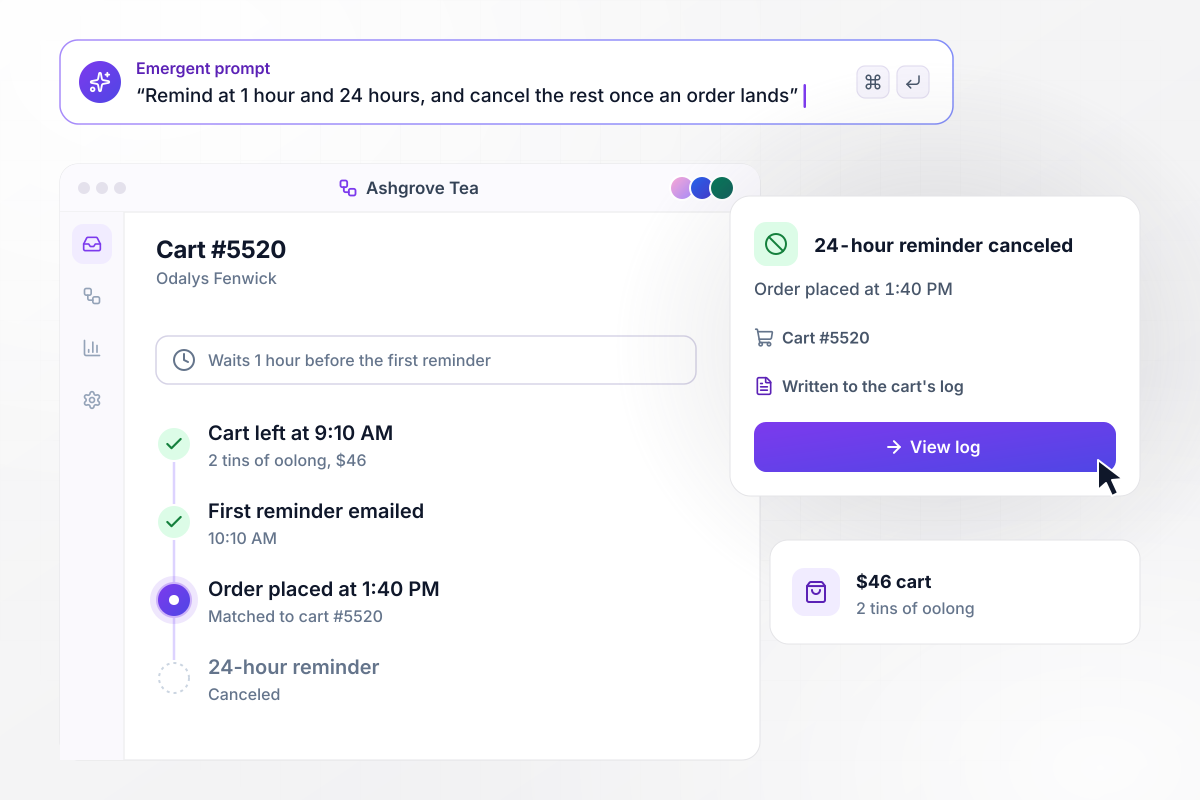
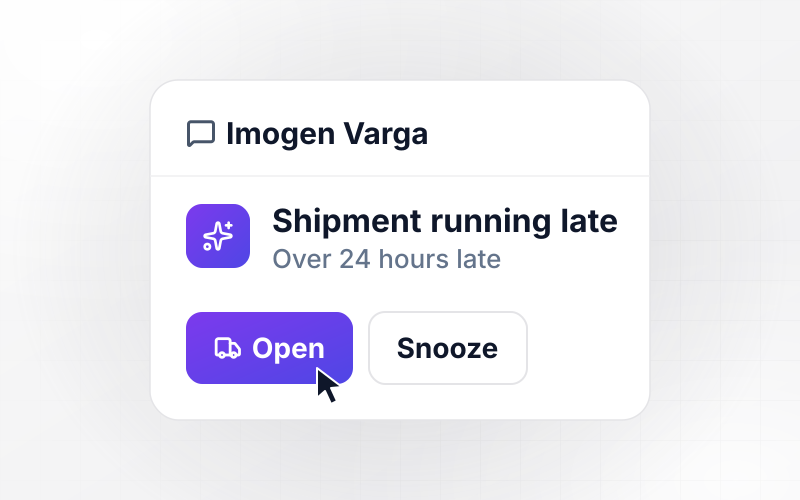
Ordered by 1:40 PM, no 24-hour email
Odalys Fenwick leaves 2 tins of oolong worth $46 in her Ashgrove Tea cart at 9:10 AM. The app waits 1 hour and emails the first reminder at 10:10 AM. She places the order at 1:40 PM, the app matches it to cart #5520, and the 24-hour reminder is canceled. Each step is written to the cart's log.
window.awbMockup = { reminderTiming: "Build abandoned cart reminders for my tea shop. When a cart with an email is left for 1 hour, send the first reminder email, and send a second one at 24 hours. Before each send, check for an order from the same shopper and cancel the rest if one exists. Log every step on the cart.", textOrEmail: "Build cart reminders for my candle store that read each contact's consent first. Send an SMS only to shoppers who agreed to texts, an email to shoppers who agreed to email, and nothing to anyone with no marketing consent. Log every cart with the channel used or the reason nothing was sent.", salesHandoff: "Build a cart handoff for my furniture store. When a cart over $1,500 is left, skip the reminder emails and send the sales rep a direct message with the items and the buyer's phone number. Keep the cart open in the rep's queue until they mark the call done.", mondayReport: "Build a weekly report for my pet supply store's abandoned carts. Every Monday at 8:00 AM, count last week's carts left, the carts that got a reminder, and the carts with no contact or consent. Count the orders that followed each reminder, first, second, and third, as a bar chart." };
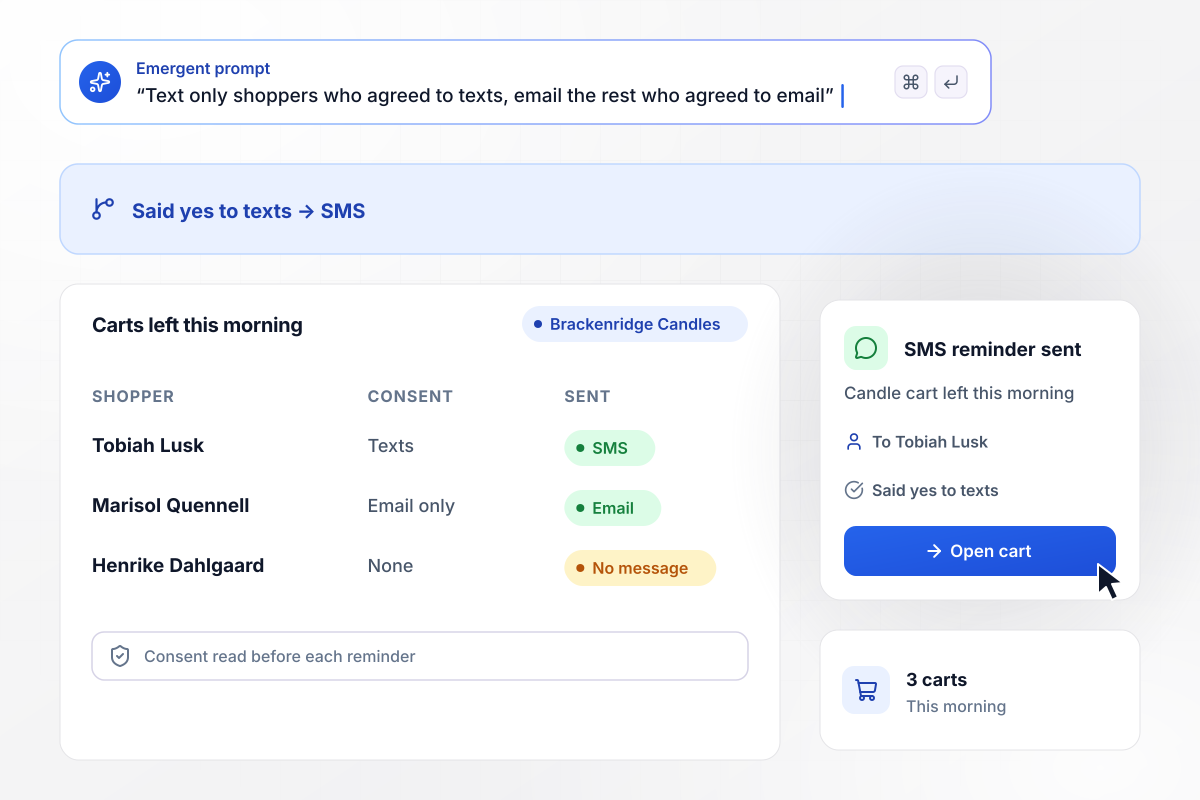
Texts go only to shoppers who said yes to texts
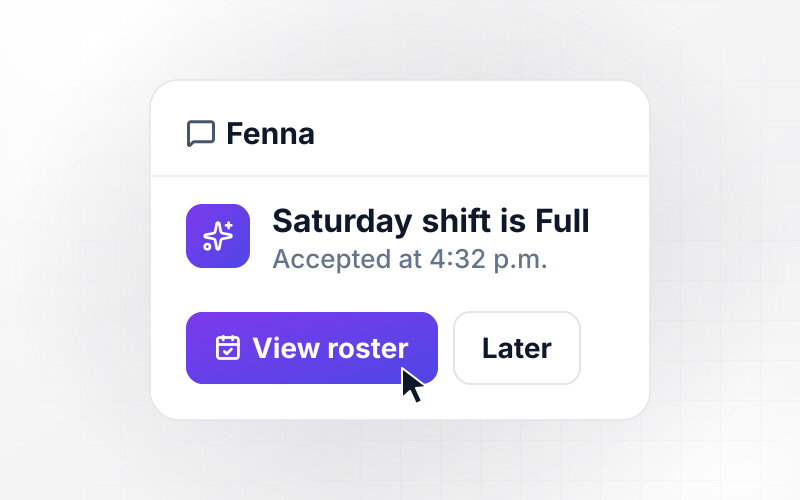
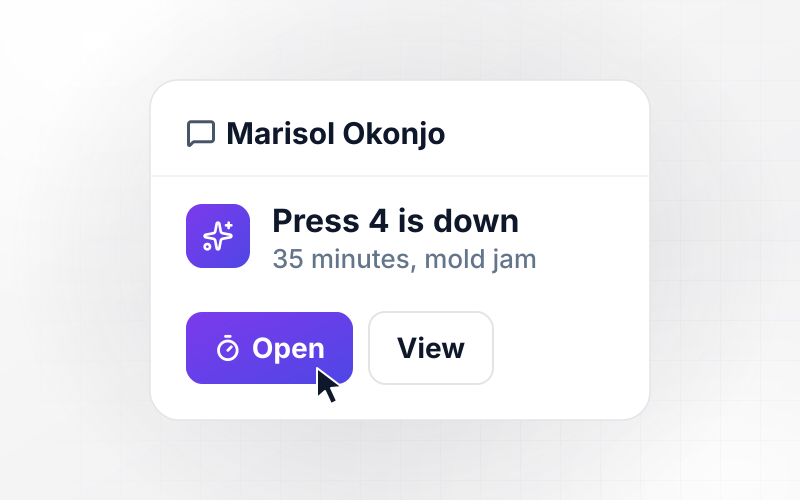
Brackenridge Candles saves each contact's consent, and the app reads it before a reminder. This morning 3 carts were left. Tobiah Lusk said yes to texts and gets an SMS. Marisol Quennell agreed to email only and gets an email. Henrike Dahlgaard gave no marketing consent: her cart is logged, and no message goes out.
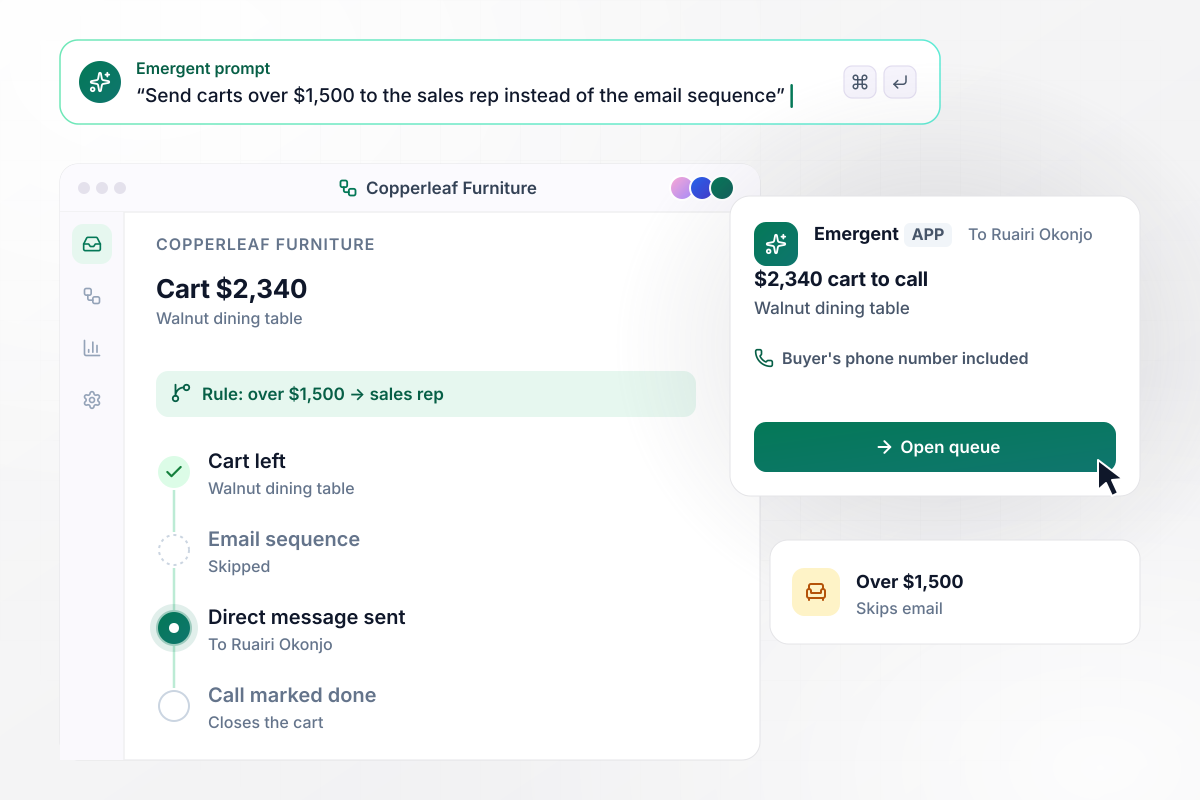
A $2,340 cart goes to a person, not an inbox
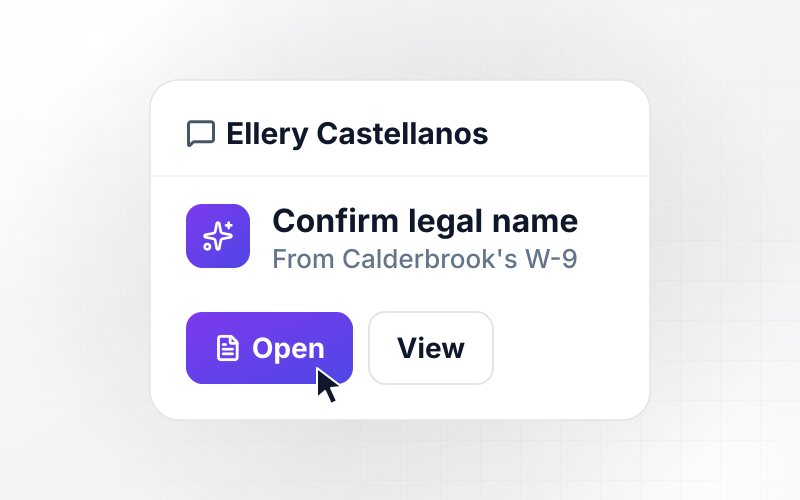
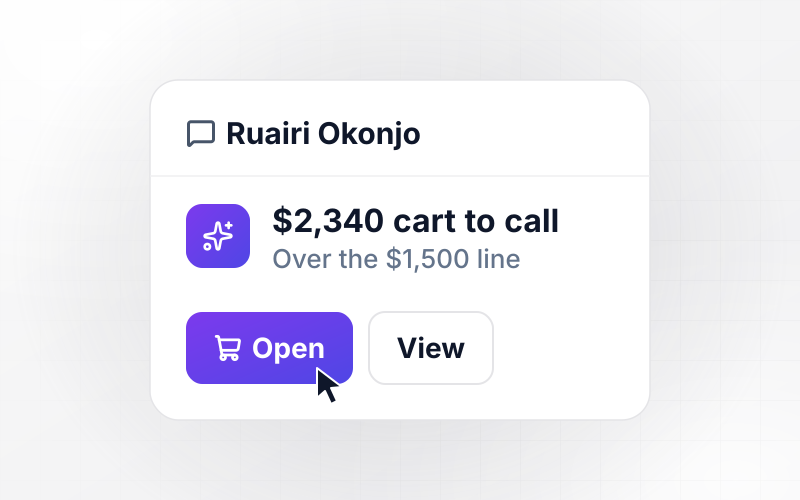
Copperleaf Furniture draws the line at $1,500. A $2,340 cart holding a walnut dining table is over it and skips the email sequence. Ruairi Okonjo on sales gets a direct message listing the cart's items and the buyer's phone number, and the cart stays open in his queue until he marks the call done.
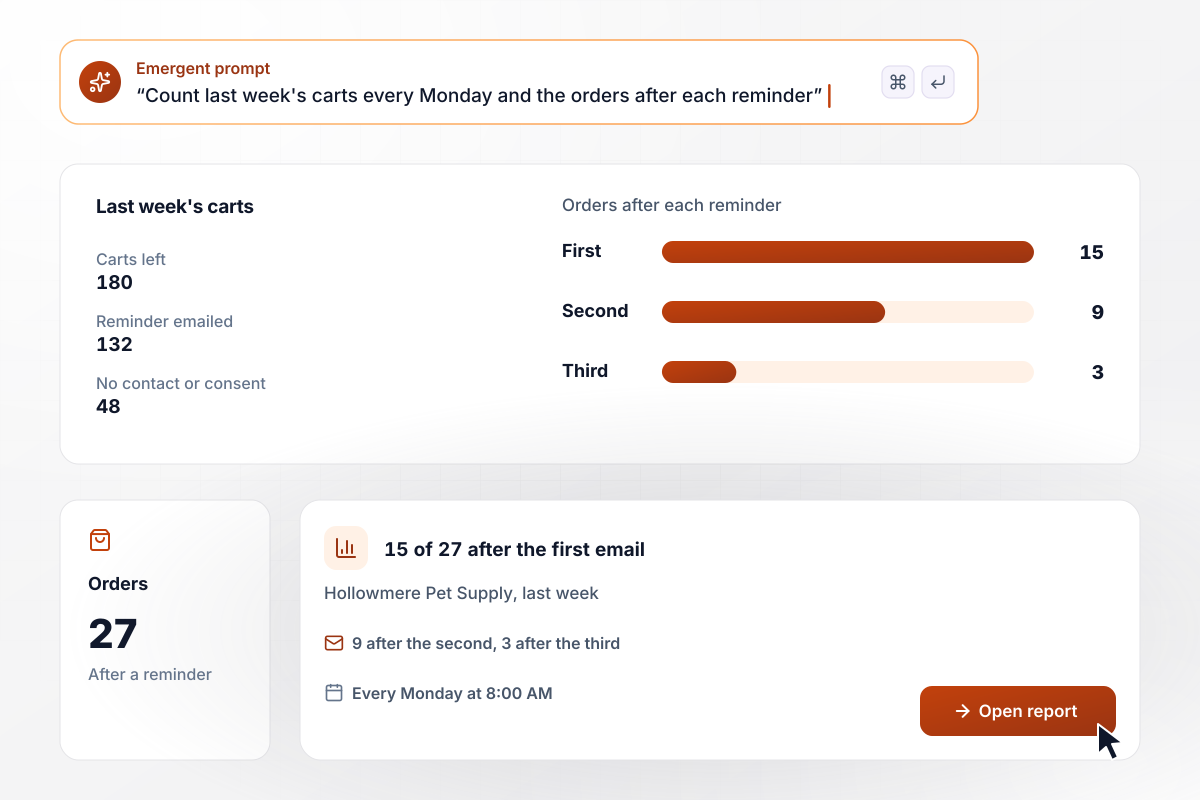
15 of 27 orders came after the first email
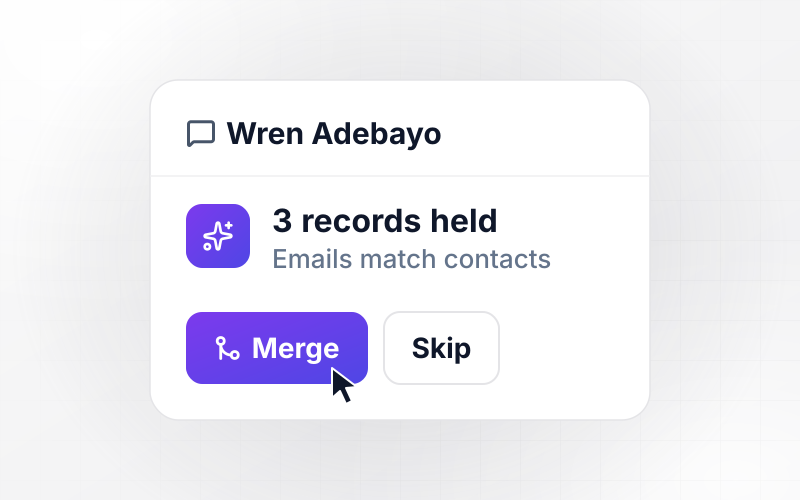
Every Monday at 8:00 AM, Hollowmere Pet Supply gets a report on last week's carts. Shoppers left 180 carts: 132 got a reminder email, and 48 had no contact details or consent. Of the 27 orders that followed a reminder, 15 came after the first email, 9 after the second, and 3 after the third.






How to Build Abandoned Cart Automation
Seven steps to set the rules for abandoned cart automation, test them on real carts, and then build it with Emergent.
Decide what counts as abandoned before anything else: a cart with at least one item, a saved email or phone number, and no order after a set wait. Write the wait in minutes, and leave out carts from your own staff and test accounts.
List the store events the app will read, at minimum a new cart and a placed order. Note the field that links an order to its cart, such as the cart ID or the shopper's email, because every stop rule depends on that match.
Write the schedule as a short table: how long each reminder waits and which channel it uses. Add the stop rules next to it: an order or an unsubscribe ends the sequence for that cart.
Record which consent each contact gave and the form it came from, then map each answer to a channel. Decide how a shopper takes consent back, and make that answer update the same field the app reads.
Pick the cart value where a sales rep takes over, and name the rep. Decide whether a discount code appears at all, which reminder carries it, and how long the code stays valid.
Run the rules against last month's carts before you switch anything on. Check how many reminders each shopper would have received, and look for any cart that would have been reminded after its order was placed.
Describe the rules and the report in one prompt, and Emergent builds the app with its database and dashboard. Turn it on for email carts first, read the Monday report for two weeks, then add texts.
Why Build Cart Recovery With Emergent?
Emergent builds the cart reminders, the consent rules, and the reminder report as one app from a prompt, with no cap on tasks.

|
Zapier | Make (Integromat) | n8n | |
|---|---|---|---|---|
| How you build | Prompt for the workflow and the app around it | Templates and editor, AI copilot | Visual canvas | Visual canvas, self-hosted or cloud |
| What you get | Workflow + trigger form + database + dashboard, as code you own | Zaps, plus Tables and Interfaces inside Zapier | Scenarios inside Make | Workflows inside n8n |
| Behavior at cap | Keeps running, no task cap | Overage billed at up to 1.25× the base rate | Runs pause | Cloud workflows stop until the reset or an upgrade |
| AI and agent steps | Native, share the same credit pool | Priced by model tier, drawn from the task pool | AI modules cost variable credits | Bring your own model API key, billed by the provider |
| Code ownership | Full code export to GitHub on paid plans | None | None | Yes on Community Edition |


Pick the Pricing Plan That Works for You
Choose the plan that fits your building ambitions. From weekend projects to enterprise applications, we've got you covered.




Find the right workflow automation
for you and your business




Frequently Asked Questions
Your Questions, Answered
Don't change this element unless you know what you are doing
More things you can build
with Emergent









on Emergent today




