

Build Proposal Automation That Takes Deals to Signature
Build proposal automation that fills the first draft from a CRM deal and follows it through approval and signature.
Build proposal automation for my IT services firm that builds each proposal from my pricing rules and tracks it in HubSpot.
Trusted by Builders Worldwide
Active Builders Worldwide
Apps Successfully Created
Countries Globally Reached



Inside a Proposal Automation App
Each part takes one job off the person who writes the proposal.
Drafts that start from the CRM deal
When a deal reaches the stage you choose, the app pulls the client, the contacts, and the scoped services from your CRM into the template. Reps open a priced draft, not a blank page.
One library of approved sections
Case studies, team bios, and contract terms sit in a database you own, each with an owner. The app inserts only the version marked current, and a retired bio stays out of new drafts.
Discount limits per role
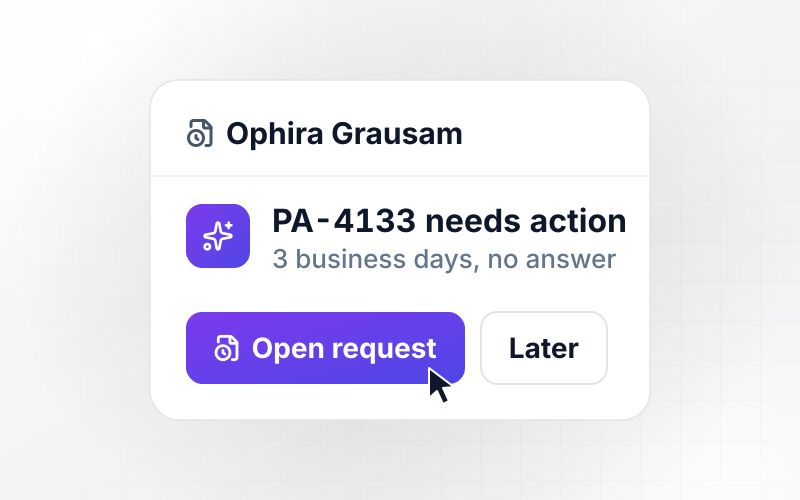
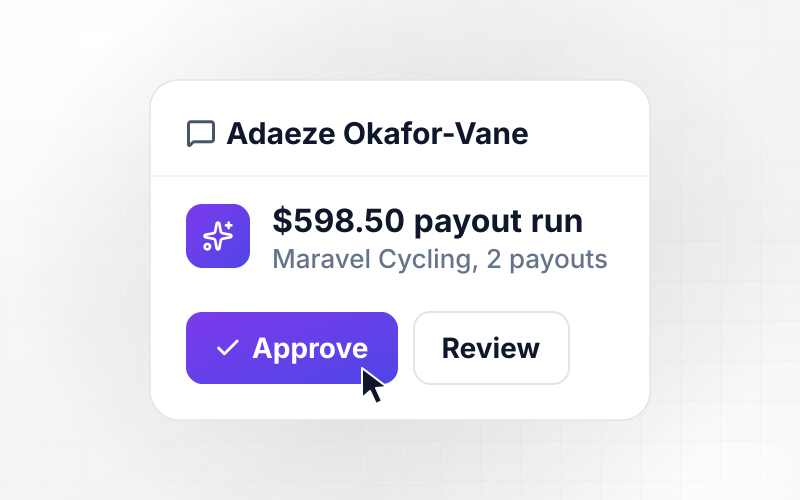
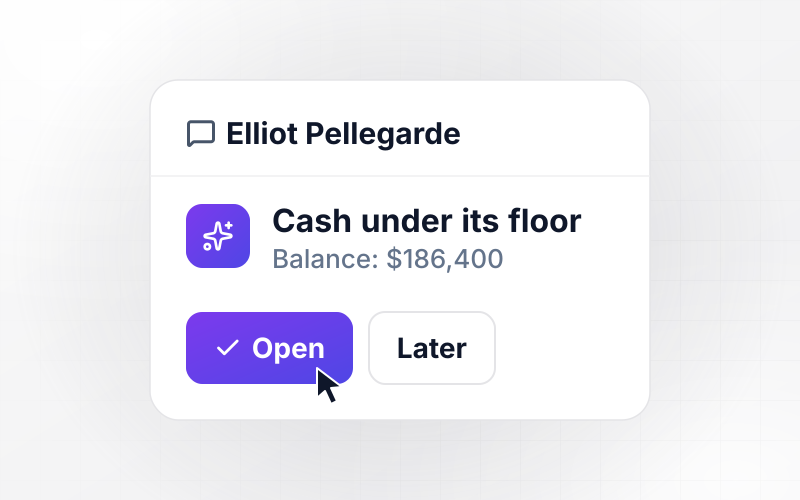
Set the largest discount each role can give on its own. A proposal past that limit stays locked. The approver gets a direct message or an email showing the list price and the offer.
RFPs read into a requirement list
An AI step reads each uploaded RFP and lists its requirements, deadlines, and page limits as fields. Any value it reads with low confidence goes to a person before writing starts.
Signatures that update the deal
Clients sign inside the proposal app. The signed copy, the signer's name, and the time are saved to your database, and the deal in your CRM is marked won at the signed amount.
Export the app's code to GitHub
Paid plans export the full code of the proposal app to your GitHub repository, pricing rules included. A pricing change can then be reviewed like any other commit in that repo.
Four Proposals the App Moves Forward
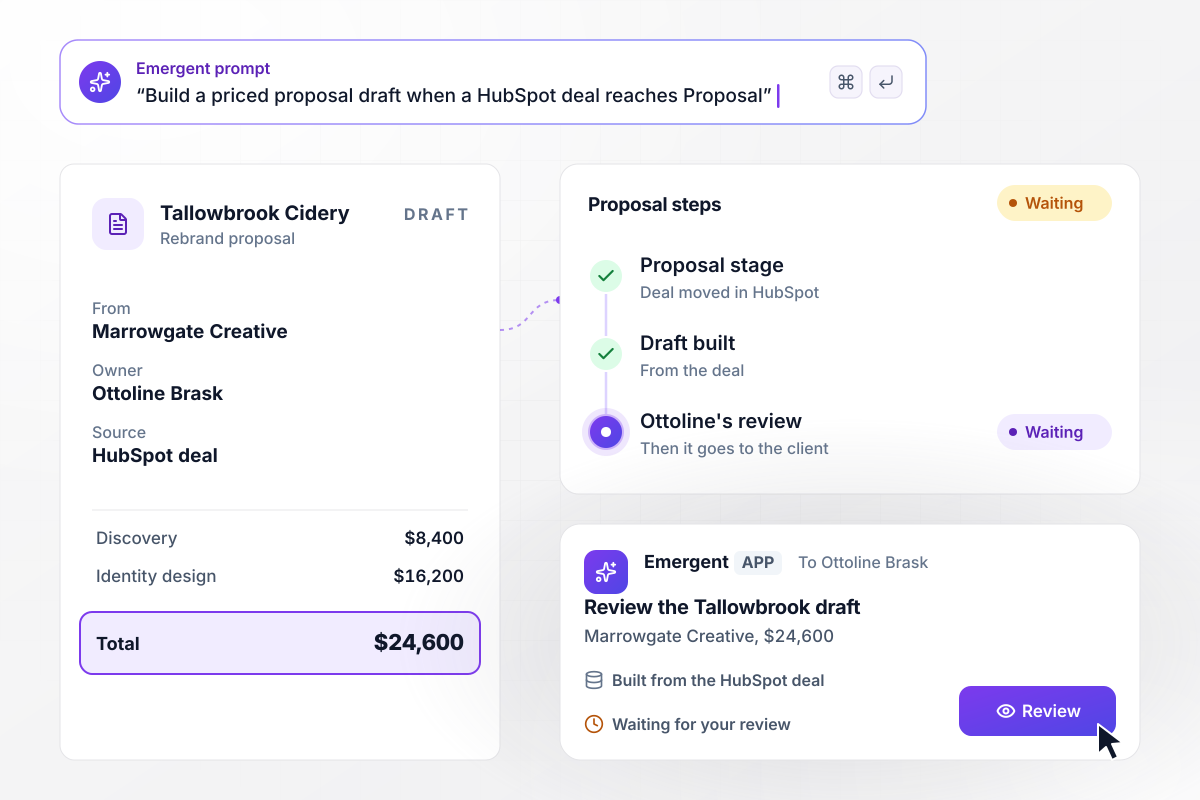
Tallowbrook's deal turns into a priced draft
Ottoline Brask moves the Tallowbrook Cidery rebrand deal to the Proposal stage in HubSpot. The app reads the deal and builds Marrowgate Creative's proposal from it: discovery at $8,400, identity design at $16,200, and a $24,600 total. The draft then waits for Ottoline's review before it goes to the client.
window.awbMockup = { agencyProposals: "When a deal in HubSpot moves to my Proposal stage, build a proposal from it with my agency's template. Pull in the client name and the phases I scoped, with a price for each phase and a total. Put the draft in the account lead's queue for review before anything goes to the client.", discountedDeals: "Let my reps add a discount to any proposal. If the discount is over 15%, lock the proposal and send it to my sales director in a direct message with the list price and the discounted price. Unlock sending only after she approves, and keep a record of who approved each discount.", governmentRfps: "When I upload an RFP, read it and list every requirement with an owner on my team. Pull out the due date and any page limits. If a value cannot be read with confidence, send it to my proposal manager to confirm before anyone starts writing.", signedProposals: "Let clients sign my proposals inside the app. When a client signs, save the signature with the signed copy, mark the deal won in HubSpot at the signed amount, and send my project lead a direct message with the signed proposal attached." };
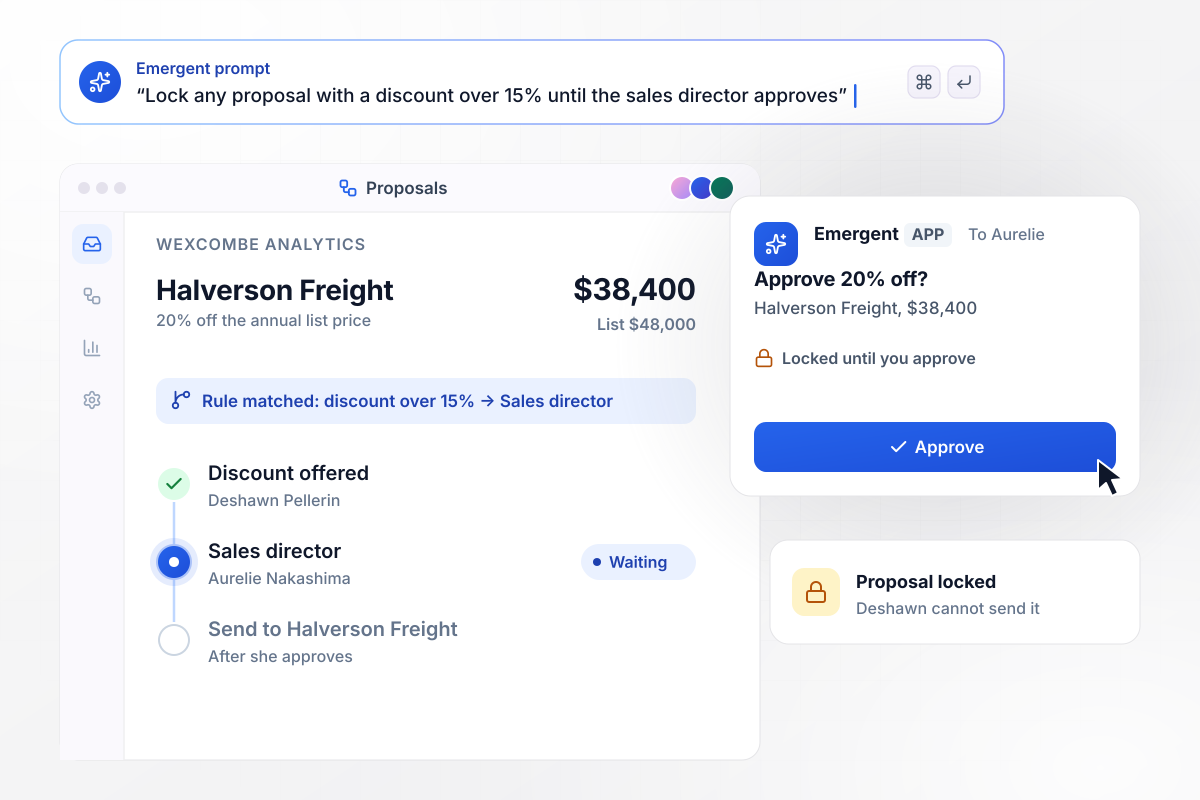
A 20% discount waits for the sales director
Deshawn Pellerin at Wexcombe Analytics wants to close Halverson Freight and offers 20% off the $48,000 annual list price. Any discount over 15% needs the sales director's approval. The $38,400 proposal is locked and goes to Aurelie Nakashima in a direct message. Deshawn cannot send it until she approves.
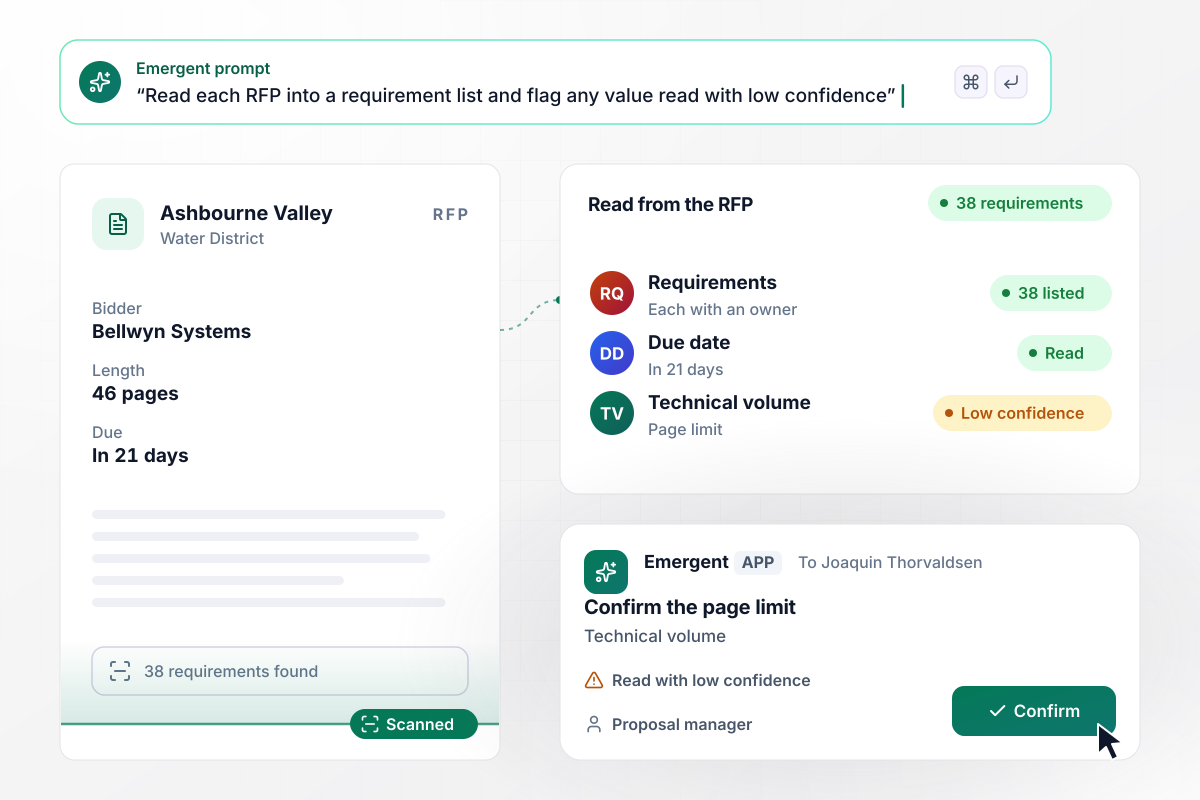
38 requirements, one value for a person to check
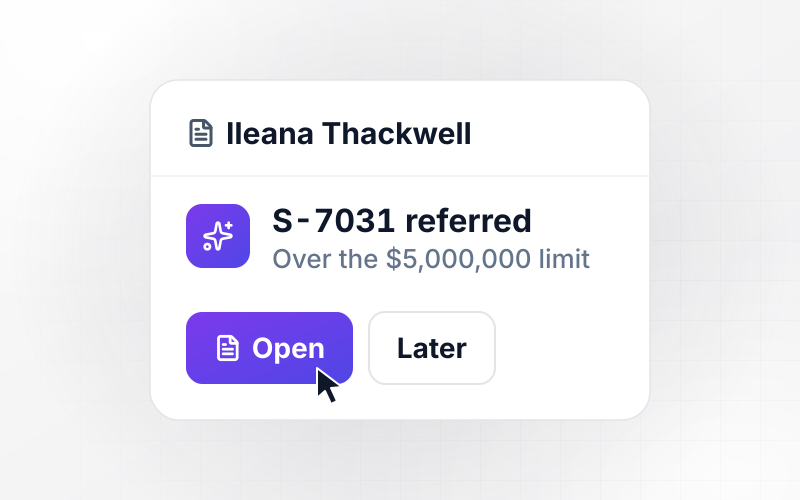
Bellwyn Systems has 21 days to answer a 46-page RFP from the Ashbourne Valley Water District. The app reads it and lists 38 requirements, each with an owner. One value is read with low confidence: the technical volume's page limit. Joaquin Thorvaldsen, the proposal manager, confirms it first.
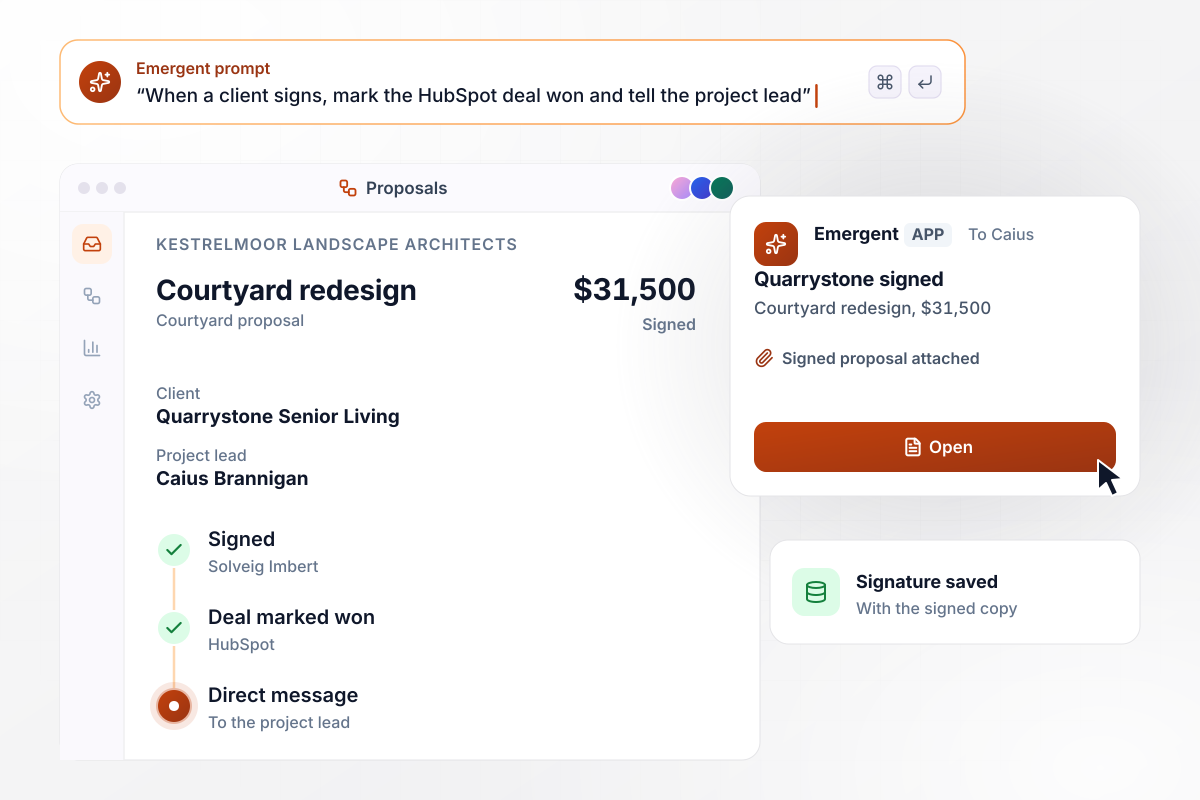
One signature marks the HubSpot deal won
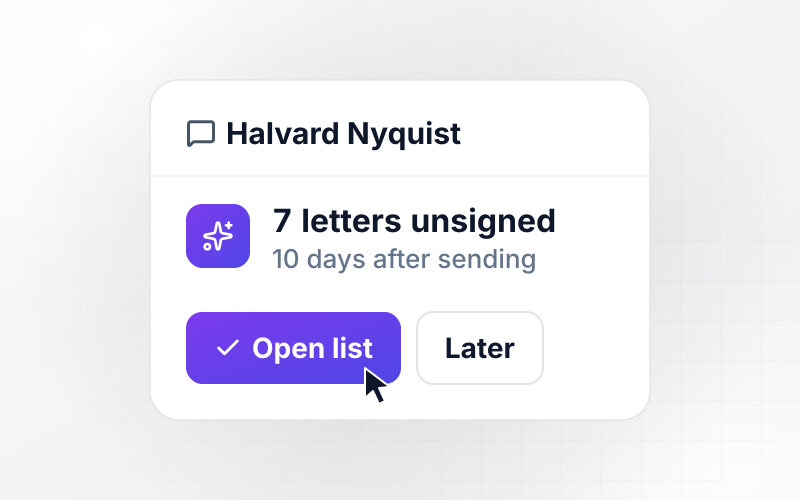
Solveig Imbert of Quarrystone Senior Living signs Kestrelmoor Landscape Architects' $31,500 courtyard redesign proposal. The app saves her signature with the signed copy and marks the deal won in HubSpot. Caius Brannigan, the project lead, gets a direct message with the signed proposal attached.






How to Build Proposal Automation
Seven steps to map your proposal process, build proposal automation with Emergent, and test it on past deals.
Pull the last 10 proposals your team sent and mark what changed between them: client name, scope, prices, and case studies. Whatever stayed the same becomes the template. Whatever changed becomes a field the app fills from the deal.
Pick the CRM stage that should start a draft (Proposal, for example) and list the deal fields the template needs. Emergent builds the app from a prompt that names that stage and every field the draft should fill.
Write the pricing rules down before you prompt: the list price for each package, the largest discount each role may give, and who approves anything above it. A rule you cannot state in one sentence needs a decision from sales leadership first.
Move case studies, team bios, and standard terms into the content library, with one owner for each item. Leave out anything you would not send to a client today. A smaller library means fewer wrong sections in a draft.
Connect your CRM through its API. The app then reads each deal and writes the result back to it. Add the signature step last, and choose who hears about a signed proposal: the account owner or the project lead.
Send five past deals through the app before going live. Compare each draft with the proposal you sent at the time, check that every discount over the limit stopped for approval, and fix any rule by prompting until all five match.
Switch the app on for one sales team or one proposal type for 30 days. Count the drafts that went out without edits, trace each edit back to the rule or field that caused it, and fix that rule before the next team moves over.
Why Build Proposal Automation With Emergent?
Emergent builds the proposal app from a prompt, pricing rules and CRM sync included, on a database you own with no task cap.

|
Zapier | Make (Integromat) | n8n | |
|---|---|---|---|---|
| How you build | Prompt for the workflow and the app around it | Templates and editor, AI copilot | Visual canvas | Visual canvas, self-hosted or cloud |
| What you get | Workflow + trigger form + database + dashboard, as code you own | Zaps, plus Tables and Interfaces inside Zapier | Scenarios inside Make | Workflows inside n8n |
| Behavior at cap | Keeps running, no task cap | Overage billed at up to 1.25× the base rate | Runs pause | Cloud workflows stop until the reset or an upgrade |
| AI and agent steps | Native, share the same credit pool | Priced by model tier, drawn from the task pool | AI modules cost variable credits | Bring your own model API key, billed by the provider |
| Code ownership | Full code export to GitHub on paid plans | None | None | Yes on Community Edition |

Pick the Pricing Plan That Works for You
Choose the plan that fits your building ambitions. From weekend projects to enterprise applications, we've got you covered.




Find the right workflow automation
for you and your business
Frequently Asked Questions
Your Questions, Answered
Don't change this element unless you know what you are doing
More things you can build
with Emergent









on Emergent today


