

Build a Personal Information Form That Stays Current
Build a personal information form that keeps every record in a database you own and current as details change.
Build a personal information form that saves every response to a database I own.
Trusted by Builders Worldwide
Active Builders Worldwide
Apps Successfully Created
Countries Globally Reached



What the Form Collects and Where It Goes
A personal information form records who someone is and how to reach them. These six parts decide how those details stay accurate.
Fields named in your own words
Emergent builds the form from a plain-English list of fields, such as legal name, home address, and an emergency contact. Ask for another field later and Emergent adds it.
One question per screen on a phone
The form can show one question at a time, which suits someone filling it in on a phone between shifts. Put the required details first and leave the optional ones for the end.
Records in a database you own
Every submission is saved in a database you own, with one row per person and a column for each field. Search it by name when someone calls in to give a new phone number.
Reminders for anyone who has not filed
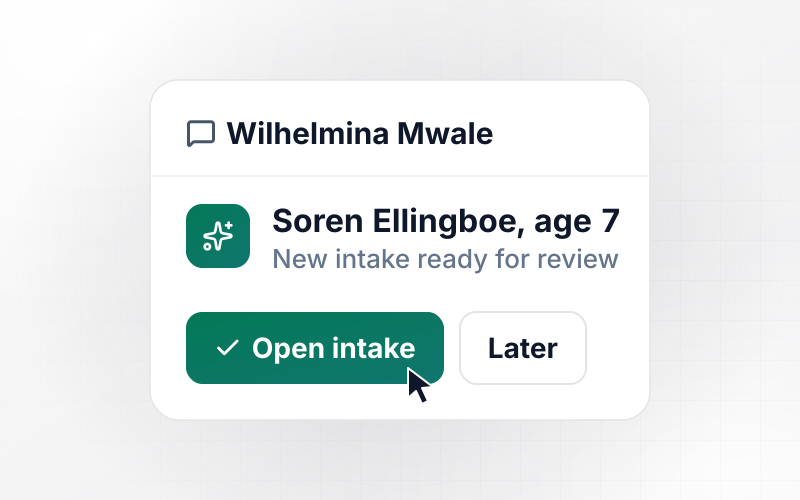
The form sends an email or Slack reminder to each person who has not filed by your due date. People who already filed hear nothing, and the list of names shrinks each day.
No cap on how many people respond
Emergent sets no response cap on forms. A 40-person school and a 600-person staffing pool run the same form, and nobody has to count submissions near the end of a month.
Details sent to the tools you already use
A finished record can go to any tool with an API, such as HubSpot or a scheduling app. Nobody retypes an address, and your database keeps the full record either way.
Where the Details Go After Someone Files
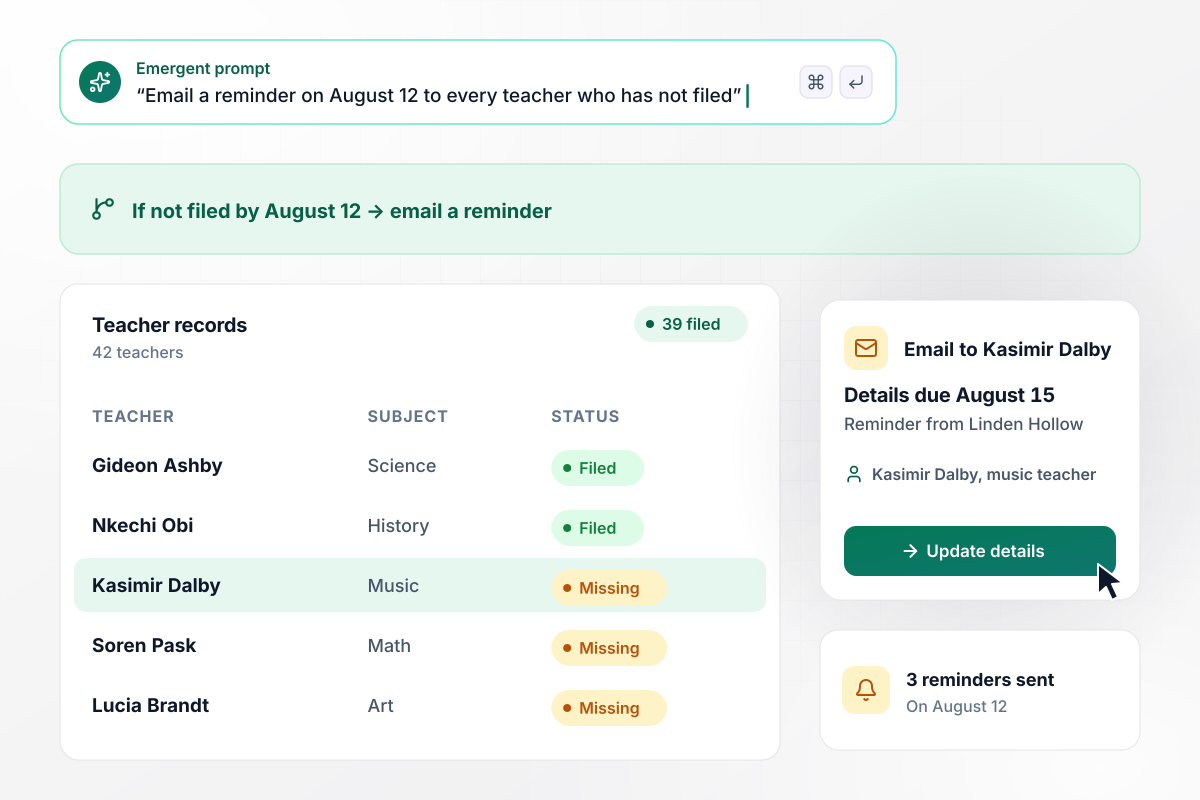
Teachers missing on August 12 get an email reminder
Linden Hollow Academy asks its 42 teachers to update their personal details before school starts, with a due date of August 15. On August 12, the office dashboard showed 39 filed. The 3 teachers still missing, Kasimir Dalby among them, got an email reminder that morning. Nobody who had filed heard a thing.
window.awbMockup = { schoolStaff: "Build a personal information form for the teachers at my school. Ask for legal name, home address, phone, and an emergency contact, due August 15. Show the office a dashboard of who has filed, and email a reminder on August 12 to every teacher who has not.", addressChanges: "Build a change of address form for my trucking company's drivers. Show the address we have on file next to the new one. Email our HR coordinator, Dorrit Haverly, to approve each change. Once she approves, update the driver's record and keep the old address in its history.", scannedForms: "Build a personal information form for our senior center, plus a way to upload scans of our old paper forms. Read each scan into a record. When a date of birth or another field is hard to read, send that form to our office manager to check.", eventStaff: "Build a personal information form for our on-call event servers. Show one question per screen so it works on a phone, with name, phone, emergency contact, and weekend availability. Send each finished record to our scheduling app." };
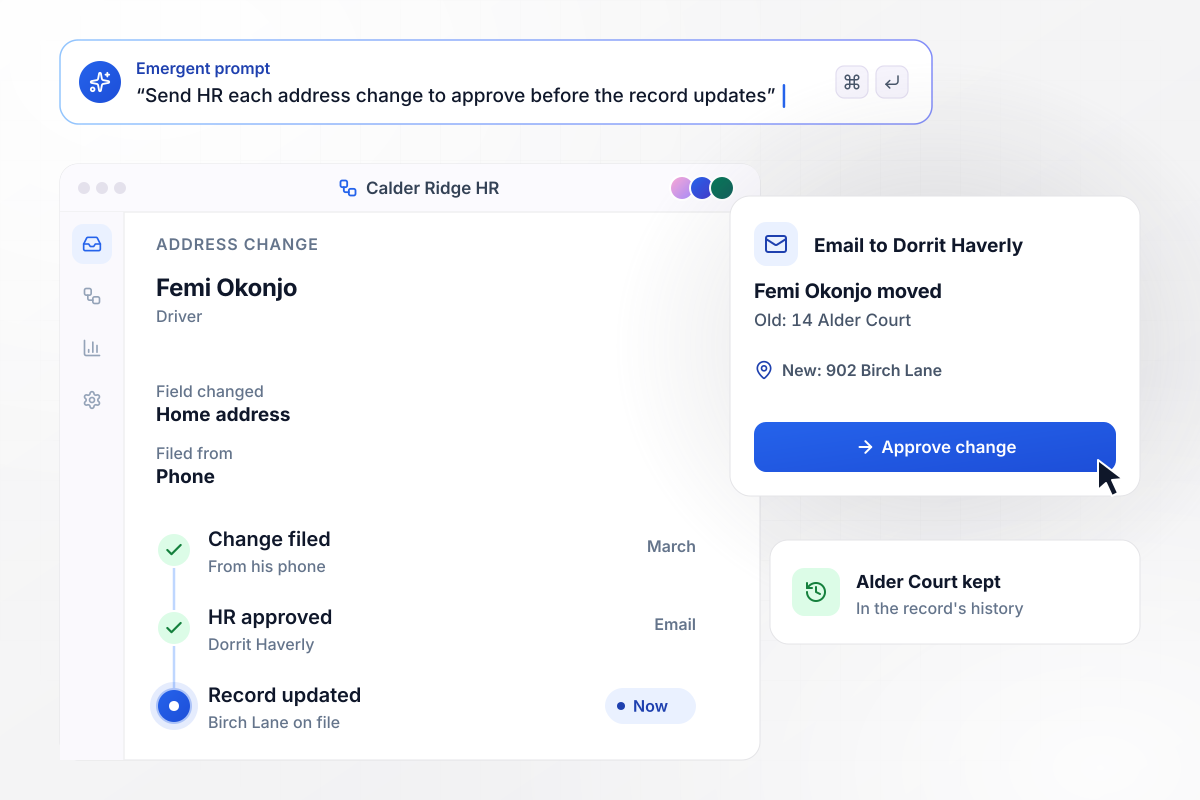
HR signs off on every address change
Femi Okonjo, a driver at Calder Ridge Freight, moved in March and filed a change of address on his phone. HR coordinator Dorrit Haverly got an email with his old address, 14 Alder Court, next to the new one, 902 Birch Lane. She approved it. His record now shows Birch Lane, and Alder Court stays in its history.
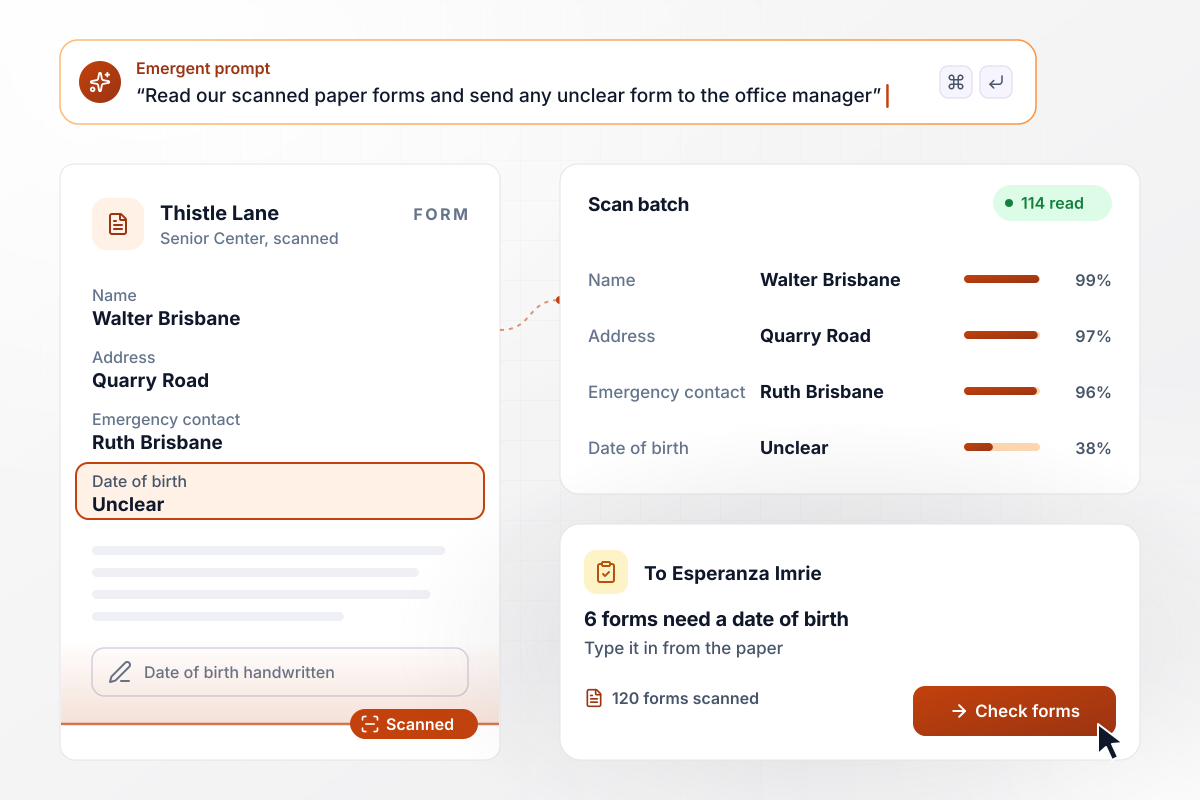
The office manager checks 6 of 120 scanned forms
Thistle Lane Senior Center had 120 paper forms from new participants. Staff scanned the stack, and 114 were read into records with every field filled. The other 6 had a handwritten date of birth that could not be read clearly. Those went to office manager Esperanza Imrie, who typed in each date from the paper.
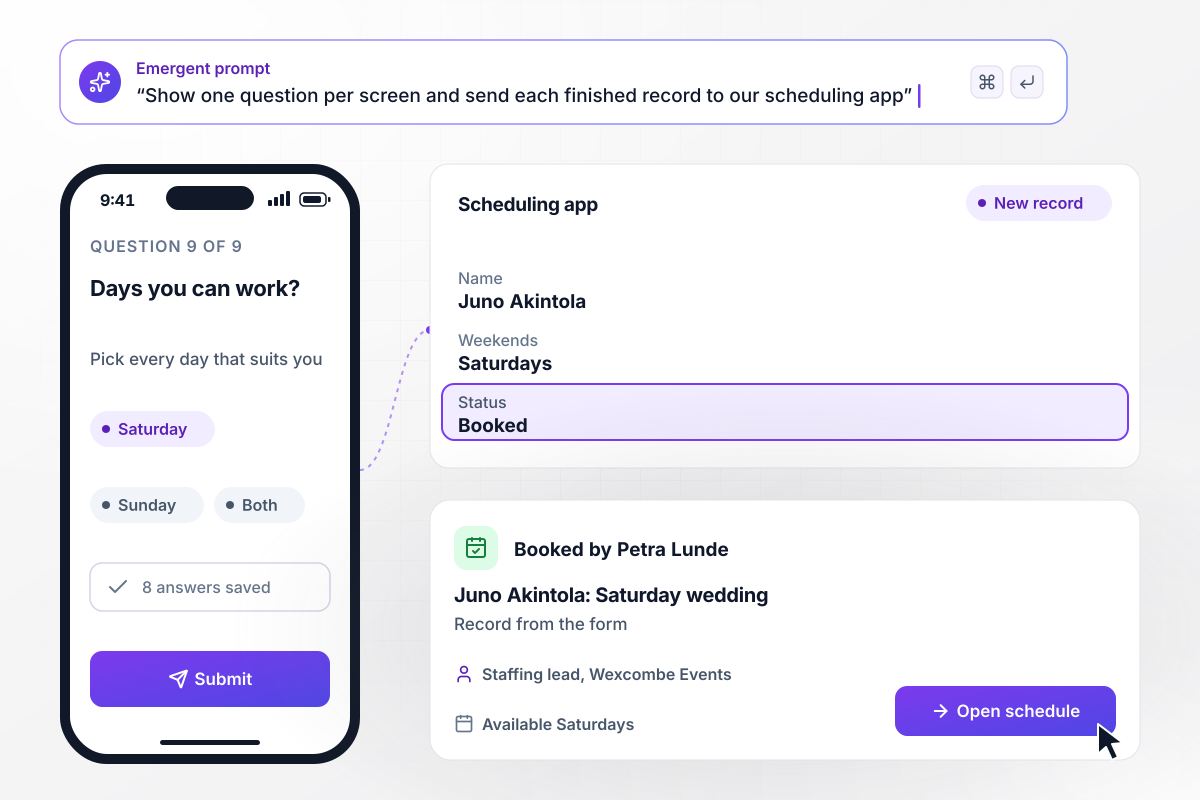
9 phone questions put a server into the scheduling app
Wexcombe Events keeps a pool of on-call servers for weddings and galas. Juno Akintola filled in the form on her phone, one question per screen, and finished all 9 questions. Her record went to the scheduling app the agency connected. Staffing lead Petra Lunde then booked her for Saturday's wedding.






How to Make a Personal Information Form
Seven steps to make a personal information form that people finish on time and that stays accurate as details change.
Write down each detail someone will act on, like a mailing address for paychecks or a phone number for shift changes. Leave out the rest, such as a Social Security number on a club roster.
Put identity fields first, contact details next, and the emergency contact last. Add a section only your group needs, such as the subject a teacher covers or a server's weekend availability.
Tell Emergent in a few sentences who fills in the form, which fields it holds, and when it is due. Emergent builds the form and the database that stores each record.
Mark which fields are required. Pick one date format, such as MM/DD/YYYY, so every date of birth reads the same way in the records.
Say who gets a reminder after the due date and who approves a change, such as an HR coordinator. Name one person rather than a whole team.
List the tools that should receive each record, such as a scheduling app or HubSpot. Decide which fields each tool gets, so a scheduler sees availability but never a home address.
Submit a complete entry, an entry missing a required field, and a change to a record you already have. Confirm each one lands where you expect, then delete the test rows.
Why Emergent for Personal Information Forms?
Emergent builds the form and its HR approvals from one description, and accepts every response without a cap.

|
Jotform | Google Forms | Typeform | |
|---|---|---|---|---|
| How you build | Describe it in plain English | Templates, editor, AI generator | Editor, with Gemini drafting on some Workspace plans | Templates, editor, AI assist |
| Where responses live | A database table you own, plus any integration | Jotform account | Google Sheets | Typeform account |
| Response limits | No response caps | Monthly submission caps by plan; the form stops at the cap | No limit | Monthly response caps by plan; the form closes at the cap |
| Code ownership | Full code export to GitHub on paid plans | None | None | None |

Pick the Pricing Plan That Works for You
Choose the plan that fits your building ambitions. From weekend projects to enterprise applications, we've got you covered.




Find the right form
for whatever you're collecting
Frequently Asked Questions
Your Questions, Answered
Don't change this element unless you know what you are doing
More things you can build
with Emergent









on Emergent today


