

Build a Wellness Intake Form for Every Service You Offer
Build a wellness intake form that asks each client only the questions for the services they book, and keeps every answer.
Build a wellness intake form for my wellness center that asks screening questions only for the services each client books.
Trusted by Builders Worldwide
Active Builders Worldwide
Apps Successfully Created
Countries Globally Reached



What the Front Desk Knows Before a Visit
Emergent builds a wellness intake form around the services you sell, with the screening questions each one needs.
Services first, then their questions
The intake opens by asking which services the client is booking. A client who picks the sauna gets the sauna questions, and one who books a massage gets the massage ones.
A booking that waits for a second look
Mark any screening question where a yes needs a staff decision. A yes holds that booking, and the app emails the manager that an intake needs review. The answer stays in the app.
Ratings stored as numbers, not notes
Ask clients to rate areas such as sleep and energy from 1 to 10. Each score is saved as a number, so the same questions asked again at 90 days line up against the first answers.
The waiver signed on the same form
Paste the waiver your center already uses at the end of the intake, followed by a typed or drawn signature. The app keeps each signature and its date on the client's record.
One question per screen on a phone
Clients can fill out the intake on a phone in the lobby or at home, one question per screen. A long screening section stays easy to finish with a thumb, even on a small screen.
Records in a database you own
Every intake lands in a database you own, with no response caps. On paid plans, export the code to your GitHub repository and host it wherever your records need to live.
Wellness Intake at Four Kinds of Business
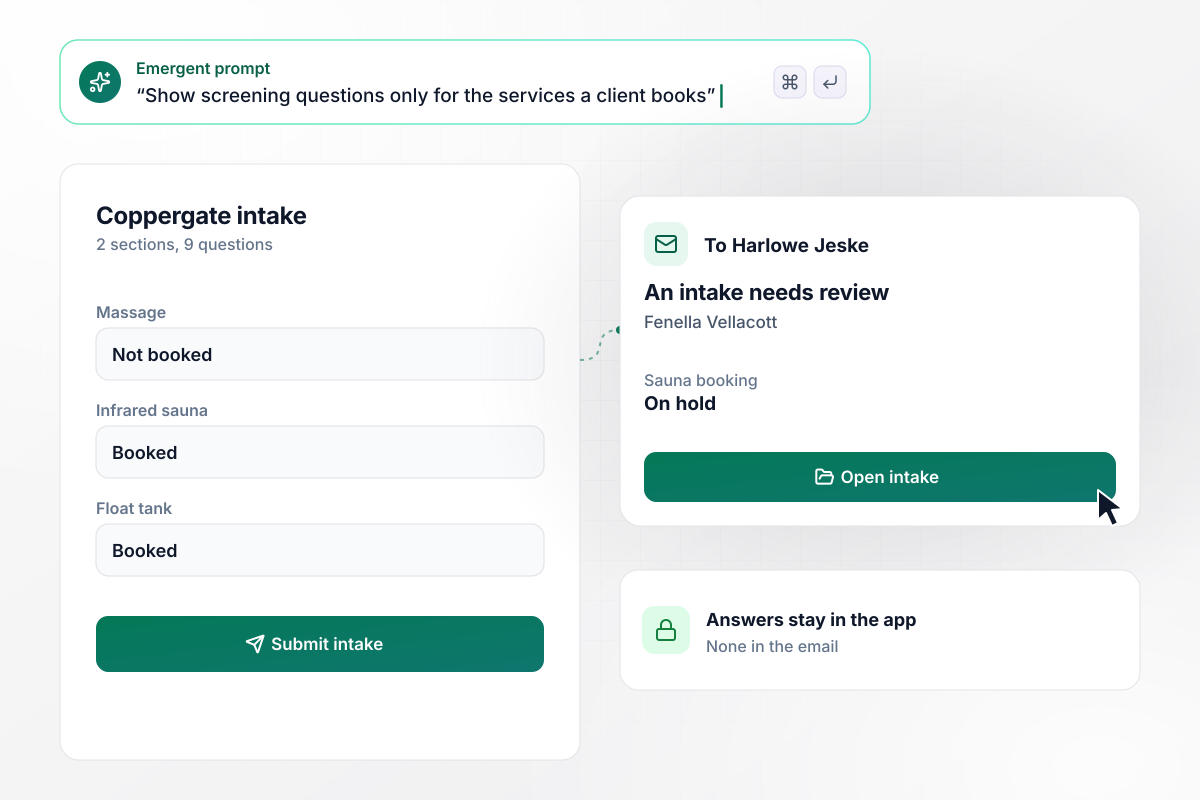
When the sauna and float are booked, their questions show
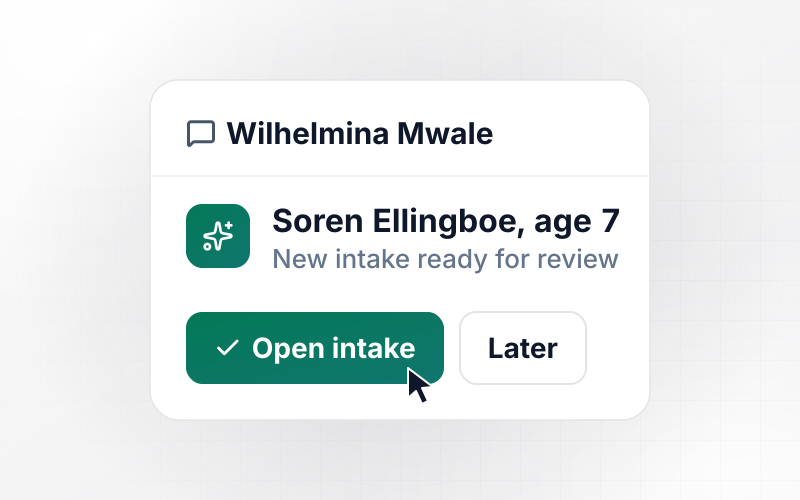
Coppergate Wellness House gives massage, sauna, and float tank their own screening sections. Fenella Vellacott books the sauna and the float and sees 2 sections, 9 questions. A yes to one sauna question puts that booking on hold, and Harlowe Jeske, the manager, gets an email that an intake needs review.
window.awbMockup = { wellnessCenters: "My wellness center offers massage, infrared sauna, and float tank sessions. Build a wellness intake form that asks which services the client is booking and shows only the screening section for each one they pick. If a client answers yes to any screening question, hold that service's booking and email the manager that an intake needs review, with no answers in the email.", wellnessRetreats: "I run a retreat for 18 guests at a time. Build an intake that asks each guest to pick a morning session: yoga, breathwork, or the trail walk. Seven days before arrival, email a reminder to every guest who has not sent the intake, and show me the count for each session.", membershipStudios: "Ask each new member at my studio to rate sleep, energy, movement, and calm from 1 to 10 when they join, and send the same 4 questions again at 90 days. Show each member's first and 90-day scores side by side, and mark any area that dropped.", returningClients: "Once a year, email each returning client a link to their last intake with their answers already filled in. Let them change only what is different, and mark every changed answer at the top of their record for the practitioner who sees them next." };
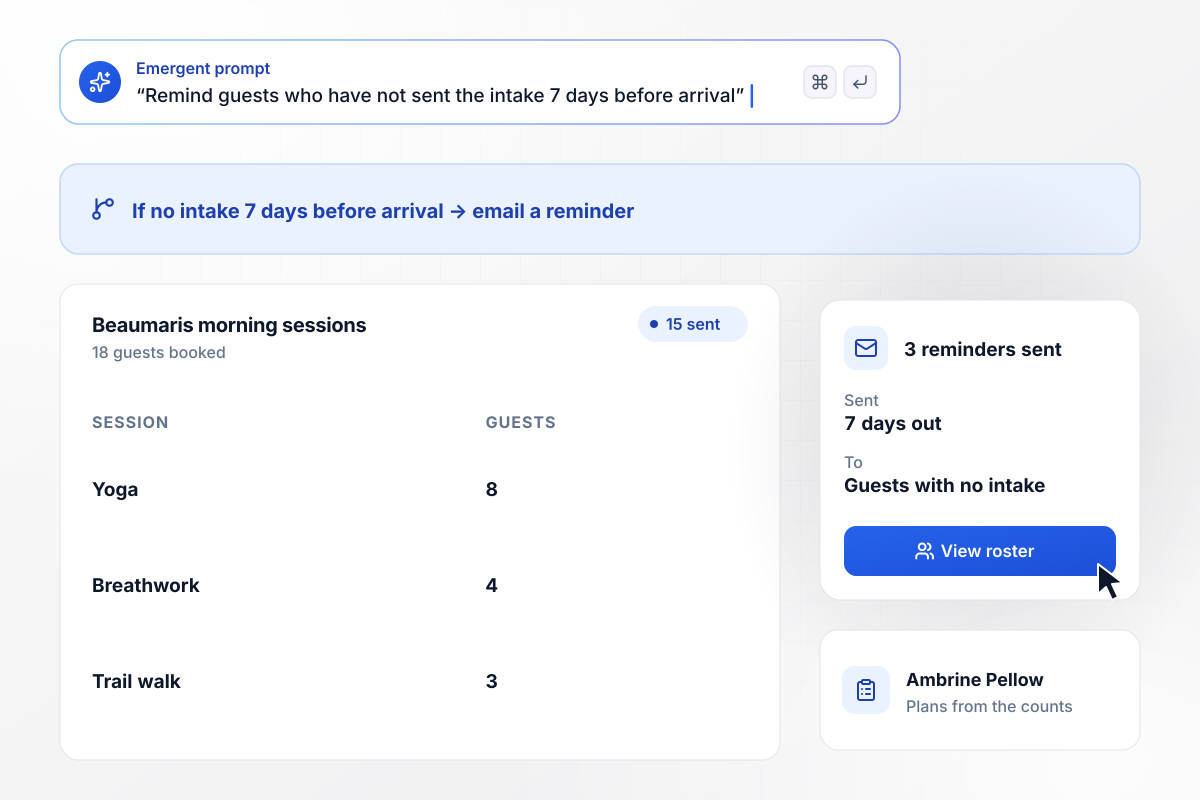
In the last week, 3 missing intakes trigger a reminder
Beaumaris Retreat books 18 guests for each retreat, and its intake asks each guest to pick a morning session. Seven days before arrival, 15 had sent it: 8 for yoga, 4 for breathwork, and 3 for the trail walk. The other 3 got a reminder email that morning, and Ambrine Pellow planned the sessions from the counts.
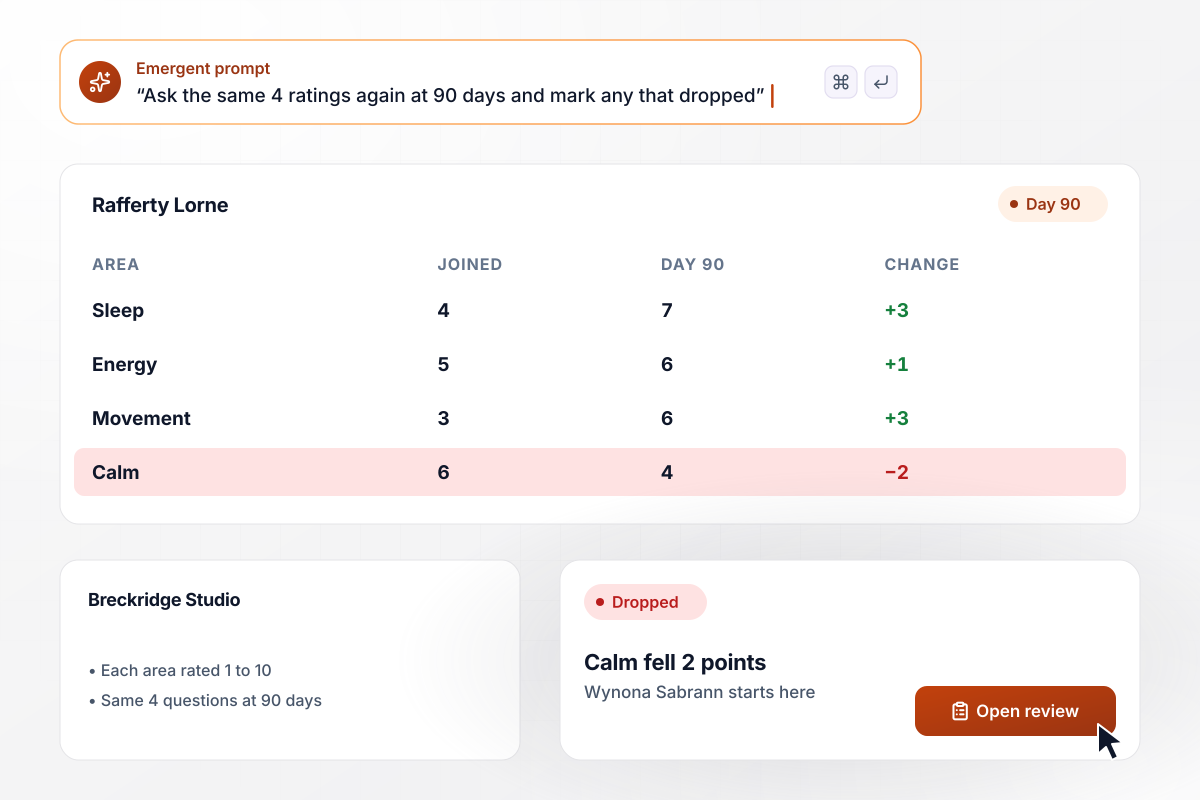
At 90 days, calm is the one score that dropped
New members at Breckridge Studio rate sleep, energy, movement, and calm from 1 to 10. At 90 days, the same 4 questions come back. Rafferty Lorne joined at 4, 5, 3, and 6 and answered 7, 6, 6, and 4. Calm fell 2 points while the rest rose, and Wynona Sabrann opens his review there.
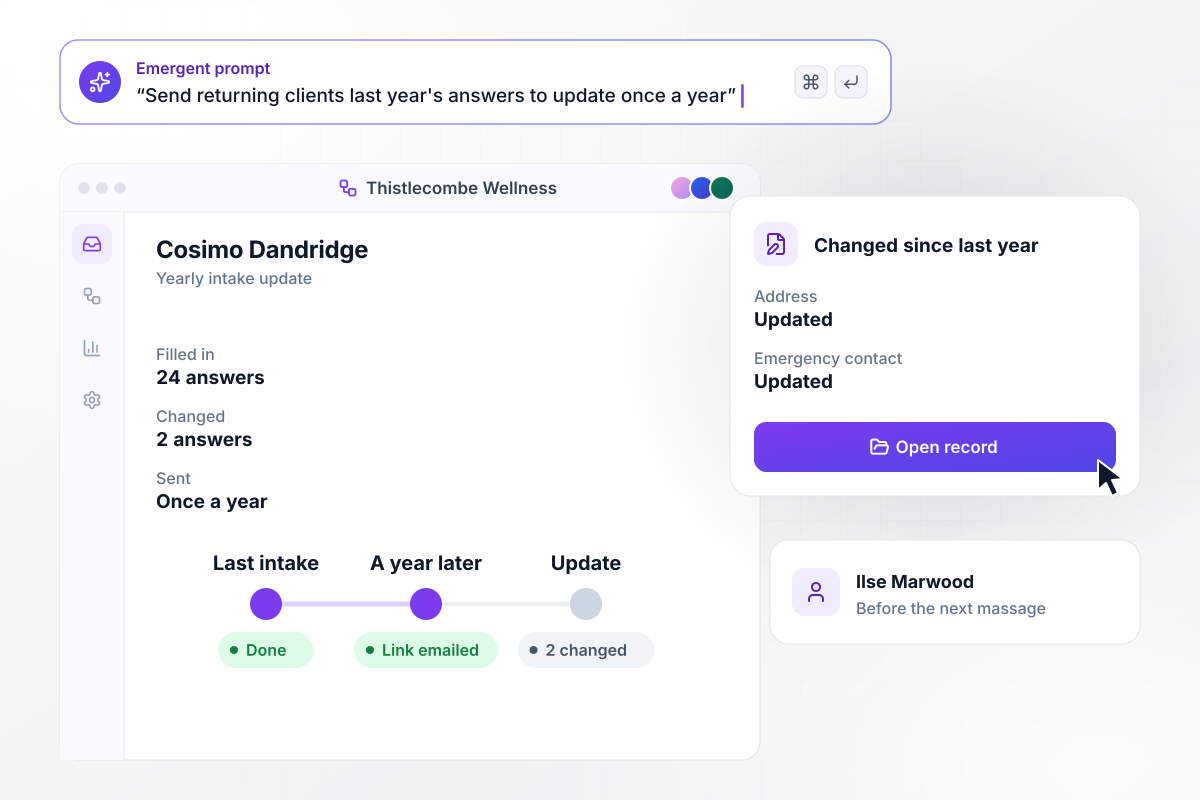
Which 2 of the 24 answers changed, marked at the top
Thistlecombe Wellness asks returning clients to update their intake once a year. A year after Cosimo Dandridge's last one, the app emailed him a link with his 24 answers filled in. He changed 2, his address and emergency contact, and Ilse Marwood sees both marked at the top of his record before his next massage.






How to Create a Wellness Intake Form
Plan the services and screening questions for a wellness intake form, then build it with Emergent in seven steps.
List every service a client can book, such as massage, sauna, or float sessions. Each one becomes a choice at the top of the intake, and each choice opens its own section of questions.
Write the yes-or-no screening questions for each service with the person who leads your practitioners. Keep each one short, and mark the ones where a yes should put the booking on hold.
Pick four areas clients rate from 1 to 10, such as sleep and energy. Ask them again at 90 days in the same words. Identical wording keeps the first and second scores comparable.
Name the person who reviews held bookings, plus a backup for their days off. Their email says only that an intake needs review, and the answers stay in the app.
Place the waiver after the last question. Clients then sign with every other answer in, and they read its full text on the page instead of behind a link.
Put the services, screening questions, ratings, and reviewer into one prompt. Emergent builds the intake form, the database behind it, and a screen for staff. Change a question later by asking in plain English.
Submit one test intake that books two services, one with a yes on a screening question, and one from a phone. Check that the held booking reaches the reviewer and that the email carries no answers.
Why Build Wellness Intake Forms With Emergent?
A printed intake asks a sauna client about massage. An online intake skips every section that does not match the booking.

|
Jotform | Google Forms | Typeform | |
|---|---|---|---|---|
| How you build | Describe it in plain English | Templates, editor, AI generator | Editor, with Gemini drafting on some Workspace plans | Templates, editor, AI assist |
| Where responses live | A database table you own, plus any integration | Jotform account | Google Sheets | Typeform account |
| Response limits | No response caps | Monthly submission caps by plan; the form stops at the cap | No limit | Monthly response caps by plan; the form closes at the cap |
| Code ownership | Full code export to GitHub on paid plans | None | None | None |



Pick the Pricing Plan That Works for You
Choose the plan that fits your building ambitions. From weekend projects to enterprise applications, we've got you covered.




Find the right form
for whatever you're collecting


Frequently Asked Questions
Your Questions, Answered
Don't change this element unless you know what you are doing
More things you can build
with Emergent









on Emergent today


