

Build a Personal Training Intake Form for the First Session
Build a personal training intake form that collects goals, available days, and PAR-Q+ answers before the first session.
Build a personal training intake form that asks for goals, training history, and available days, then emails the trainer when an intake is ready.
Trusted by Builders Worldwide
Active Builders Worldwide
Apps Successfully Created
Countries Globally Reached



What the Trainer Knows Before the First Rep
Emergent builds the intake around the client's goal and schedule, and the screening answers stay inside the app.
Questions that follow the goal
A client who picks strength is asked which lifts they do now and how many days they train. Pick a race instead, and the form asks for the race date and weekly mileage.
The PAR-Q+ as its own step
The first page of the official PAR-Q+ holds seven general health questions. A Yes to any of them opens the follow-up pages, and the client signs the declaration on screen.
Available days, picked as checkboxes
Clients tick the mornings and evenings they can train, then request up to three time slots for session one. The trainer sees every request on one screen, by start date.
Alerts that say an intake is ready
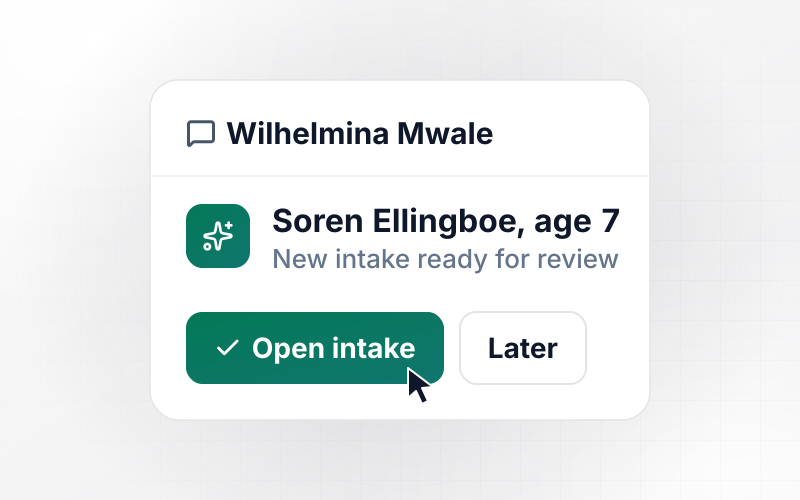
The trainer gets an email or a Slack message with the client's name and a note that the intake is ready. Screening answers stay out of the message and wait in the app.
Client records in a database you own
Every intake is saved as a row in a database you own, searchable by client and by trainer. With no response caps, a month of heavy sign-ups runs through the same intake form.
Code you can take elsewhere
On paid plans, export the full code to your GitHub repository when the intake has to sit inside a member app you already run. Host it where you like and keep building.
Intakes at Four Training Businesses
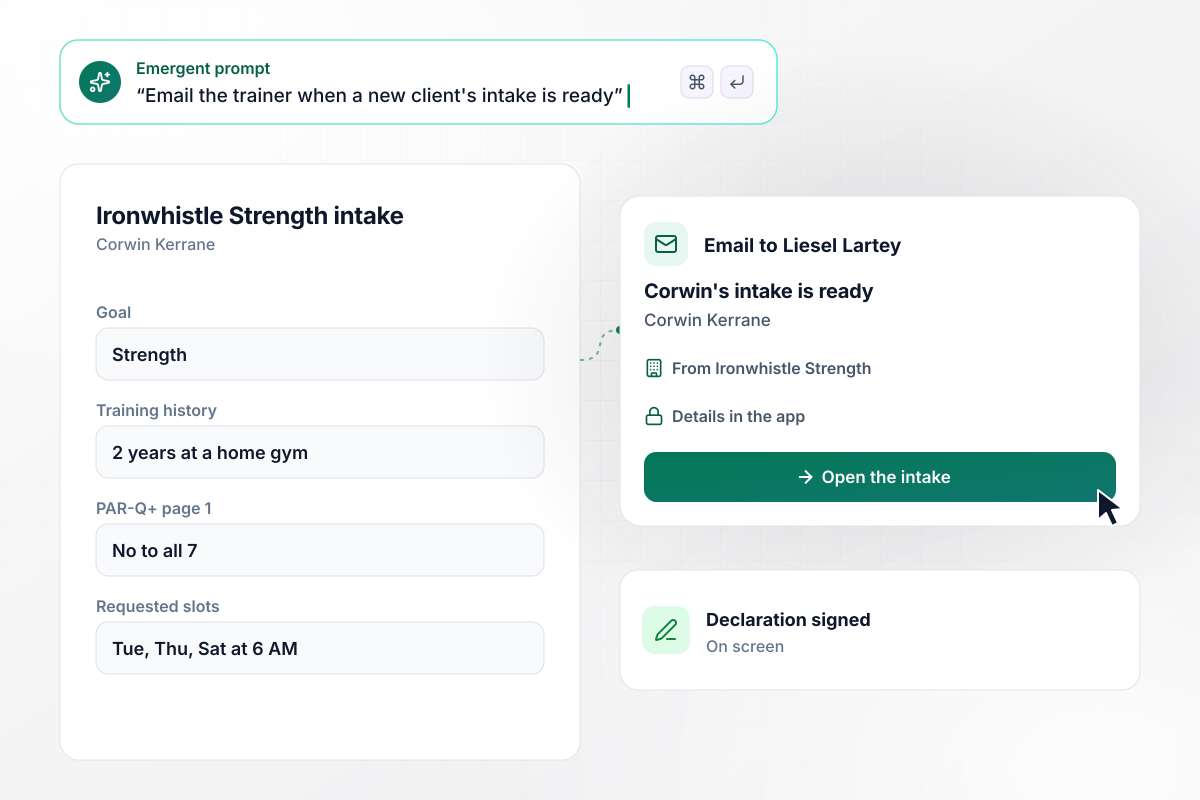
Seven No answers, and session one is requested
Corwin Kerrane signs up at Ironwhistle Strength. He picks strength as his goal, notes 2 years of lifting at a home gym, and answers No to all seven PAR-Q+ questions. He signs the declaration and requests Tuesday, Thursday, and Saturday at 6 AM. Trainer Liesel Lartey gets an email that his intake is ready.
window.awbMockup = { privateStudios: "Build a personal training intake form for my strength studio. Ask for the client's goal, their training history, and the seven PAR-Q+ questions, then have them sign the declaration. Let them request up to three time slots for session one, and email the trainer when an intake is ready.", screeningFollowUp: "Make a personal training intake form for my gym with the PAR-Q+ as its own step. If a new member answers Yes to any first-page question, open the follow-up pages and mark the intake Needs review. Hold the first session until a trainer reviews it, and send the trainer a Slack message that an intake is waiting, with no answers in the message.", onlineCoaching: "I coach clients by video. Build a personal training intake form that asks what equipment each client has at home, with the heaviest dumbbell weight, a pull-up bar, and a bench as separate questions. Ask which evenings they can take a call, and show me the list on a screen the day before the first call.", multiTrainerGyms: "Create a personal training intake form for my club with four trainers. Ask each new member for a goal and a time slot, then send the intake to the trainer who coaches that goal in that slot. Email that trainer when the intake is ready, and show every trainer their own list of new clients." };
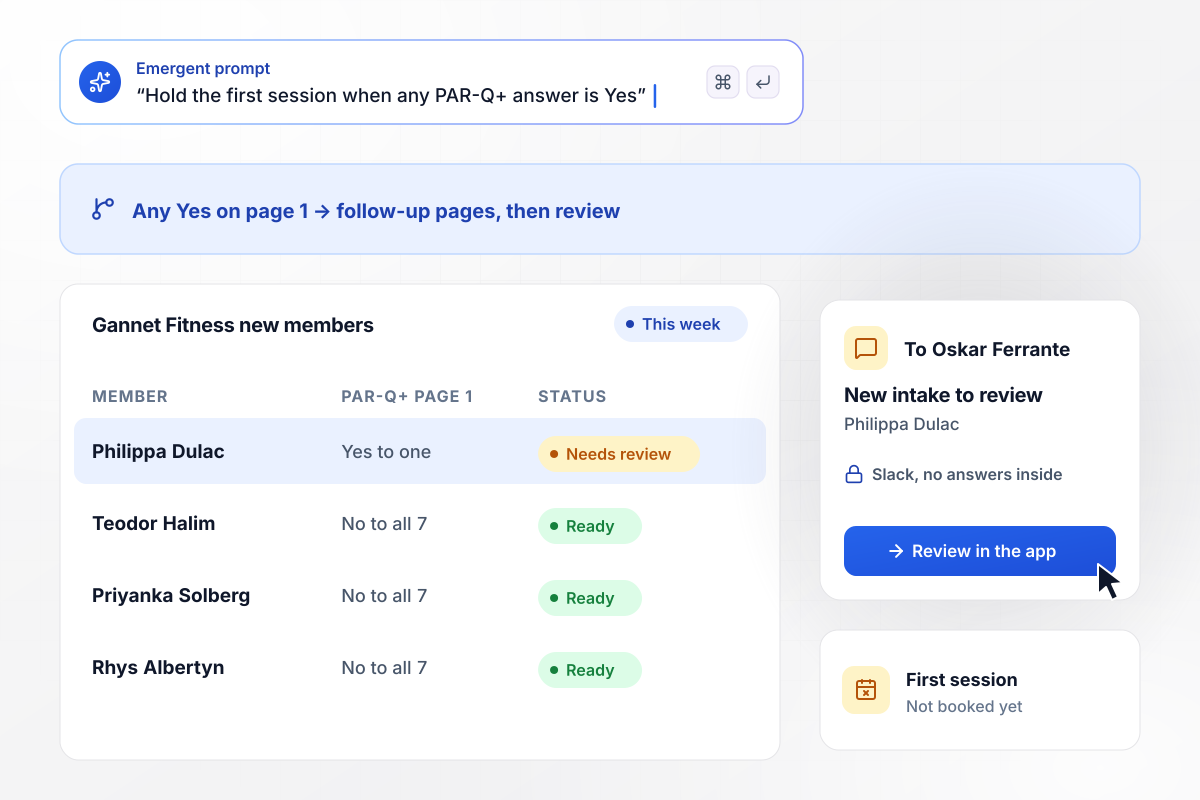
Session one waits while a trainer reads one Yes
Gannet Fitness screens every new member with the PAR-Q+. Philippa Dulac answers Yes to one question on page 1, and the form opens the follow-up pages. Her intake reads Needs review, and her first session stays unbooked. Oskar Ferrante gets a Slack message that a new intake needs his review, with no answers in it.
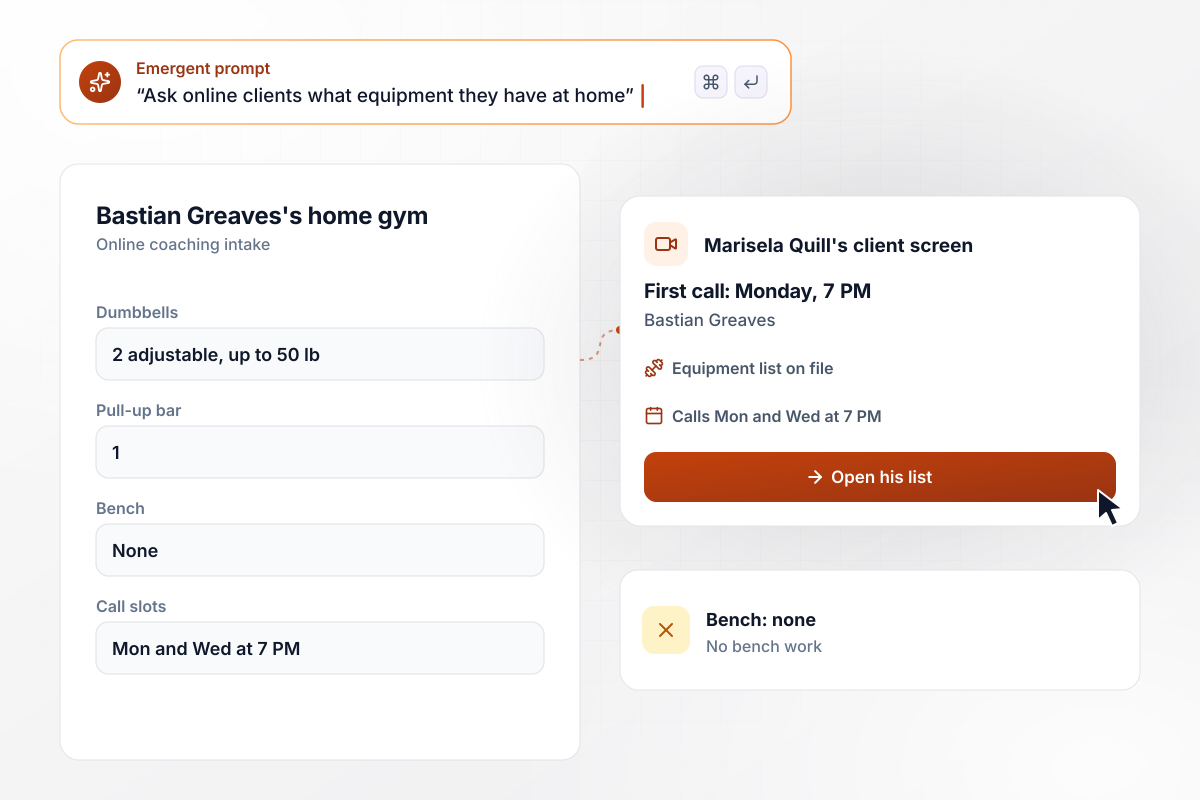
Two dumbbells, one pull-up bar, no bench, all on file
Marisela Quill coaches clients by video, and her intake asks about home equipment. Bastian Greaves lists two adjustable dumbbells up to 50 lb and one pull-up bar, and checks No bench. He picks Monday and Wednesday at 7 PM for calls. Marisela reads the list the day before and plans a program with no bench work.
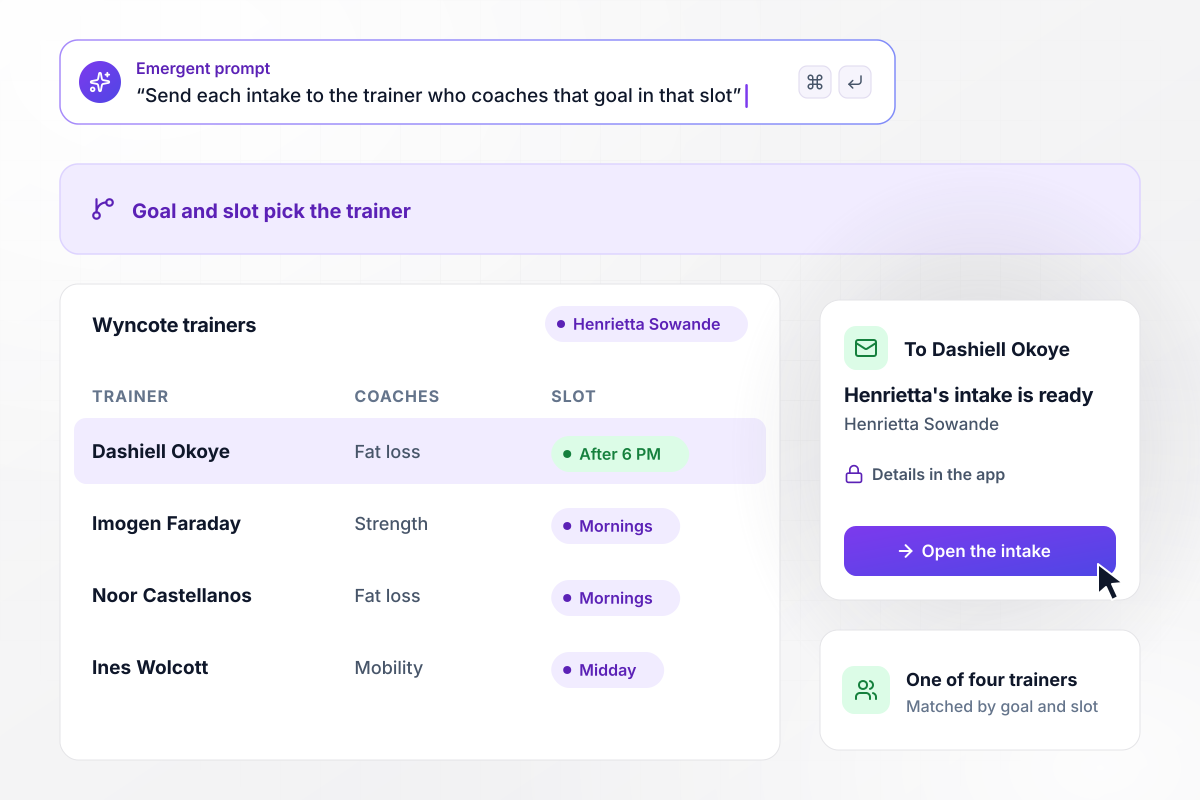
One of four trainers fits fat loss after 6 PM
Wyncote Athletic Club has four trainers, and its intake asks every new member for a goal and a time slot. Henrietta Sowande picks fat loss and evenings after 6 PM. Dashiell Okoye is the one of the four who coaches fat loss in that slot, and her intake goes to him. He gets an email that it is ready and calls her the next day.






How to Create a Personal Training Intake Form
Seven steps to create a personal training intake form that screens each new client and sends the intake to the right trainer.
List what you need before a client walks in: the goal, how long they have trained and where, and the days they can come. Anything you would otherwise ask in the first 10 minutes of session one belongs on the form.
Copy the seven page 1 questions from the official PAR-Q+ at eparmedx.com word for word, since the site warns against outdated or modified copies. Put them on a page of their own and end it with the participation declaration and a signature.
A Yes on page 1 sends the client to the PAR-Q+ follow-up questions. Have the form open those pages after any Yes, and hold the first session until a trainer has read the intake and approved the booking.
Pick one person to own the review queue, ideally a qualified exercise professional. A Yes to any PAR-Q+ follow-up question sends the client to the ePARmed-X+ or a qualified exercise professional. Put that person's name on the review screen.
Put the goal list, the PAR-Q+ page, the Yes rule, and the reviewer into one prompt. Emergent builds the form, the database behind it, and a screen where trainers see new intakes. Change any question later by asking in plain English.
Write a short table of which trainer coaches which goal at which times, and pick a backup for weeks someone is away. Each intake then goes to the trainer in the matching row, and their email names the client and nothing else.
Submit two test intakes from a phone: one with No to all seven questions and one with a single Yes. The first should request a session, the second should open the follow-up pages and wait for review, and both should land in the database.
Why Build Your Training Intake With Emergent?
A paper intake gets read in the lobby before the warm-up. One filled out at home reaches the trainer the day before.

|
Jotform | Google Forms | Typeform | |
|---|---|---|---|---|
| How you build | Describe it in plain English | Templates, editor, AI generator | Editor, with Gemini drafting on some Workspace plans | Templates, editor, AI assist |
| Where responses live | A database table you own, plus any integration | Jotform account | Google Sheets | Typeform account |
| Response limits | No response caps | Monthly submission caps by plan; the form stops at the cap | No limit | Monthly response caps by plan; the form closes at the cap |
| Code ownership | Full code export to GitHub on paid plans | None | None | None |



Pick the Pricing Plan That Works for You
Choose the plan that fits your building ambitions. From weekend projects to enterprise applications, we've got you covered.




Find the right form
for whatever you're collecting
Frequently Asked Questions
Your Questions, Answered
Don't change this element unless you know what you are doing
More things you can build
with Emergent









on Emergent today


