

Build Quote to Cash Automation That Hands Off Every Stage
Build quote to cash automation that turns accepted quotes into orders and invoices that match, on a database you own.
Build quote to cash automation that runs on its own and logs every step.
Trusted by Builders Worldwide
Active Builders Worldwide
Apps Successfully Created
Countries Globally Reached



What the App Carries From Quote to Payment
Quotes and invoices live in different systems. The app Emergent builds moves each deal between them.
One deal record from CRM to ledger
Each accepted quote in your CRM becomes an order in the app's own database, and only the invoice goes to QuickBooks or Xero. The lines your customer accepted are the lines billed.
Handoff rules written as sentences
Describe each handoff the way you would brief a new ops hire: when a quote is accepted, open the order; when it ships, draft the invoice. Emergent builds the logic from that.
Stalled deals go to a named owner
An order with no invoice after 3 days goes to the billing lead you name, by Slack or email. A reminder follows the next morning, and an escalation if it still sits there.
Acceptance signed on the quote page
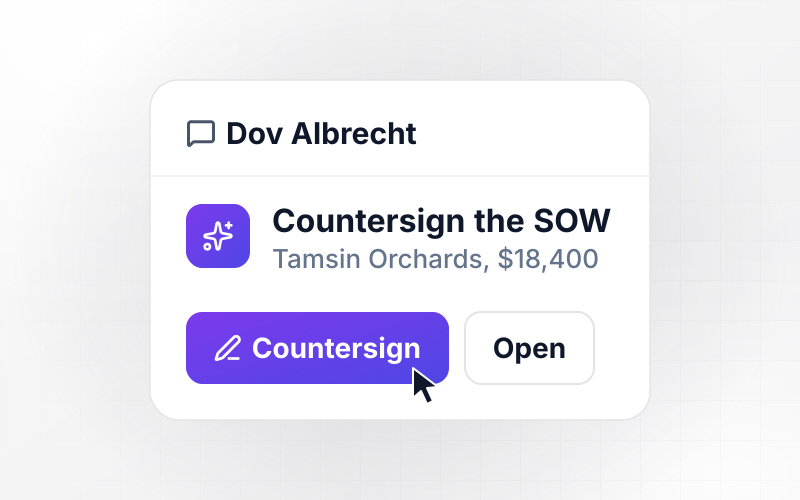
Your customer opens the quote in the app and signs it there. The app records the signer's name and the time, then opens the order from the signed quote, nothing retyped.
Stage dates in a database you own
The date each deal reaches a stage lands in a database you own. The dashboard reads from it, and finance can query the same rows when a deal needs explaining at quarter close.
The code goes to your GitHub
Export the full code of the app to your GitHub repository on paid plans. Anyone on your team can read the invoice rules line by line and add any field your ledger needs.
Four Places a Deal Changes Hands
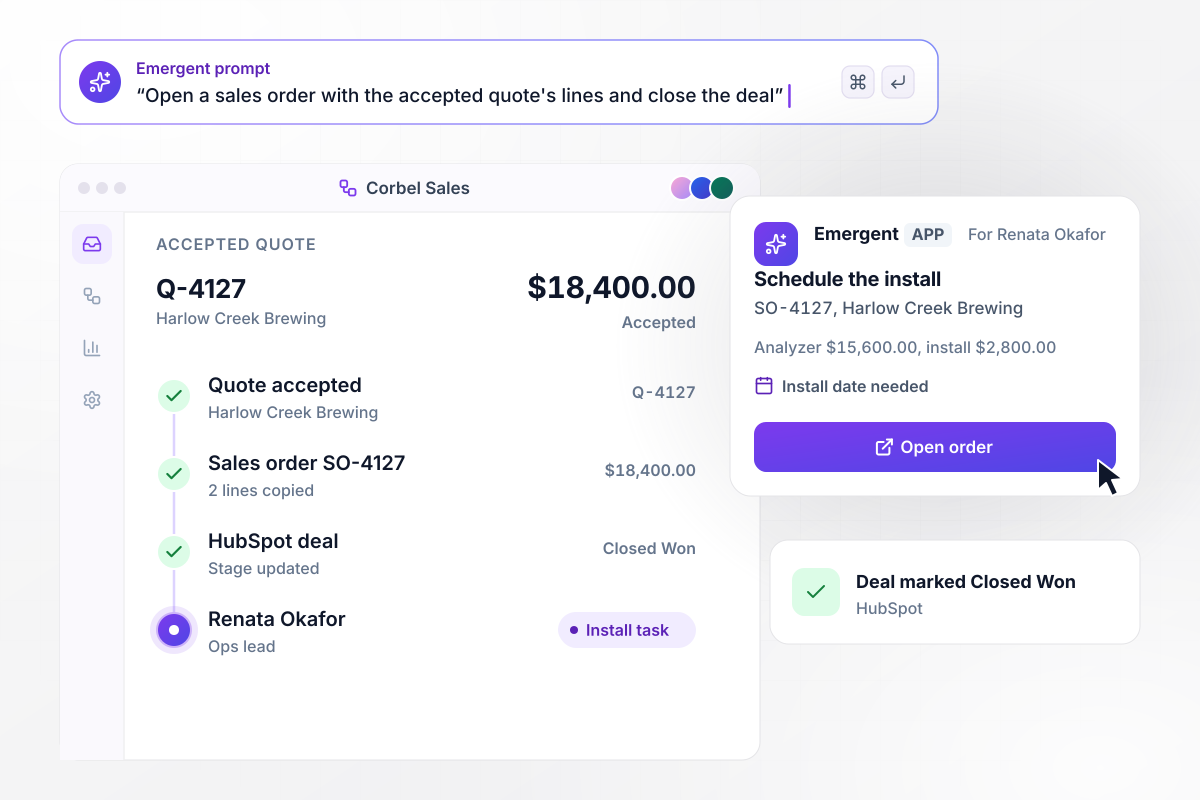
From accepted quote to order SO-4127
Harlow Creek Brewing accepts quote Q-4127 from Corbel Instruments for $18,400.00: an analyzer at $15,600.00 and installation at $2,800.00. The app opens sales order SO-4127 with the same two lines and marks the HubSpot deal Closed Won. Ops lead Renata Okafor gets a task to schedule the install.
window.awbMockup = { quoteToOrder: "When a customer accepts a quote, open a sales order with the same lines and prices, and mark the deal Closed Won in HubSpot. Give our ops lead a task to schedule the install, with the order number and the customer's name on it.", invoiceCheck: "When an order ships, draft the invoice from the order lines. If the invoice total does not match the accepted quote, hold it and send our billing lead a direct message showing which line changed, so they can approve or remove it before it posts to QuickBooks.", renewals: "Sixty days before a customer's service plan ends, draft a renewal quote with the same lines at this year's prices. Show last term's total next to the new one, and send the draft to the account owner to review and send.", cycleTime: "Build a dashboard that shows the average days from quote sent to cash received over the last 90 days, split into four stages: acceptance, order, invoice, and payment. Flag any stage that runs over its target in red." };
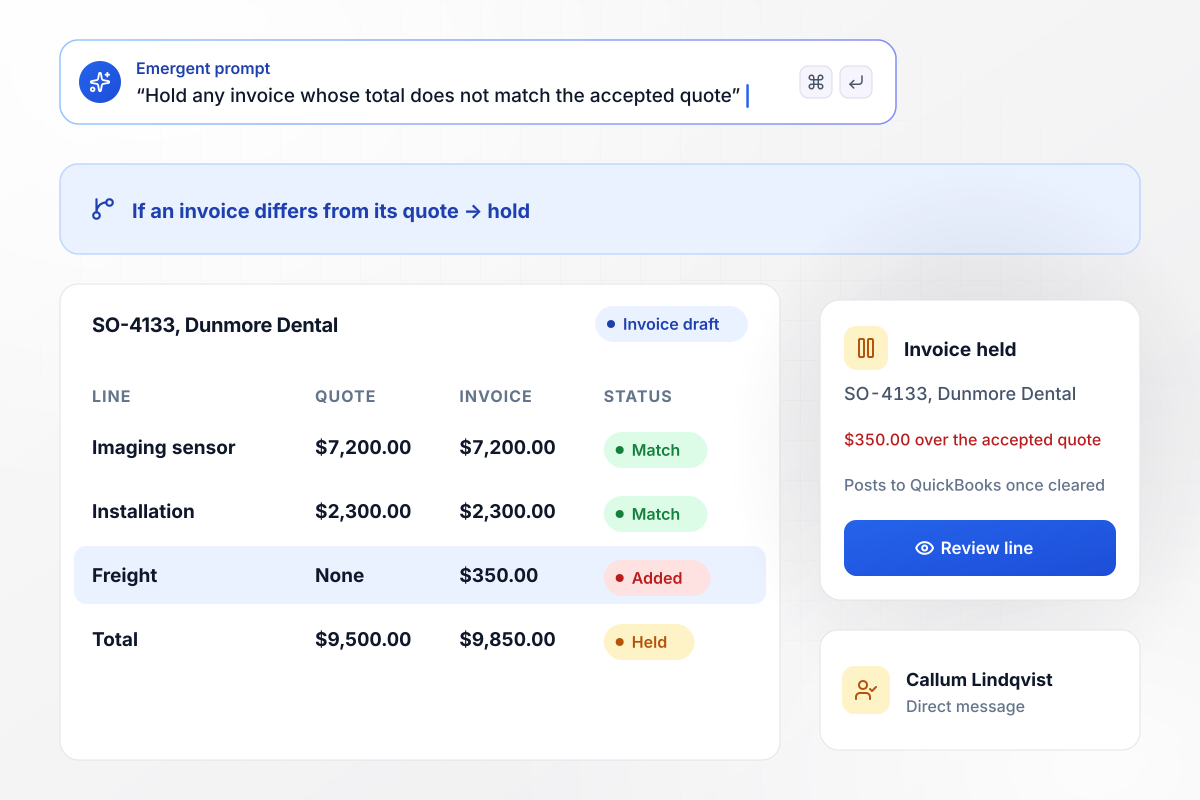
The invoice runs $350 over its quote
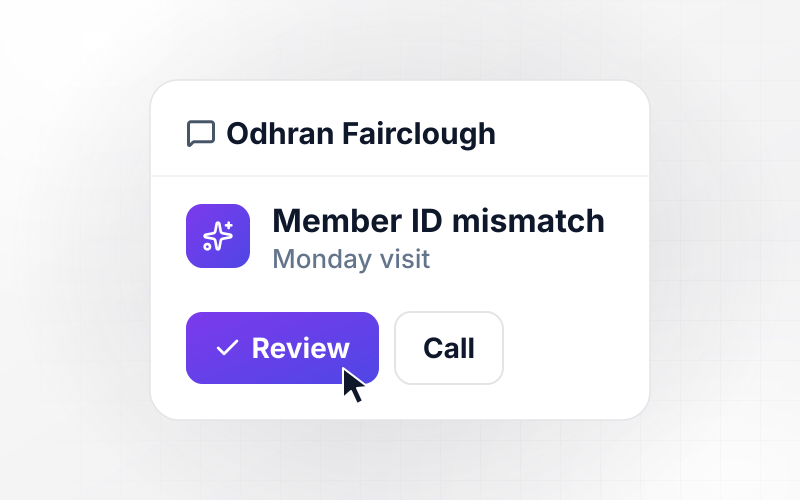
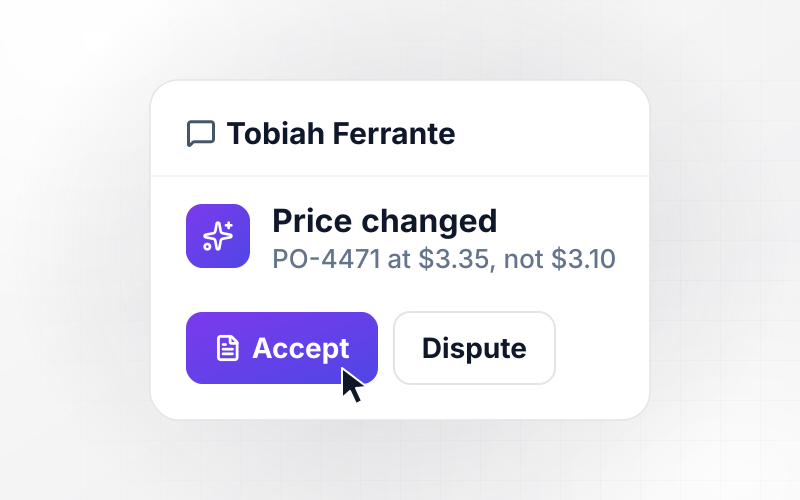
Order SO-4133 ships to Dunmore Dental, and its invoice draft totals $9,850.00 against an accepted quote of $9,500.00: a $350.00 freight line was added. Your rule holds any invoice that differs from its quote. Billing lead Callum Lindqvist gets a direct message to approve or remove the line before it posts to QuickBooks.
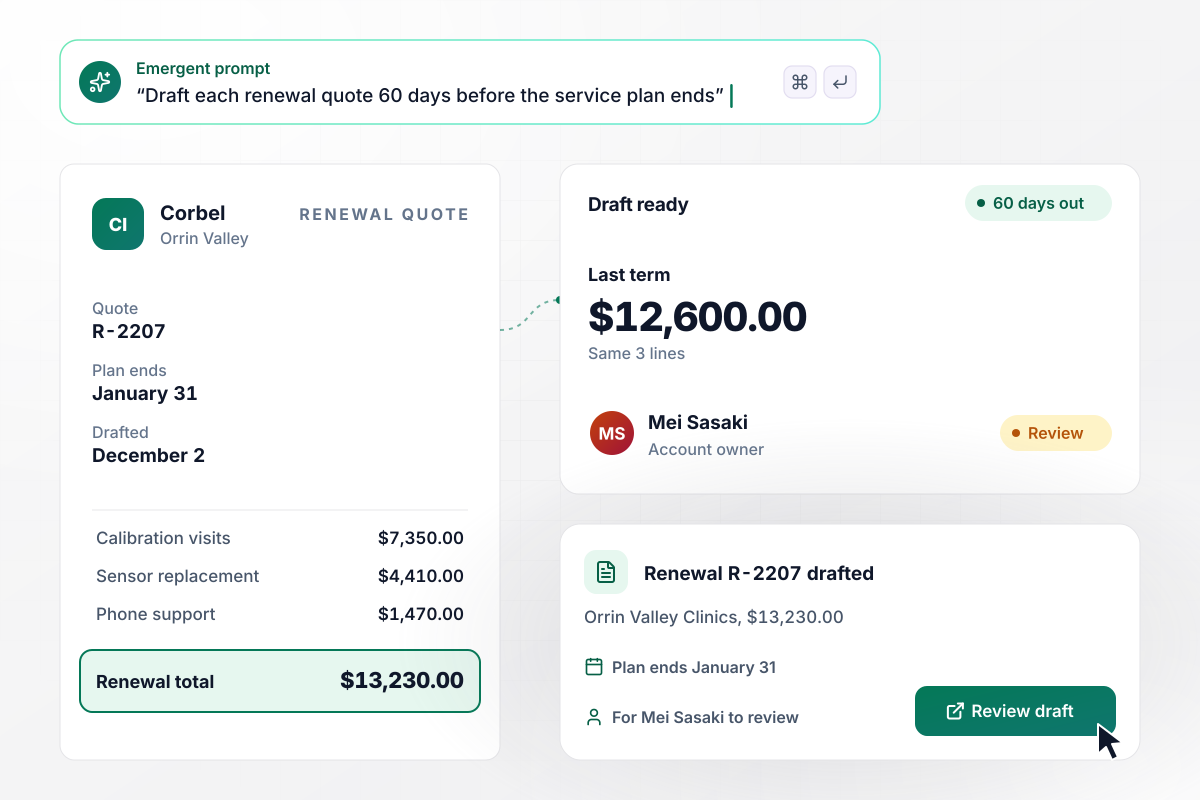
Renewal R-2207, drafted 60 days before it is due
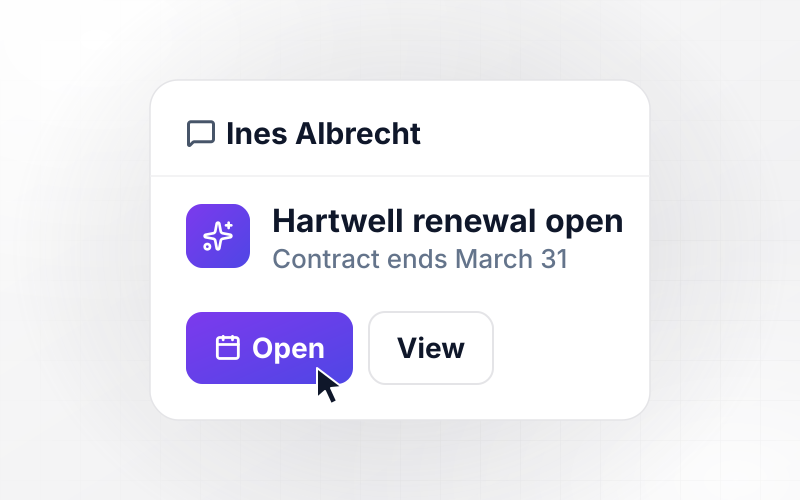
Orrin Valley Clinics' service plan ends January 31. On December 2, 60 days before, the app drafts renewal quote R-2207 with the same three lines at this year's prices: $13,230.00, against $12,600.00 last term. Account owner Mei Sasaki gets the draft to review and send.
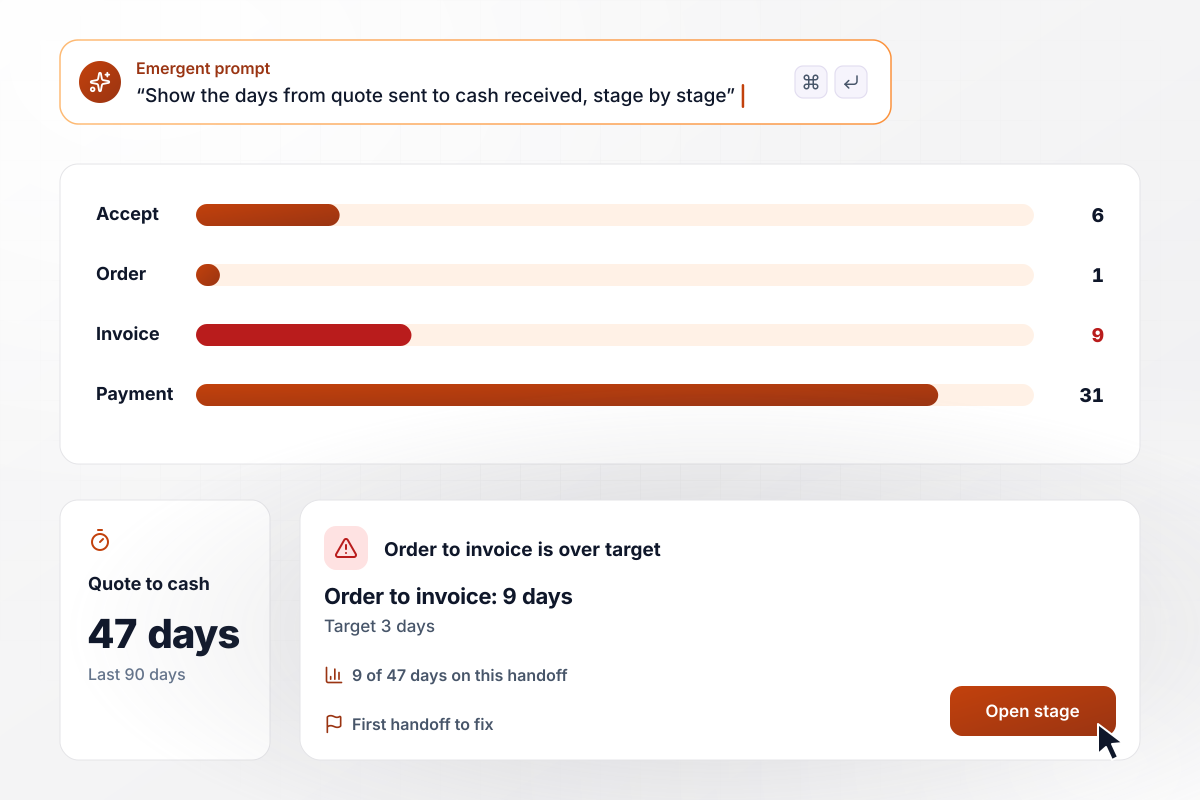
Which handoff costs 9 of 47 days
Corbel's cycle dashboard averages 47 days between a quote going out and the cash arriving, over the last 90 days. Acceptance takes 6 days, the order 1, the invoice 9, and payment 31. Order to invoice runs 9 days against a 3-day target. The dashboard flags it in red as the first handoff to fix.






How to Automate Quote to Cash
Seven steps to map your deal handoffs and build quote to cash automation with Emergent.
Take the 10 most recent deals you won and note four dates for each: quote sent, quote accepted, order opened, and invoice sent. The gaps between those dates show which handoff costs the most days, and that handoff is where the app starts.
Write down where each record lives today: quotes in the CRM, orders in a spreadsheet or the ERP, and invoices in the accounting system. The app connects to each one through its API. Name the exact tools you use.
Decide who hears about each exception: the billing lead for an invoice that no longer matches the quote, the account owner for a renewal. Name one person, not a team inbox, and say whether they get a Slack message or an email.
Open Emergent and describe the flow in plain English, with the stage names your team already uses and the 3-day target for order to invoice. Emergent builds the app and the cycle dashboard from that prompt.
Connect your CRM and accounting system, then map the fields: quote number to order reference, quote line to invoice line, payment terms to due date. Check one record in each system before the app starts writing to them.
Take one deal your team closed last month and run it through the app end to end. Compare the order and the invoice it creates with the ones your team made by hand, line by line, before going live.
When a handoff needs a new rule, such as a second approver for invoices over $25,000, describe it in a new prompt. Emergent changes the app, and the dashboard shows whether that stage got any faster.
Why Build Quote to Cash Flows With Emergent?
Emergent builds every handoff and the cycle dashboard as one app on a database you own, with no task cap on busy closing days.

|
Zapier | Make (Integromat) | n8n | |
|---|---|---|---|---|
| How you build | Prompt for the workflow and the app around it | Templates and editor, AI copilot | Visual canvas | Visual canvas, self-hosted or cloud |
| What you get | Workflow + trigger form + database + dashboard, as code you own | Zaps, plus Tables and Interfaces inside Zapier | Scenarios inside Make | Workflows inside n8n |
| Behavior at cap | Keeps running, no task cap | Overage billed at up to 1.25× the base rate | Runs pause | Cloud workflows stop until the reset or an upgrade |
| AI and agent steps | Native, share the same credit pool | Priced by model tier, drawn from the task pool | AI modules cost variable credits | Bring your own model API key, billed by the provider |
| Code ownership | Full code export to GitHub on paid plans | None | None | Yes on Community Edition |



Pick the Pricing Plan That Works for You
Choose the plan that fits your building ambitions. From weekend projects to enterprise applications, we've got you covered.




Find the right workflow automation
for you and your business

Frequently Asked Questions
Your Questions, Answered
Don't change this element unless you know what you are doing
More things you can build
with Emergent









on Emergent today


