

Build SEO Automation for Ranking Drops and Broken Links
Build SEO automation that flags ranking drops, lists broken links, and holds drafts until their titles fit.
Build SEO automation for my company blog that watches rankings, clicks, and links on every page and alerts the right editor.
Trusted by Builders Worldwide
Active Builders Worldwide
Apps Successfully Created
Countries Globally Reached



Built on the Data Your SEO Team Trusts
SEO automation is the process of using tools and software to perform repetitive, time-consuming SEO tasks on your own search data.
Rules you write in plain English
You describe each check and who hears about it, such as "a drop of 5 places goes to the page owner." Emergent builds the app and its database, and you change a rule by prompting.
Reads from the tools your rankings live in
The app connects to any tool with an API, such as Search Console or your CMS, and syncs data in and out. Each check runs on the same numbers your team already reports on.
Each alert names the page and its owner
Alerts go out in Slack or by email, addressed to the person who owns the page. If nobody acts within the time you set, a reminder escalates to the SEO lead for that site.
One record per URL, in a database you own
Every URL, its target query, its owner, and its last refresh date sit in a database you own. The dashboard updates live, and each open task sits beside the page it is about.
No task cap on a site with 4,000 pages
Checking every page on a large site every day adds up to a lot of runs. Emergent sets no task cap on automation, and a daily check of 4,000 pages keeps running all month.
Every rule, readable in your repository
On paid plans, Emergent exports the app's full code to your GitHub repository. A developer on your team can read exactly how a page gets flagged, assigned, or held back.
Four SEO Checks That Run on Their Own
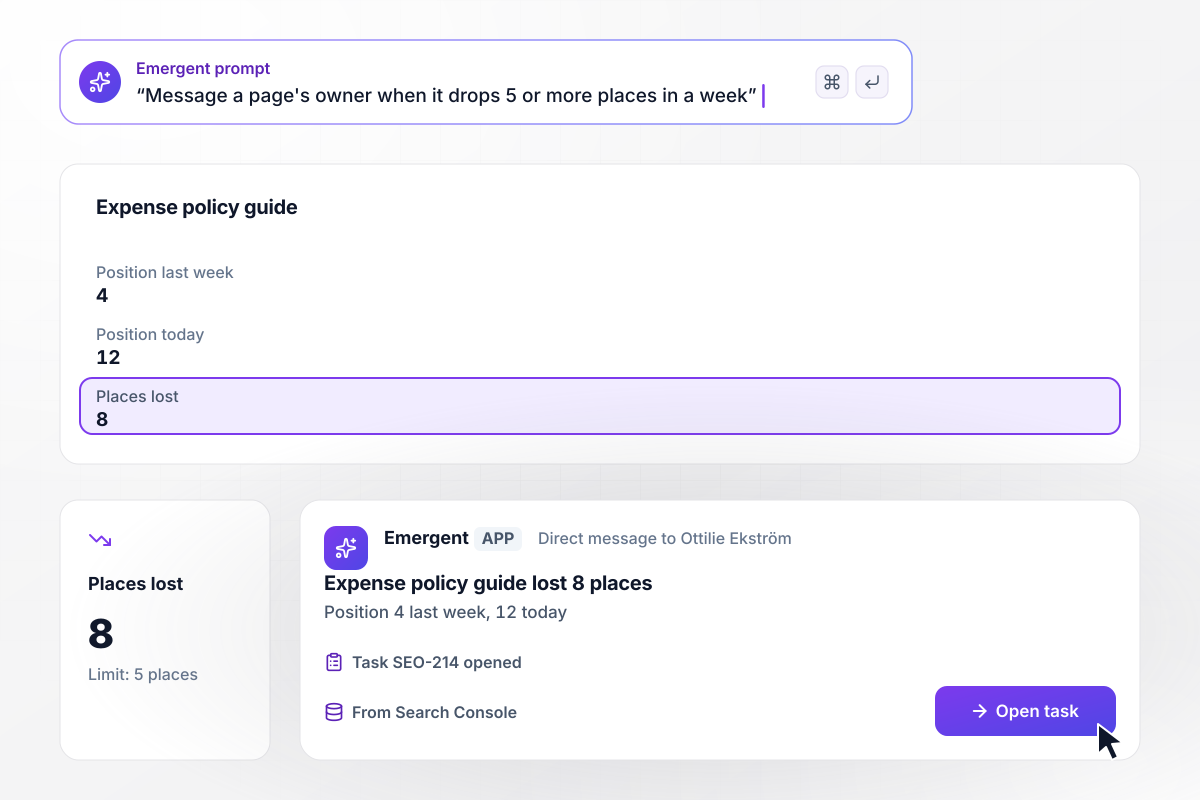
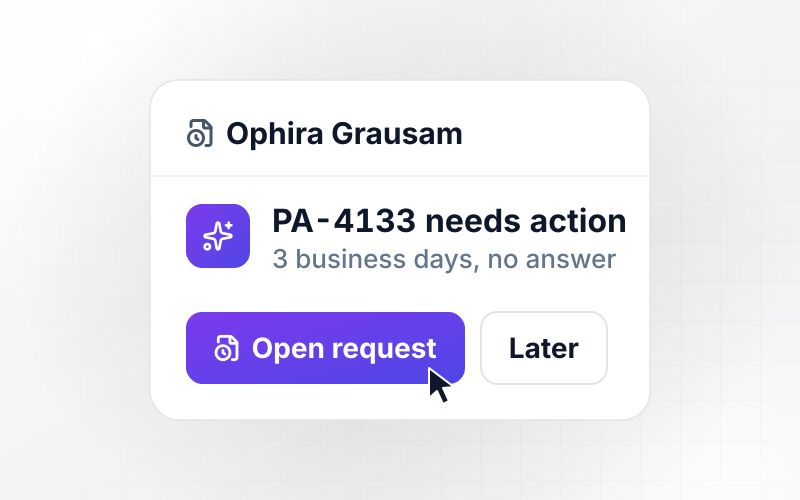
The guide lost 8 places, and its owner hears that day
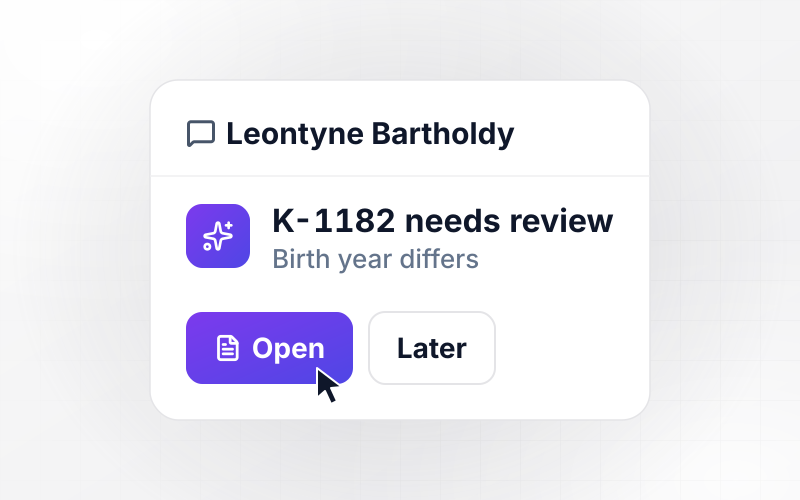
The expense policy guide sat at average position 4 for its main query last week, and today it sits at 12. A drop of 8 places passes your 5-place limit. The daily check reads both positions through the Search Console API, opens task SEO-214, and sends the page owner, Ottilie Ekström, a direct message with both numbers.
window.awbMockup = { rankingDrops: "Read the average position of every tracked page from Search Console each day. When a page drops 5 or more places since last week, open a task for its owner and send them a direct message with last week's position and today's.", brokenLinks: "After each Monday site crawl, find every internal link that points to a page returning a 404. Group the links by the article they sit in, and assign the fix list to the web editor.", contentRefresh: "Compare each article's clicks in the last 90 days with the 90 days before. If it lost 300 or more clicks, add the article to the refresh queue, assign it to a writer, and show the lost clicks on the task.", titleChecks: "Before a draft publishes, check that its title tag is 60 characters or less and that it has a meta description. If either check fails, keep the draft out of the publish queue and send the writer a direct message listing the fixes." };
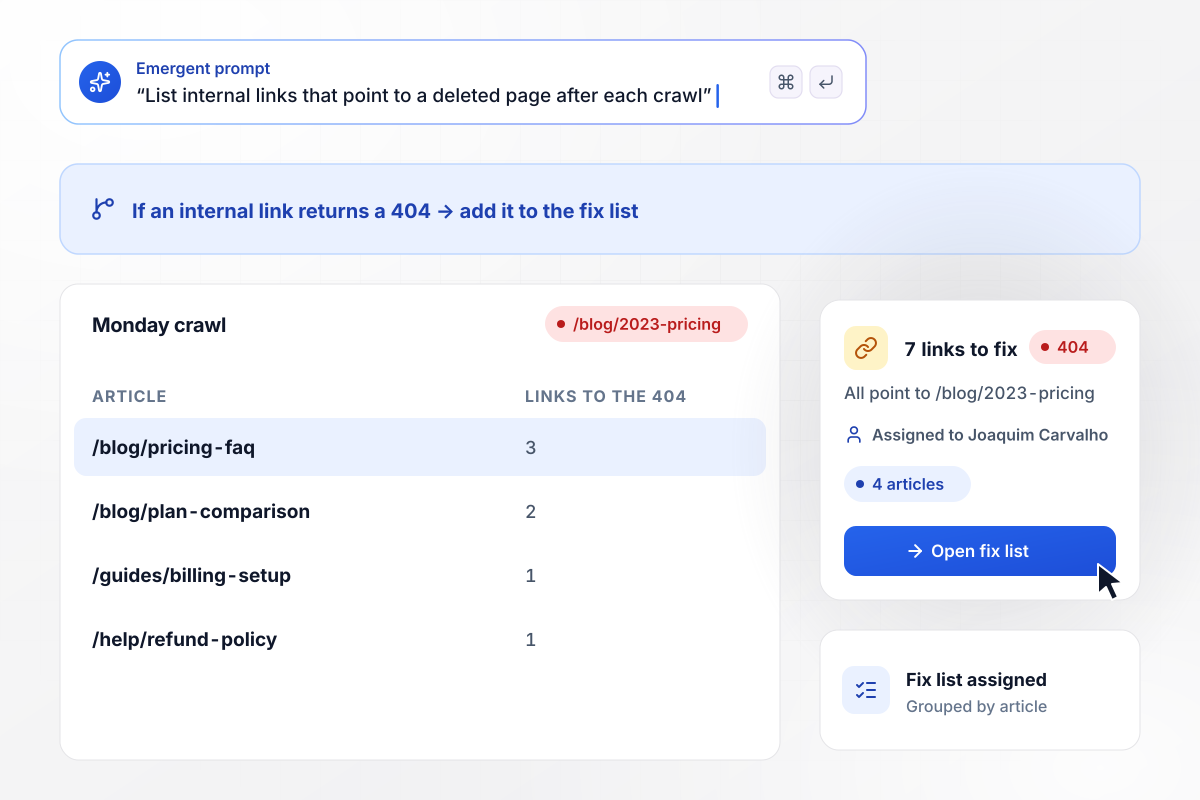
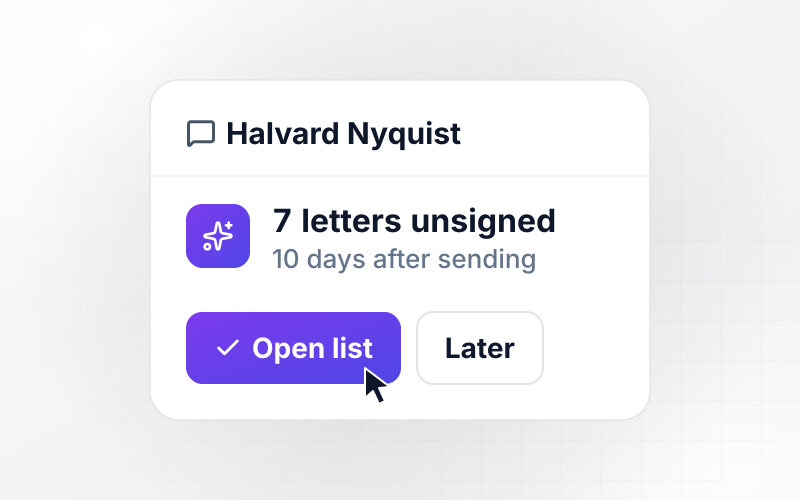
7 links to a deleted post, one fix list
Monday's site crawl turns up 7 internal links that point to /blog/2023-pricing, a post that now returns a 404. The app groups them by the article each one sits in and assigns the fix list to the web editor, Joaquim Carvalho. Links to live pages stay off the list.
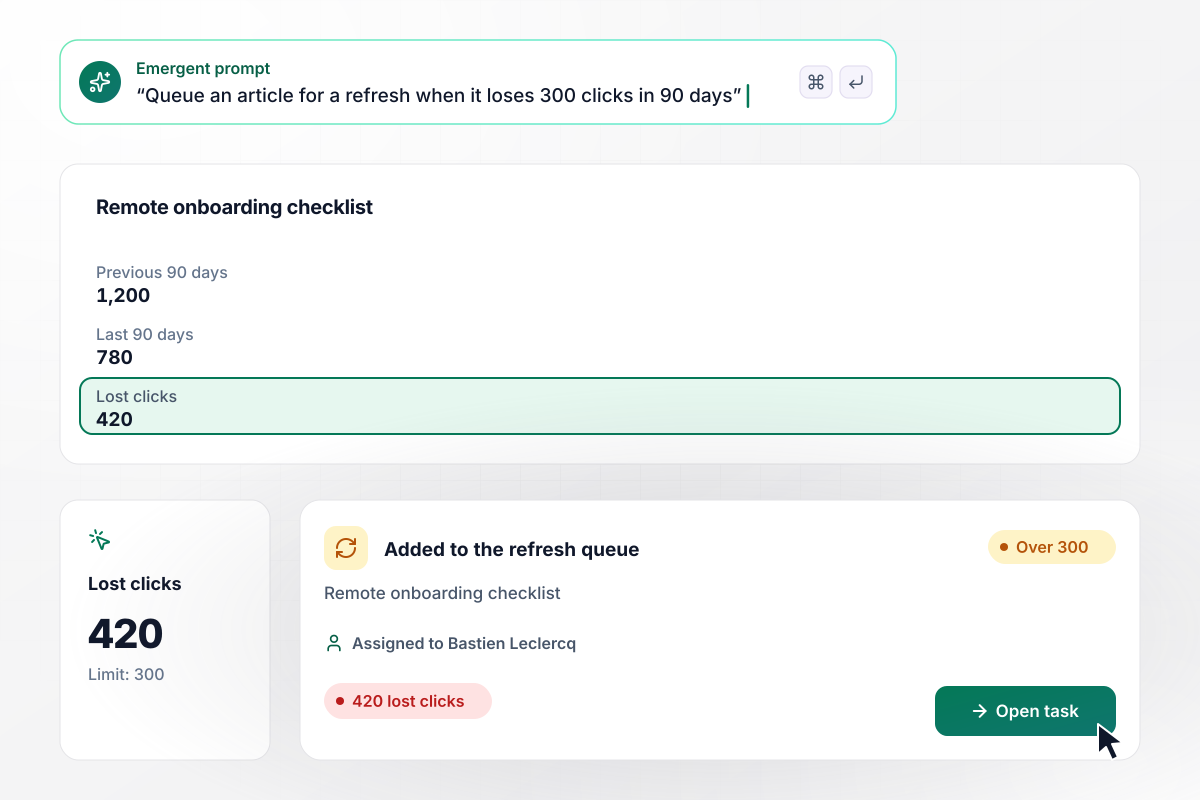
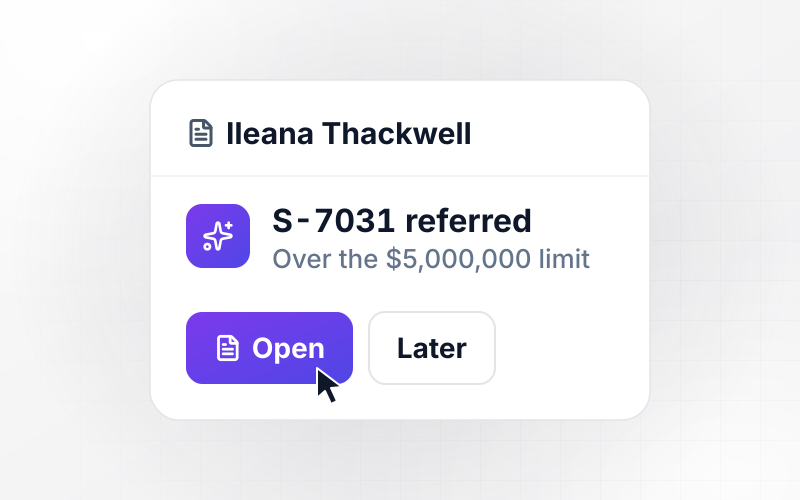
After 420 lost clicks, the checklist is due for a refresh
The remote onboarding checklist earned 1,200 clicks in the previous 90 days and 780 in the last 90 days. That is 420 lost clicks, past your limit of 300. The app adds the checklist to the refresh queue and assigns it to Bastien Leclercq, with both totals shown on the task.
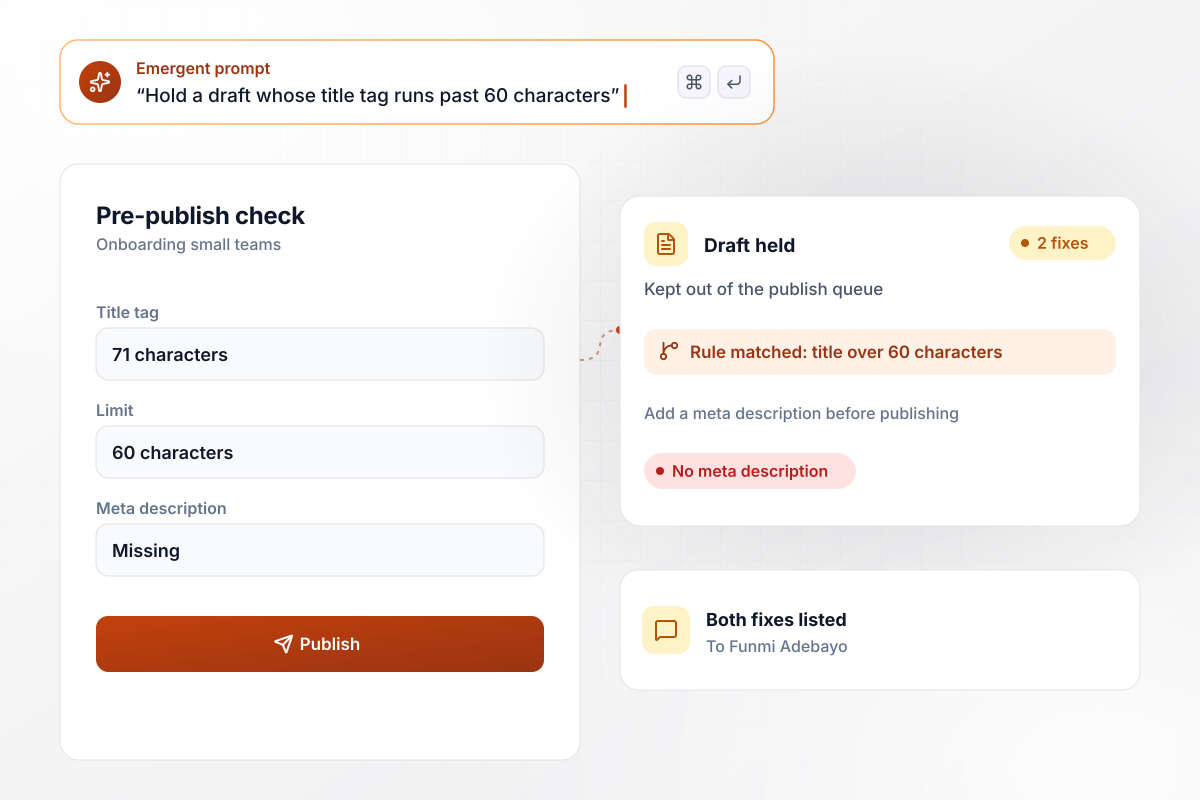
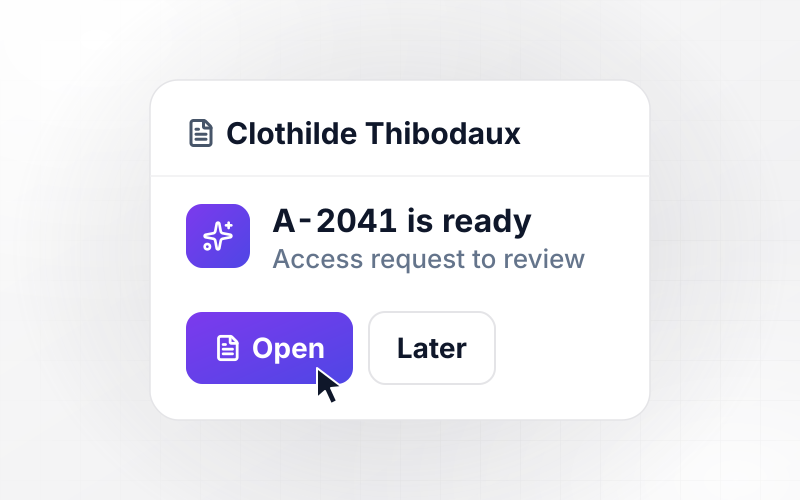
With a 71-character title, the draft stays unpublished
Funmi Adebayo's draft on onboarding small teams is ready to go, but its title tag runs 71 characters against your 60-character limit, and it has no meta description. The app keeps the draft out of the publish queue and sends Funmi a direct message listing both fixes.






How to Build SEO Automation
Follow these seven steps to turn the checks your team runs by hand into SEO automation with real limits and named owners.
Export a month of your team's SEO tasks and group them by kind, such as ranking reviews or link fixes. Mark the kinds that end the same way every time, and build those first.
Write the limit as a number the app can test: "5 places in a week", not "a big drop", and "60 characters", not "too long". A check with a number runs without anyone reading the report.
Note where each number comes from: average position and clicks from Search Console, titles from your CMS. Point the app at that source, never at a spreadsheet someone copied last month.
Put the checks, their limits, and who hears about each one into a single prompt. Emergent builds the app with its database and dashboard, and connects to each of your tools through its API.
Add an owner column to the page list before the first alert goes out. One named person per URL keeps a drop out of a shared inbox, and a second name covers vacations.
Run last quarter's positions and clicks through the app before it messages anyone. Compare its flags with what your team caught by hand, and adjust any limit that fires too often or too late.
Start with the checks that only flag and assign. Once the alerts have run for a month without a false one, let the app hold drafts out of the publish queue on its own.
Why Build SEO Automation With Emergent?
Emergent builds your SEO checks and the task list behind them as one app, on a database you own, with no task cap on runs.

|
Make (Integromat) | Zapier | n8n | |
|---|---|---|---|---|
| How you build | Prompt for the workflow and the app around it | Visual canvas | Templates and editor, AI copilot | Visual canvas, self-hosted or cloud |
| What you get | Workflow + trigger form + database + dashboard, as code you own | Scenarios inside Make | Zaps, plus Tables and Interfaces inside Zapier | Workflows inside n8n |
| Behavior at cap | Keeps running, no task cap | Runs pause | Overage billed at up to 1.25× the base rate | Cloud workflows stop until the reset or an upgrade |
| AI and agent steps | Native, share the same credit pool | AI modules cost variable credits | Priced by model tier, drawn from the task pool | Bring your own model API key, billed by the provider |
| Code ownership | Full code export to GitHub on paid plans | None | None | Yes on Community Edition |




Pick the Pricing Plan That Works for You
Choose the plan that fits your building ambitions. From weekend projects to enterprise applications, we've got you covered.




Find the right workflow automation
for you and your business
Frequently Asked Questions
Your Questions, Answered
Don't change this element unless you know what you are doing
More things you can build
with Emergent









on Emergent today


