

Build a Cookie Order Form That Fits Your Baking Schedule
Get a cookie order form that prices each order by the dozen and saves it to a database you own.
Build a cookie order form that saves every response to a database I own.
Trusted by Builders Worldwide
Active Builders Worldwide
Apps Successfully Created
Countries Globally Reached



What the Form Handles Before Pickup
A cookie order form asks every customer for the same details. These six parts end the copying of orders off texts.
Built from a description of your menu
Emergent builds the form from a plain-English list of what you sell, such as three flavors sold in dozen boxes. Ask for a seasonal flavor later, and Emergent adds it.
One question per screen on a phone
Customers answer one question at a time, which suits an order placed from a link in a social post. Ask for the pickup date early, since it decides what you can still offer.
Each order saved as a row you own
Every order lands in a database you own, with the pickup date beside the customer's phone number. Next November, look up last year's buyers and send each of them the new menu.
A live count of dozens per pickup day
A dashboard updates as orders come in and adds up the dozens booked for each pickup day. By Tuesday you can see if Saturday will need a second batch of sugar cookie dough.
Order totals sent to your books
The form connects to any tool with an API, such as QuickBooks. Each order total then reaches your books without retyping, and the full order stays in your own database.
No response cap in December
Emergent puts no cap on responses. A holiday rush never closes the form for hitting a plan limit, and the only limits are the ones you set, such as boxes per pickup day.
How Four Cookie Bakers Take Orders
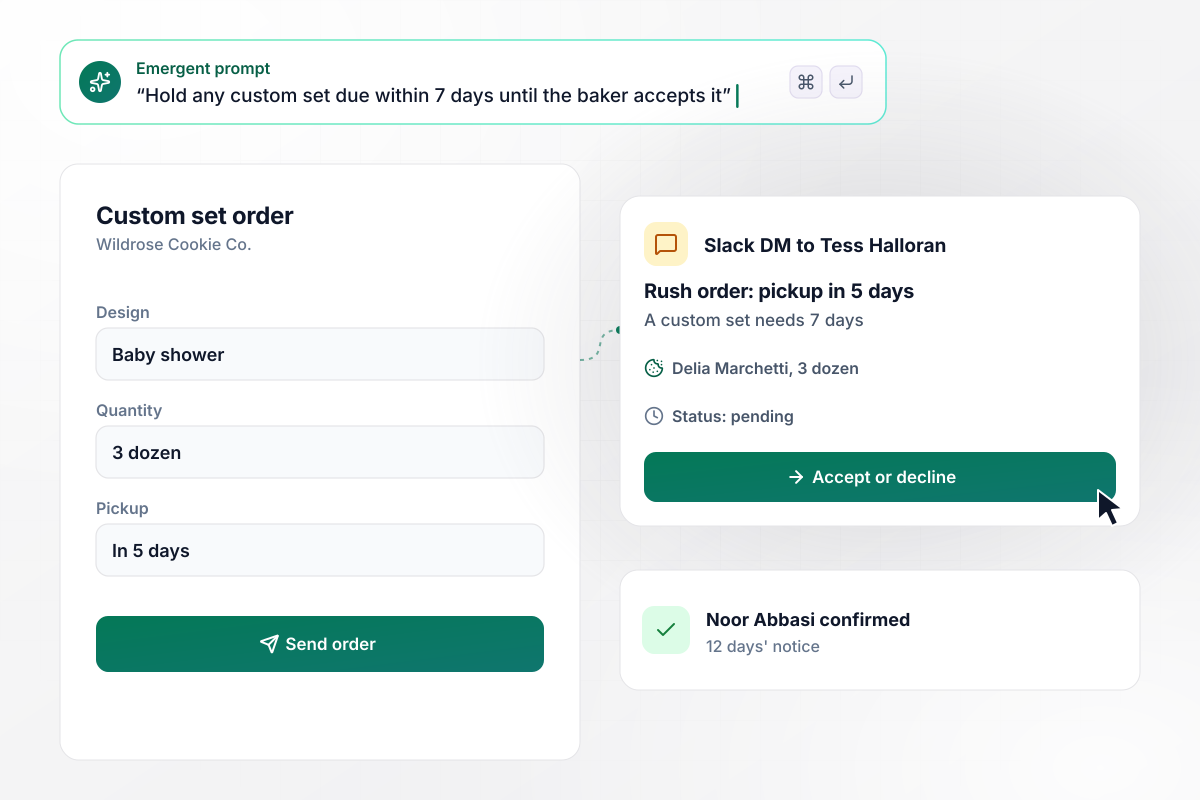
No rush order is confirmed until the baker accepts it
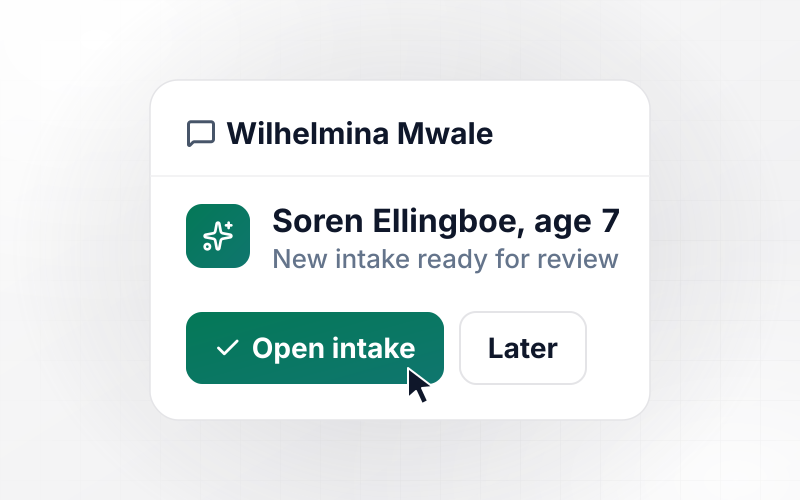
Wildrose Cookie Co. needs 7 days to make a decorated custom set. Delia Marchetti asked for 3 dozen baby shower cookies with pickup in 5 days. The form marked her order pending and sent owner Tess Halloran a Slack direct message to accept or decline. Noor Abbasi, with 12 days' notice, was confirmed at once.
window.awbMockup = { customSets: "Build a cookie order form for my decorated cookie business. Ask for the design theme, the number of dozens, and the pickup date. I need 7 days for a custom set, so mark any order with less notice as pending and send me a Slack direct message to accept or decline it.", holidayBoxes: "Build a Christmas cookie order form for my bakery. Customers pick a box and a pickup day between December 21 and December 23. We bake 80 boxes per day, so stop offering a day once 80 boxes are booked.", logoCookies: "Build a cookie order form for logo cookies sold to businesses. Charge $36 a dozen, or $32 a dozen from 4 dozen up, and show the order total on the form before the customer sends it.", pickupDay: "Build a cookie order form for Saturday pickup at my shop. Customers choose a 30-minute pickup window. At 10 am Friday, email each Saturday customer their window and what they ordered." };
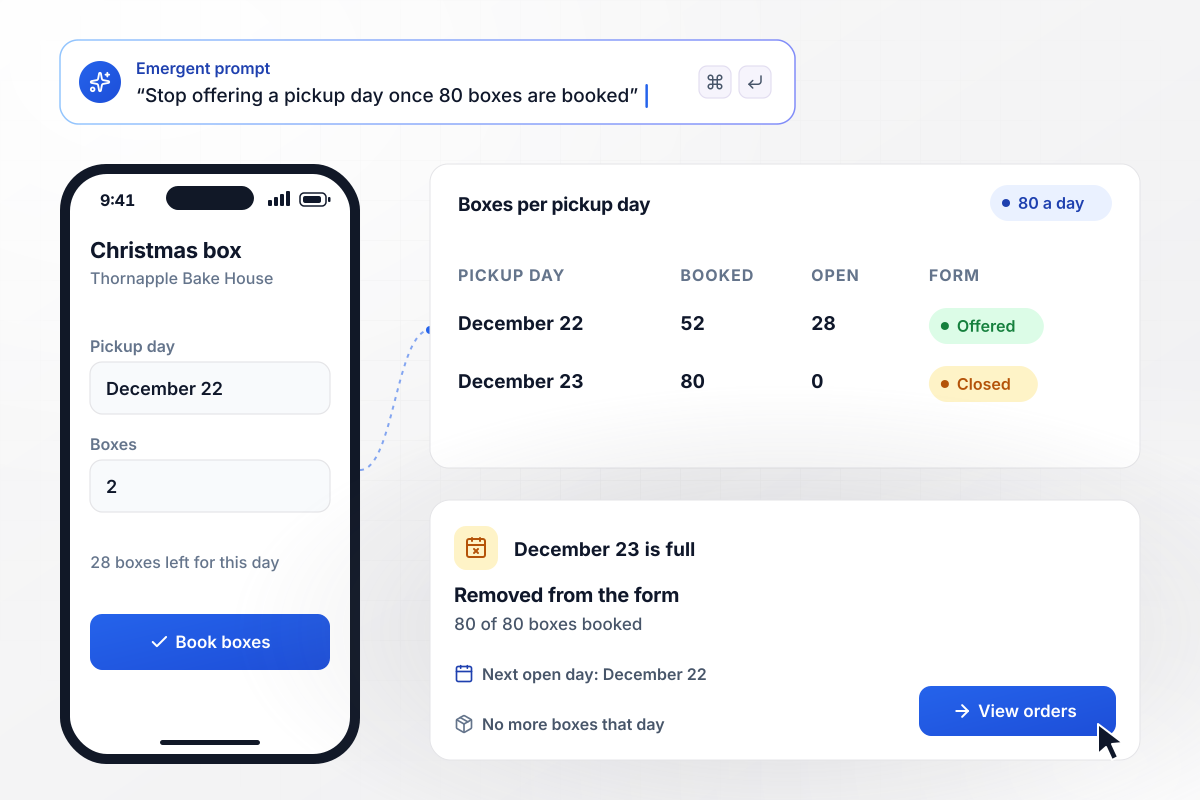
Once December 23 has 80 boxes, it closes
Thornapple Bake House bakes 80 Christmas cookie boxes for each pickup day. When the 80th box for December 23 was booked, the form stopped offering that date. The next customer saw December 22 instead, which had 52 of 80 boxes booked and 28 still open.
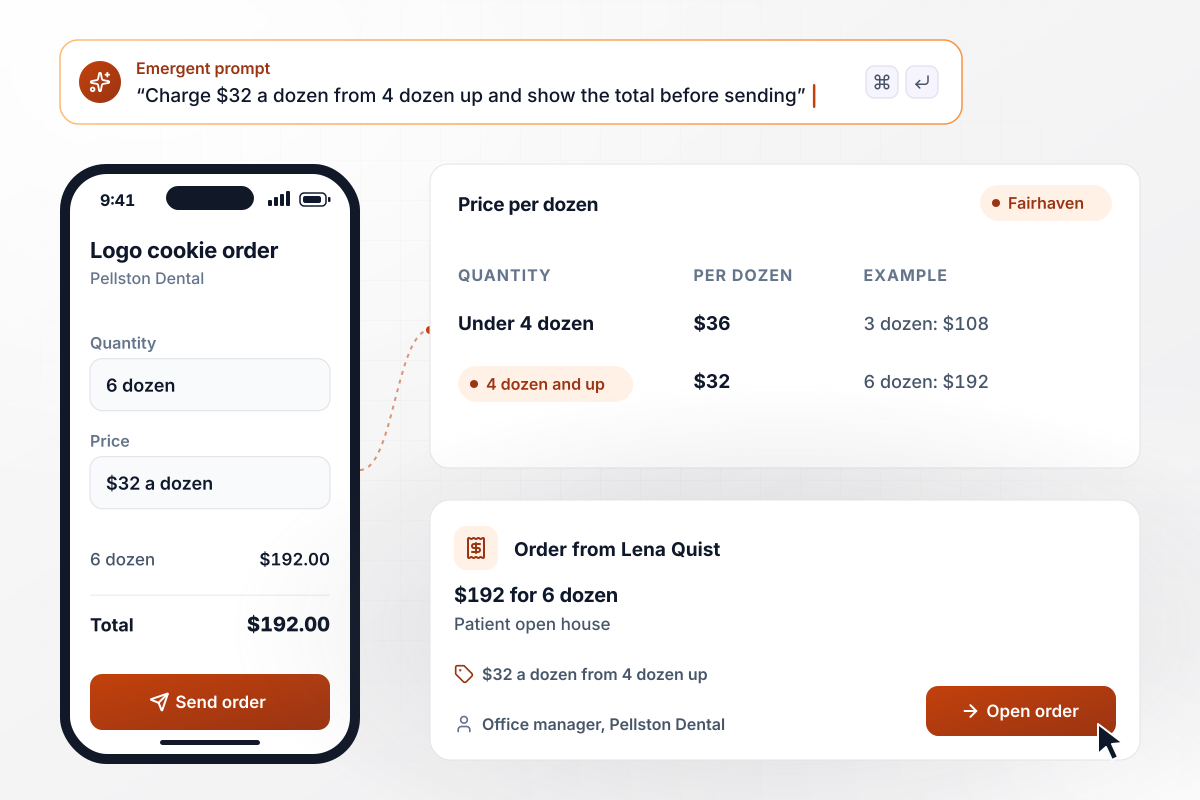
From 4 dozen up, each dozen costs $32
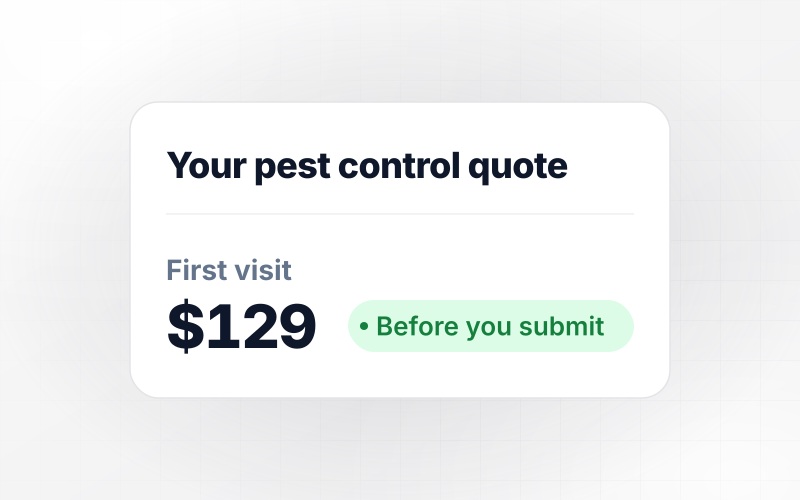
Fairhaven Cookie Studio sells logo cookies at $36 a dozen, or $32 a dozen from 4 dozen up. Pellston Dental ordered 6 dozen with its tooth logo for a patient open house. Office manager Lena Quist saw the $192 total on the form before she sent the order. Had she picked 3 dozen, the form would have shown $108.
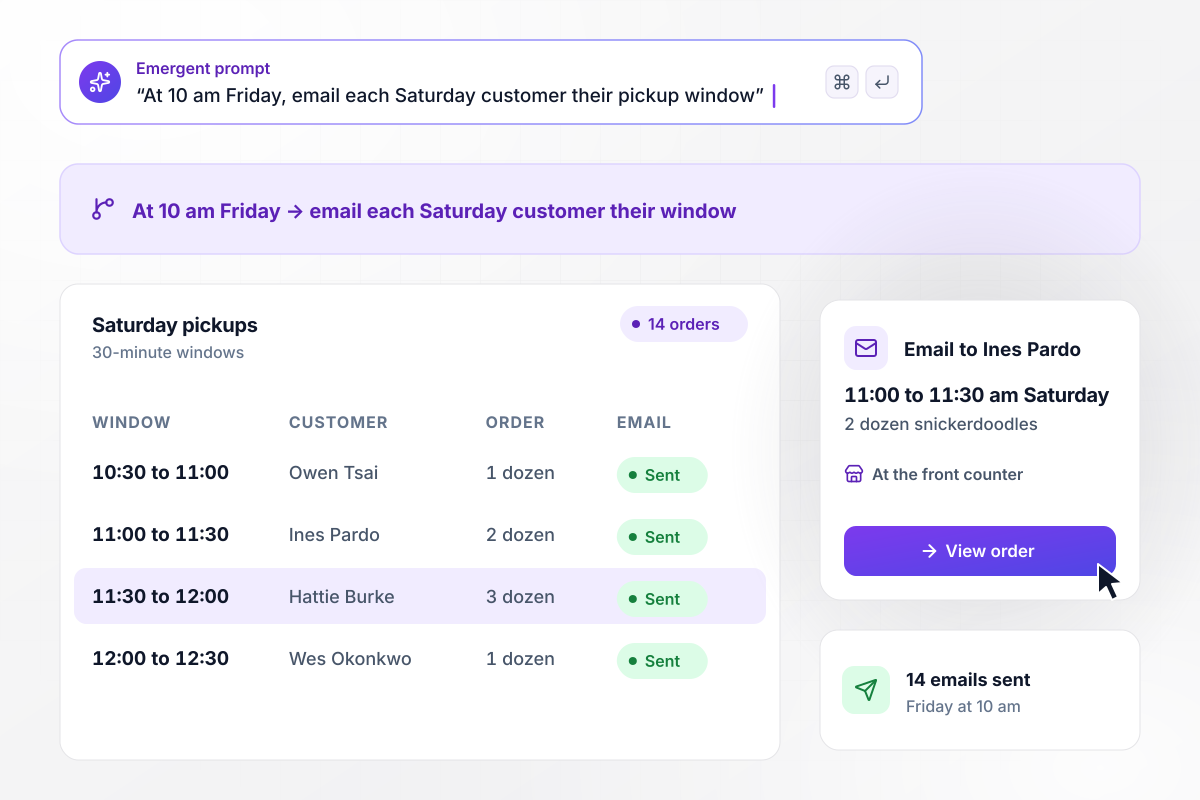
Pickup windows reach every Saturday customer on Friday
Copper Kettle Cookies hands out orders from its front counter in 30-minute windows. This week, 14 orders were booked for Saturday pickup. At 10 am Friday, each of the 14 customers got an email with their window. Ines Pardo's email said 11:00 to 11:30 am for her 2 dozen snickerdoodles.






How to Create a Cookie Order Form
Seven steps to create a cookie order form that books only what you can bake and tells each customer when to pick up.
Decide how many days' notice each kind of order needs, such as 3 days for a plain dozen and 7 for a decorated set. Anything with less notice becomes a rush order that waits for your answer.
Count what your oven and your evenings can turn out in one day, in dozens or in boxes. Take the number from your busiest week last year, not your best day, and use that as the daily cap.
Write the prices the way you give them on the phone: per dozen, with any break for larger orders and a flat fee for custom designs. The form shows the customer the total before they send the order.
Put the pickup date and quantity ahead of any design questions. A customer then learns a day is full before writing out a theme. Keep one notes field at the end for colors, wording on the cookies, and allergies.
Paste the rules you wrote above into one prompt. Emergent builds the form with its order database and alerts. Change any part later by asking, such as adding a pumpkin flavor in October or raising the daily cap.
Pick a time the day before pickup for the reminder email. Put the pickup window and your address in it. Nobody then has to text you to ask where to go or when to come.
Place one ordinary order, one rush order, and one for a day that is already full. Check that each one lands in the database and that the rush order reaches you. Delete the test rows afterward.
Why Build Cookie Order Forms With Emergent?
Emergent builds the form along with its pickup-day caps and email reminders, then keeps every order in a database you own.

|
Google Forms | Jotform | Typeform | |
|---|---|---|---|---|
| How you build | Describe it in plain English | Editor, with Gemini drafting on some Workspace plans | Templates, editor, AI generator | Templates, editor, AI assist |
| Where responses live | A database table you own, plus any integration | Google Sheets | Jotform account | Typeform account |
| Response limits | No response caps | No limit | Monthly submission caps by plan; the form stops at the cap | Monthly response caps by plan; the form closes at the cap |
| Code ownership | Full code export to GitHub on paid plans | None | None | None |




Pick the Pricing Plan That Works for You
Choose the plan that fits your building ambitions. From weekend projects to enterprise applications, we've got you covered.




Find the right form
for whatever you're collecting


Frequently Asked Questions
Your Questions, Answered
Don't change this element unless you know what you are doing
More things you can build
with Emergent









on Emergent today


