

Build a Student Registration Form for Any School or Program
Build a student registration form that tracks each family's documents and saves every registration to a database you own.
Build a student registration form that saves every response to a database I own.
Trusted by Builders Worldwide
Active Builders Worldwide
Apps Successfully Created
Countries Globally Reached



What the Office Gets From Each Registration
A student registration form gathers the facts a school needs on day one: who the student is and who to call.
Questions that change with the grade
A family picks the grade the student is entering, and the form asks only what that grade needs: a preschool history for kindergarten, a transcript request for high school.
Documents photographed on a phone
Parents photograph a birth certificate or a lease with a phone camera and upload it inside the form. Each file stays attached to the student's record for the front office.
A registrar's list sorted by status
Staff see each registration marked new, incomplete, or complete, and can filter by the grade a student is entering. Nobody has to dig through an inbox full of attachments.
Emails to the family at each step
The app emails a family a receipt when they submit, a reminder when a document is missing, and a note when the registration is complete. Every email names the student.
Every registration in a database you own
Registrations save to a database you own, with no response caps. Pull next year's grade 3 list with one filter instead of retyping names from a stack of paper forms.
The whole app's code, in GitHub
On paid plans, export the full code for the form and its database to your GitHub repository. Any developer you work with can then host that code or build new features on it.
Student Registration in Four Programs
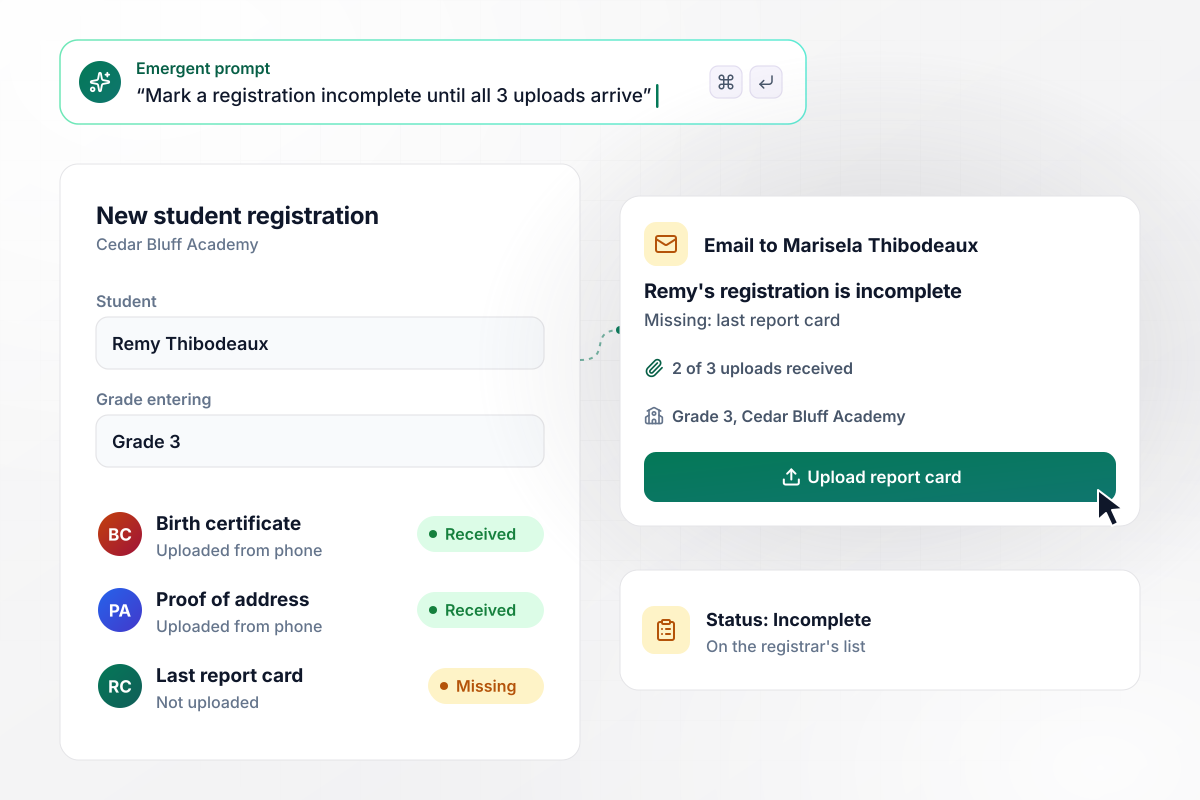
One upload short of a complete file
Cedar Bluff Academy asks every new family for 3 uploads: a birth certificate, proof of address, and the last report card. Marisela Thibodeaux registers her son Remy for grade 3 and sends 2 of the 3 from her phone. His file shows as incomplete on the registrar's list, and the app emails her a link to the missing report card.
window.awbMockup = { privateSchools: "Build a student registration form for my private K-8 school. Ask for the student's name, the grade they are entering, and 3 uploads: a birth certificate, proof of address, and the last report card. Mark a registration incomplete until all 3 arrive, show its status on a registrar's list, and email the parent a link back to anything missing.", tutoringCenters: "Build a student registration form for my tutoring center. Ask for the student's grade, up to 2 subjects, and the afternoons they are free after school. Match each student with a tutor who teaches that subject and is free on the same afternoons, and email the tutor the student's registration.", returningStudents: "Build a re-registration form for returning students at my school, filled in with each family's answers from last year and due March 1. Let families change only what is different. Email a reminder 7 days before the deadline to families who have not confirmed, and after March 1 show which seats are open for the waitlist.", languageSchools: "Build a student registration form for my English school for adults. Add 10 placement questions and place each student by score: 6 or 7 correct means Level 3. Let the student pick a class time for that level, and send a confirmation email with the level and the room for the first class." };
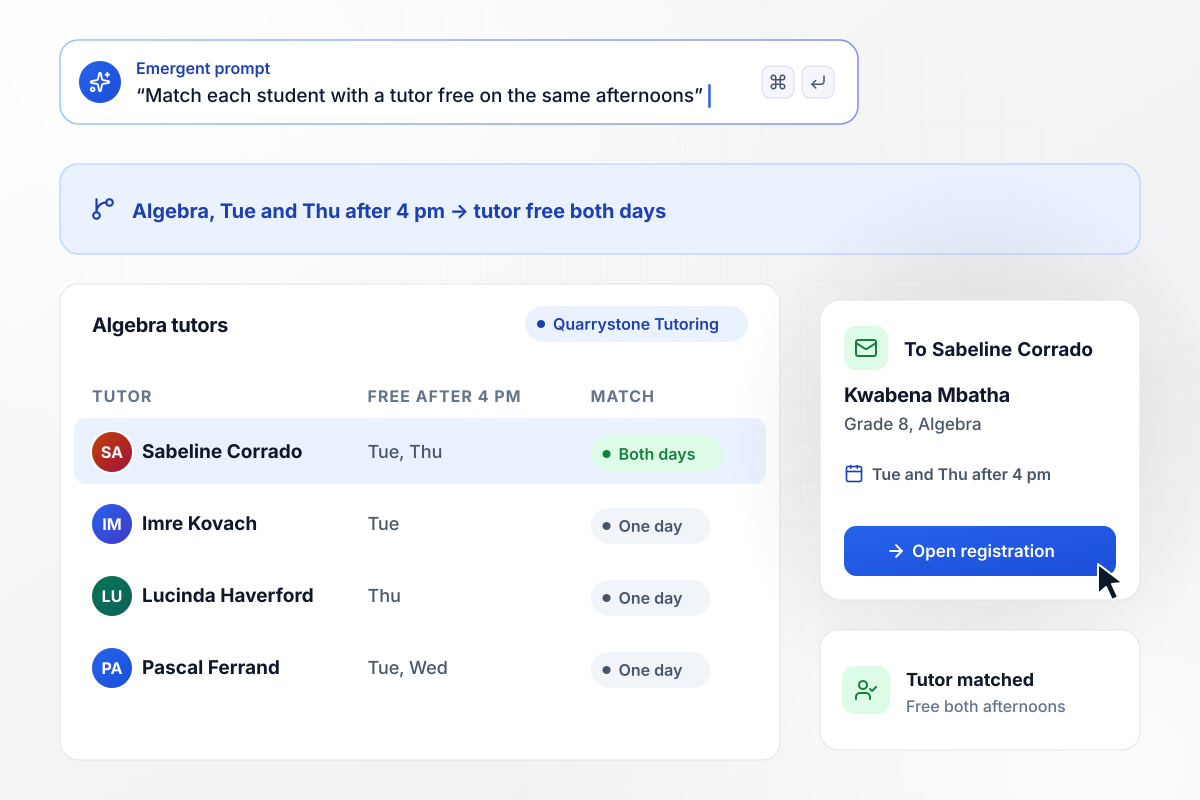
Paired with the one tutor free on both afternoons
Quarrystone Tutoring asks each student for a grade and a subject, then the afternoons they are free. Kwabena Mbatha is in grade 8 and picks Algebra on Tuesdays and Thursdays after 4 pm. The app matches him with Sabeline Corrado, the one Algebra tutor free on both afternoons, and emails her his registration.
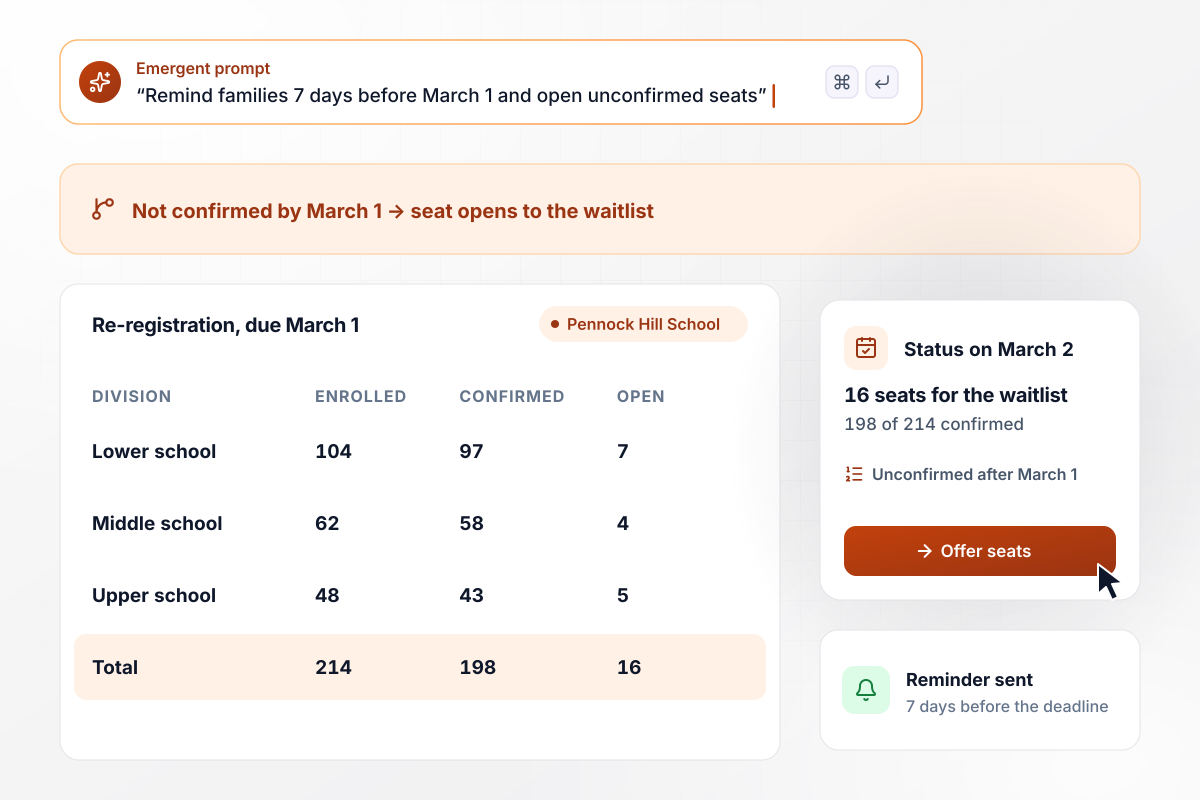
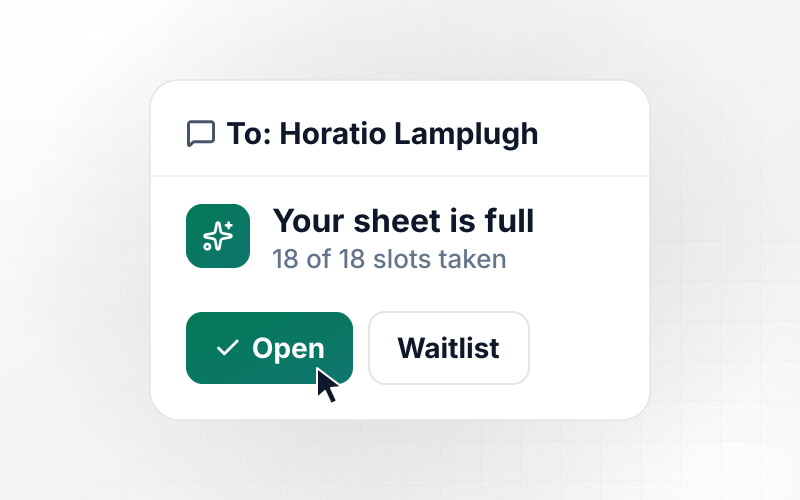
Which 16 seats go to the waitlist after March 1
Pennock Hill School sends each returning family a re-registration form filled in with last year's answers, and any seat not confirmed by March 1 opens to the waitlist. The app emails a reminder 7 days before the deadline. On March 2, the office sees 198 of 214 students confirmed and 16 seats for the waitlist.
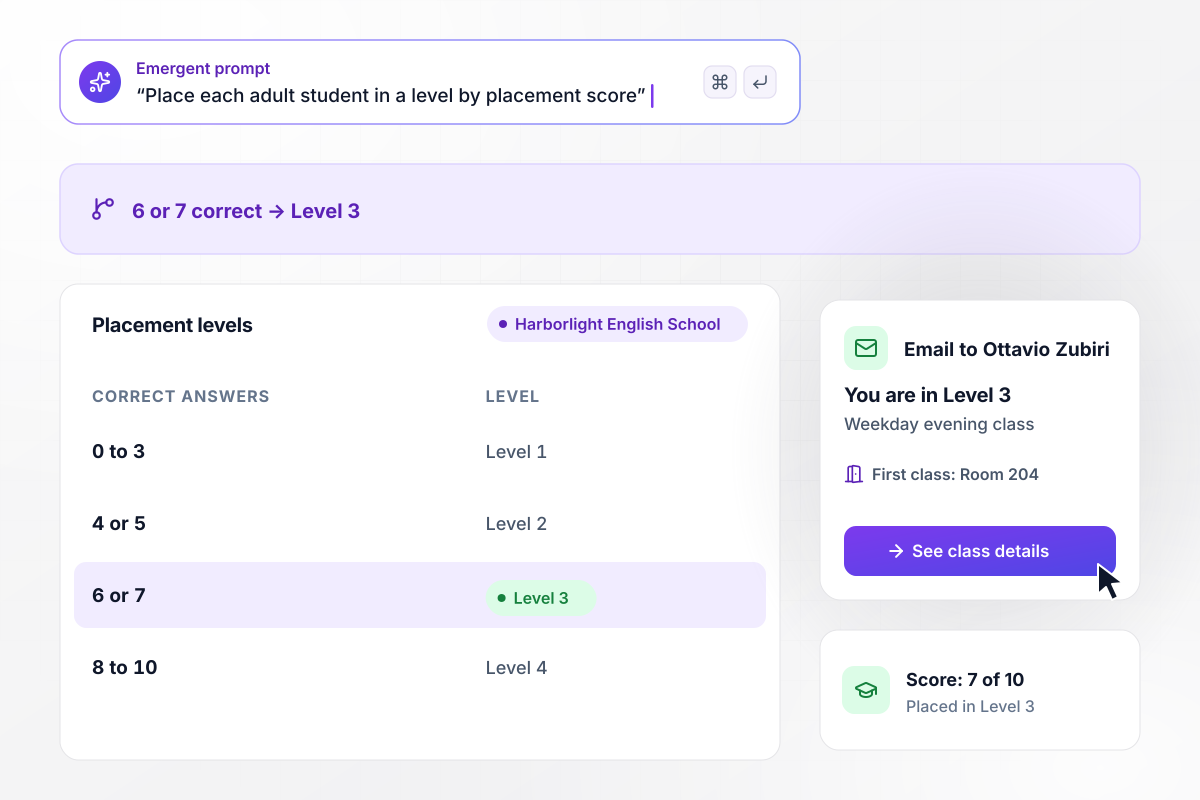
Level 3 for anyone who gets 6 or 7 right
Harborlight English School adds 10 placement questions to its registration form, and a score of 6 or 7 correct places an adult student in Level 3. Ottavio Zubiri gets 7 of 10 right and registers for the weekday evening class. His confirmation email says Level 3 and gives Room 204 for his first class.






How to Create a Student Registration Form
Seven steps to plan a student registration form, decide which documents it collects, and build it with Emergent.
List the fields the office acts on before a first day: the student's legal name, birth date, the grade they are entering, each guardian's contact details, and the previous school. Leave out anything nobody will use, since every extra question slows a family down.
Ask your district office which documents your registration should collect, then add one upload for each. Decide whether a registration can count as complete before every file arrives, or whether it waits on the office until the last one is in.
Group the questions that only some students need, such as course records for a transfer into high school or a placement score for adults. Families then answer only their own section, and a kindergarten parent never sees the high school questions.
Write a plain-English description of the form's sections and uploads, and say who sees each registration. Emergent builds the form and the registrar's list from that description, with a database behind them, and you change any part by prompting again.
Choose what happens when a registration is new, incomplete, or complete, and what each family hears at each stage. A reminder for a missing document can name the file, so the parent knows what to upload without calling the office.
Submit one test registration for each grade group from a phone, with a photo of a document as one of the uploads. Check that each lands on the registrar's list with the right status and that every email names the right student.
Put the link on the admissions page, in the acceptance email, and on a QR code at the open house. Add a question asking how the family heard about the school. Next year's outreach can then start from real answers.
Why Build Student Registration With Emergent?
Emergent builds the registration form your own school or tutoring center runs, and every registration lands in a database you own.

|
Jotform | Google Forms | Typeform | |
|---|---|---|---|---|
| How you build | Describe it in plain English | Templates, editor, AI generator | Editor, with Gemini drafting on some Workspace plans | Templates, editor, AI assist |
| Where responses live | A database table you own, plus any integration | Jotform account | Google Sheets | Typeform account |
| Response limits | No response caps | Monthly submission caps by plan; the form stops at the cap | No limit | Monthly response caps by plan; the form closes at the cap |
| Code ownership | Full code export to GitHub on paid plans | None | None | None |




Pick the Pricing Plan That Works for You
Choose the plan that fits your building ambitions. From weekend projects to enterprise applications, we've got you covered.




Find the right form
for whatever you're collecting



Frequently Asked Questions
Your Questions, Answered
Don't change this element unless you know what you are doing
More things you can build
with Emergent









on Emergent today


