

Build Compliance Automation for the Work Between Audits
Build compliance automation that chases policy sign-offs and collects evidence from each control owner on schedule.
Build compliance automation for my software company that keeps each control's owner and evidence in one register.
Trusted by Builders Worldwide
Active Builders Worldwide
Apps Successfully Created
Countries Globally Reached



What a Compliance Team Stops Doing by Hand
Emergent builds the reminders, reviews, and records your controls depend on as one app, on a database you own.
Controls written as plain sentences
You write who acts, by when, and what counts as done, and Emergent builds the workflow from that prompt. A new rule is one more sentence in the next prompt, not a rebuild.
Reviews that start from live data
The app reads accounts, vendors, and tickets from any tool with an API, such as Slack or HubSpot. A review opens on the current list instead of last month's spreadsheet export.
Reminders on a timer, then escalation
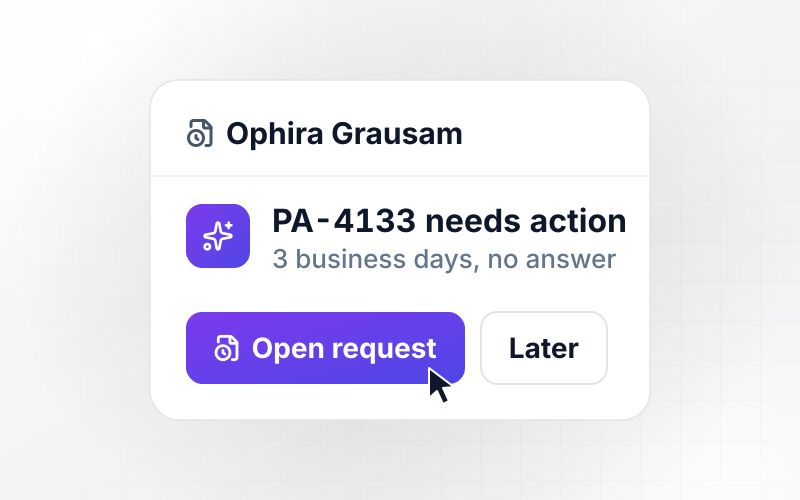
Every task carries an owner and a due date. When one slips, the owner gets a Slack or email reminder, and after the number of days you choose, the request moves to their manager.
Vendor documents read into fields
Upload a vendor's questionnaire or certificate, and the app reads it into structured fields with AI. A field it is unsure of goes to a person before anyone relies on that value.
A record of who decided what
Each acknowledgment, approval, and revocation is saved to a database you own with a name and a time. An auditor's request becomes a filtered list, not a search of old inboxes.
No cap on runs or approvers
Review every account and every vendor each quarter with no task cap and no per-approver seats. On a paid plan, the full code also exports to your own GitHub repository.
Four Compliance Checks to Automate First
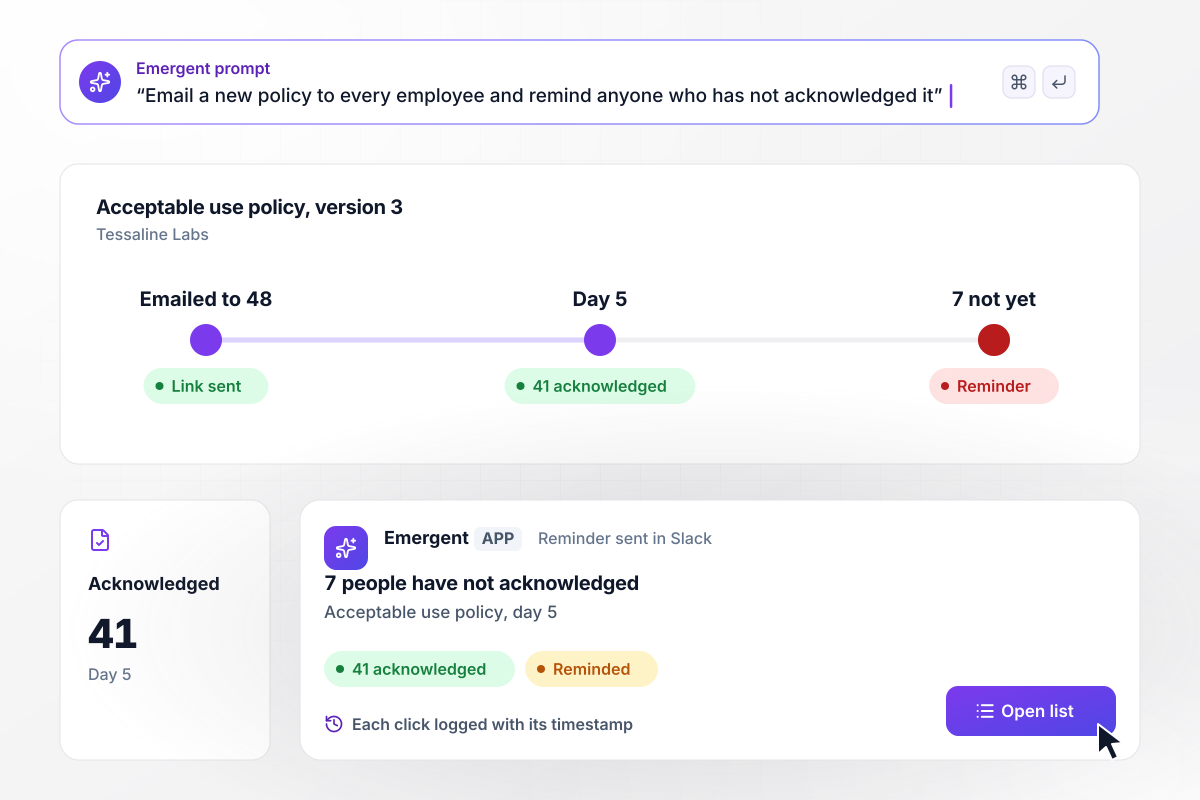
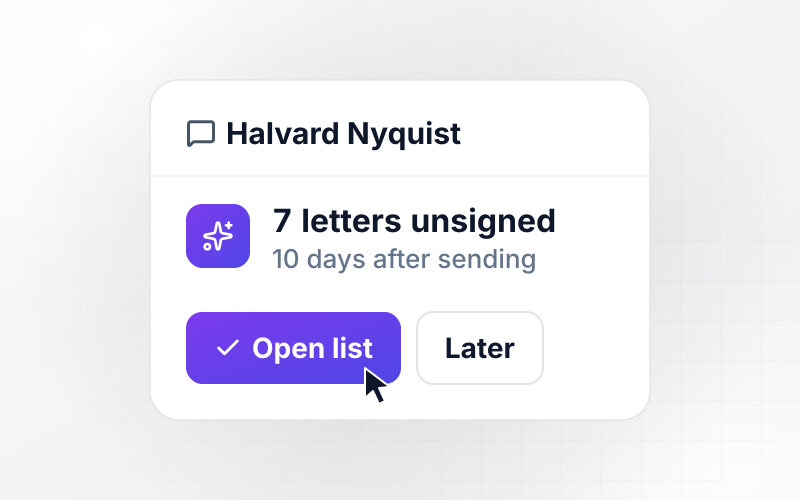
7 people still owe a sign-off after 5 days
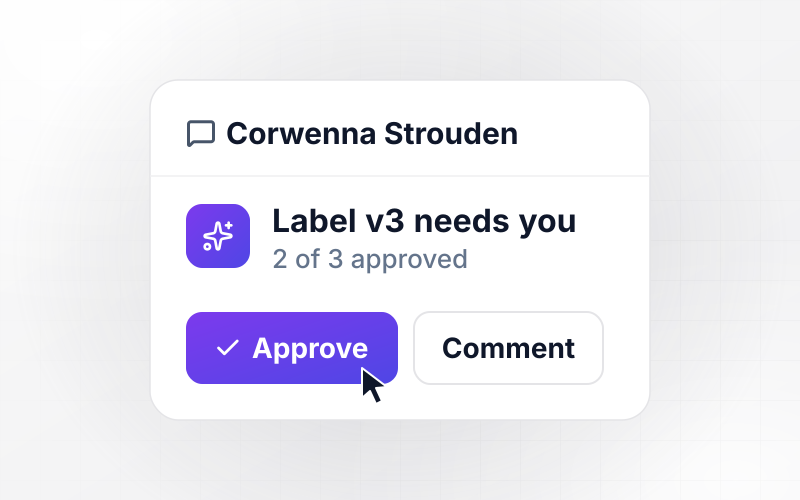
Tessaline Labs publishes version 3 of its acceptable use policy. The app emails all 48 employees a link to read it and click Acknowledge, and logs each click with its timestamp. After 5 days, 41 have signed off, and the 7 who have not get a reminder in Slack.
window.awbMockup = { policySignOffs: "When I publish a new version of a company policy, email every employee a link to read it and an Acknowledge button. Log each acknowledgment with the employee's name and a timestamp. After 5 days, send everyone who has not acknowledged a reminder in Slack, and show me who is still missing.", accessReviews: "On the first business day of each quarter, pull the accounts every team holds in our tools through their APIs and send each manager their team's list. Let the manager mark each account Keep or Revoke, and log every decision with the manager's name and the date.", vendorReviews: "When a buyer requests a new vendor, send the vendor a 20-question security questionnaire. If any answer comes back No, hold the request for our security lead to approve or reject in the app, with the answers attached. Approve the rest without a review.", evidenceRequests: "Six weeks before our annual audit, assign each evidence item to its control owner with a due date and a place to upload the file. Remind owners whose items are late, copy the compliance lead once an item is 3 days past due, and show me what is still missing." };
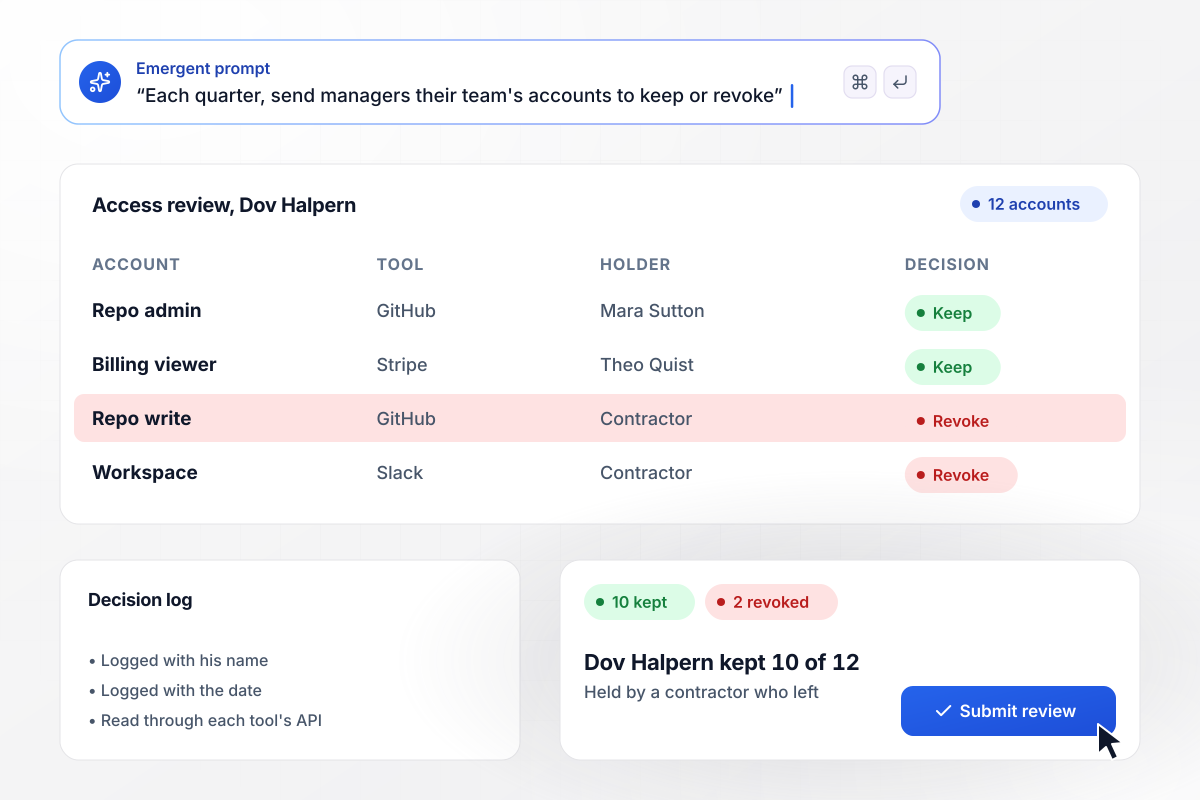
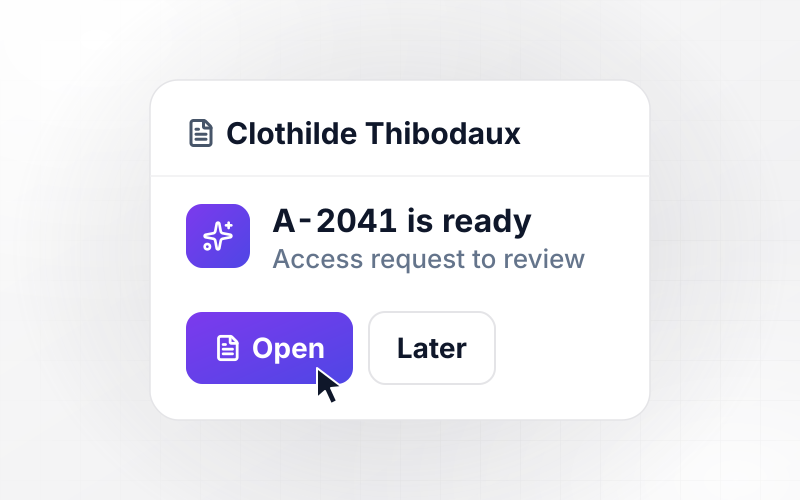
Managers confirm who keeps access, account by account
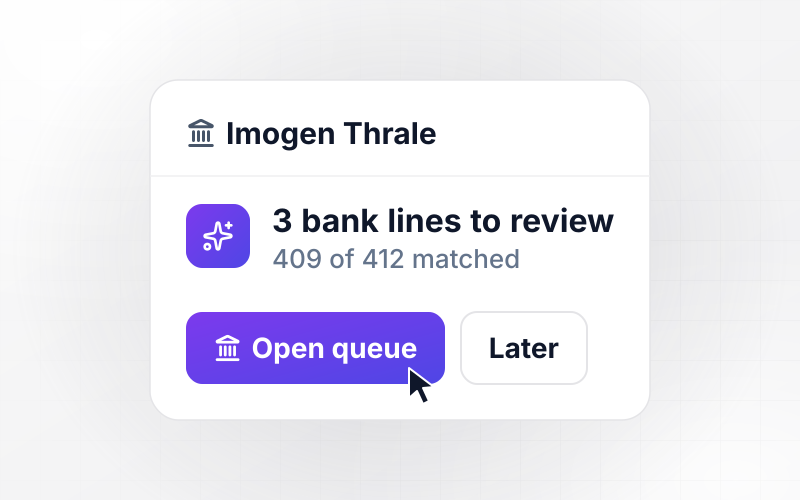
On the first business day of the quarter, the app sends each manager the accounts their team holds, read through each tool's API. Dov Halpern keeps 10 of his 12 and revokes 2 that belong to a contractor who left. Each decision is logged with his name and the date.
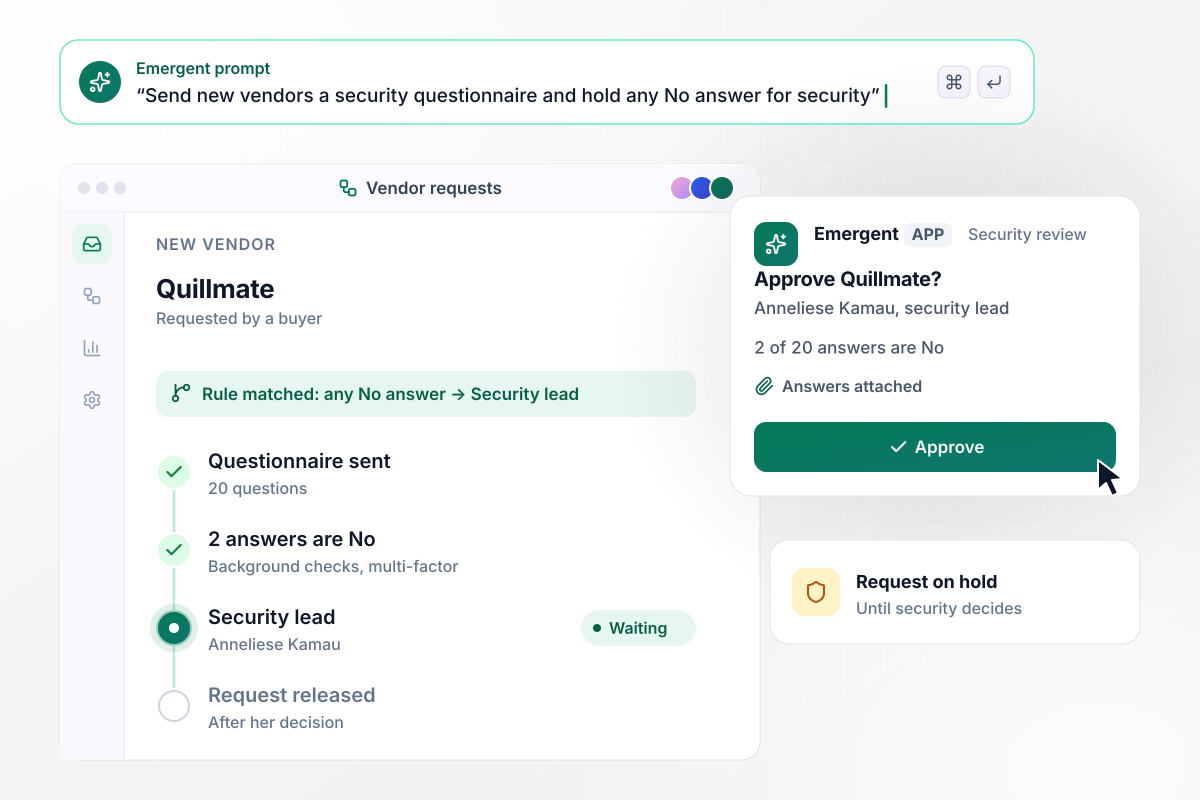
Two No answers hold a vendor for security
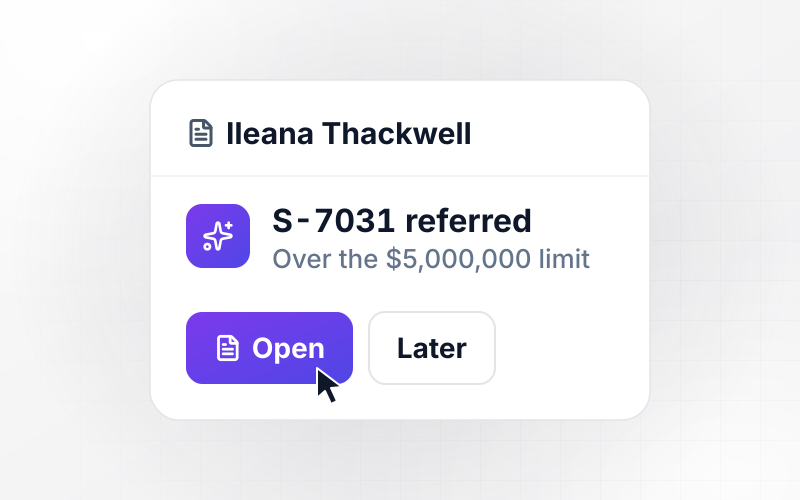
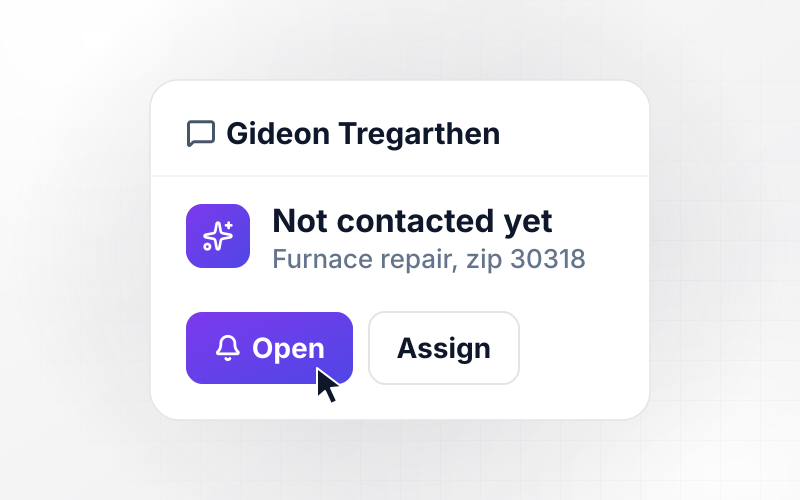
A buyer requests a new vendor, Quillmate, and the app sends Quillmate a 20-question security questionnaire. Two answers come back No: background checks for staff and multi-factor sign-in. The request waits for the security lead, Anneliese Kamau. She approves or rejects it in the app.
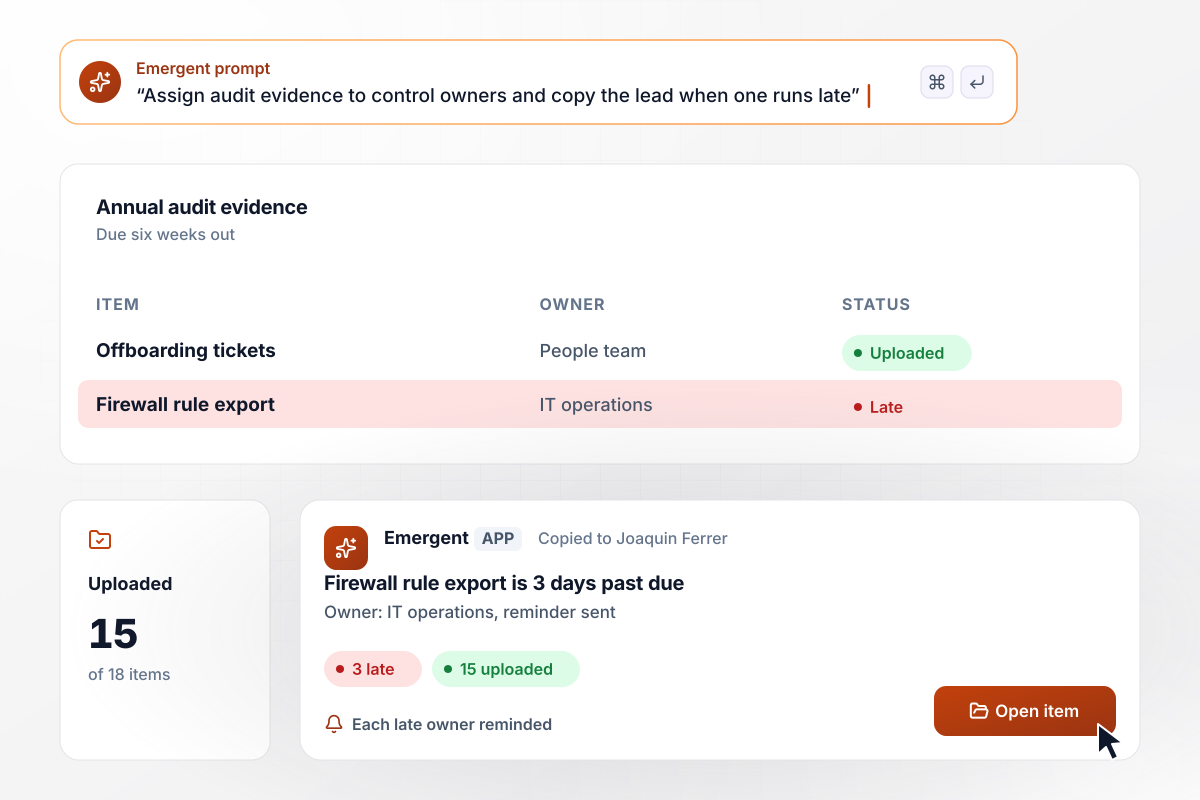
Evidence 3 days late copies in the compliance lead
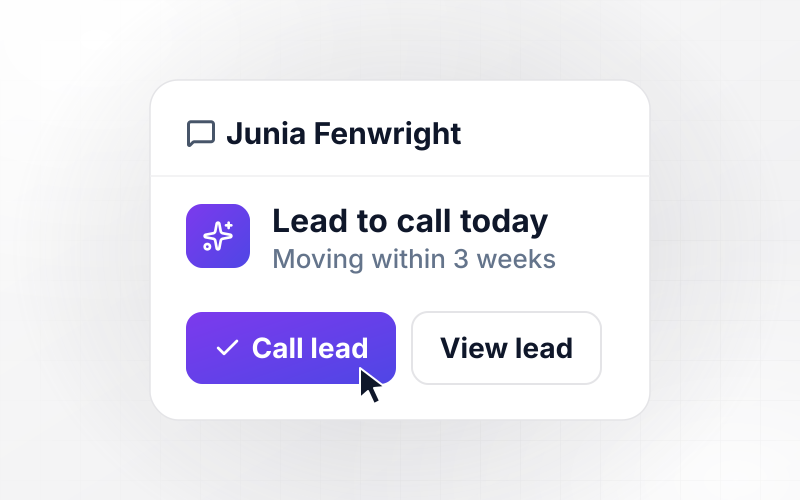
Six weeks before the annual audit, the app assigns 18 evidence items to their control owners, each with a due date. By the deadline, 15 are uploaded and 3 are late. Each late owner gets a reminder, and once an item is 3 days past due, the compliance lead, Joaquin Ferrer, is copied in.






How to Automate Compliance Work
Follow these seven steps to map your recurring controls, then build and test compliance automation that runs them on schedule.
List every recurring control your team proves by hand, such as policy sign-offs or quarterly access reviews. Note how often each one runs and the hours it takes. Start with the one that costs the most time.
Assign every task to one named person with a due date. A shared inbox cannot be reminded. Pick a person, plus a backup for the weeks when that person is out.
Describe each workflow the way you would brief a new analyst, starting with the event that triggers it and ending with what counts as done. Emergent builds the app from that description.
Start with the employee list from your HR system. Policy sign-offs and access reviews both depend on who works at the company today, so a stale list breaks both.
Pick how many days a task can sit before its owner is reminded, and how many more before their manager hears about it. Keep the first reminder to one line with a link.
Run last quarter's records through the app before it goes live. Compare who it would have reminded with who ran late, and rewrite any rule that disagrees.
Open the decision log at the end of each quarter and confirm every task has a name and a date against it. Any gap shows you which rule to tighten next.
Why Build Compliance Workflows With Emergent?
Emergent builds the workflow and the forms your team answers in one app, and it keeps running with no task cap as reviews grow.

|
Swimlane | Zapier | Make (Integromat) | |
|---|---|---|---|---|
| How you build | Prompt for the workflow and the app around it | Low-code canvas, implementation by Swimlane services | Templates and editor, AI copilot | Visual canvas |
| What you get | Workflow + trigger form + database + dashboard, as code you own | Security playbooks, case management, and dashboards | Zaps, plus Tables and Interfaces inside Zapier | Scenarios inside Make |
| Behavior at cap | Keeps running, no task cap | Playbooks keep running; steady overuse means a larger license | Overage billed at up to 1.25× the base rate | Runs pause |
| AI and agent steps | Native, share the same credit pool | Hero AI credits included; extra packs sold | Priced by model tier, drawn from the task pool | AI modules cost variable credits |
| Code ownership | Full code export to GitHub on paid plans | Self-hosted option, no source code | None | None |




Pick the Pricing Plan That Works for You
Choose the plan that fits your building ambitions. From weekend projects to enterprise applications, we've got you covered.




Find the right workflow automation
for you and your business
Frequently Asked Questions
Your Questions, Answered
Don't change this element unless you know what you are doing
More things you can build
with Emergent









on Emergent today


