

Build a Drip Campaign Around the Events in Your Own Data
Get a drip campaign that sends each email on schedule and pulls people out when they upgrade, book, or unsubscribe.
Build drip campaign that runs on its own and logs every step.
Trusted by Builders Worldwide
Active Builders Worldwide
Apps Successfully Created
Countries Globally Reached



The Parts of a Drip Campaign Emergent Builds
A drip campaign sends a pre-written series of messages over time, each one timed from an action the person took.
Triggers read from your own records
Emergent builds the sequence on top of the records you already keep. A new signup, a trial start, or an open-house sign-in becomes the event that enrolls a contact in it.
Delays written as plain sentences
Describe the timing the way you would tell a colleague: the first email at once, the next one 3 days later. To move a step, write the new timing and Emergent rebuilds it.
Exit rules that end the sequence
Each sequence carries a list of events that take a contact out of it. A purchase or a booked call removes the contact from the sequence before the next scheduled email goes out.
Sending through the services you connect
The app connects through its API to the email or SMS service you already use. Your sender and templates stay put, and the app decides which contact gets which message when.
A contact history you own
Every enrollment and every exit is written to a database you own, along with each queued email. Open any contact to see which sequences they are in and the next email due.
No task cap on large imports
The automation has no task cap. A 20,000-contact import walks through the same steps as a list of 20, and the welcome emails go out on the same schedule for every contact.
Four Drip Campaigns Worth Building First
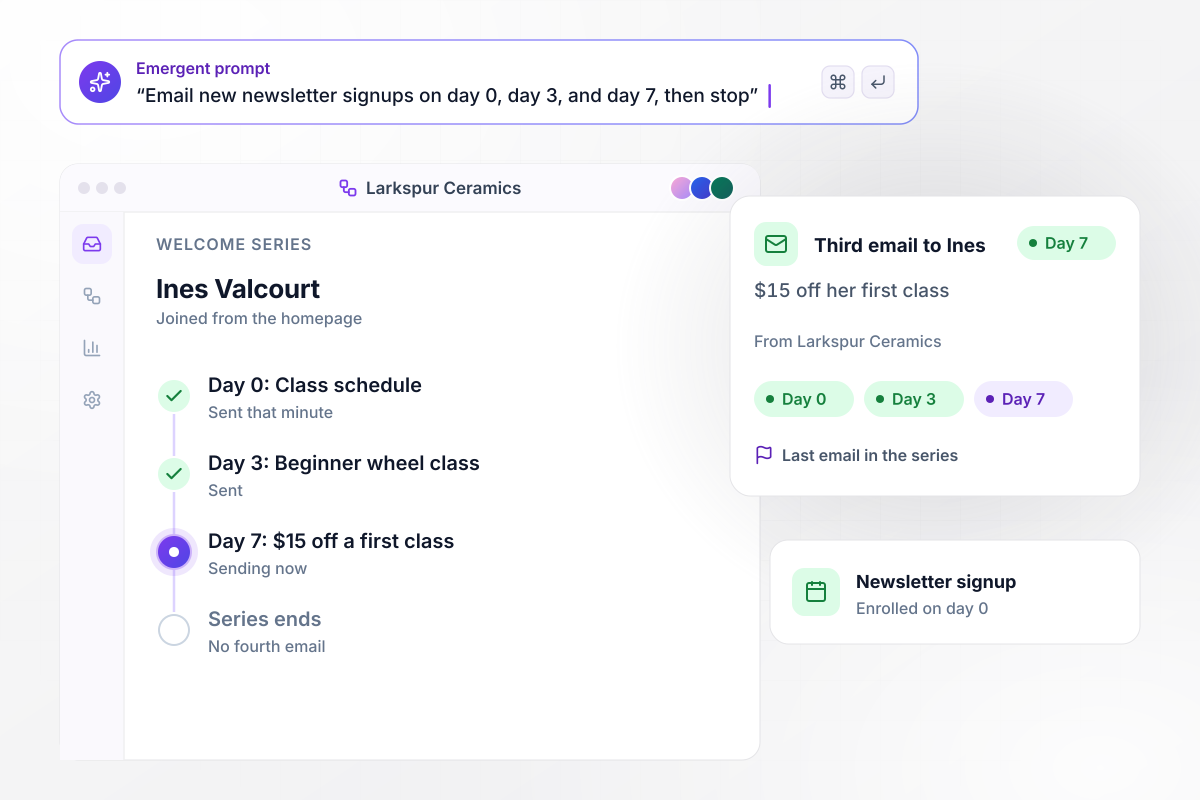
Welcome emails on day 0, day 3, and day 7
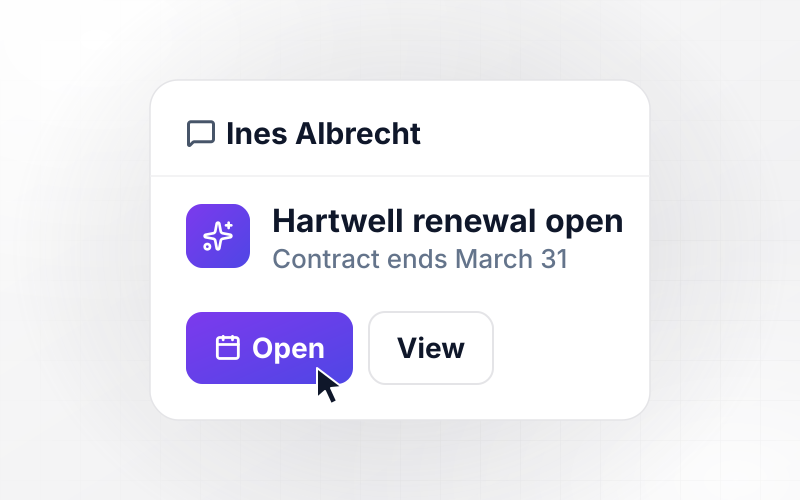
Ines Valcourt joins the Larkspur Ceramics newsletter from the studio's homepage, and the class schedule reaches her inbox that same minute. On day 3 she gets a note on the beginner wheel class. The third email lands on day 7 with $15 off her first class, and the series ends there.
window.awbMockup = { welcomeSeries: "Build a welcome series for my ceramics studio's newsletter. When someone signs up on the homepage, email the class schedule right away, a note about the beginner wheel class on day 3, and $15 off a first class on day 7. End the series after the third email.", trialNudges: "Build trial emails for my invoicing app's 14-day trial. If a user has not sent an invoice by day 3, email a short guide to sending the first one. Email a trial-ending reminder on day 12, and cancel it for anyone who upgrades to a paid plan before then.", listingEmails: "Build a drip for open-house leads. Save each sign-in with the price limit and zip code the lead asks for, and email matching new listings every Thursday for 6 weeks. If a lead clicks Book a showing, cancel the remaining emails and send the listing agent a Slack message.", unsubscribes: "Add an unsubscribe link to every email in my bike shop's 3 sequences. When a contact clicks it, remove them from every sequence, cancel any email still queued for them, and mark the contact Unsubscribed with the date and time. Skip unsubscribed contacts on every future list import." };
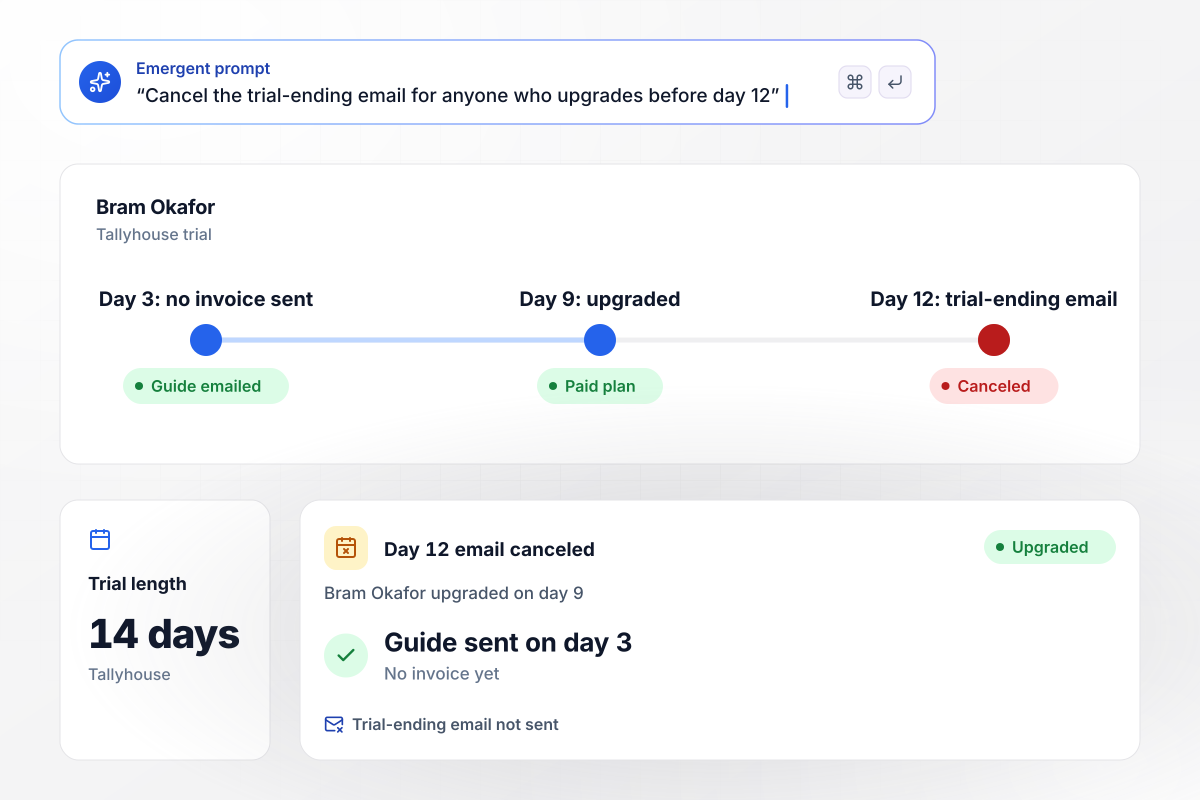
An upgrade on day 9 cancels the day 12 email
Bram Okafor starts a 14-day trial of Tallyhouse, an invoicing app, and still has no invoice sent by day 3. The app emails him a short guide to sending his first one. He upgrades to a paid plan on day 9, so the trial-ending email set for day 12 is canceled before it goes out.
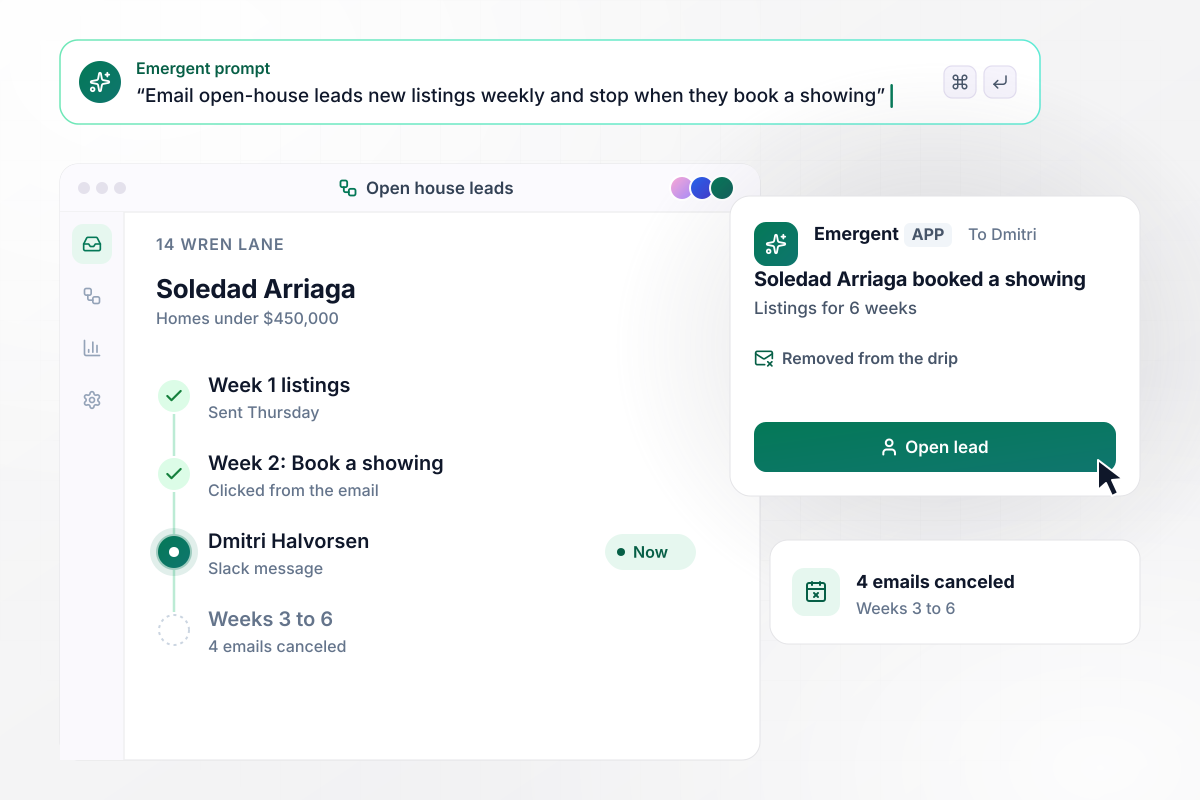
When she books a showing, the listings stop
Soledad Arriaga signs in at the open house at 14 Wren Lane and asks for homes under $450,000 in her zip code. Every Thursday for 6 weeks she is due the new listings that match. In week 2 she clicks Book a showing, her 4 remaining emails are canceled, and agent Dmitri Halvorsen gets a Slack message.
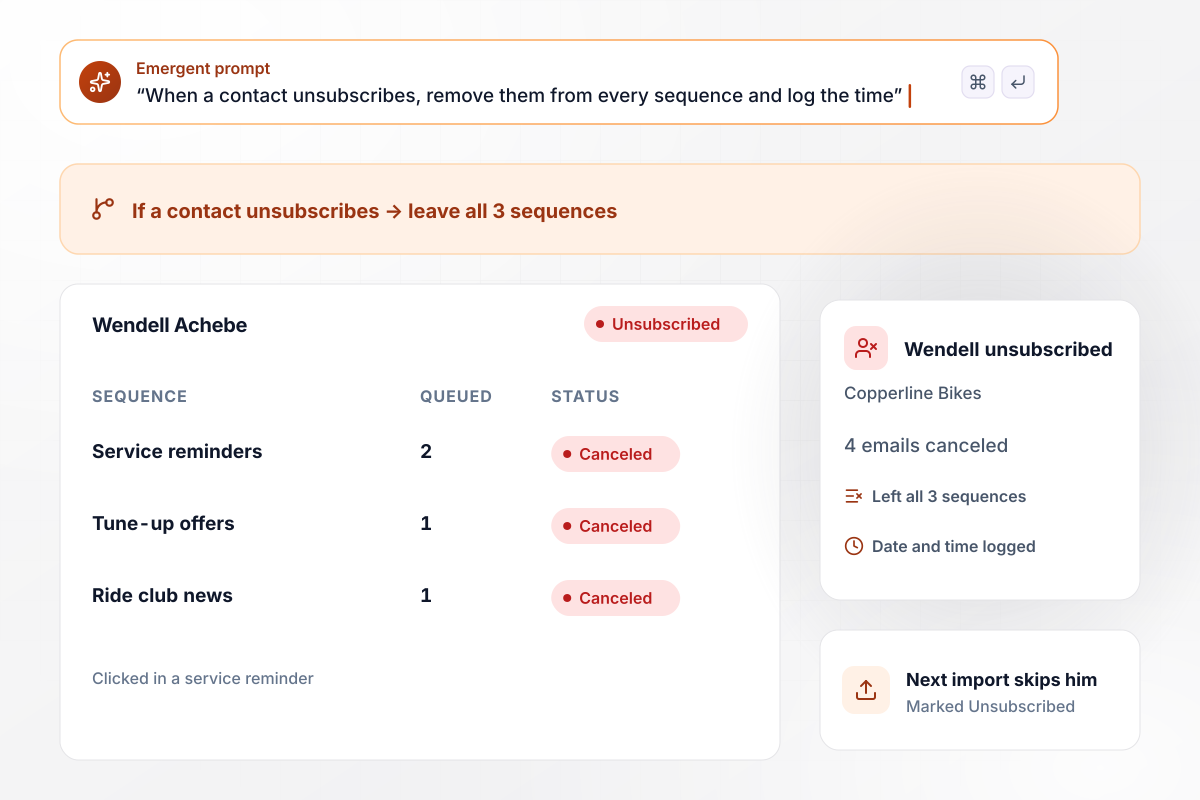
One unsubscribe clears all 3 sequences
Wendell Achebe clicks unsubscribe at the foot of a Copperline Bikes service reminder. The app takes him out of all 3 sequences he was in, cancels the 4 emails still queued for him, and marks him Unsubscribed with the date and time. The next list import skips him.






How to Build a Drip Campaign
Seven steps to plan a drip campaign, write its emails and exits, and test the full sequence before real contacts enroll.
Choose one event your records already capture: a signup, a trial start, or a name on an open-house sheet. Starting from a recorded event means nobody has to tag contacts by hand before the first email.
Decide what a contact should do by the last email, such as book a class or upgrade. That action becomes the first exit. A person who takes it early stops getting emails that ask for it.
Give each email one point and one link, and send the first within a minute of the trigger. Leave a few days between the rest; a 7-day welcome series fits three emails without crowding the inbox.
The FTC's CAN-SPAM guide says each message must explain how the recipient can opt out and must include your valid physical postal address. Put both in the footer template once and every email carries them.
Write the trigger, the day each email goes out, and every exit as plain sentences in one prompt. Emergent builds the sequence and its contact records, plus a screen that shows who sits in which step.
Connect the email service you already send from, then import 50 contacts before the full list. Check that the first sends arrive and that each one enrolled on the right day.
Enroll a test contact with the delays shortened to minutes and read each email on a phone. Then trigger an exit and confirm the next scheduled email never goes out.
Why Build Drip Campaigns With Emergent?
Emergent builds the sequences and their exit rules as one app on a database you own, with no task cap as your list grows.

|
Zapier | Make (Integromat) | n8n | |
|---|---|---|---|---|
| How you build | Prompt for the workflow and the app around it | Templates and editor, AI copilot | Visual canvas | Visual canvas, self-hosted or cloud |
| What you get | Workflow + trigger form + database + dashboard, as code you own | Zaps, plus Tables and Interfaces inside Zapier | Scenarios inside Make | Workflows inside n8n |
| Behavior at cap | Keeps running, no task cap | Overage billed at up to 1.25× the base rate | Runs pause | Cloud workflows stop until the reset or an upgrade |
| AI and agent steps | Native, share the same credit pool | Priced by model tier, drawn from the task pool | AI modules cost variable credits | Bring your own model API key, billed by the provider |
| Code ownership | Full code export to GitHub on paid plans | None | None | Yes on Community Edition |




Pick the Pricing Plan That Works for You
Choose the plan that fits your building ambitions. From weekend projects to enterprise applications, we've got you covered.




Find the right workflow automation
for you and your business
Frequently Asked Questions
Your Questions, Answered
Don't change this element unless you know what you are doing
More things you can build
with Emergent









on Emergent today


