

Build Order Confirmation Automation for Customers and Suppliers
Get order confirmation automation that emails customers on payment and checks supplier confirmations against each PO.
Build order confirmation automation that runs on its own and logs every step.
Trusted by Builders Worldwide
Active Builders Worldwide
Apps Successfully Created
Countries Globally Reached



What Emergent Builds Into Order Confirmations
Order confirmation automation sends the customer's confirmation when an order is paid and checks the supplier's reply to each PO.
Each paid order, picked up from your store
The app connects to your store or order system through its API and picks up each order once it is paid. The order and every email sent for it land in a database you own.
One confirmation, split by shipment
When an order holds items with different ship dates, the email lists each shipment with its own date. The customer sees what leaves first and what follows, before writing to ask.
Supplier PDFs read into fields
The app reads a supplier's confirmation PDF into fields with AI: PO number, lines, quantities, prices, and dates. A value it cannot read with confidence goes to a person to check.
Tolerances you set for price and date
You decide how far a confirmed price or delivery date may move from the PO before a buyer looks. Lines inside your limits are accepted, and the rest wait for a decision.
Reminders first, then the buyer hears
A PO with no confirmation gets an email reminder to the supplier at the hour you pick. If the supplier stays quiet, the buyer gets an alert, and no task cap limits how many run.
The full code, in your GitHub
Export the app's full code to your GitHub repository on paid plans. Anyone on the team can read the exact rule behind each email sent and each PO line flagged, and change it.
Confirmations Going Out and Coming In
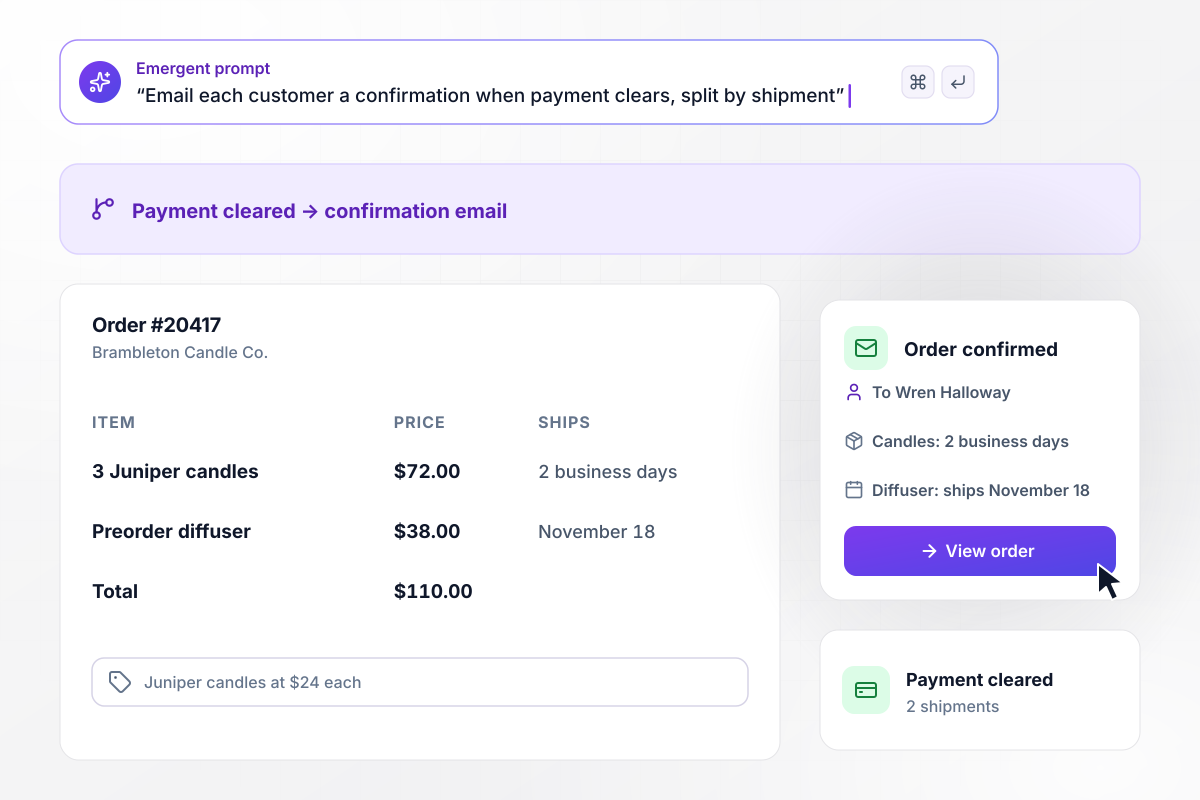
Candles in 2 days, the diffuser on November 18
Wren Halloway orders 3 Juniper candles at $24 each and a preorder diffuser at $38 from Brambleton Candle Co., $110 in all. When payment clears on order #20417, the app emails her a confirmation with two shipments. The candles ship within 2 business days, and the diffuser ships on November 18.
window.awbMockup = { paidOrders: "Build order confirmation emails for my candle shop. When payment clears on an order, email the customer a confirmation with the order number, each item and price, and the total. If the order mixes in-stock items with a preorder, split it into two shipments and show each one's ship date, like 2 business days for candles and the release date for the preorder.", editedOrders: "Build updated confirmations for my coffee store. Customers can edit an order for 60 minutes after checkout. When someone changes the ship-to address or an item, send a new confirmation marked Updated that shows the old value next to the new one and the order total, so the customer can see exactly what changed and nothing else.", poConfirmations: "Build supplier confirmation matching for my cabinet shop. When a supplier emails a confirmation PDF for one of our purchase orders, read the PO number, lines, quantities, prices, and dates. Compare every line with the PO. If a price or quantity differs, mark the line as changed and send the buyer the difference to accept or dispute.", unconfirmedPOs: "Build reminders for purchase orders my dental lab sends to suppliers. If a supplier has not confirmed a PO after 48 hours, email their contact a reminder that names the PO and the delivery date we asked for. At 72 hours with still no confirmation, send our buyer a direct message with the PO number and the requested date." };
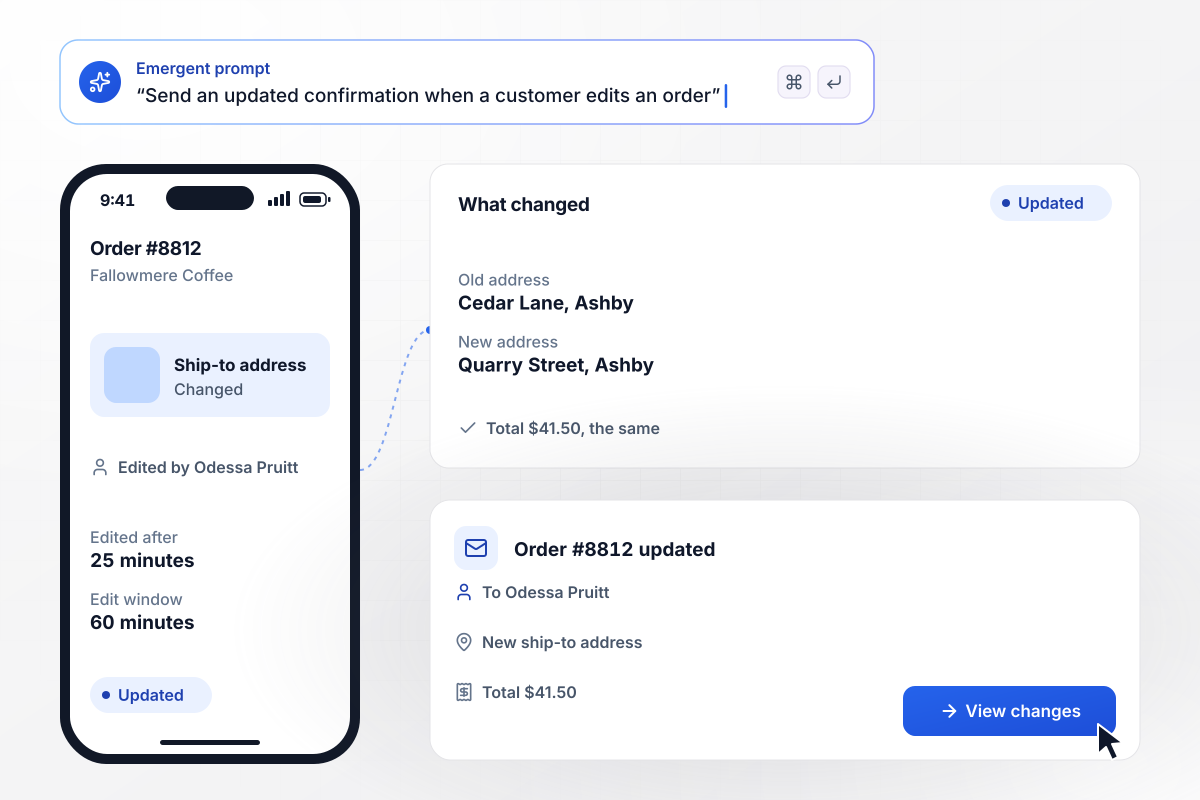
Order #8812 moves address and keeps its total
Fallowmere Coffee keeps an order open to edits for 60 minutes after checkout. Odessa Pruitt changes the ship-to address on order #8812 after 25 minutes. The app sends her a confirmation marked Updated that shows the old address and the new one, and the $41.50 total stays the same.
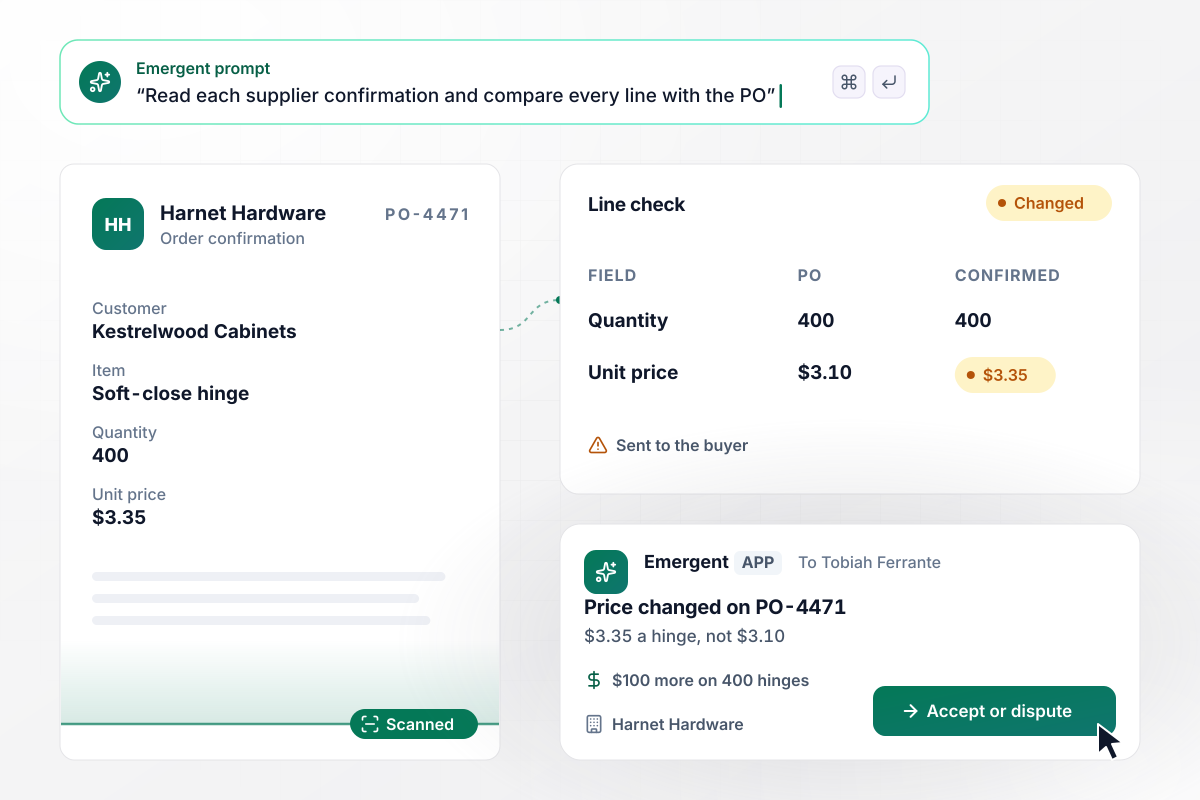
Harnet raised the hinge price to $3.35
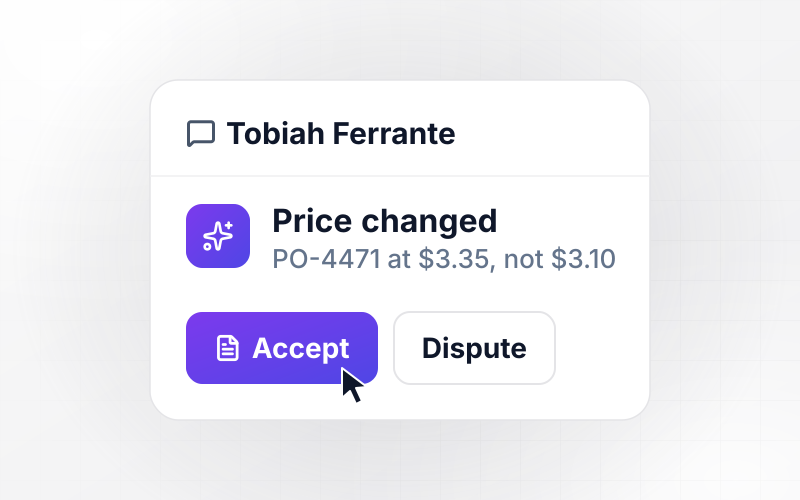
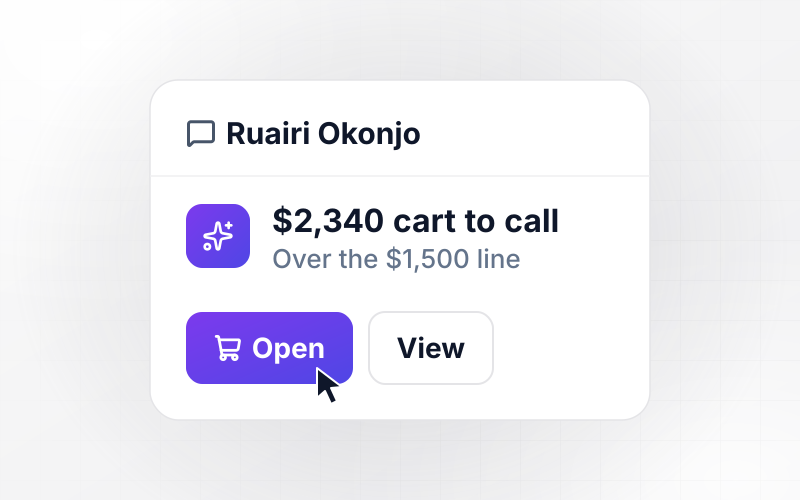
Kestrelwood Cabinets sends PO-4471 to Harnet Hardware for 400 soft-close hinges at $3.10 each. Harnet's confirmation PDF says $3.35 a hinge, and the app reads it into fields and marks the price line as changed. The buyer, Tobiah Ferrante, sees a $100 difference across 400 hinges to accept or dispute.
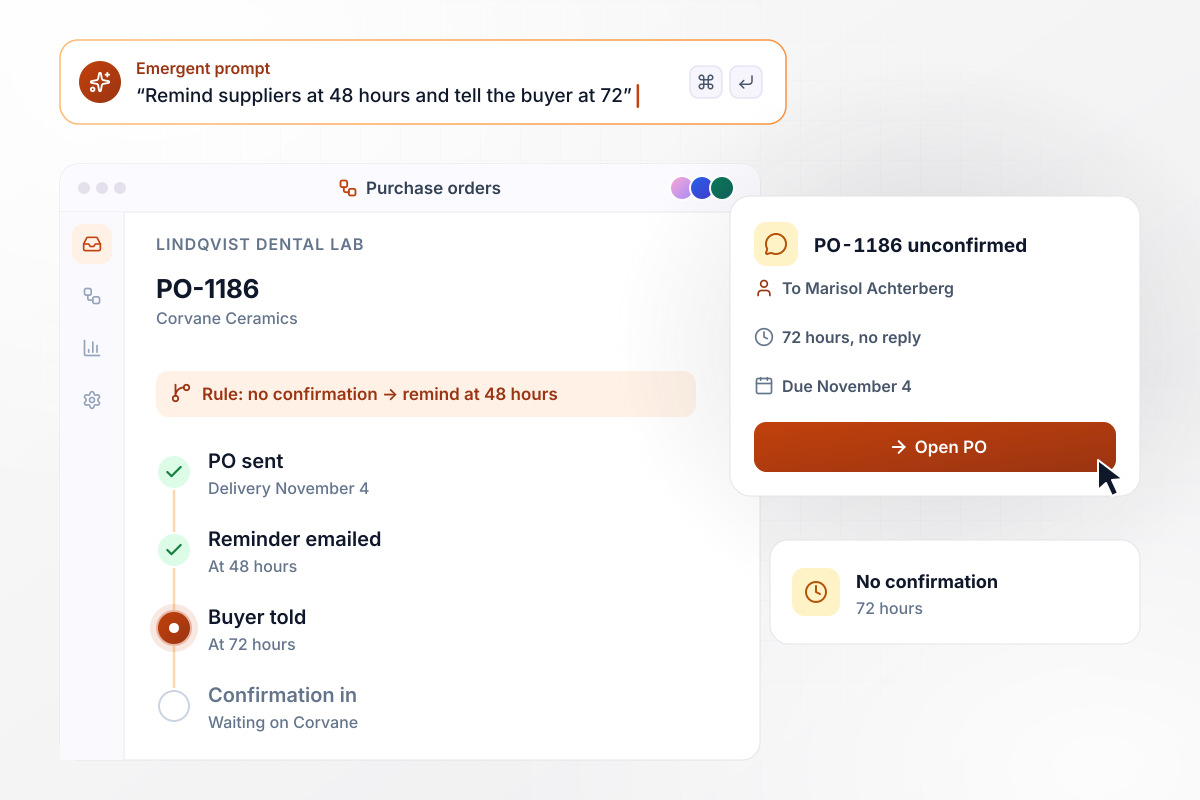
PO-1186 sits unconfirmed, and the buyer hears at 72 hours
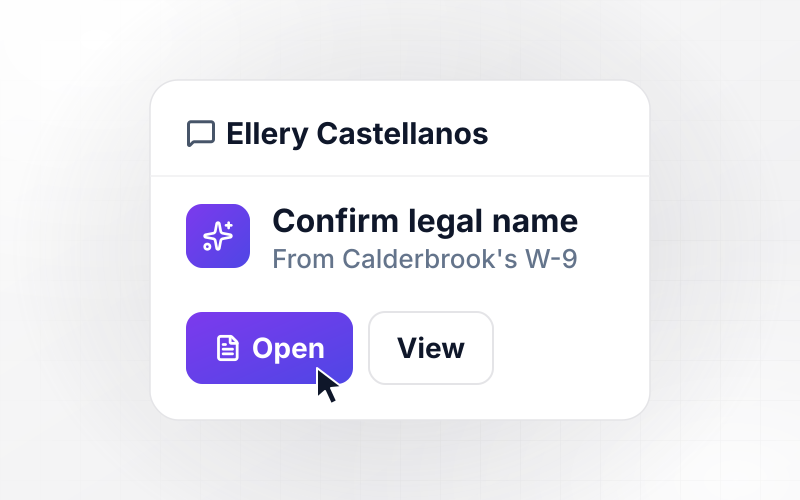
Lindqvist Dental Lab sends PO-1186 to Corvane Ceramics for delivery on November 4. With no confirmation after 48 hours, the app emails Corvane a reminder. At 72 hours, the buyer, Marisol Achterberg, gets a direct message about PO-1186, due November 4.






How to Build Order Confirmation Automation
Seven steps to plan order confirmation automation for customers and suppliers, then build and test it in Emergent.
Write down the fields a customer confirmation carries: the order number, each item with its price, the total, the ship-to address, and a date for each shipment. Add a line on how to change or cancel the order, because that is the first thing customers ask.
Send the customer confirmation when payment clears, not when the cart is submitted. A declined card then never gets one. If you take preorders, decide whether one email lists every shipment or each shipment gets its own email.
Pick how long a customer can change an order after checkout, and which changes you accept, such as a new address or a different size. Each accepted change sends a new confirmation, and you decide what the updated email shows next to the original value.
For each field on a supplier confirmation, write the change you accept without review. A delivery date one day late might pass on its own, while any price change waits for the buyer named on the PO.
Pick the hour after a PO goes out when the supplier gets a reminder, and the hour when the buyer hears instead. Use the supplier contact on the PO and name one buyer per PO. Each alert then reaches one person.
Paste your fields, timings, and tolerances into one prompt in plain English. Emergent builds the emails, the PO checks, and the database behind them, connected to your store through its API, and you change any rule later by asking for it.
Run 5 orders through before launch: a paid order, a preorder, an edited address, a PO confirmed at a changed price, and a PO never confirmed. Check that each email and each alert reaches the person you expect.
Why Build Order Confirmations With Emergent?
Emergent builds the customer emails and the supplier PO checks as one app from a prompt, with the data in a database you own.

|
Zapier | Make (Integromat) | n8n | |
|---|---|---|---|---|
| How you build | Prompt for the workflow and the app around it | Templates and editor, AI copilot | Visual canvas | Visual canvas, self-hosted or cloud |
| What you get | Workflow + trigger form + database + dashboard, as code you own | Zaps, plus Tables and Interfaces inside Zapier | Scenarios inside Make | Workflows inside n8n |
| Behavior at cap | Keeps running, no task cap | Overage billed at up to 1.25× the base rate | Runs pause | Cloud workflows stop until the reset or an upgrade |
| AI and agent steps | Native, share the same credit pool | Priced by model tier, drawn from the task pool | AI modules cost variable credits | Bring your own model API key, billed by the provider |
| Code ownership | Full code export to GitHub on paid plans | None | None | Yes on Community Edition |



Pick the Pricing Plan That Works for You
Choose the plan that fits your building ambitions. From weekend projects to enterprise applications, we've got you covered.




Find the right workflow automation
for you and your business
Frequently Asked Questions
Your Questions, Answered
Don't change this element unless you know what you are doing
More things you can build
with Emergent









on Emergent today


