

Build Renewal Reminder Automation Before Anything Lapses
Build renewal reminder automation that emails the owner before a contract, plan, license, or membership renews, then escalates.
Build renewal reminder automation that runs on its own and logs every step.
Trusted by Builders Worldwide
Active Builders Worldwide
Apps Successfully Created
Countries Globally Reached



What Emergent Builds Into Every Renewal
Each renewal is one record with a date and an owner, and its reminders stop once it is renewed.
One record for every renewal date
Emergent builds the renewal database from your prompt. Each record holds its end date and owner, plus a status that shows where the renewal stands, in a database you own.
Reminders counted back from the date
Set the schedule once, such as 90, 30, and 7 days before a renewal. The app sends each reminder by email or as a Slack message on the right day for each record you track.
An escalation when nobody acts
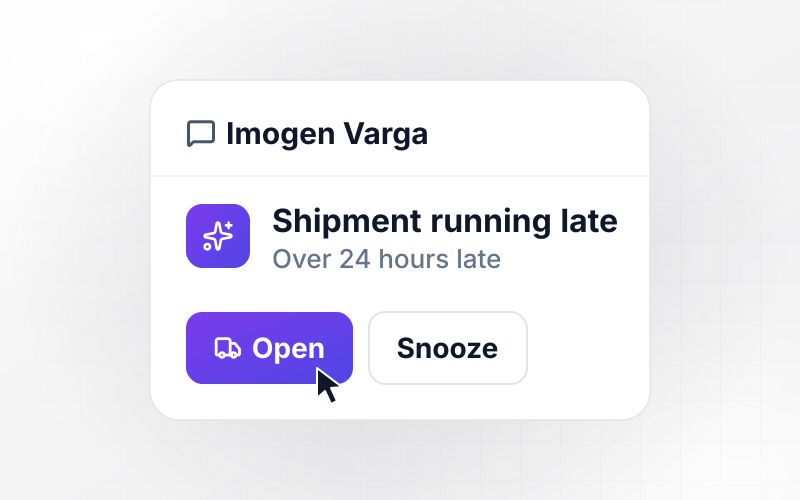
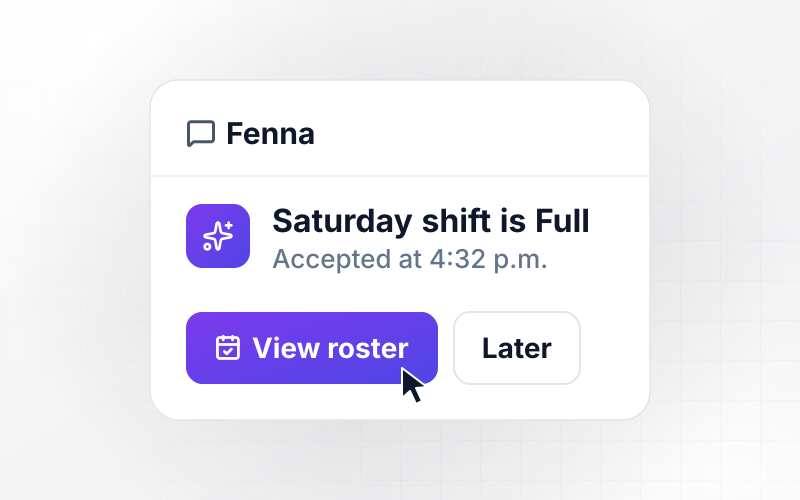
If the owner has not marked a renewal handled by the last reminder, the app alerts the next person you name. That alert links the record and names the owner who has not replied.
Dates synced from the tools you use
Connect your CRM, billing tool, or HR system through its API, and the app pulls renewal dates in as they change. A plan moved to quarterly gets a new date and schedule.
Renewed documents read into the record
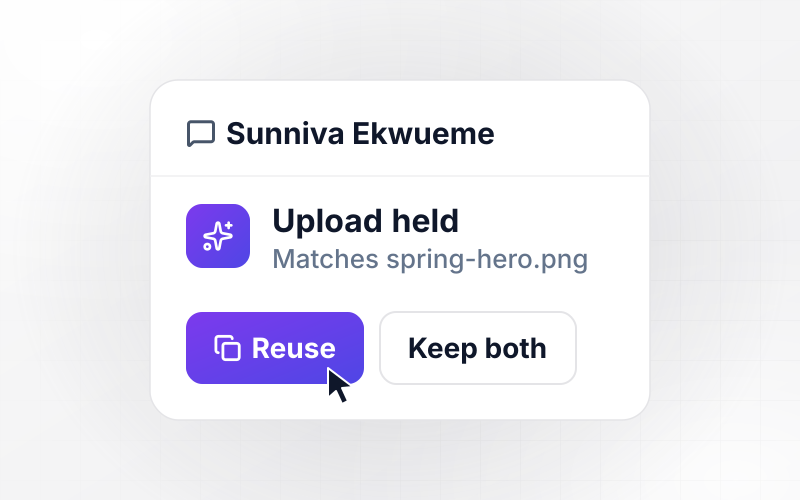
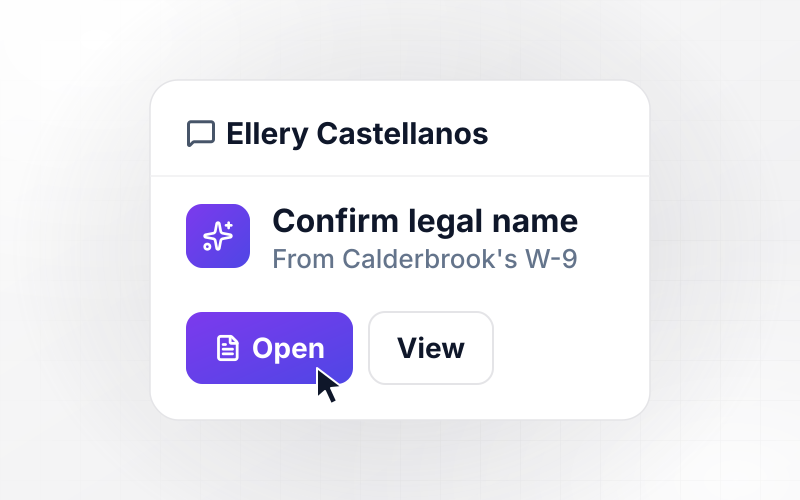
When someone uploads a renewed license or a signed contract, the app reads its new expiry date with AI. A date it cannot read with confidence goes to a person to check.
The renewal app's code, in your GitHub
Export the full code to your GitHub repository on paid plans. Anyone on the team can read every reminder rule and change the schedule logic like any codebase they maintain.
One Countdown per Renewal
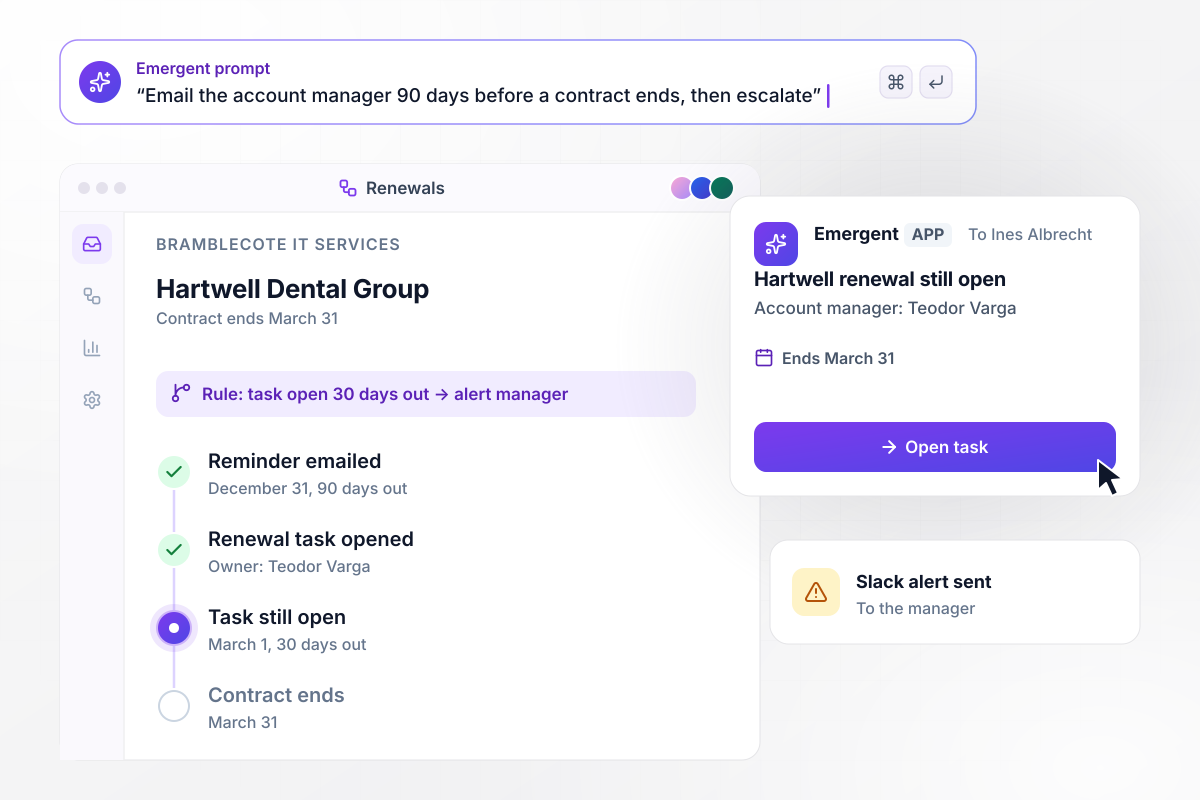
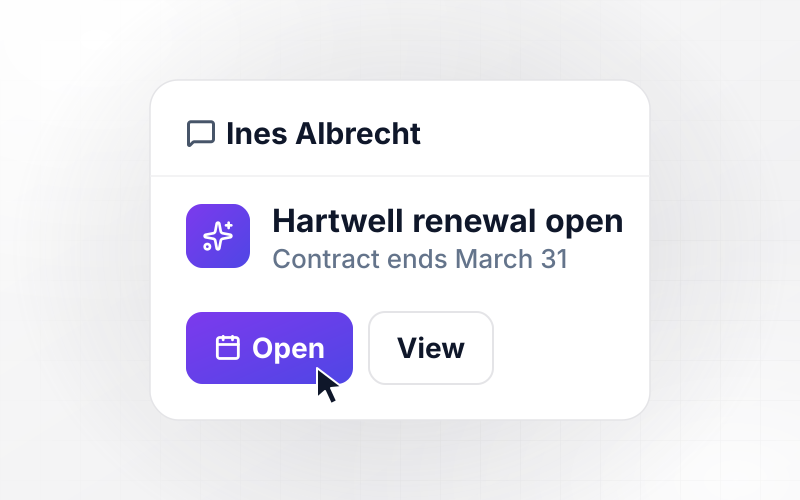
On December 31, the Hartwell renewal lands with Teodor
Bramblecote IT Services tracks every client contract. Hartwell Dental Group's ends on March 31, so on December 31, 90 days out, the app sends account manager Teodor Varga a renewal task. If the task is still open on March 1, 30 days out, his manager Ines Albrecht gets a Slack alert.
window.awbMockup = { clientContracts: "Build a contract renewal tracker for my IT services company. Store each client contract with its end date and account manager. Email the account manager 90 days before the end date and open a renewal task. If the task is still open 30 days before the end date, send the account manager's manager a Slack alert.", subscriptions: "Build subscription renewal reminders for my coffee roastery. Pull each annual subscriber's renewal date and amount from my billing tool. Thirty days before the renewal, email the subscriber the amount, the date, and a link to manage the plan. When a subscriber switches plans, update the record and the reminder schedule.", staffLicenses: "Build license expiry tracking for my electrical contracting company. Store each electrician's license and its expiry date. Sixty days before a license expires, email the electrician a link to upload the renewed license. Read the new expiry date from the upload, mark the record current, and stop the reminders.", guildMemberships: "Build membership renewal reminders for my woodworkers guild. Every membership ends on December 31. Email each member who has not renewed 30 days and 7 days before. After December 31, move members who did not renew to a lapsed list and send each one a final email on January 7." };
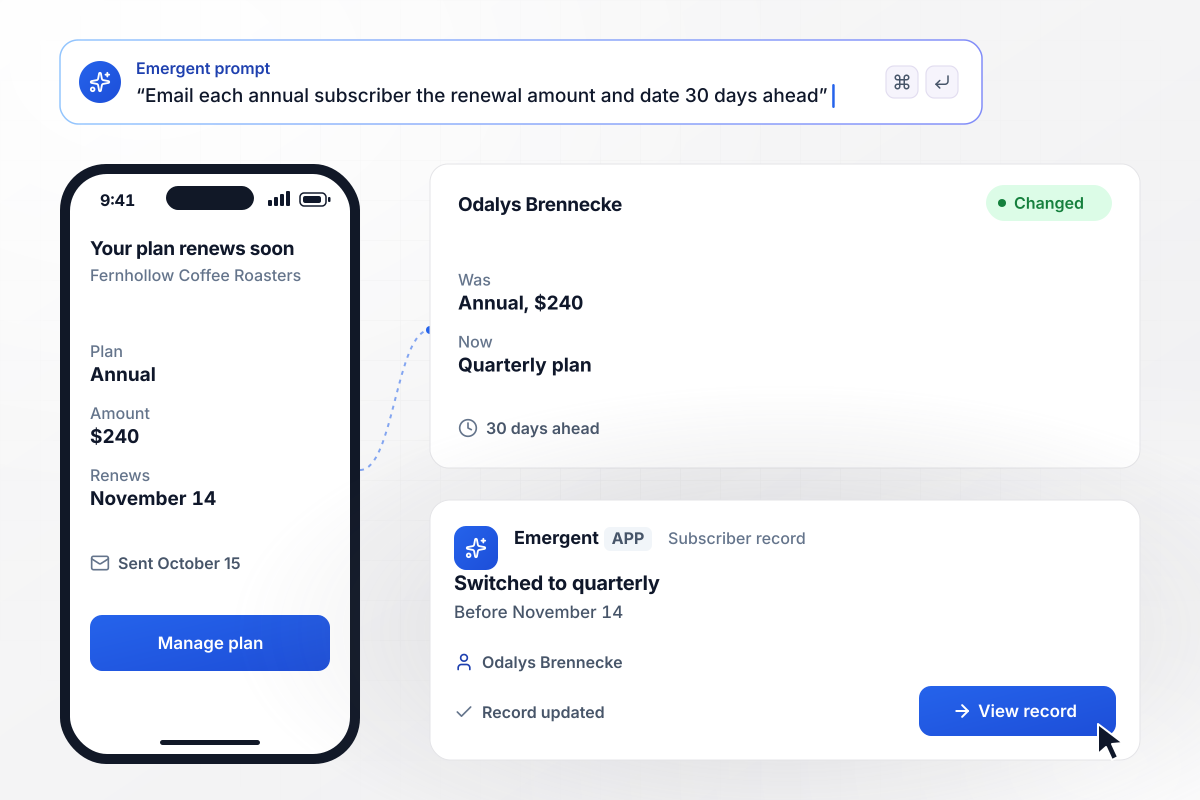
Odalys changes her $240 plan before it renews
Fernhollow Coffee Roasters sells its beans on an annual subscription. Odalys Brennecke's $240 plan renews on November 14, so on October 15, 30 days ahead, the app emails her the amount and date, with a link to manage the plan. She switches to a quarterly plan, and her record shows the change.
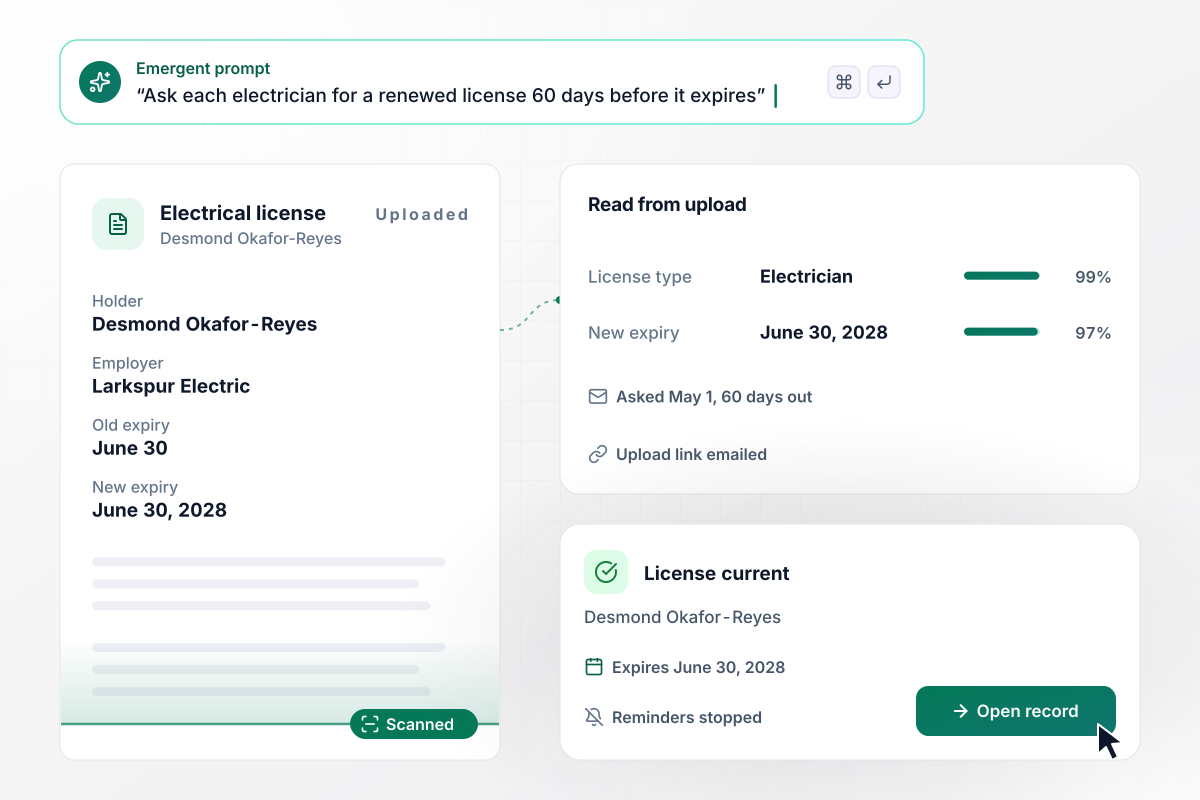
The renewed license from Desmond stops the reminders
Larkspur Electric tracks the license of every electrician it sends to a job. Desmond Okafor-Reyes's license expires on June 30, so on May 1, 60 days out, the app emails him a link to upload the renewed one. It reads the new expiry date, June 30, 2028, from his upload and marks his record current.
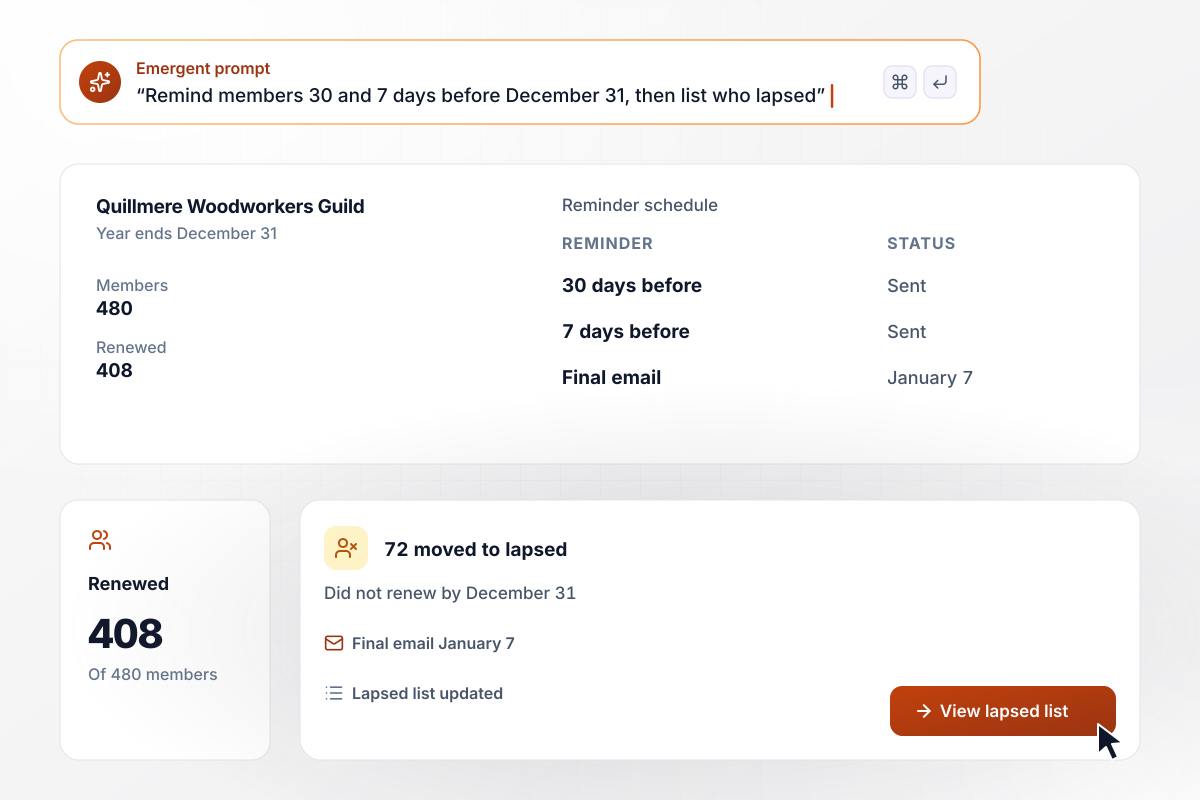
408 of 480 members renewed, and 72 get a final email
Quillmere Woodworkers Guild runs on a calendar year, and every membership ends on December 31. Members get a reminder 30 days before and another 7 days before. By the end date, 408 members have renewed, out of 480. The app moves the other 72 to a lapsed list and sends each one a final email on January 7.






How to Build Renewal Reminder Automation
Seven steps to give every renewal a date and an owner, then build the renewal reminder automation in Emergent.
Put contracts, subscriptions, licenses, and memberships into one list. For each one, note the end date, any notice date the agreement sets, and the person who renews it. Give every renewal without an owner one before you build.
Count back from the notice date when an agreement has one, and from the end date when it does not. Store that date as its own field on the record. When the date moves, every reminder moves with it.
Choose the days before that date when each reminder goes out, such as 90 and 30 for a client contract or 30 for a subscriber. Leave more lead time for a renewal that needs a new price or a signature.
Decide who gets an alert when the owner has not acted by the last reminder, and how it reaches them. Address it to one named person, not a shared channel. A message with a name on it has an owner.
Paste your renewal list and escalation rule into a prompt in plain English. Emergent builds the renewal database with its reminders and a dashboard, and you change any rule later by asking for the change.
Find the system of record for each kind of renewal and connect it through its API. Map each date field once, and a date changed there resets the reminders that count back from it.
Load 5 renewals due in the next 90 days, including one with no owner. Check that each reminder arrives on the right day, and that marking a renewal done stops the reminders still scheduled for it.
Why Build Renewal Reminders on Emergent?
Emergent builds the renewal records and every escalation as one app from a prompt, with no cap on tasks.

|
Zapier | Make (Integromat) | n8n | |
|---|---|---|---|---|
| How you build | Prompt for the workflow and the app around it | Templates and editor, AI copilot | Visual canvas | Visual canvas, self-hosted or cloud |
| What you get | Workflow + trigger form + database + dashboard, as code you own | Zaps, plus Tables and Interfaces inside Zapier | Scenarios inside Make | Workflows inside n8n |
| Behavior at cap | Keeps running, no task cap | Overage billed at up to 1.25× the base rate | Runs pause | Cloud workflows stop until the reset or an upgrade |
| AI and agent steps | Native, share the same credit pool | Priced by model tier, drawn from the task pool | AI modules cost variable credits | Bring your own model API key, billed by the provider |
| Code ownership | Full code export to GitHub on paid plans | None | None | Yes on Community Edition |

Pick the Pricing Plan That Works for You
Choose the plan that fits your building ambitions. From weekend projects to enterprise applications, we've got you covered.




Find the right workflow automation
for you and your business
Frequently Asked Questions
Your Questions, Answered
Don't change this element unless you know what you are doing
More things you can build
with Emergent









on Emergent today


