

Build an Esthetician Intake Form Clients Finish Before the Facial
Build an esthetician intake form that gathers skin type and daily products before the visit, saved to a database you own.
Build an esthetician intake form that saves every response to a database I own.
Trusted by Builders Worldwide
Active Builders Worldwide
Apps Successfully Created
Countries Globally Reached



What an Esthetician Intake Form Should Collect
The questions an esthetician reads before a first facial, with every answer filed under the client's name.
Skin concerns in the client's own words
Ask the client to pick a skin type, then describe the main concern in a sentence. The esthetician reads dry patches on the chin since October, not a single box ticked on a list.
Products used morning and night
Give cleanser, serum, moisturizer, and sunscreen their own fields, and ask for the morning and evening routines separately. A retinol used only at night then shows up on the record.
Allergies as a question nobody can skip
Make allergies a required yes or no, with a text box that opens on yes. Nobody can skip past it, and a blank field never reaches the esthetician looking like no allergies at all.
Reminders until the form is finished
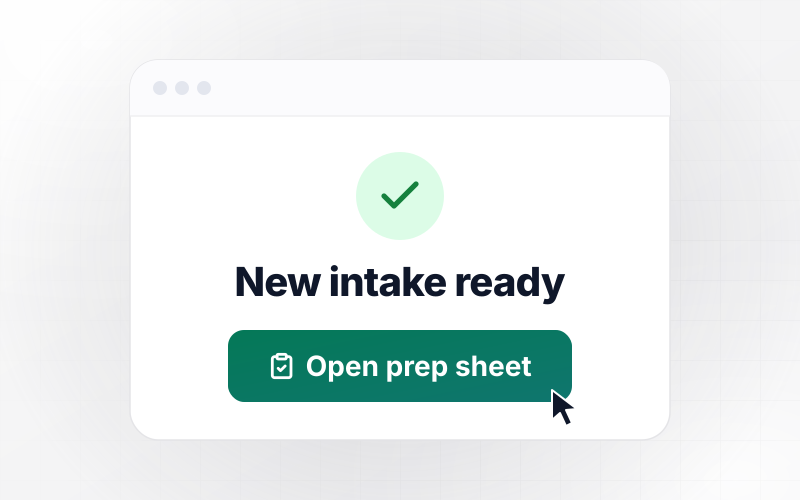
The app emails the intake link with the booking confirmation, then sends one reminder the day before if the form is still open. The front desk sees who has not finished yet.
Photo permission and a signature at the end
Ask on their own whether progress photos may be taken and whether they may be posted. The client signs at the end to confirm the answers, and the date is saved next to the signature.
Code your developer can take over
Export the full source to a GitHub repository on paid plans when intake belongs inside the studio's own booking site. A developer can host it anywhere and keep building on it.
How Spas and Studios Use Intake Answers
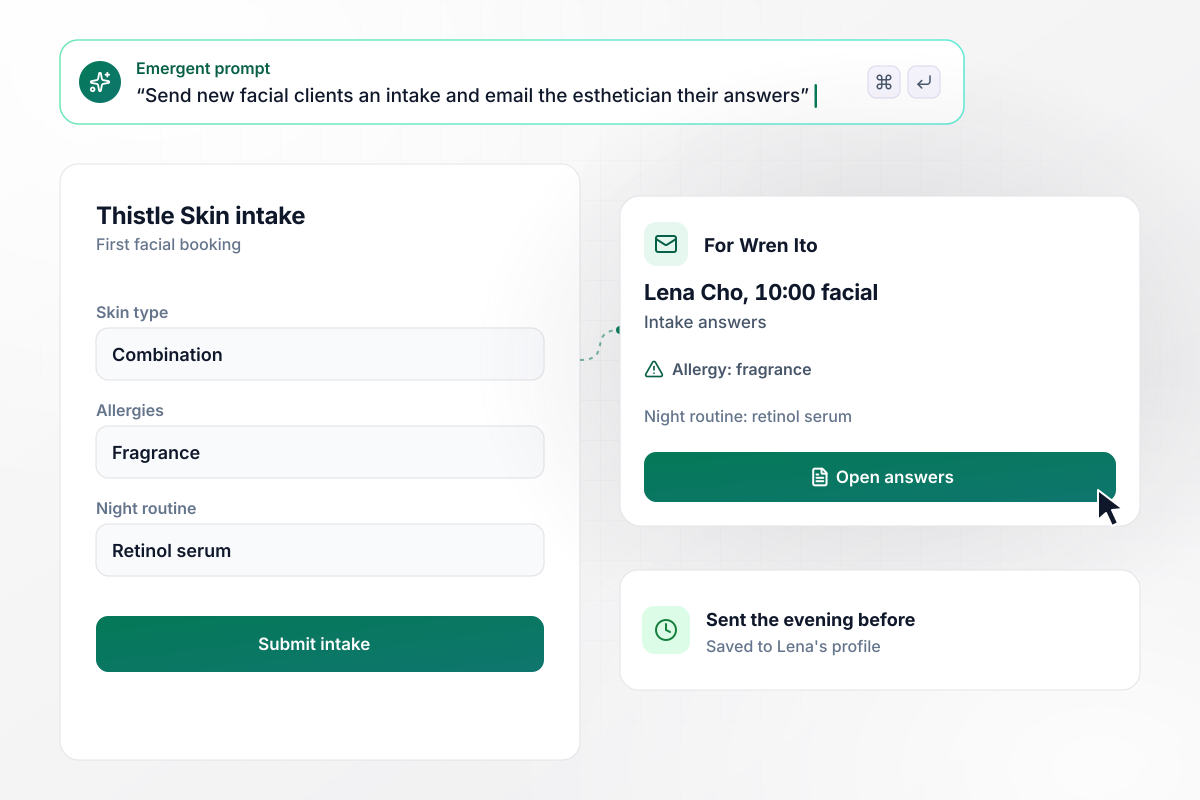
Skin notes on Wren's screen the night before
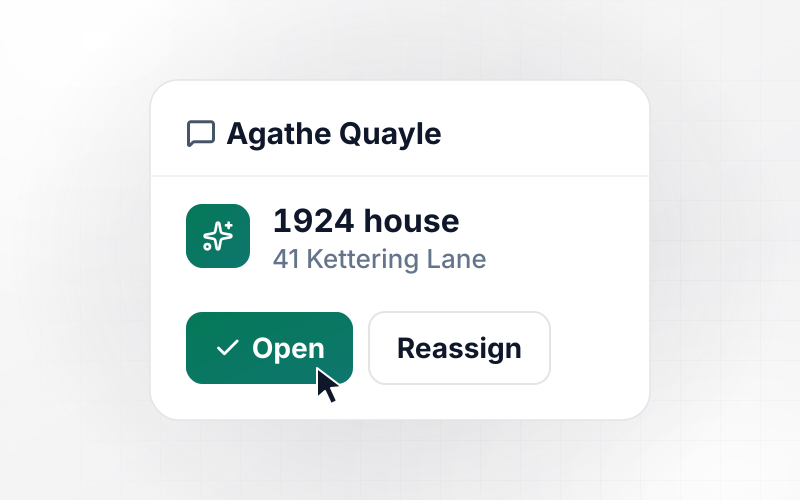
Thistle Skin Studio sends the intake link with every first-facial booking. Lena Cho answers the day she books, noting combination skin and a fragrance allergy. The evening before, esthetician Wren Ito gets an email with those answers for the 10:00 facial. They stay on Lena's profile for later visits.
window.awbMockup = { firstFacials: "I run Thistle Skin Studio. Build an esthetician intake form that goes out with every first-facial booking confirmation. Ask for skin type, the products the client uses morning and night, any allergies, and their top skin goal. The evening before the appointment, email the esthetician a card with that client's answers, and keep everything on the client's profile.", returningClients: "Build an intake form for returning clients at Birchwood Day Spa. Open it with last visit's answers already filled in, so the client only edits what changed, and mark each change on their record for the front desk. If the last full intake is more than 12 months old, open the form blank instead.", medSpaIntake: "My business is Calla Med Spa, and we use one intake form for every service. Add a health history section. If a client answers yes to any question there, put the booking on hold and send our nurse practitioner, Bea Marsh, a card with the record to review. Show the front desk which bookings are on hold.", videoConsults: "I'm a solo esthetician running Fern Mobile Facials. Build a consultation form for my free 15-minute video consults. Ask the client for three photos taken in daylight, one from the front and one from each side, and their top concern from a short list. Save the photos with the request so I can look at them before the call." };
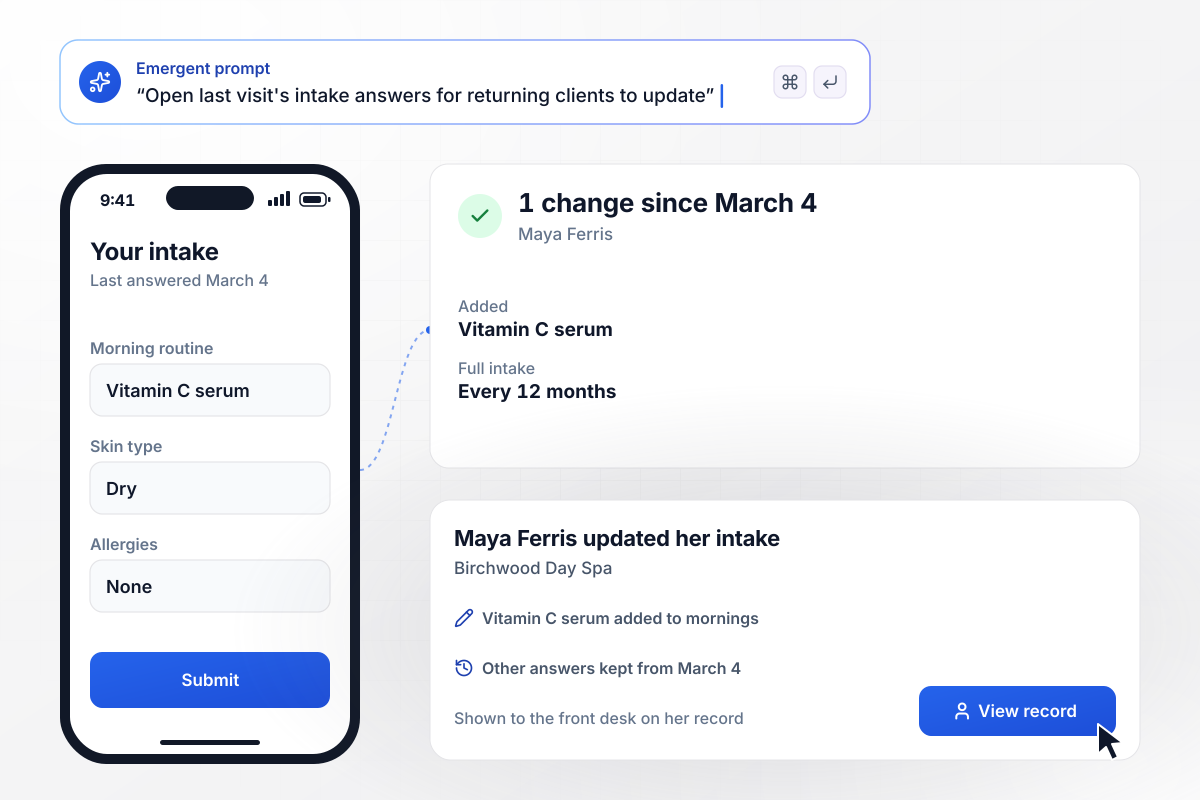
A returning client changes one line, not the whole form
At Birchwood Day Spa, a returning client opens the intake with last visit's answers filled in. Maya Ferris last answered on March 4. She adds a vitamin C serum to her mornings and submits, and the front desk sees 1 change since March 4 on her record. An intake older than 12 months opens blank.
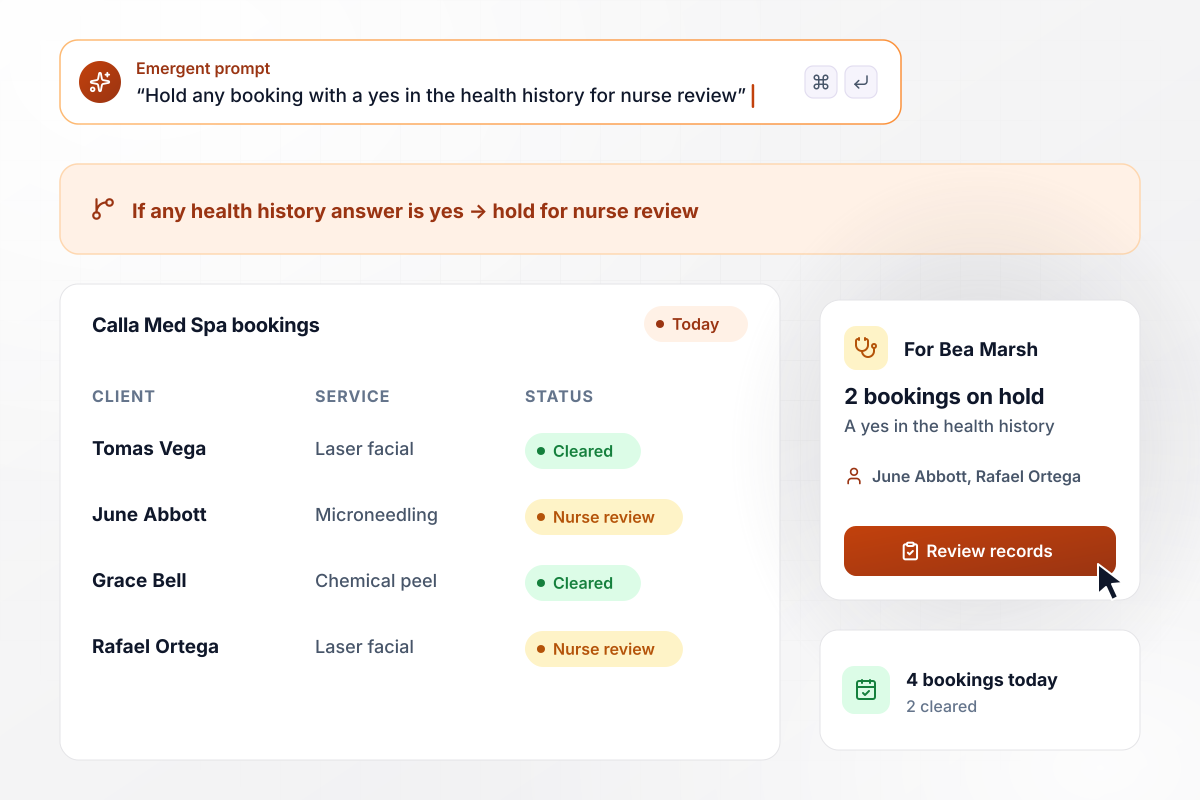
Any yes in the health history waits for the nurse
Calla Med Spa runs one intake form for every service it books. A yes to any question in the health history section puts the booking on hold until nurse practitioner Bea Marsh reviews the record. Of today's 4 bookings, 2 are on hold, and the front desk can see which ones.
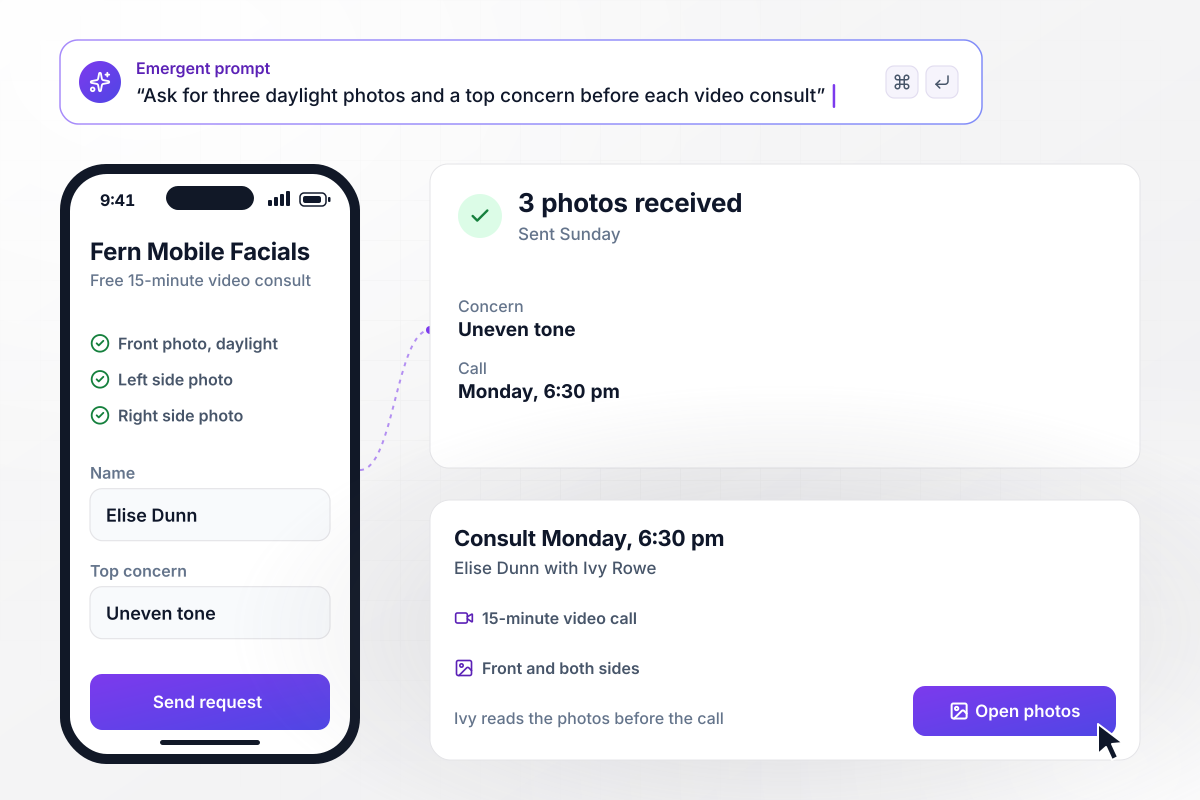
Three photos ahead of every video consult
Ivy Rowe runs Fern Mobile Facials alone and offers a free 15-minute video consult before a first visit. The consult form asks for three daylight photos, front and both sides, plus a top concern. Elise Dunn picks uneven tone and sends her photos on Sunday. Ivy reads them before their Monday call at 6:30 pm.






How to Create an Esthetician Intake Form
Seven steps that turn your services and questions into a working esthetician intake form, then build it with Emergent.
Write down each service the intake has to cover before you draft a question: facials, peels, waxing, and lash work. A question that matters for one service can then sit behind that choice, and a facial client never scrolls past lash questions.
Sit down with whoever does the treatments and ask which answers they need before a first appointment. Make those required. Anything they would only read out of interest becomes optional, which keeps a first-visit form short enough to finish on a phone.
Mark which answers the front desk needs for booking and which belong to the treating esthetician alone. Note it next to each section before you build. The access rules then go into your first prompt instead of being patched in later.
Put the services and who sees which answers into a plain-English prompt. Emergent builds the form with a record for each client and a database behind it. To move a question or add a service later, describe the change in a new prompt.
If bookings live in another tool, the app can connect to it through that tool's API. The intake link then goes out with each confirmation, and every set of answers attaches to the appointment it belongs to, not to a loose email thread.
Fill the form out yourself twice: once as a first-time facial client and once as a returning one. Check that each answer lands on the right record, that the reminder email arrives, and that a returning client sees last visit's answers.
Put the link in the booking confirmation and on the studio's website. Clients who finish at home arrive with nothing left to fill out, and the esthetician starts the appointment having read every answer the night before.
Why Build Esthetician Intakes With Emergent?
A paper intake sheet stays in a folder. With Emergent, each answer becomes a record the esthetician opens before the client sits down.

|
Jotform | AidaForm | Google Forms | |
|---|---|---|---|---|
| How you build | Describe it in plain English | Templates, editor, AI generator | Templates and a drag-and-drop builder | Editor, with Gemini drafting on some Workspace plans |
| Where responses live | A database table you own, plus any integration | Jotform account | AidaForm account, plus Google Sheets and export | Google Sheets |
| Response limits | No response caps | Monthly submission caps by plan; the form stops at the cap | Monthly response cap, paused until reset | No limit |
| Code ownership | Full code export to GitHub on paid plans | None | None | None |


Pick the Pricing Plan That Works for You
Choose the plan that fits your building ambitions. From weekend projects to enterprise applications, we've got you covered.




Find the right form
for whatever you're collecting












Frequently Asked Questions
Your Questions, Answered
Don't change this element unless you know what you are doing
More things you can build
with Emergent









on Emergent today


