

Build an Interior Design Questionnaire That Drafts the Plan
Build an interior design questionnaire that collects photos room by room and saves every answer to a database you own.
Build an interior design questionnaire that saves every response to a database I own.
Trusted by Builders Worldwide
Active Builders Worldwide
Apps Successfully Created
Countries Globally Reached



What the Questionnaire Settles Before the Visit
Each section answers something you would otherwise ask on site, and the first visit starts from a draft plan, not a blank notepad.
Only the rooms in the project
The client ticks the rooms in scope, and only those rooms bring their questions. A two-room refresh skips the kitchen, and a whole-home project walks through every room in order.
Photos and measurements for each room
Each room asks for photos taken from the doorway, plus wall lengths and ceiling height. You see where the windows and outlets sit before the visit and can start a layout at a desk.
Style chosen from pictures, not adjectives
A client who writes cozy might mean wool throws or dark paneled walls. The form shows pairs of room photos, asks which feels closer to home, and saves each pick with the answers.
A budget split room by room
The client enters a total budget, then an amount for each room. The form adds the rooms as they type, and a plan with $46,000 across rooms and a $40,000 total shows its $6,000 gap.
Each response saved and announced
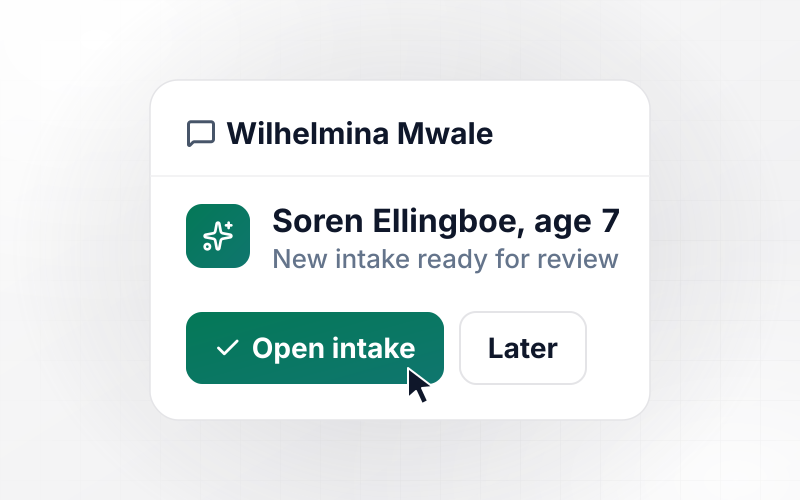
Every questionnaire saves as a row in a database you own, with no response caps. The app emails you or posts in Slack when one arrives, with the client's name and budget up top.
The full code, yours on a paid plan
On paid plans, export the questionnaire's full code and its database to your GitHub repository. A developer can then host it on your studio's site or connect it to the tools you use.
Four Projects Planned From the First Answers
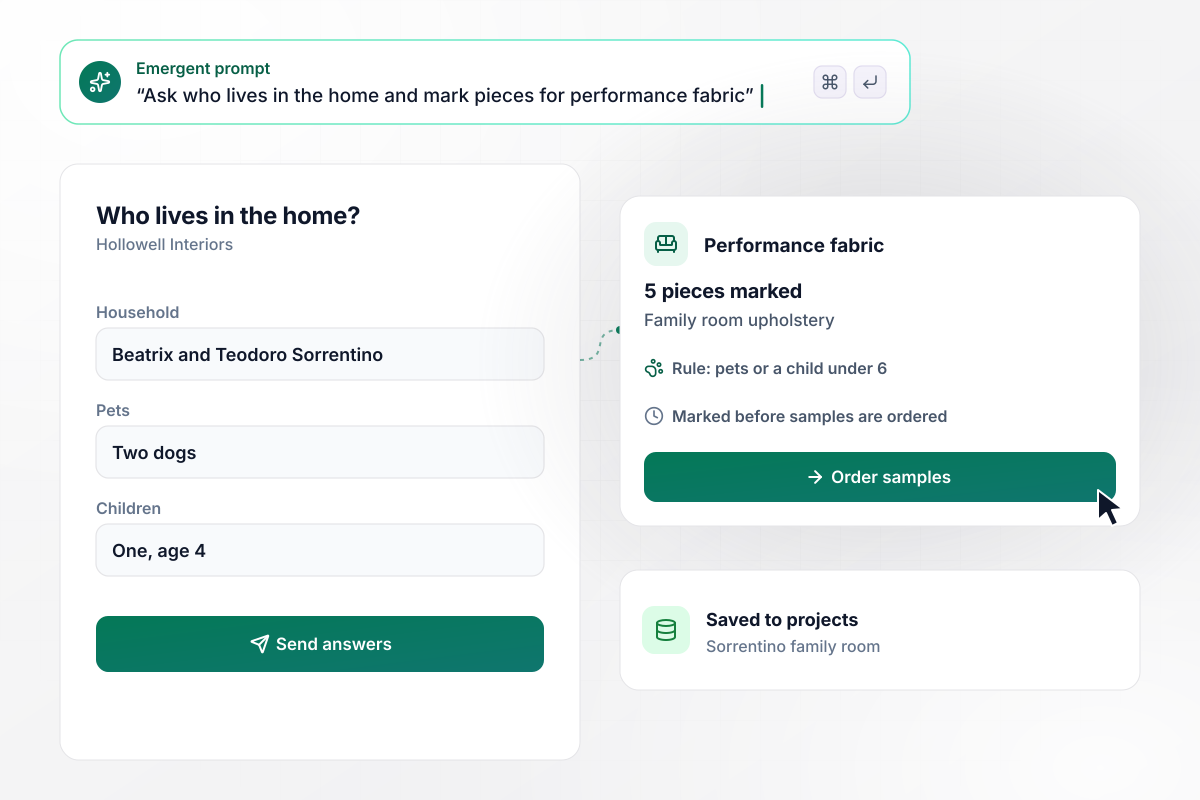
With two dogs and a child, 5 pieces need performance fabric
Hollowell Interiors designs family homes and asks who lives in each one. Its rule is performance fabric on every upholstered piece in a home with pets or a child under 6. Beatrix and Teodoro Sorrentino list two dogs and a 4-year-old. All 5 pieces planned for their family room arrive marked for it.
window.awbMockup = { familyHomes: "Build an interior design questionnaire for my studio's family home projects. Ask who lives in the home, including pets and the ages of any children. If there are pets or a child under 6, mark every upholstered piece planned for the project for performance fabric, and show that list on the response before I order samples.", existingFurniture: "Build an interior design questionnaire that starts with the furniture my client already owns. Ask for a photo of each piece and a keep or replace choice. Count the pieces kept and replaced, and turn every replace answer into a line on a sourcing list that shows the photo of the piece it replaces.", officeFitOuts: "Build an office interior design questionnaire for my workplace studio. Ask the client for total staff and the most people in the office on any one day, and which day that is. Put both numbers at the top of the response and start the desk count for the first plan at the busiest-day number.", vacationRentals: "Build a questionnaire for owners of the vacation rentals I furnish. Ask how many guests the property should sleep and how many bedrooms it has before any style questions. Use the answers to draft a bed plan by bedroom, with how many each bed sleeps and a total that matches the guest count." };
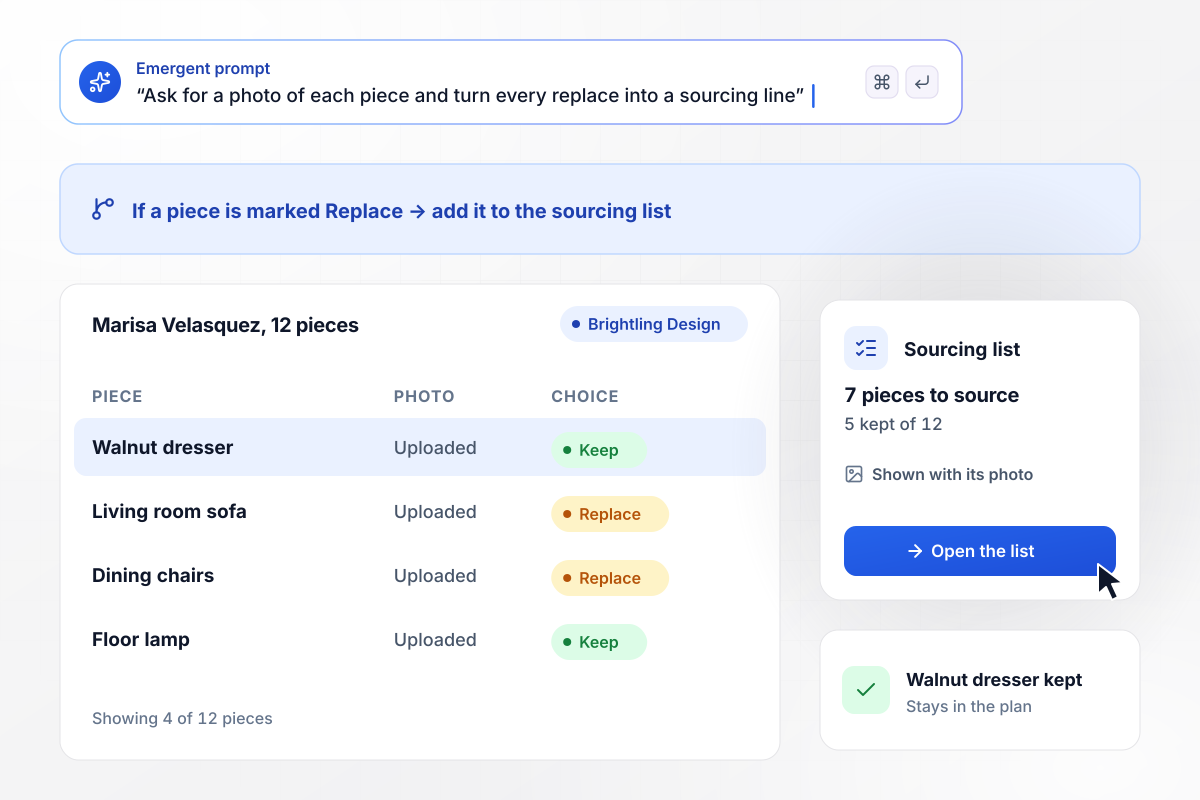
Seven of 12 pieces go on the sourcing list
Brightling Design starts each project with what the client owns. Its questionnaire asks for a photo of every piece and one choice: keep or replace. Marisa Velasquez photographs 12 pieces and keeps 5, including a walnut dresser. Her sourcing list opens with 7 lines, each showing the piece it replaces.
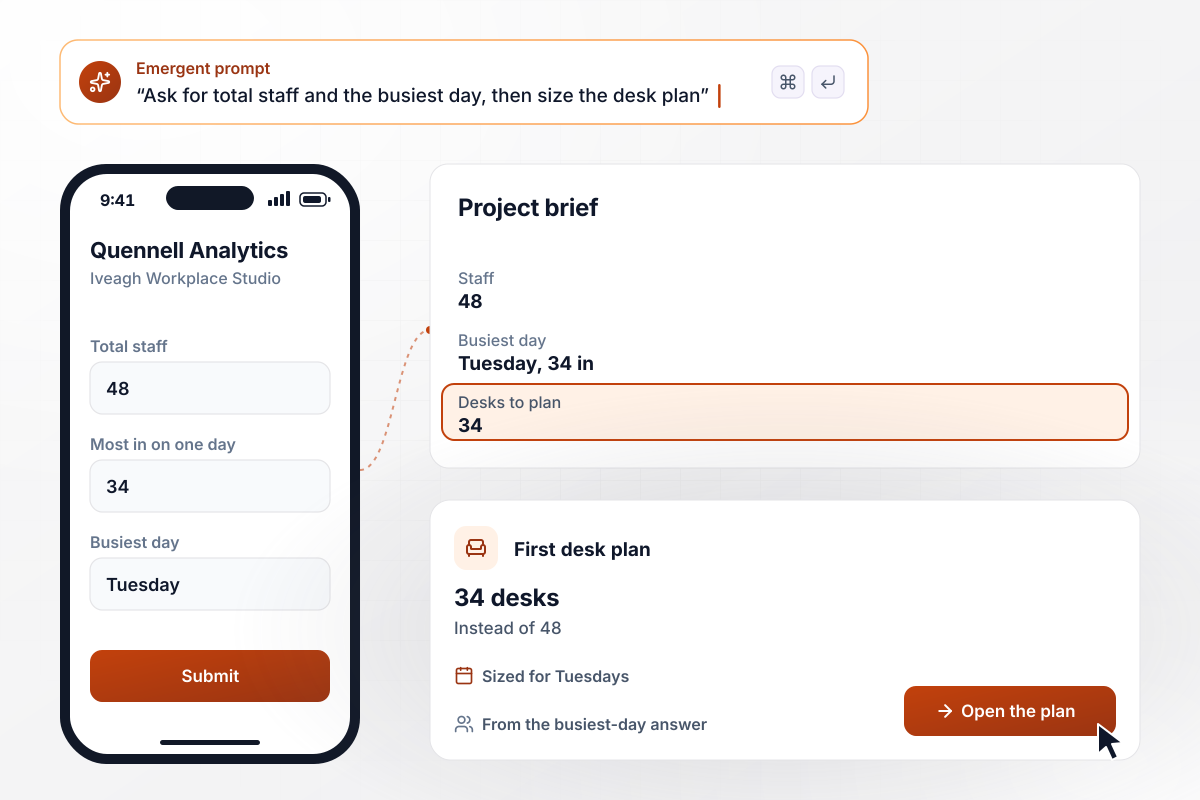
Of the 48 staff, 34 need a desk on the busiest day
Iveagh Workplace Studio fits out offices and asks each client for two numbers: total staff, and the most people in the office on any one day. Quennell Analytics has 48 staff and counts 34 in on Tuesdays, its busiest day. The first desk plan Iveagh drafts holds 34 desks instead of 48.
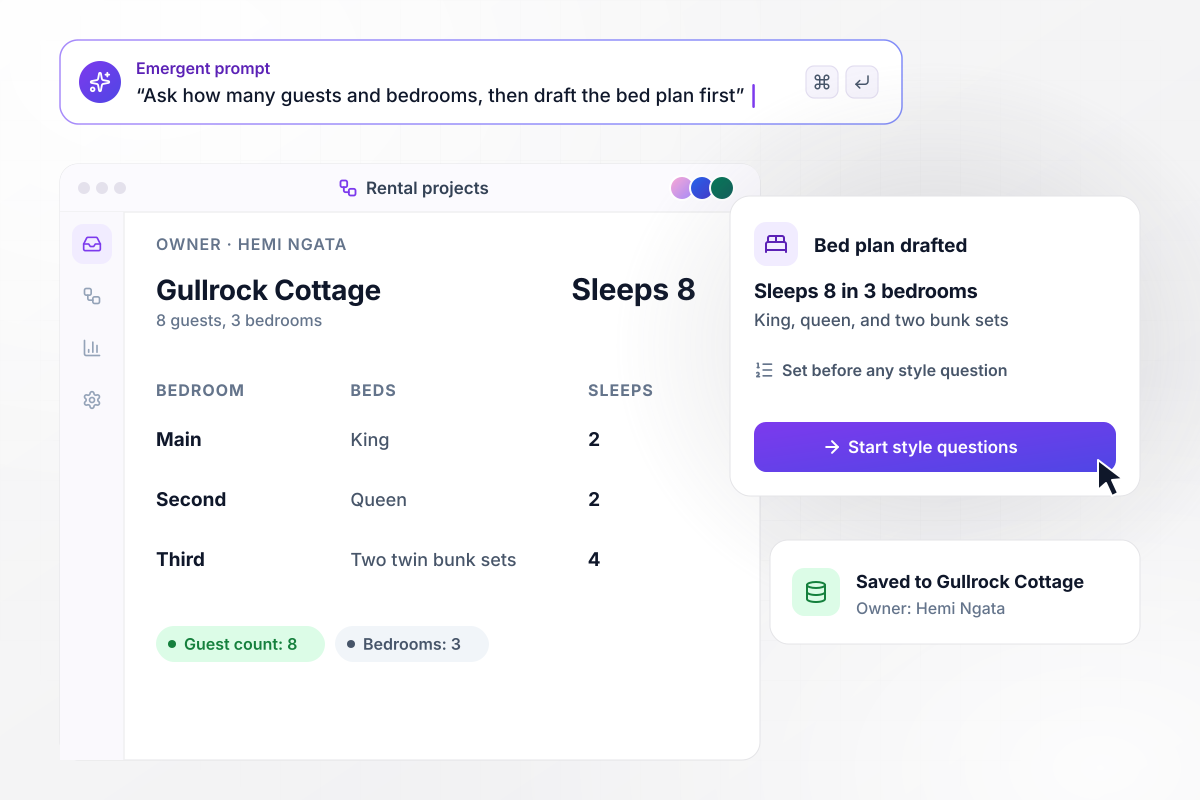
To sleep 8, a king, a queen, and two bunk sets
Hemi Ngata wants Gullrock Cottage to sleep 8 guests in 3 bedrooms. His designer's rental questionnaire asks for both numbers first. They set the bed plan before any style question: a king in the main bedroom, a queen in the second, and two sets of twin bunks in the third.






How to Make an Interior Design Questionnaire
Seven steps to turn what you ask on a first visit into an interior design questionnaire, then build it with Emergent.
List the decisions you want made before the first visit: which rooms are in scope, who uses them, what furniture stays, and the budget. Every question should feed one of those decisions. A question that feeds none can wait for the consultation.
Open with whole-home questions such as the household and the total budget. Then give each room the same core set: how it is used and what bothers the client about it today, plus doorway photos and wall measurements.
Read three past projects and note each answer that changed what you specified, like a dog that meant tougher fabric or a home office that needed a door. Each one becomes a rule the questionnaire marks on the response, instead of something you remember.
Choose 6 pairs of room photos that differ on one thing at a time: warm or cool wood, pattern or plain fabric, and full shelves or bare ones. Each pick lands on the response next to the room it applies to.
Write the prompt the way you would brief an assistant: the sections, the room list, the rules from step 3, and the photo pairs. Emergent builds the questionnaire and its database from that prompt, and you change any part by prompting again.
Answer the questionnaire as a client from a finished project, using what they told you at the time. Check that every rule marks what you would have decided, and that the response reads in the order you plan a project.
Reply to each new inquiry with the questionnaire link and a date to finish it, a few days before the consultation. You then walk into the first meeting with the client's photos and a draft plan already in hand.
Why Build Your Questionnaire With Emergent?
Answers sent in an email thread get copied into a project file by hand. Emergent builds a questionnaire that files each answer under its room.

|
Jotform | Google Forms | Typeform | |
|---|---|---|---|---|
| How you build | Describe it in plain English | Templates, editor, AI generator | Editor, with Gemini drafting on some Workspace plans | Templates, editor, AI assist |
| Where responses live | A database table you own, plus any integration | Jotform account | Google Sheets | Typeform account |
| Response limits | No response caps | Monthly submission caps by plan; the form stops at the cap | No limit | Monthly response caps by plan; the form closes at the cap |
| Code ownership | Full code export to GitHub on paid plans | None | None | None |


Pick the Pricing Plan That Works for You
Choose the plan that fits your building ambitions. From weekend projects to enterprise applications, we've got you covered.




Find the right form
for whatever you're collecting

Frequently Asked Questions
Your Questions, Answered
Don't change this element unless you know what you are doing
More things you can build
with Emergent









on Emergent today


