

Build a Shipping Form That Reaches the Dock Complete
Build a shipping form that asks what is in the box and which account pays, then sends each request to your shipping desk.
Build a shipping form for my university mailroom where staff send conference materials with the recipient, the carton count, and the weight.
Trusted by Builders Worldwide
Active Builders Worldwide
Apps Successfully Created
Countries Globally Reached



What the Form Collects Before Anything Ships
A good shipping form lets the desk book the carrier from the request alone, with no follow-up email to the person who asked.
Which account pays, on every request
The form requires the grant, cost center, or client code each shipment is charged to. The desk books the carrier knowing who pays, and the account stays with the request.
Weight and contents, before it ships
Ask for the weight off the scale and the carton dimensions, plus a plain description of what is inside. Packers can attach a photo of the sealed carton, which saves with the request.
Customs fields only for export
Pick a destination outside the US and the form adds a line per item, with an HS code, a country of origin, and a value. Domestic requests stay short, and export ones arrive complete.
Your desk's rules, on each request
Write a rule once in plain English, such as sending heavy cartons to freight or holding perishables over a weekend. The form applies it to every request, and a new prompt changes it.
A heads-up for whoever books it
Each new request can post to a Slack channel or arrive by email with the account and the ship-by date on it. A request nobody has booked by 4 p.m. sends a reminder to the desk.
Every request in a table you own
Requests save to a database you own, with no cap on how many come in. Filter the dashboard by status or account to see what is waiting at the dock and what has already shipped.
Where Shipping Requests Start
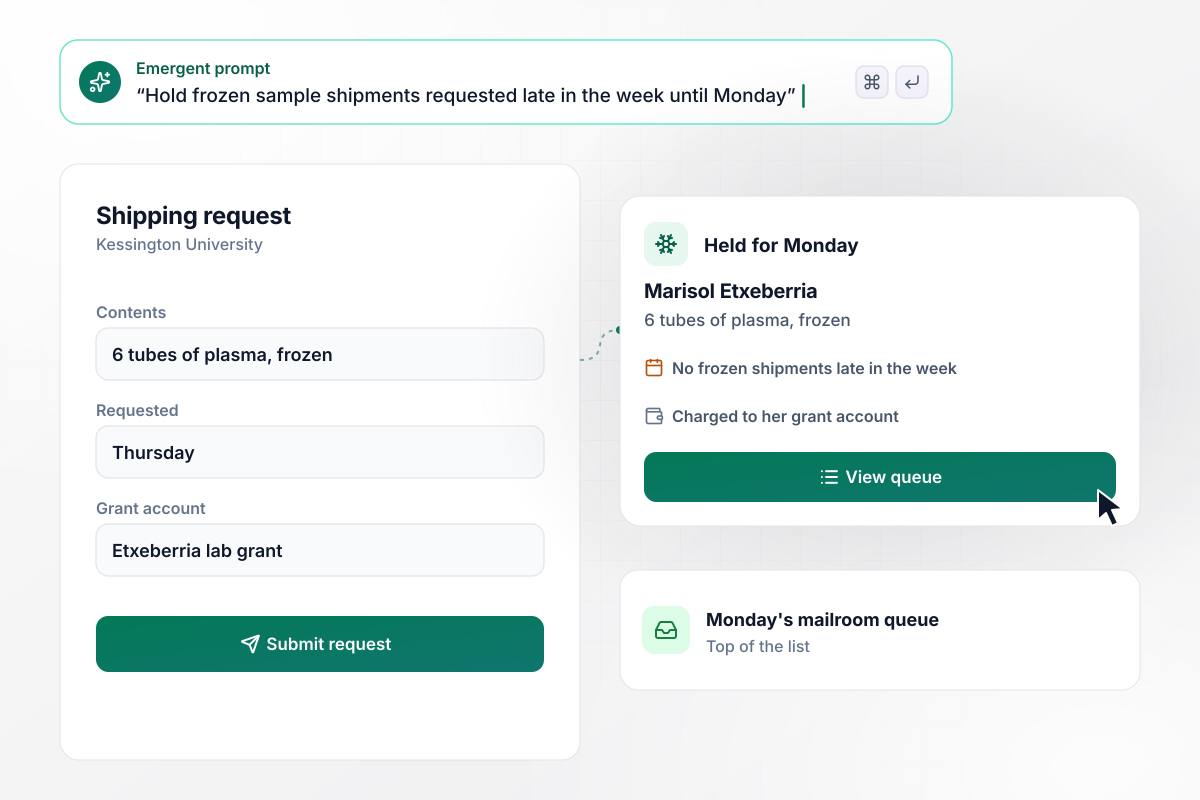
Frozen samples hold until Monday instead of a weekend dock
Researchers at Kessington University ship through one form that asks for a grant account first. The lab never ships frozen samples late in the week, when a delay could leave them on a closed dock. Marisol Etxeberria asks on Thursday to send 6 tubes of plasma, and her request tops Monday's mailroom queue.
window.awbMockup = { researchLabs: "Build a shipping form for my university lab's samples. Researchers enter their grant account, what they are shipping, and whether it is frozen. Hold any frozen shipment requested on a Thursday or Friday until Monday, and show the mailroom a queue of requests in the order they should go out.", warehouses: "Build a shipping form my packers fill in on a tablet before sealing a carton. They enter the order number, the weight from the scale, the dimensions, and a photo of the sealed box. Send any carton over 50 lb to the freight desk's queue and everything else to parcel pickup.", exporters: "Build a shipping form for export orders. When the destination is outside the US, each line needs an HS code, a country of origin, a quantity, and a value before the request can submit. Total the values and send the request to the shipping desk with every line on it.", tradeShowTeams: "Build a shipping form for our trade show booth freight. The events lead enters the show name, the opening date, and the venue's receiving address. Set the ship-by date to 12 days before the show opens and post each request to our #events Slack channel with that date." };
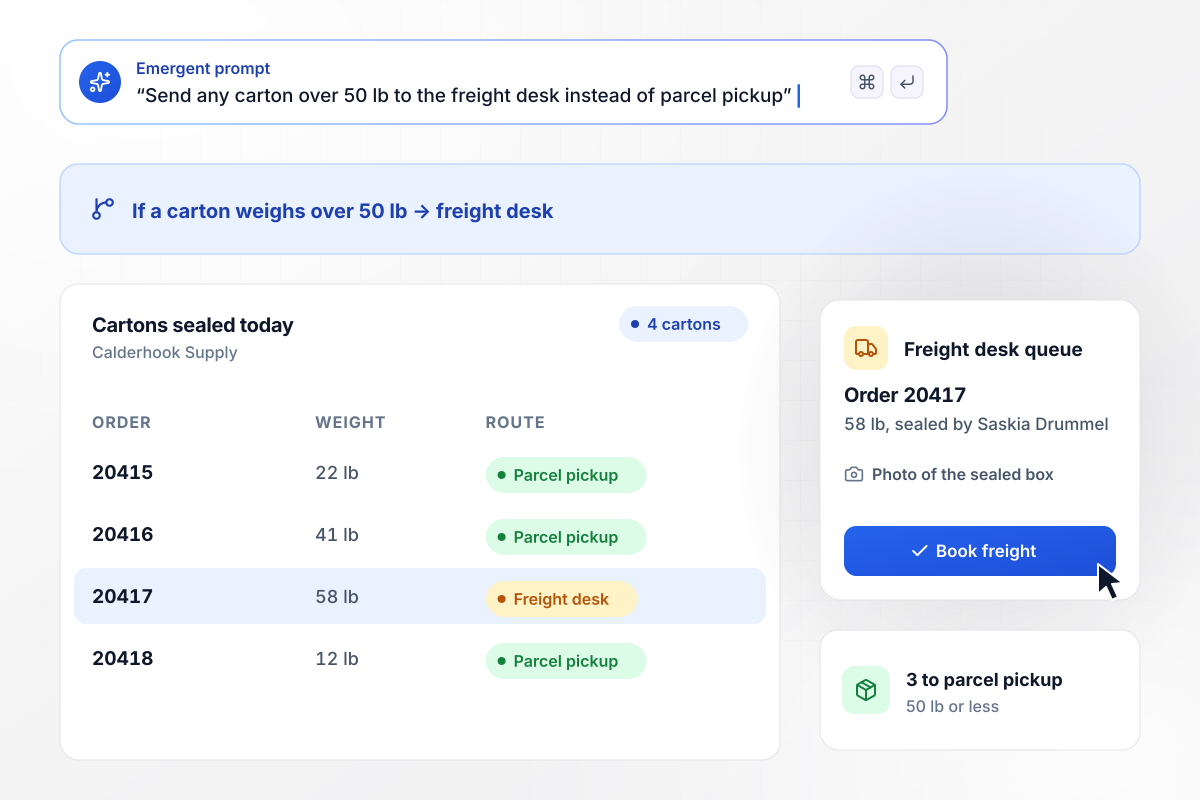
Any carton over 50 lb leaves by freight
Packers at Calderhook Supply weigh each carton and type the weight off the scale before sealing it. Anything over 50 lb goes to the freight desk instead of parcel pickup. Saskia Drummel's carton for order 20417 comes in at 58 lb, and the request moves to the freight desk's queue with her photo of the sealed box.
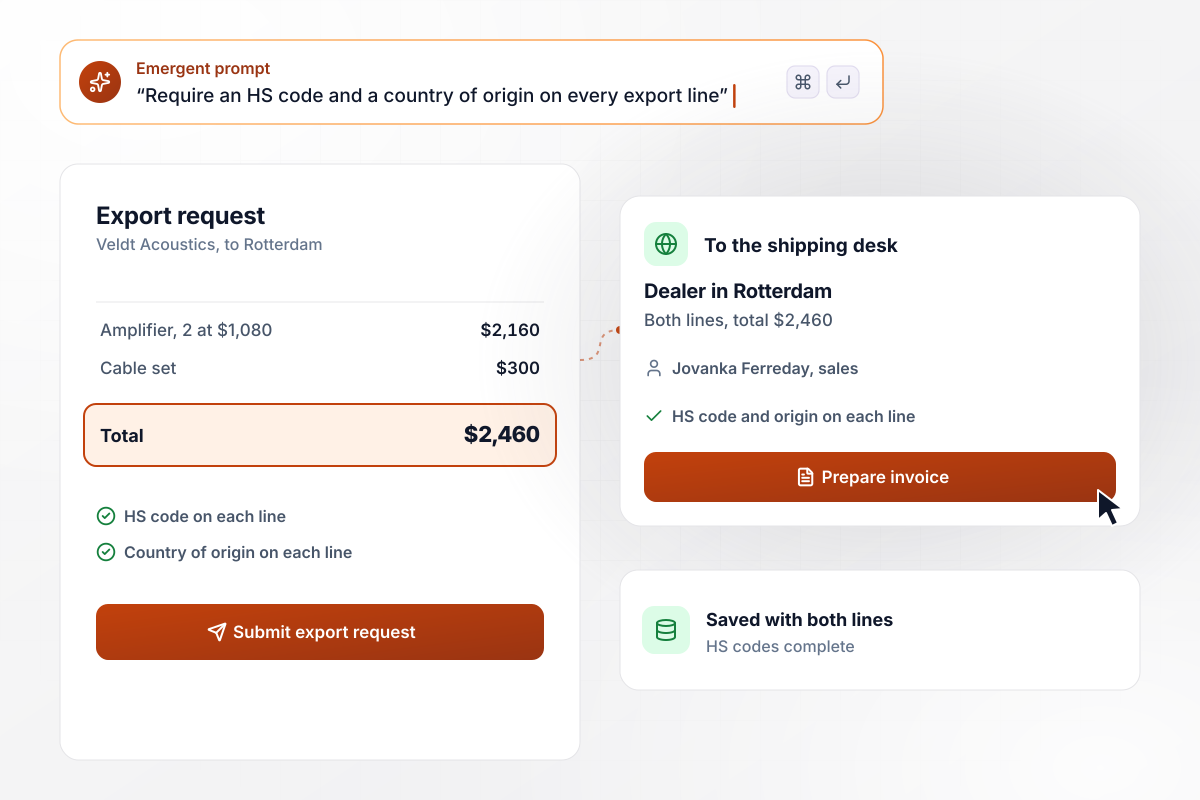
Without an HS code, no export line submits
Nothing leaves Veldt Acoustics for another country until each line on the request has an HS code and a country of origin. Jovanka Ferreday in sales lists 2 amplifiers at $1,080 each and a cable set at $300 for a dealer in Rotterdam. The shipping desk gets both lines and the $2,460 total.
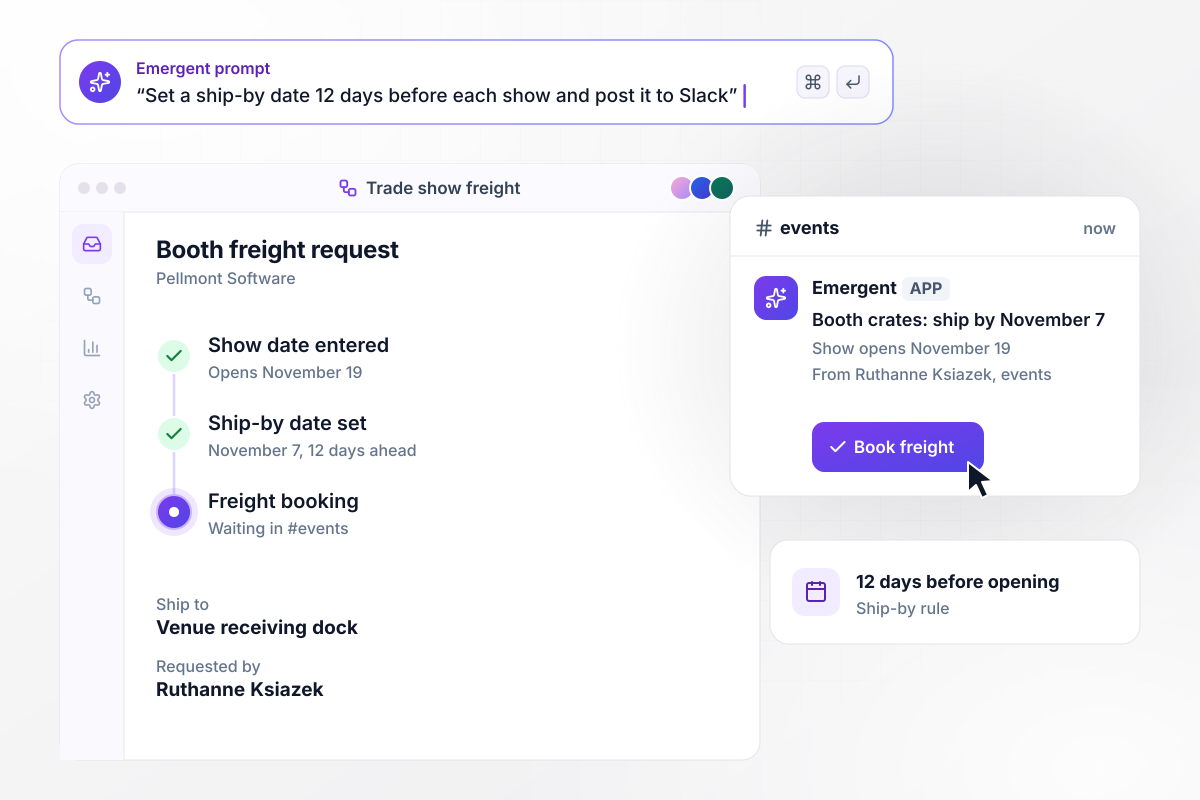
A show date in, a ship-by date out
Booth crates at Pellmont Software ship 12 days before a trade show opens. Ruthanne Ksiazek in events enters a show that opens on November 19. The form sets the ship-by date to November 7 and posts the request to the #events Slack channel, where the person who books freight picks it up.






How to Create a Shipping Form
Follow these 7 steps to build a shipping form, write its routing rules, and test it before the first real shipment goes out.
Choose a shipment that took several emails to sort out. Write down every question the desk had to ask, such as which account pays or when the package must arrive. Each of those questions becomes a field.
Describe the form in plain English: who fills it in, what they enter, and where each request goes. Emergent builds the form and the database behind it, and a follow-up prompt changes any part of it.
Put each rule in one sentence with its number, such as cartons over 50 lb going to freight. Rules the desk keeps in its head belong in the prompt too, because the form only applies what you write down.
Pick a Slack channel or an email address for new requests, and set a reminder for any request nobody has booked by the afternoon. Name one person for urgent requests so they never sit in a shared inbox.
Take the shipping form PDF off the mailroom door and put the link in its place, with a QR code for packers on the floor. Keep the old field names where people know them, and nobody has to relearn the form.
Submit one domestic parcel, one heavy carton, and one export with two lines. Check that each one reaches the right queue with every field filled in, then fix any rule that sent a request to the wrong place.
Publish the form and send the link to every team that ships. The free tier covers building and publishing, and each request lands in the database you own from the first submission.
Why Run Shipping Requests on Emergent?
Requests never hit a response cap, and on paid plans the form and its routing rules export as code to your GitHub repository.

|
Jotform | Google Forms | Typeform | |
|---|---|---|---|---|
| How you build | Describe it in plain English | Templates, editor, AI generator | Editor, with Gemini drafting on some Workspace plans | Templates, editor, AI assist |
| Where responses live | A database table you own, plus any integration | Jotform account | Google Sheets | Typeform account |
| Response limits | No response caps | Monthly submission caps by plan; the form stops at the cap | No limit | Monthly response caps by plan; the form closes at the cap |
| Code ownership | Full code export to GitHub on paid plans | None | None | None |


Pick the Pricing Plan That Works for You
Choose the plan that fits your building ambitions. From weekend projects to enterprise applications, we've got you covered.




Find the right form
for whatever you're collecting















Frequently Asked Questions
Your Questions, Answered
Don't change this element unless you know what you are doing
More things you can build
with Emergent









on Emergent today


