

Build a Sublease Form That Handles Approvals and Signatures
Build a sublease form that collects the sublet dates and rent, then asks the landlord to approve before both parties sign.
Build a sublease form for my rental building that collects the sublet dates, the subtenant's details, and the rent.
Trusted by Builders Worldwide
Active Builders Worldwide
Apps Successfully Created
Countries Globally Reached



From the Request to Both Signatures
Emergent builds the sublease form along with the approval emails and the record each sublet leaves behind.
The whole sublet on one record
The form asks for both parties and the unit address first, then the dates and the money. Every answer lands on one sublease record, and no one retypes it into a second file.
The landlord decides from an email
Once the subtenant submits, the app emails the landlord the subtenant's name and the dates with a link to approve or decline. The record keeps the decision and its date.
Both e-signatures, captured in order
The app captures the subtenant's e-signature first and the tenant's second, each with the date signed. Check with an attorney whether e-signatures suit your lease first.
Rent math for part of a space
Sublet a room or a share of a commercial unit, and the form works out the subtenant's rent from the square feet. Both parties then sign the same figure the form shows.
Each sublease is a row you own
Every request saves as a row in a database you own, with its approvals and its end date. A property manager can filter a building by the subleases ending this month.
A reminder before the sublet ends
Set the app to email both parties 30 days before the sublease end date. The tenant gets time to plan the move back, and the subtenant gets time to find the next apartment.
One Form for Four Kinds of Sublet
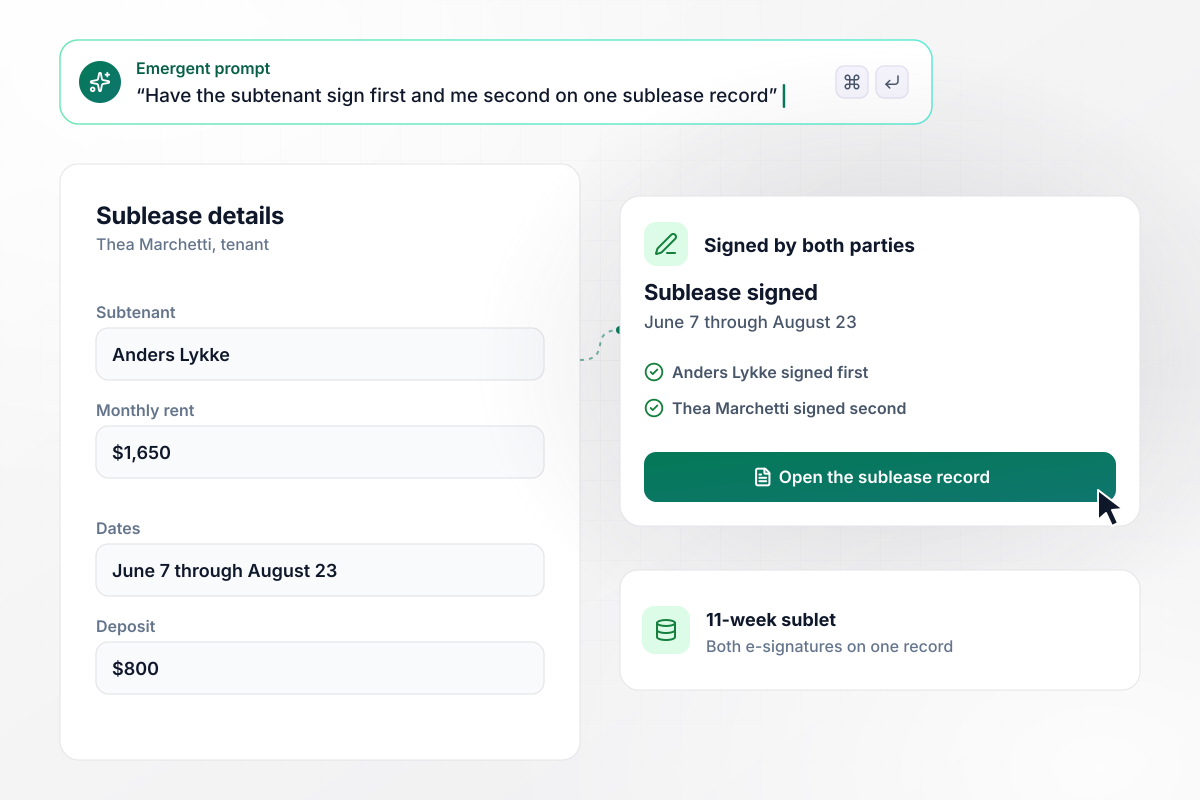
Thea signs after Anders, on the same 11-week record
Thea Marchetti is spending the summer away and sublets her one-bedroom to Anders Lykke for 11 weeks, June 7 through August 23. The form records $1,650 a month in rent and an $800 deposit. Anders signs first, Thea signs second, and both e-signatures sit on one sublease record.
window.awbMockup = { summerSublets: "I'm subletting my one-bedroom for the summer. Build a sublease form that asks for the subtenant's name, the dates, the monthly rent, and the deposit. Have the subtenant sign first and me second, and keep both e-signatures on one record.", propertyManagers: "We manage 140 rental units. Build a sublease request form for our tenants that emails the property manager each new request. If a request has no decision after 3 days, email the manager a list of those requests with the unit and the subtenant's name.", commercialSpace: "We lease a 4,000 square foot warehouse for $9,000 a month and want to sublet part of it. Build a sublease form that asks how many square feet the subtenant takes and works out their monthly rent as the same share of ours.", sharedApartments: "I'm leaving my room in a 3-bedroom apartment for 4 months. Build a sublease form that asks my 2 roommates to approve the subtenant first, then sends the request to the landlord, and emails me each time an approval comes in." };
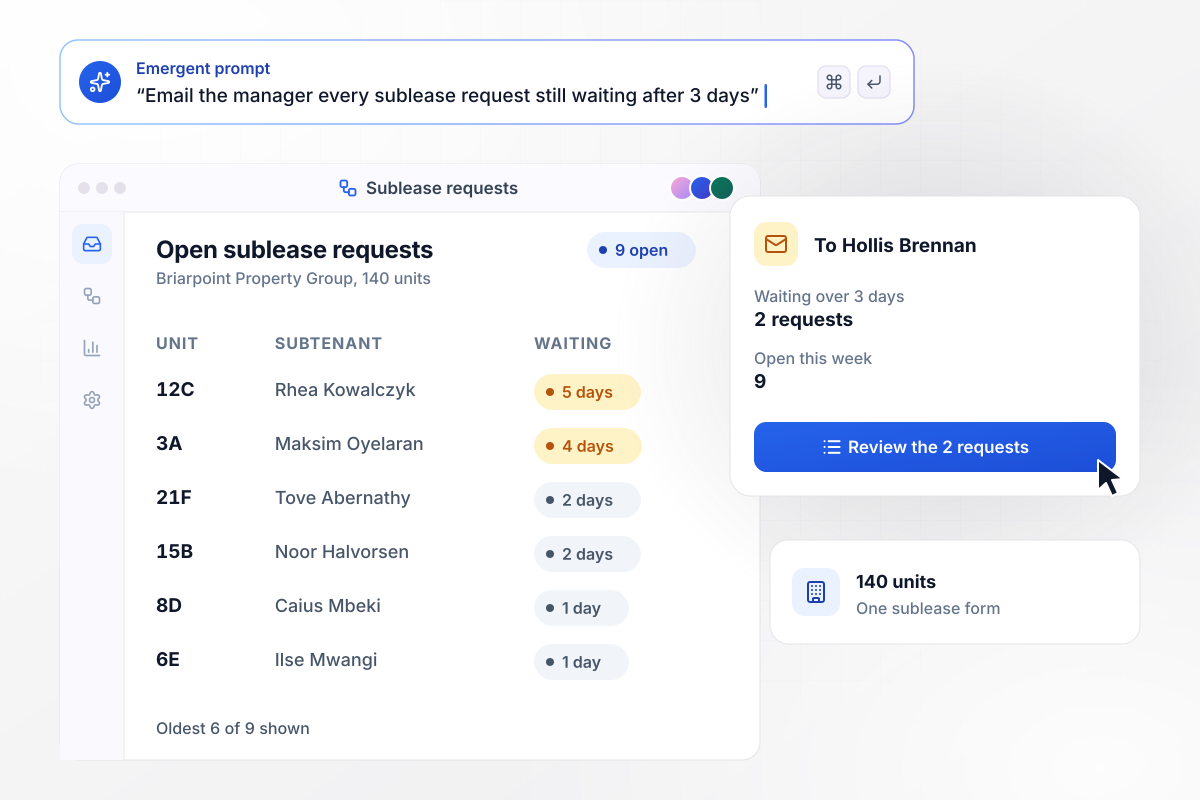
With no decision in 3 days, a request goes to Hollis
Briarpoint Property Group manages 140 units, and every tenant who wants to sublet uses the same form. This week 9 requests are open. Any request still waiting after 3 days goes back to manager Hollis Brennan by email, and this morning's email lists 2 of them, each with its unit and subtenant.
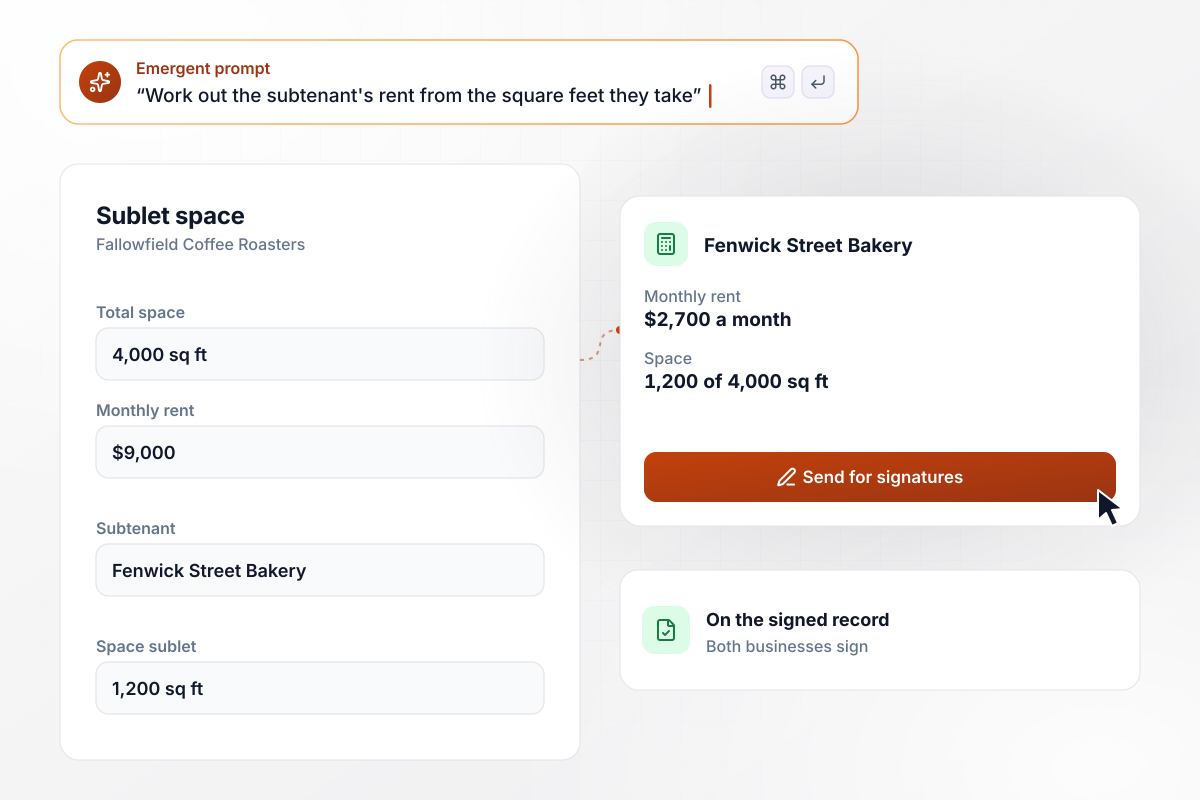
To the bakery, 1,200 square feet means $2,700 a month
Fallowfield Coffee Roasters leases a 4,000 square foot warehouse for $9,000 a month and sublets 1,200 square feet of it to Fenwick Street Bakery. The form divides the sublet space by the total and applies that share to the rent. The bakery's $2,700 goes on the record both businesses sign.
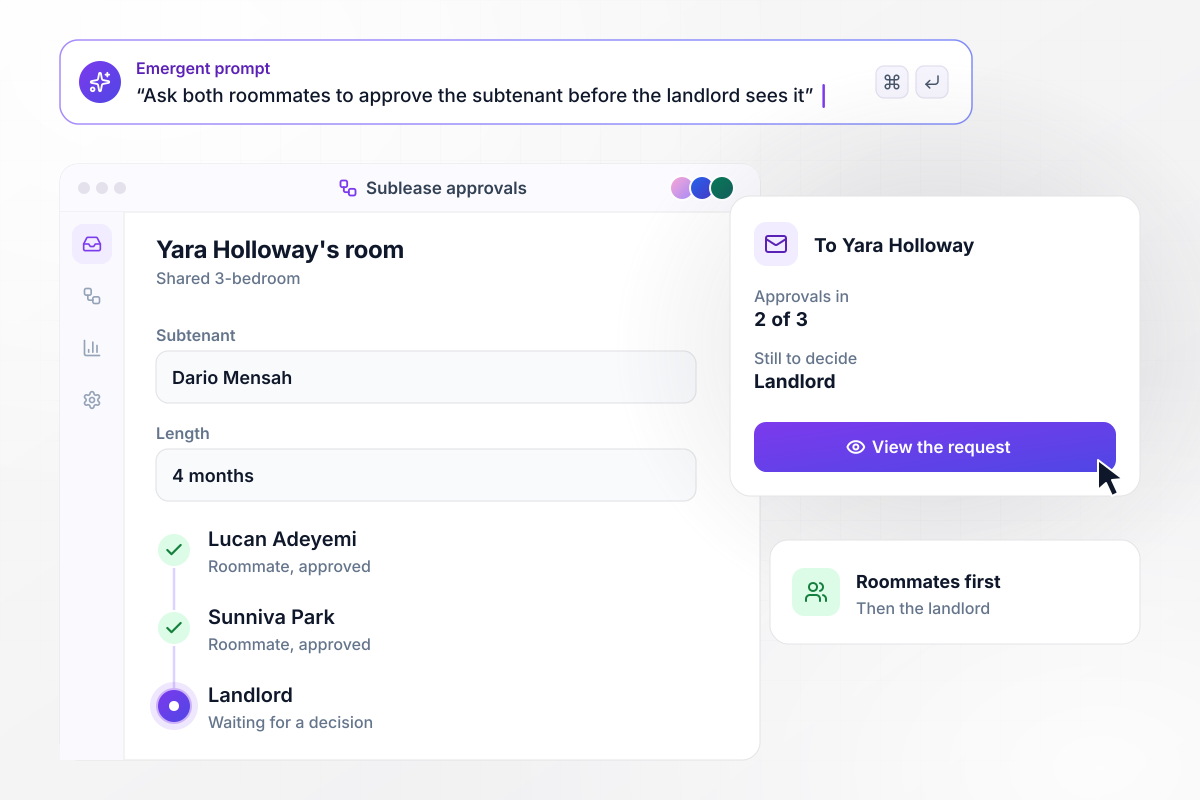
The roommates say yes first, then it goes to the landlord
Yara Holloway is leaving her room in a shared 3-bedroom for 4 months, and Dario Mensah wants to take it. The form asks roommates Lucan Adeyemi and Sunniva Park to approve Dario before the request reaches the landlord. Yara gets an email each time an approval comes in, and the latest says 2 of 3 are in.






How to Create a Sublease Form
Seven steps to create a sublease form that gathers every approval before both parties sign, then build it with Emergent.
Read what your lease says about subletting before you build anything. Note whether it asks for written consent or a notice period, and check your lease and local law with an attorney when the clause leaves you unsure.
List every person the sublease touches: the tenant, the subtenant, the landlord, and any roommates who share the unit. Mark who only approves and who signs, since the form sends each group a different request.
Pick the start and end dates, then the monthly rent and the deposit the subtenant pays. For part of a unit or a commercial space, decide whether the rent follows the square feet or a share you agree on.
Decide who approves first. A shared apartment can ask the roommates first and send the landlord only a subtenant the household has accepted. Set how many days a request may wait before someone is reminded.
Write the decisions from steps 1 through 4 into a single prompt, naming roles, not people. Emergent builds the sublease form and the database behind it, and a follow-up prompt changes any part of either.
Submit a test request with made-up names and your own email in every role. Check that the approval emails arrive in the order you set, that the rent figure is right, and that both signatures land on the same record.
Share the form link with the subtenant once the test record looks right. After the subtenant submits, the approval requests go out in order, and each decision shows up on the record as it comes in.
Why Build Your Sublease Form With Emergent?
A sublease form PDF stops at the signature line, and the tenant still chases the landlord. Emergent builds the approval step into the form.

|
Jotform | Google Forms | Typeform | |
|---|---|---|---|---|
| How you build | Describe it in plain English | Templates, editor, AI generator | Editor, with Gemini drafting on some Workspace plans | Templates, editor, AI assist |
| Where responses live | A database table you own, plus any integration | Jotform account | Google Sheets | Typeform account |
| Response limits | No response caps | Monthly submission caps by plan; the form stops at the cap | No limit | Monthly response caps by plan; the form closes at the cap |
| Code ownership | Full code export to GitHub on paid plans | None | None | None |



Pick the Pricing Plan That Works for You
Choose the plan that fits your building ambitions. From weekend projects to enterprise applications, we've got you covered.




Find the right form
for whatever you're collecting















Frequently Asked Questions
Your Questions, Answered
Don't change this element unless you know what you are doing
More things you can build
with Emergent









on Emergent today


