

Build a Contract Approval Workflow That Reads the Terms
Get a contract approval workflow that reads each contract's value and terms and brings in the approvers they call for.
Build a contract approval workflow for my company that adds the controller when payment terms differ from net 30.
Trusted by Builders Worldwide
Active Builders Worldwide
Apps Successfully Created
Countries Globally Reached



What Decides Who Signs Off on a Contract
Your contract policy, built as an app by Emergent: which terms bring in which approver, when reminders go out, and who decided.
Routing rules written as sentences
Describe each rule as you would to a new sales rep: changed payment terms add the controller. From that description, Emergent builds the request form and the routing behind it.
Key terms read from the draft
The app reads the terms your rules use from each uploaded draft, such as payment terms and total value. A term it reads with low confidence goes to a person to confirm first.
Reminders before a contract stalls
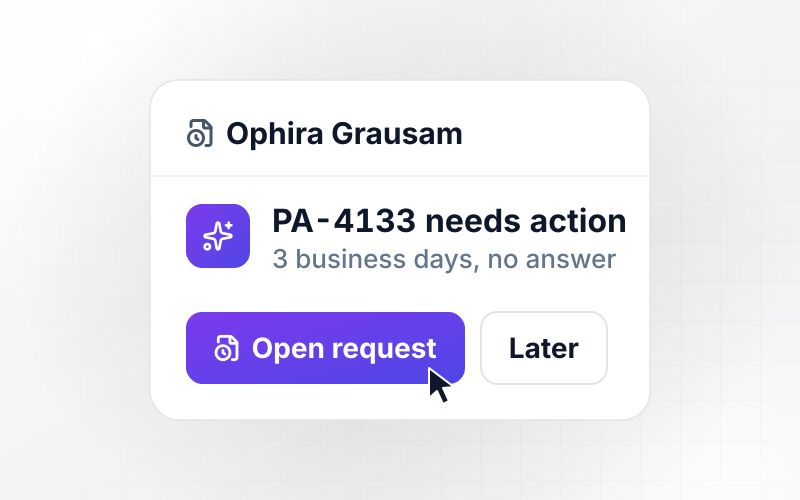
An approver who has not decided in the time you set gets a reminder in Slack or by email. If the contract still waits after that, it escalates to the backup you name for them.
One record of every decision
Each decision and its comment is saved with the contract version it covers, in a database you own. Who agreed to net 60 is answered on the contract record, not in an inbox.
Starts where the deal already lives
The app connects to any tool with an API. A contract request can open from a HubSpot deal, and the approval status syncs back to that deal, where the rep already works.
Code you can move to GitHub
On paid plans, the full code of the app exports to your GitHub repository. Anyone you trust can read the routing logic line by line there and keep their own copy of it.
Four Contracts, Four Different Approvers
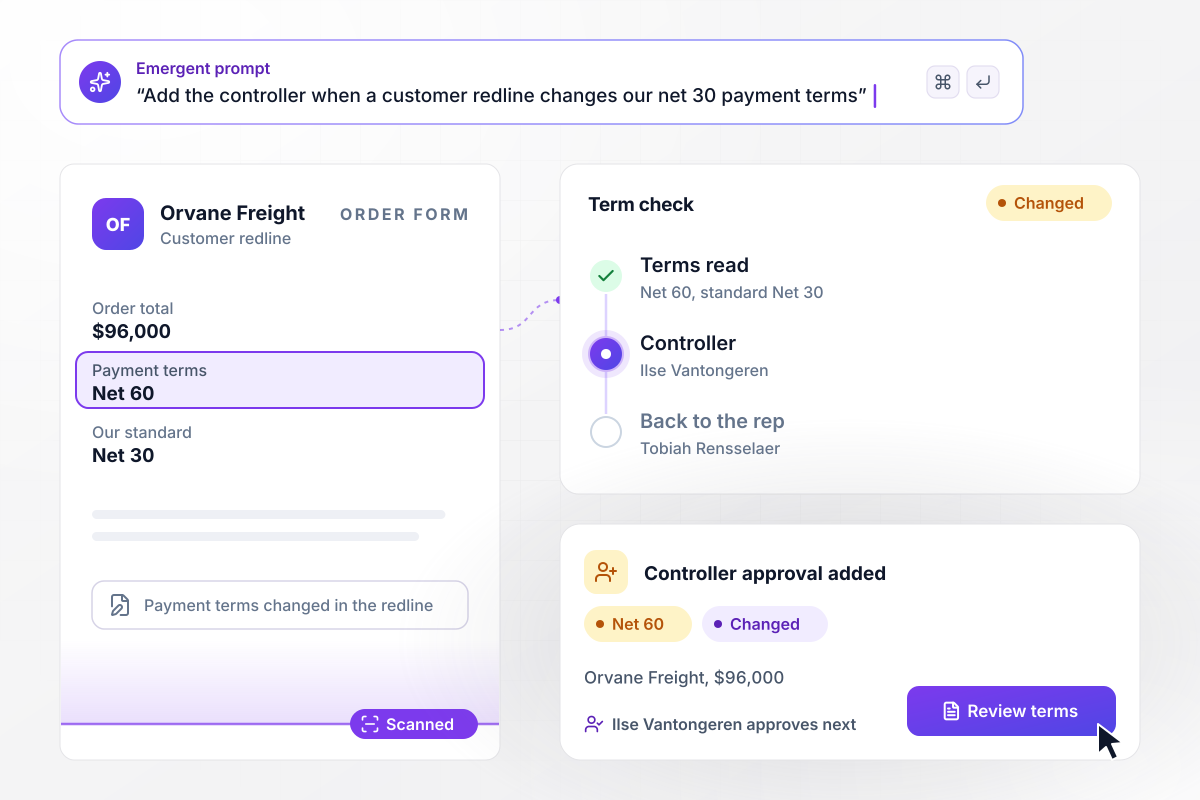
Net 60 pulls the controller into the deal
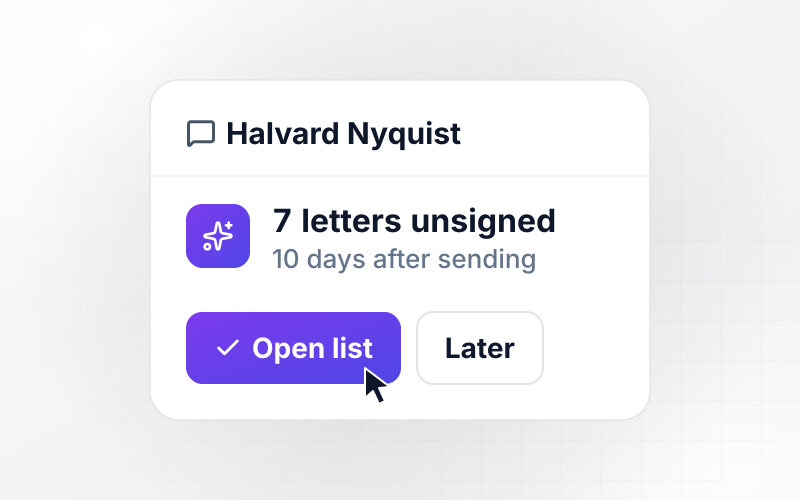
Orvane Freight returns its $96,000 order form with payment terms changed to net 60. The app reads the term from the redline and finds it differs from your standard net 30. The controller, Ilse Vantongeren, joins as an approver, and the rep, Tobiah Rensselaer, waits for her.
window.awbMockup = { paymentTerms: "Read the payment terms from every customer redline and compare them with our standard net 30. If they differ, add the controller as an approver and keep the rep from returning the contract until the controller approves.", contractValue: "Work out the annual value of each contract by dividing the total by the term in years. If the annual value is over $50,000, send it to the CFO after the department head approves, and show both approvals on the contract record.", renewals: "Track every contract that renews on its own. Work out the notice deadline from the renewal date and the notice period, and 30 days before that deadline send the contract owner a direct message asking them to approve the renewal or cancel it.", ndas: "Ask on the NDA request form whose paper the NDA is on and whether it was edited. Approve an NDA on our template with no edits without a reviewer, and send any NDA on the other side's paper to our counsel before it is signed." };
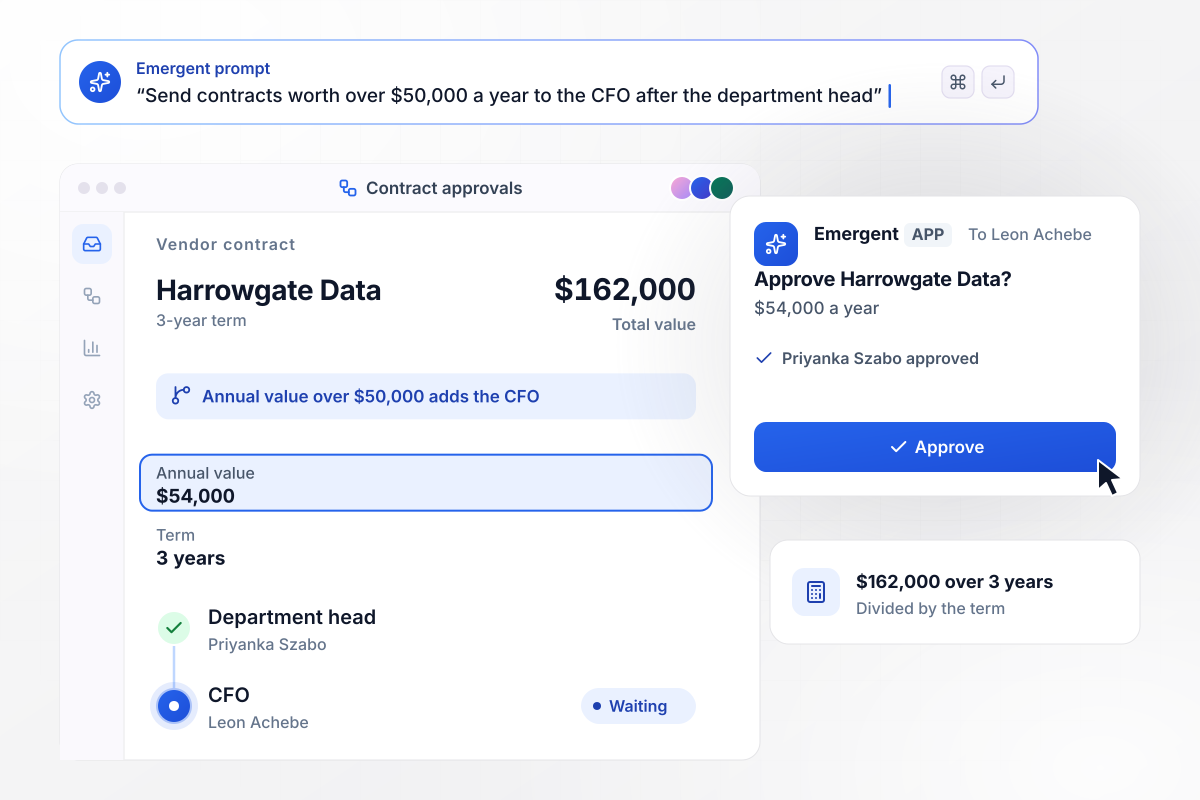
A $54,000 yearly value waits on the CFO
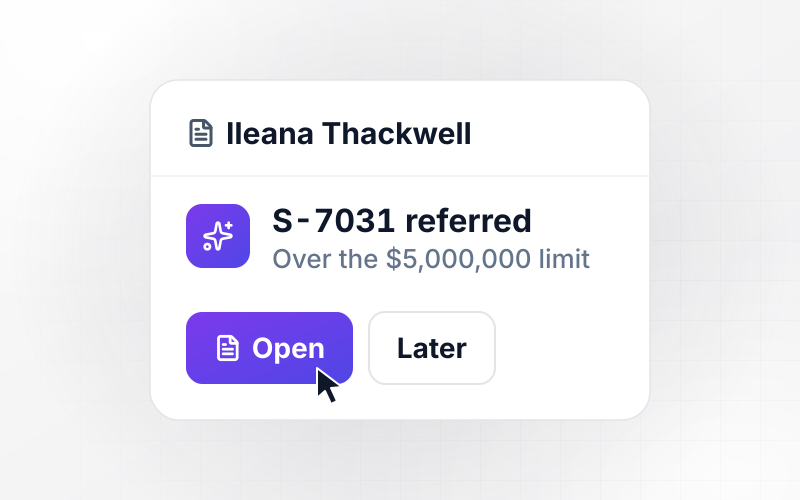
Harrowgate Data quotes three years at once: $162,000 in total, or $54,000 a year. Your rule adds the CFO when annual value passes $50,000. The app divides the total by the term before it routes. Priyanka Szabo, the department head, has approved. The contract now waits for Leon Achebe, the CFO.
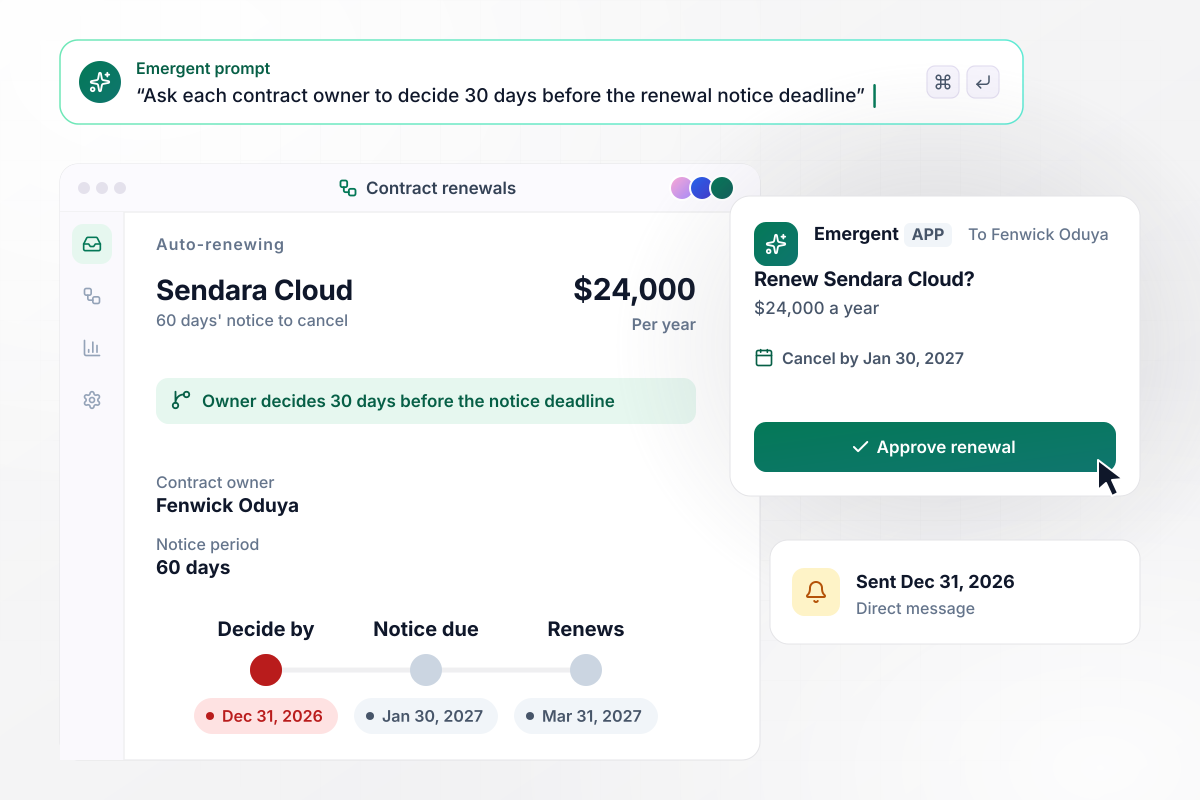
Renewal goes to its owner 30 days ahead of notice
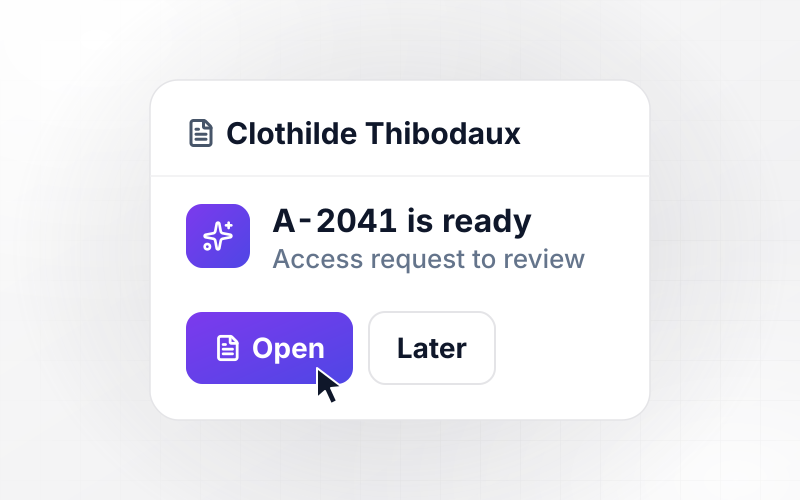
Sendara Cloud renews on its own on March 31, 2027, at $24,000 a year, unless you cancel with 60 days' notice. That puts the notice deadline on January 30, 2027. On December 31, 2026, 30 days before it, the app sends the owner, Fenwick Oduya, a direct message asking him to approve the renewal or cancel it.
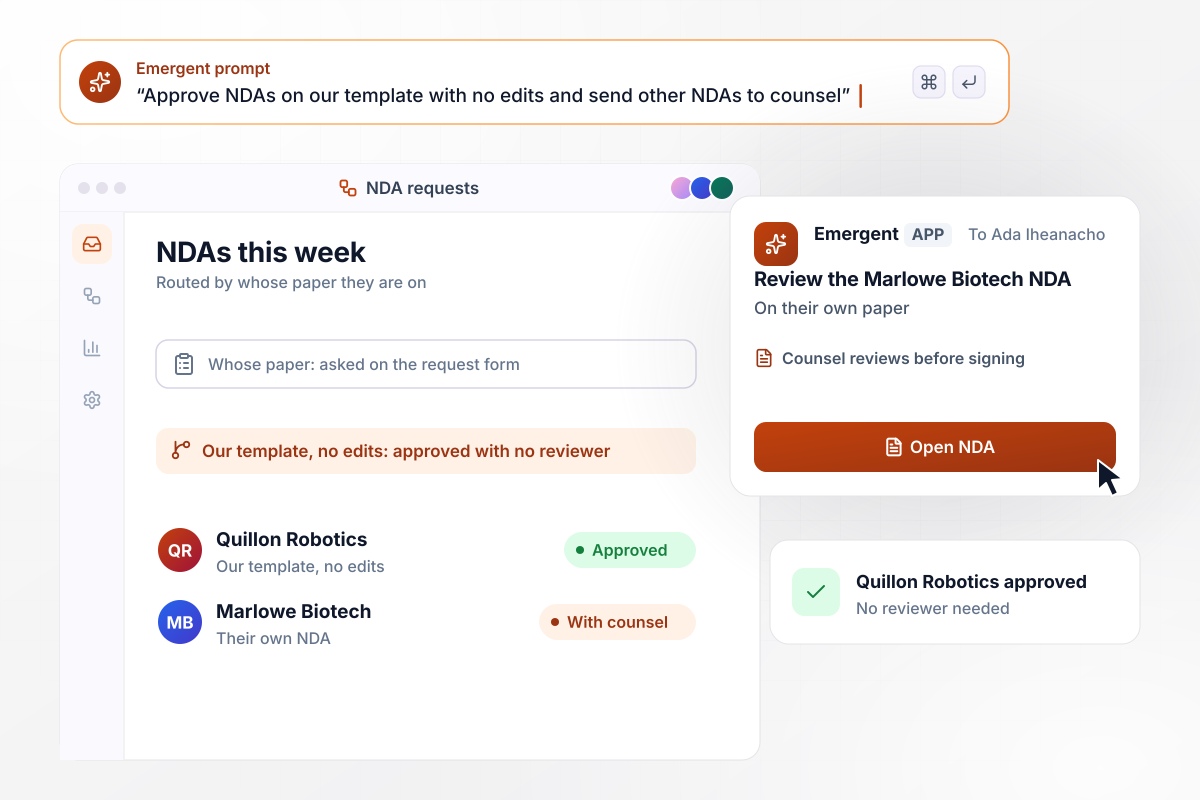
Your NDA skips review, theirs goes to counsel
Two NDAs arrive in the same week, and the request form asks whose paper each one is on. Quillon Robotics accepts your NDA template with no edits, and the app approves it with no reviewer. Marlowe Biotech sends its own NDA instead, and the app routes it to your counsel, Ada Iheanacho, before anyone signs.






How to Create a Contract Approval Workflow
Seven steps to set up a contract approval workflow that routes each contract by its terms and value, then build it with Emergent.
Pull last year's signed contracts and sort them by type, such as vendor agreements and NDAs. Note who approved each one and how many days it waited, and mark any contract that someone signed before every approver had decided.
Pick the terms that should bring in another approver, such as payment terms or a liability cap. Keep the list short, because every term on it is one more field each request has to carry.
Write each trigger as a number or a fact, not a judgment call: an annual value over $50,000 adds the CFO. A rule with a number in it runs the same way for every rep.
Choose the contracts that need no reviewer at all, such as an NDA on your own template with no edits. Routine paper that clears on its own leaves counsel more time for the contracts that need a careful read.
Decide how long a contract may sit with one person before a reminder goes out, and who takes over after that. Name a backup for every approver, including the CFO.
Write the rules in plain English, one sentence each, and give them to Emergent. It builds the app that runs them, and it changes any rule when you prompt again.
Run five signed contracts from last quarter through the rules before going live. Check that each one reaches the approvers it reached in real life, and fix any rule that sends it somewhere else.
Why Build Contract Approvals With Emergent?
Emergent builds the routing and the decision record as one app on a database you own, with no per-approver seats as legal joins.

|
Zapier | Make (Integromat) | n8n | |
|---|---|---|---|---|
| How you build | Prompt for the workflow and the app around it | Templates and editor, AI copilot | Visual canvas | Visual canvas, self-hosted or cloud |
| What you get | Workflow + trigger form + database + dashboard, as code you own | Zaps, plus Tables and Interfaces inside Zapier | Scenarios inside Make | Workflows inside n8n |
| Behavior at cap | Keeps running, no task cap | Overage billed at up to 1.25× the base rate | Runs pause | Cloud workflows stop until the reset or an upgrade |
| AI and agent steps | Native, share the same credit pool | Priced by model tier, drawn from the task pool | AI modules cost variable credits | Bring your own model API key, billed by the provider |
| Code ownership | Full code export to GitHub on paid plans | None | None | Yes on Community Edition |

Pick the Pricing Plan That Works for You
Choose the plan that fits your building ambitions. From weekend projects to enterprise applications, we've got you covered.




Find the right workflow automation
for you and your business
Frequently Asked Questions
Your Questions, Answered
Don't change this element unless you know what you are doing
More things you can build
with Emergent









on Emergent today


