

Build Order Processing Automation That Checks Every Line
Build order processing automation that turns emailed POs into checked sales orders and holds only what needs a person.
Build order processing automation for my distribution company's orders, holds, and warehouse.
Trusted by Builders Worldwide
Active Builders Worldwide
Apps Successfully Created
Countries Globally Reached



What Order Processing Automation Handles
Order management automation reads each new order and runs your team's checks, leaving people only the lines that need a decision.
Orders read from email and PDF
Customer POs sent as PDF attachments or typed into an email become a draft sales order with the customer, lines, quantities, prices, and ship-to. Unclear fields go to a person.
Lines checked against your price list
Each line is matched to your catalog by part number and priced from the customer's contract. A quoted price that disagrees, or an unknown part number, holds that line for its rep.
Credit checked before release
The open balance plus the new order is checked against the customer's credit limit before release. An order over the limit waits while the credit manager gets a direct message.
Stock reserved when an order is released
Released lines reserve stock on hand. A short line ships what is there and backorders the rest, and the warehouse works from one pick list built from the day's released orders.
One orders table, synced to your ERP
Email, store, and phone orders land in one table with one status each. Released orders sync to NetSuite or QuickBooks, and buyers look up their own progress by PO number.
Order rules you can read and export
Every hold rule and price check is readable code you can export to your GitHub repository on paid plans. Orders, holds, and backorders sit in a database that your team owns.
Order Processing Workflows to Build
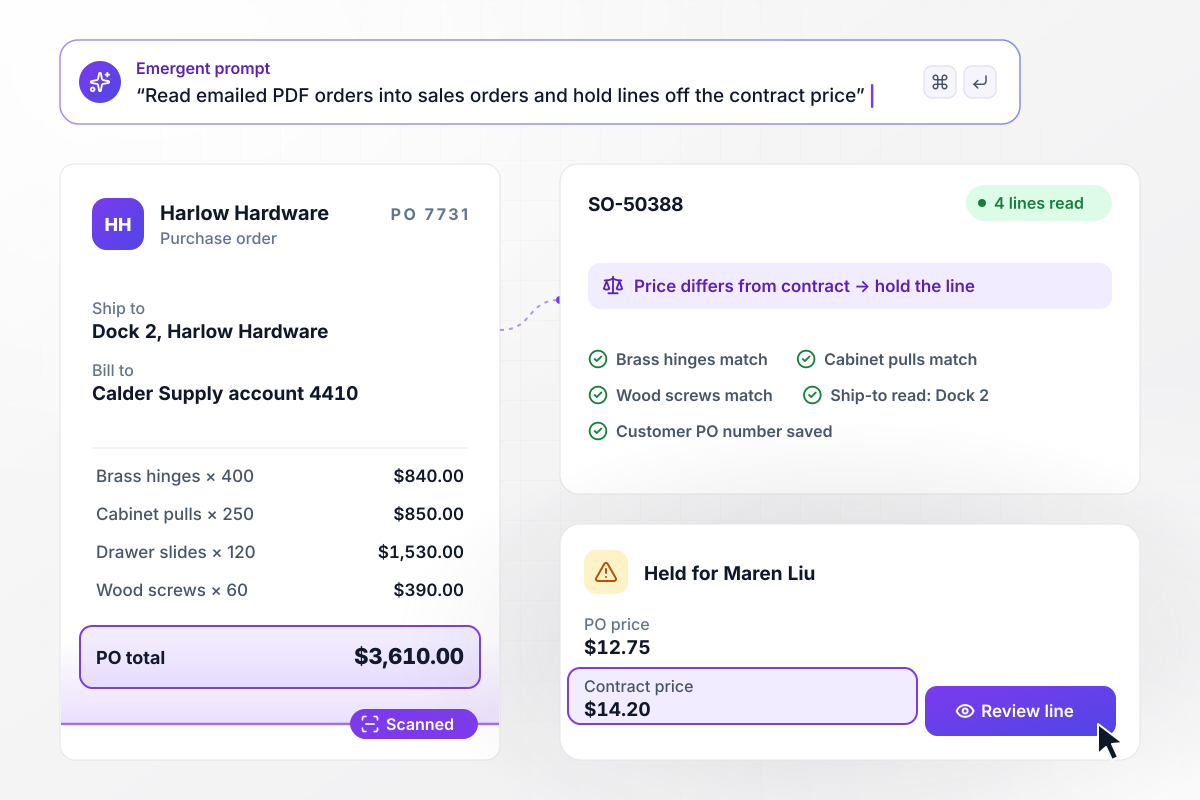
PO 7731 arrives as a PDF and leaves as SO-50388
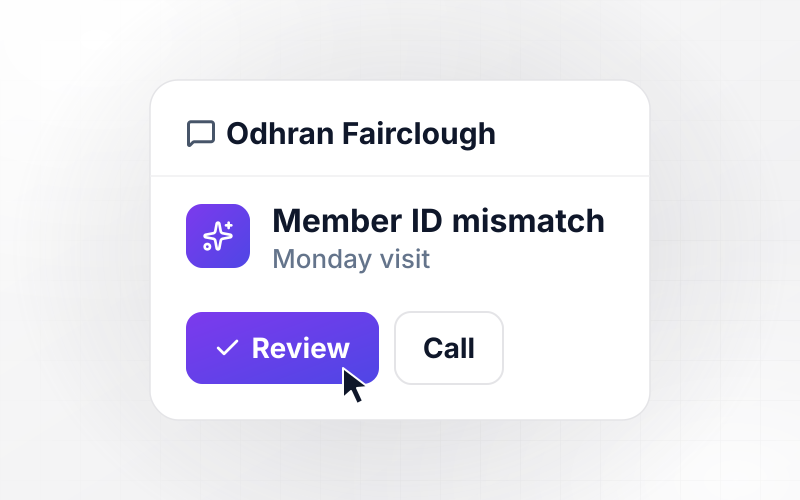
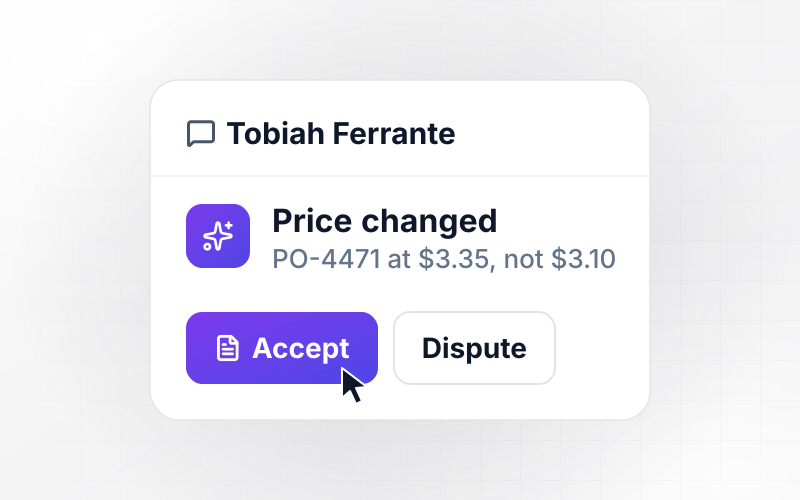
Harlow Hardware emails its orders to Calder Supply as PDFs. The app reads PO 7731 into sales order SO-50388, four lines in all. Three match the contract. Drawer slides come in at $12.75 against a contract price of $14.20, and any price that differs from the contract holds its line for Maren Liu, the account rep.
window.awbMockup = { emailedPdfOrders: "Build order processing automation for my distribution company. Customers email purchase orders as PDF attachments to our orders inbox. Read each one into a sales order with the lines, quantities, prices, and ship-to address. Check every line against the customer's contract price list, and hold any line where the price differs for the account rep to review.", creditHolds: "Before an order goes to my warehouse, add the customer's open balance to the order total and compare it with their credit limit. If the total is over the limit, hold the order and send our credit manager a Slack message with the numbers, so she can release it or ask the customer for prepayment. Log her decision on the order.", backorders: "Check every line of a released order against stock on hand. When a line is short, put what we have on today's pick list and backorder the rest against our next receipt. Send the buyer one email listing what ships now and what follows later, and keep the backordered quantity open on the order.", orderStatusPage: "Build an order status page for my wholesale customers. A buyer types their own PO number and sees the matching sales order with its current step: received, picked, packed, or shipped. When a shipping label is bought, show the carrier and tracking number. Read everything from the same orders table my warehouse updates." };
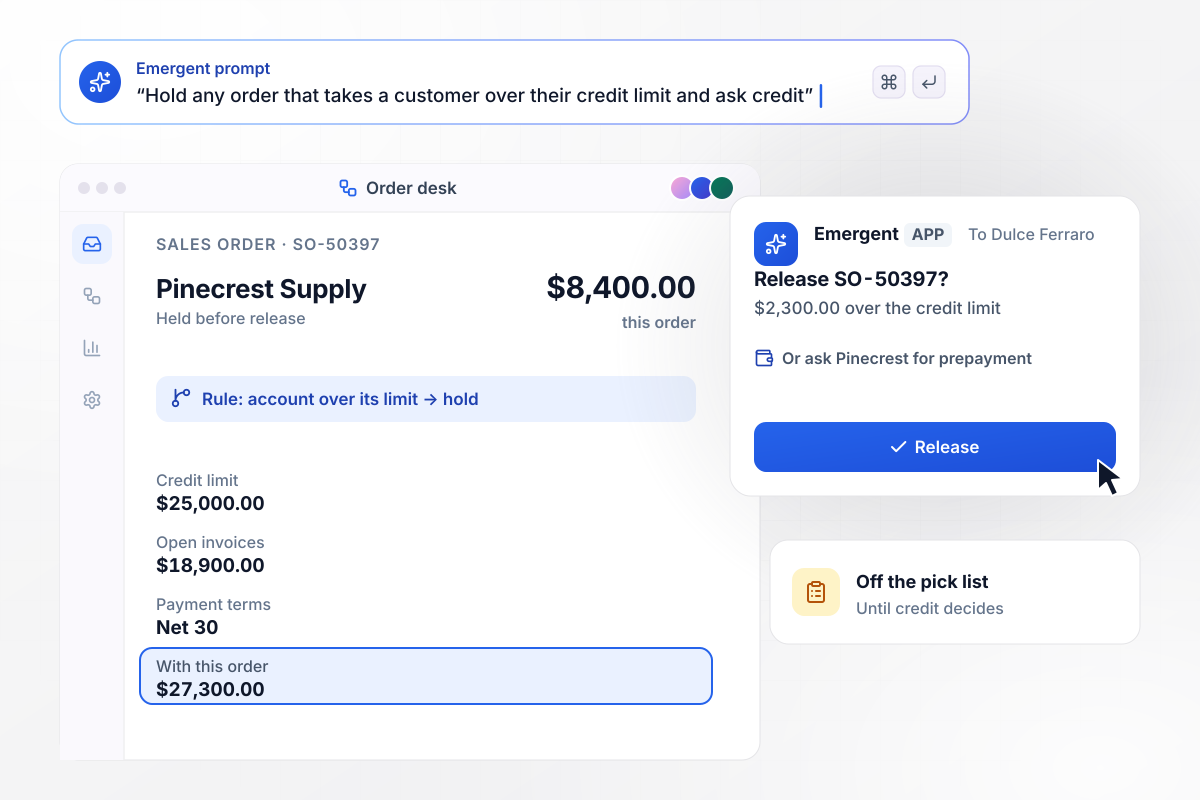
An $8,400 order waits on the credit manager
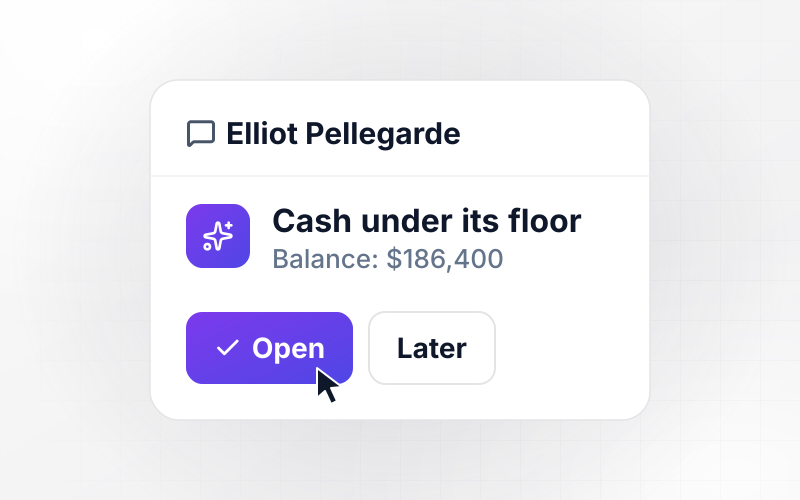
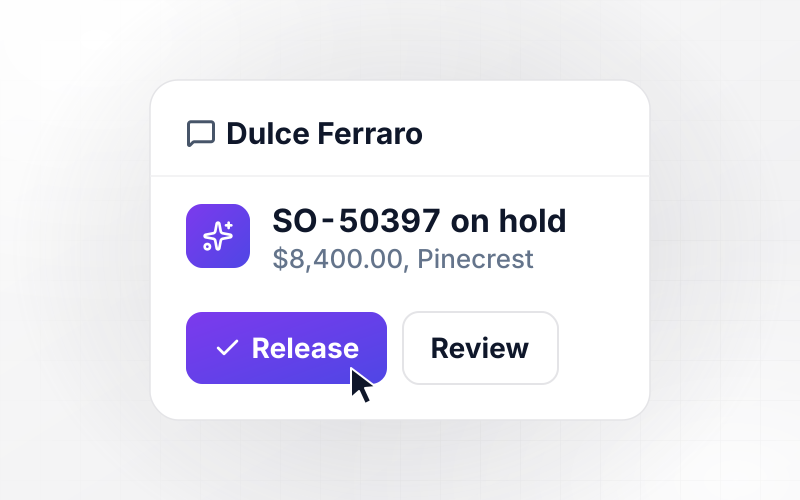
Pinecrest Supply owes $18,900 on open invoices against a $25,000 credit limit. Its new $8,400 order would take the balance to $27,300. Any order that takes an account over its limit is held before the warehouse sees it. Dulce Ferraro in credit is messaged in Slack and releases it there or asks Pinecrest for prepayment.
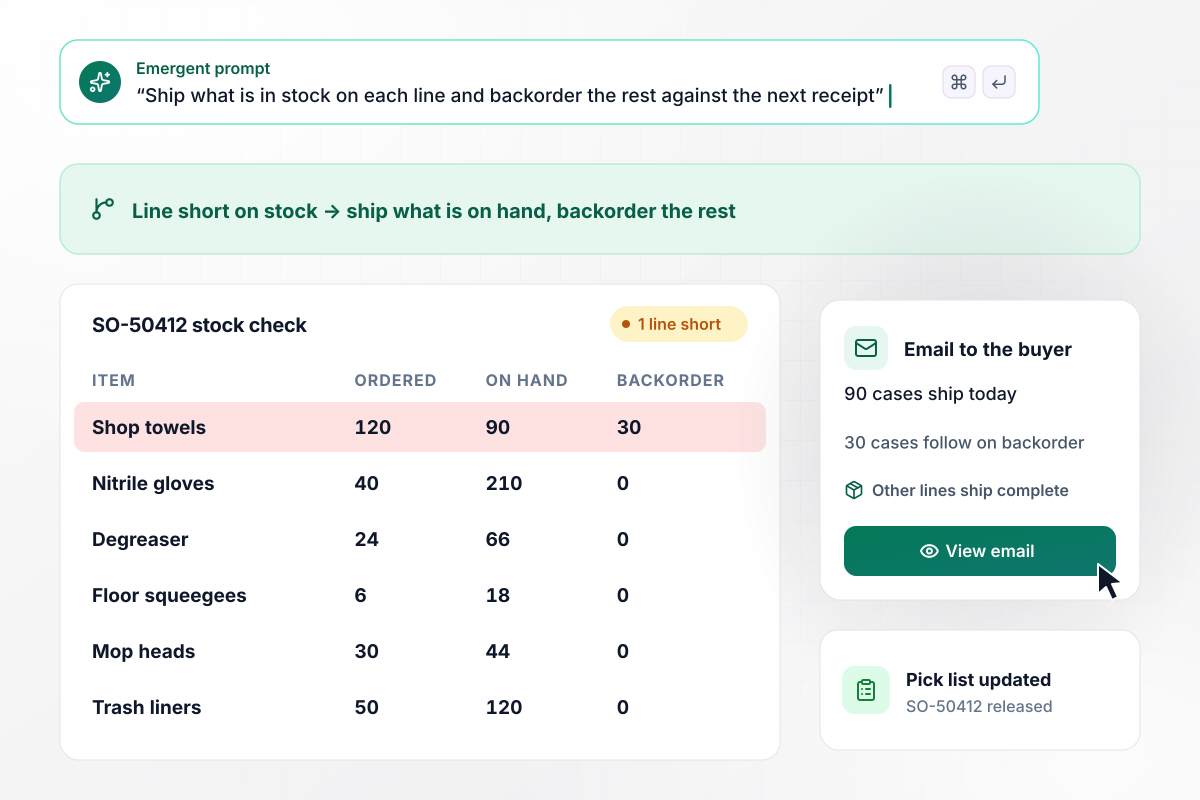
Short on towels, the order ships in two parts
Every line is checked against stock before release to the warehouse. SO-50412 asks for 120 cases of shop towels, and 90 are on hand. Those 90 go on today's pick list with the rest of the order, and the other 30 go on backorder against the next receipt. The buyer gets one email that lists both shipments.
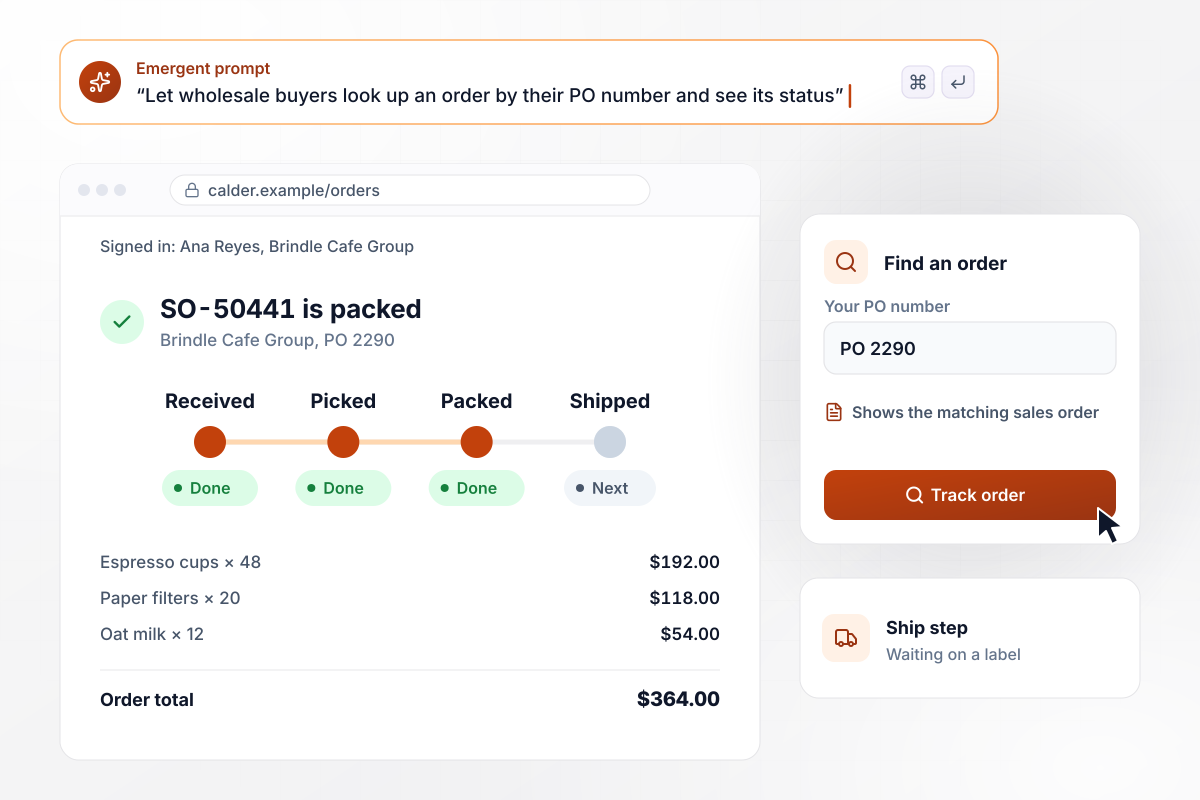
Buyers find any order by their own PO number
Buyers at Brindle Cafe Group used to email customer service to ask where an order stood. Ana Reyes now types PO 2290 into Calder Supply's status page and sees SO-50441 packed and waiting on a label. The carrier and tracking number fill in once the label is bought, read from the same table the warehouse updates.






How to Automate Order Processing
Seven steps to set up order processing automation that checks every incoming order, tested on a week of real orders first.
List every way orders reach you today: the orders inbox, PDF attachments, your web store, EDI from large accounts, and calls the desk types up. Note which ones carry a customer PO number, since that number ties each order, hold, and shipment together.
Write your hold rules as plain sentences: a quoted price off the contract, a new order that pushes an account past its credit limit, a part number missing from the catalog. Name the person who decides each one. A hold without an owner sits forever.
Import each customer's contract prices and credit limit, with open balances from your accounting system. Emergent builds the checks against those tables. An account manager can then change a price later without anyone touching the rules themselves.
Connect the system that holds your orders and stock, such as NetSuite or QuickBooks. Stock levels sync in before each release and released orders sync back with their status. For order fulfillment automation, the pick list reads from that same table.
Some accounts accept partial shipments. Others want the whole order held until every line is in stock. Store that choice on each customer record, and the release step follows it without a phone call to ask which one the buyer prefers.
Run seven days of past orders through the app before launch and compare each hold with what the desk did by hand. Where the app held something your team released, adjust the rule by prompting and run the batch again until both agree.
Turn on automated order management for the five customers who send the most PDF orders. Have the desk review each draft for the first two weeks. Once the holds look right, let clean orders release on their own and add the next accounts.
Why Build Order Processing With Emergent?
Emergent builds an automated order management system around your own price lists and credit rules, as code you keep.

|
Zapier | Make (Integromat) | n8n | |
|---|---|---|---|---|
| How you build | Prompt for the workflow and the app around it | Templates and editor, AI copilot | Visual canvas | Visual canvas, self-hosted or cloud |
| What you get | Workflow + trigger form + database + dashboard, as code you own | Zaps, plus Tables and Interfaces inside Zapier | Scenarios inside Make | Workflows inside n8n |
| Behavior at cap | Keeps running, no task cap | Overage billed at up to 1.25× the base rate | Runs pause | Cloud workflows stop until the reset or an upgrade |
| AI and agent steps | Native, share the same credit pool | Priced by model tier, drawn from the task pool | AI modules cost variable credits | Bring your own model API key, billed by the provider |
| Code ownership | Full code export to GitHub on paid plans | None | None | Yes on Community Edition |



Pick the Pricing Plan That Works for You
Choose the plan that fits your building ambitions. From weekend projects to enterprise applications, we've got you covered.




Find the right workflow automation
for you and your business
Frequently Asked Questions
Your Questions, Answered
Don't change this element unless you know what you are doing
More things you can build
with Emergent









on Emergent today


