

Build a Dropshipping Landing Page That Tests Demand First
Build a dropshipping landing page that tests a product on real ad traffic and saves every signup to a database you own.
Build a dropshipping landing page that saves every signup to a database I own.
Trusted by Builders Worldwide
Active Builders Worldwide
Apps Successfully Created
Countries Globally Reached



What Emergent Builds Into a Dropshipping Page
Emergent builds the dropshipping landing page and the database that keeps every email the page collects.
A page per product from one prompt
Describe the product and the delivery window your supplier quotes. Emergent builds the page around that offer, with photos up top and a signup form below. Prompt again to change it.
Every signup in a database you own
Each email and restock request the page collects is a row in a database you own. Sort the rows by product, or filter them down to the ad campaign that sent each visitor to the page.
An alert when a count is reached
Pick the number that matters, such as 50 signups on a product test, and the app sends a Slack or email alert when it is reached. Reminders and escalations use the same settings.
Store and supplier data through APIs
The app connects to any tool with an API. An order lookup can read ship dates from the store, and each new signup can sync to the email tool that already sends your campaigns.
Your own domain on each product page
Custom domains are included in Emergent and use credits. Publish each product page on a domain you own, and the address printed in the ad is the address the visitor lands on.
Export the full code to GitHub
On paid plans, Emergent exports the full code to your GitHub repository, from the Standard plan up. The page and its database logic are then yours to host and edit anywhere.
Dropshipping Landing Page Examples
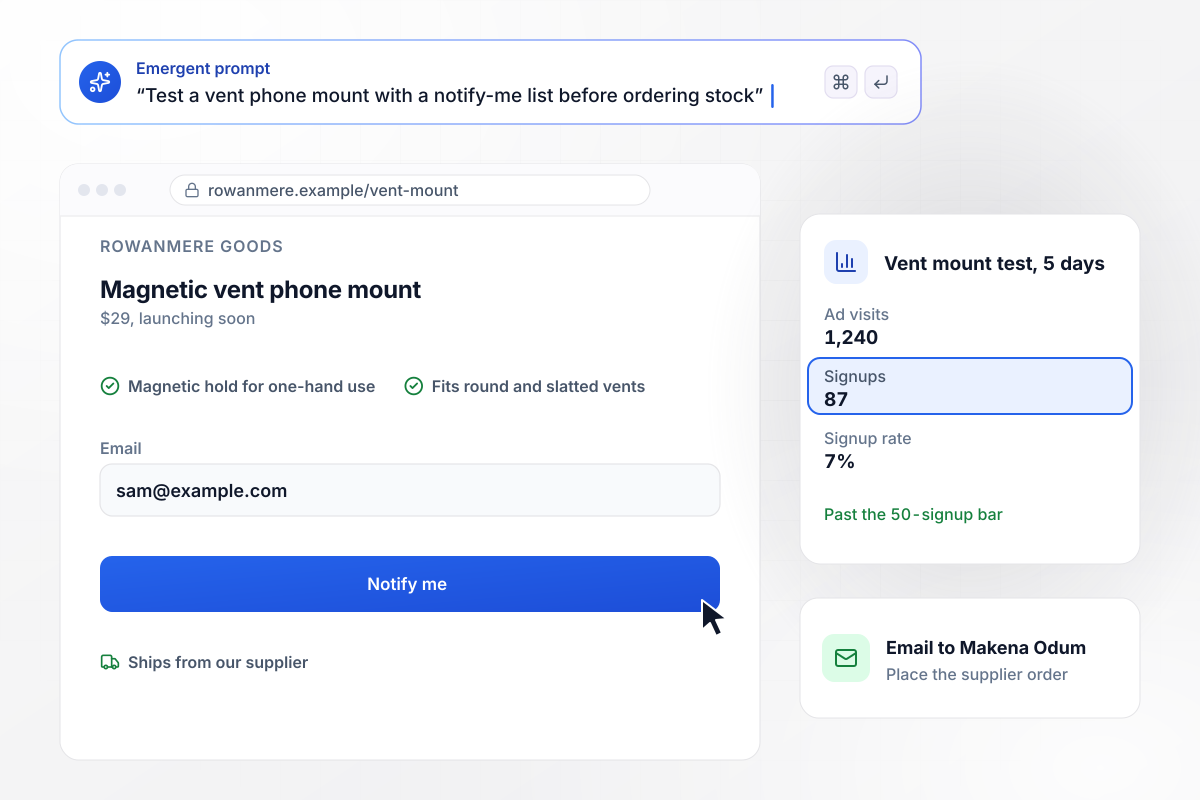
Rowanmere orders stock after 87 signups in 5 days
Rowanmere Goods runs ads to a page for a $29 magnetic vent phone mount before ordering stock. Visitors who want one join a notify-me list. In 5 days the ads sent 1,240 visits and 87 people signed up. Makena Odum set 50 signups as her bar, and once the list passed it, the app emailed her to order from the supplier.
window.awbMockup = { productTests: "Build a landing page for my store, Rowanmere Goods, to test a magnetic vent phone mount at $29 before I order stock from my supplier. Show the product and a notify-me signup that saves each email. Count visits and signups, and email me when the list passes 50 signups so I know to place the order.", firstOrderCodes: "Build a landing page for my pet store, Fennwick Pet Co, that sells an LED dog collar for $24.00. Ask visitors for an email and give them the code PAWS10 for 10% off a first order. Save every email with the date it came in, and show me how many signups used the code.", orderStatus: "My store, Ossery Trail Co, needs an order status page. A buyer types an order number and the email used at checkout. Read the order from my store through its API and show the date my supplier shipped it, the delivery date, and a link to the tracking number.", restockAlerts: "My supplier is out of the clip-on reading light I sell at Varnum Lamp Co. Make a restock page that replaces the buy button with a signup that saves each email. When I mark the light back in stock, email everyone on the list and count the orders that follow." };
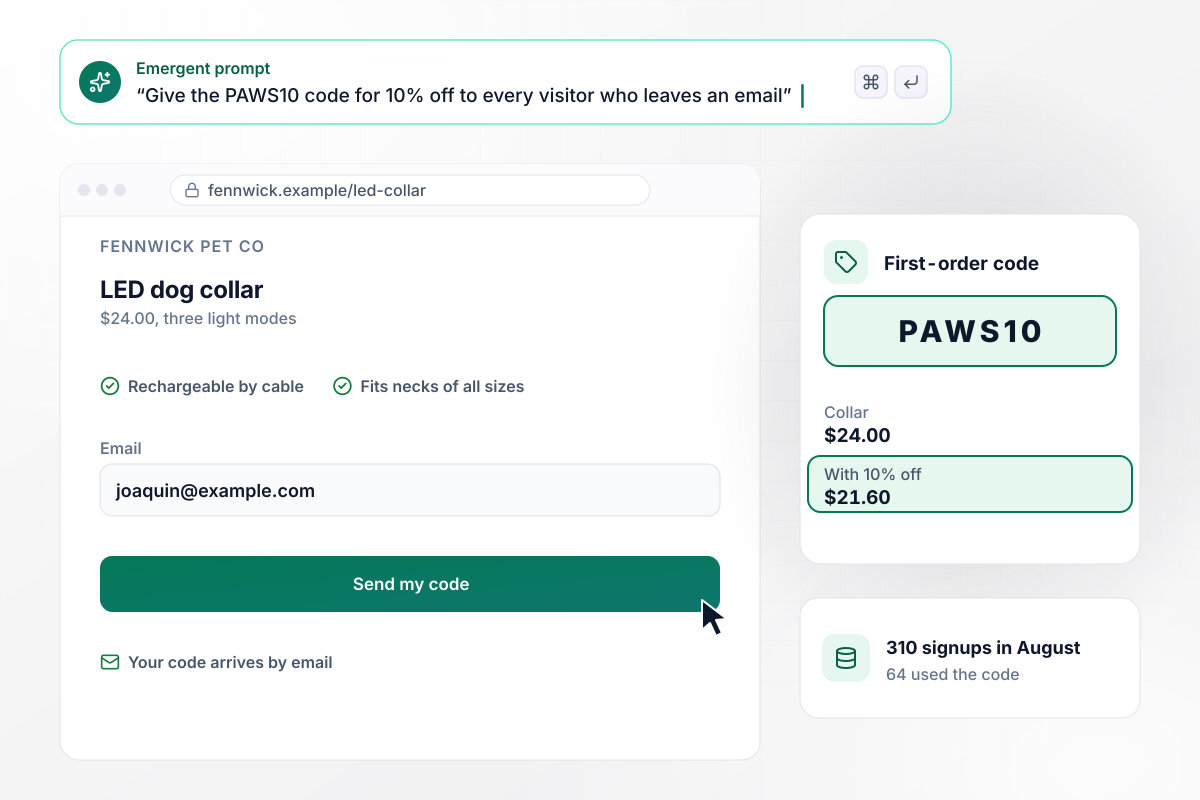
The PAWS10 code goes out for each email saved
Fennwick Pet Co sells an LED dog collar for $24.00, and its page gives the code PAWS10, 10% off a first order, to any visitor who leaves an email. With the code the collar costs $21.60. In August 310 visitors signed up and 64 of them used the code at checkout, Joaquin Ferrell among them.
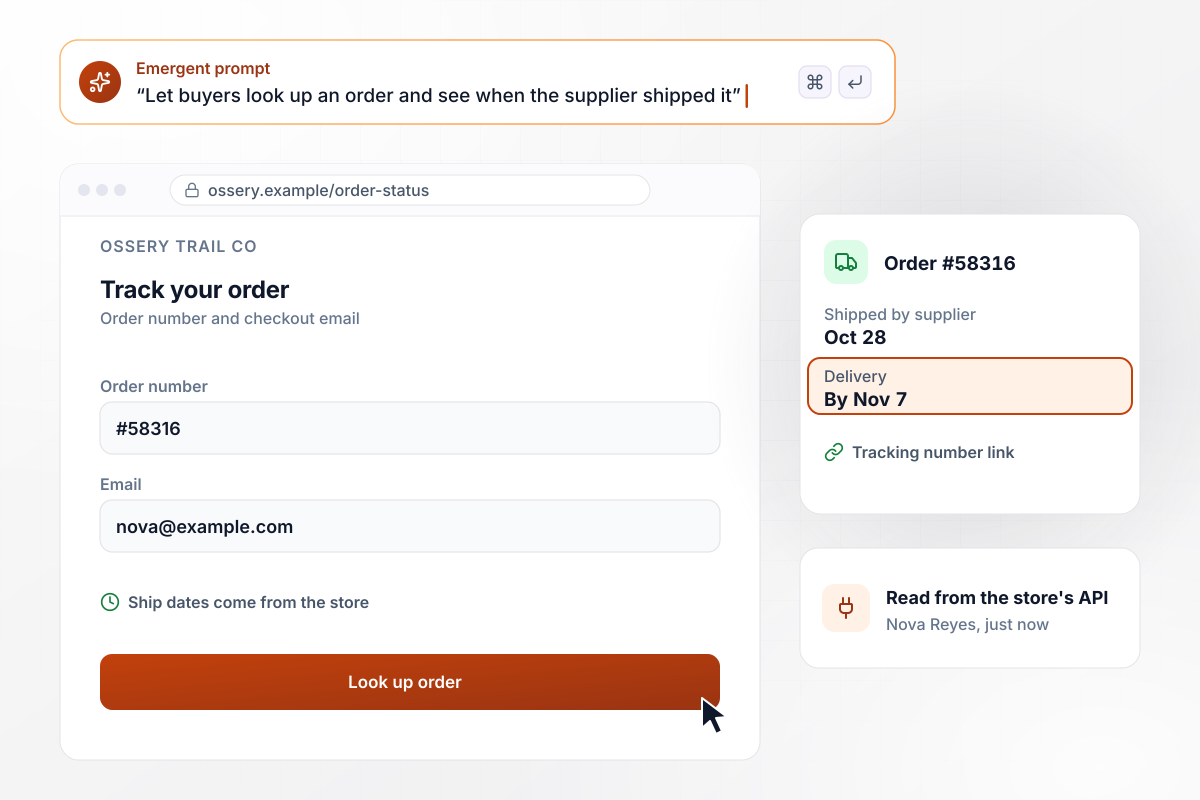
Order #58316 shows its ship date to the buyer
A buyer on Ossery Trail Co's page types an order number and the email used at checkout. The app reads that order from the store through its API and shows the date the supplier shipped it and the delivery date, with a link to the tracking number. Nova Reyes looked up order #58316: shipped Oct 28, due by Nov 7.
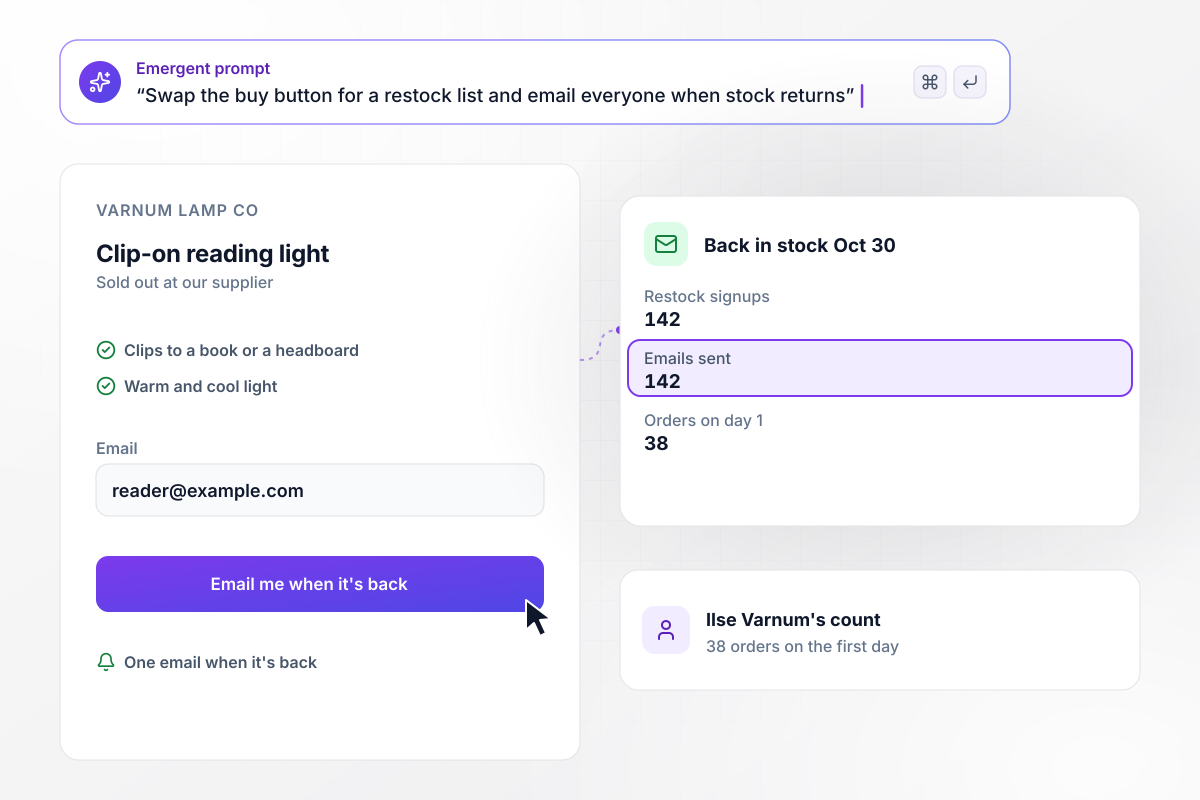
Stock returns, and all 142 signups get the email
When Varnum Lamp Co's supplier ran out of its clip-on reading light, the page swapped the buy button for a restock signup. The list reached 142 people. When stock came back on Oct 30, the app emailed all 142 of them, and Ilse Varnum counted 38 orders on the first day.






How to Build a Dropshipping Landing Page
Seven steps to build a dropshipping landing page that tests one product and turns its signups into a supplier order.
Choose the item for the test, and write down the price you will charge and what each unit costs you delivered. One item per page keeps the ad, the page, and the signup count about the same thing.
Ask the supplier how long an order takes to reach your buyers, and write that window in plain words near the price. State only a window you can meet, and change the page the day the supplier's times change.
Describe the page in plain English: the product, the price, the delivery window, and what a visitor leaves, such as an email for a notify-me list or for a first-order code. Emergent builds the page and the database behind it.
Decide how many signups justify ordering stock, such as 50, and ask for an email alert when the list reaches it. Write the number down before the ads start, and keep it fixed for the whole test.
Link the store to the app, and the order lookup pulls each buyer's ship date from the store's records. Link the email tool that sends your campaigns as well, then pick the list each new signup joins and the tag it carries.
Publish the page at the address the ad will use, under the store's own name. Point one ad set at it first, keep the other ad sets on their old pages, and compare the page's signups with the visits that ad reports.
Order one unit through the store before the ads go wider, then look it up on the order status page. Check that the supplier's ship date shows, the code works at checkout, and the restock email arrives when you mark the item back in stock.
Why Build a Dropshipping Page With Emergent?
Each product gets its own page and its own list of signups, and one new prompt changes either when the supplier or offer does.

|
Unbounce | Landingi | Wix | |
|---|---|---|---|---|
| How you build | Prompt for a campaign page | Templates and drag-and-drop, AI copy assist | Templates and drag-and-drop, AI assist | Prompt for a full site |
| Where submissions go | A database table you own, plus integrations | Unbounce lead storage and integrations | Vendor lead storage and integrations | Wix dashboard submissions and Contacts |
| Visitor limits | No per-visitor pricing | Monthly visitor caps by plan | Tiered by traffic on most plans | Site plan bandwidth |
| A/B testing | Generate variants by prompt | A/B testing on higher-tier plans only | Higher plans | Limited or add-on |
| Code ownership | Full code export to GitHub on paid plans | Hosted only | Hosted only | Hosted only |


Pick the Pricing Plan That Works for You
Choose the plan that fits your building ambitions. From weekend projects to enterprise applications, we've got you covered.




Find the right landing page for you
Frequently Asked Questions
Your Questions, Answered
Don't change this element unless you know what you are doing
More things you can build
with Emergent









on Emergent today


