

Build a Stakeholder Survey That Compares Every Group
Build a stakeholder survey that tags each answer with its group and saves every response to a database you own.
Build a stakeholder survey that collects every answer in a database I own.
Trusted by Builders Worldwide
Active Builders Worldwide
Apps Successfully Created
Countries Globally Reached



Inside a Stakeholder Survey Built With Emergent
Emergent builds the stakeholder survey and the answer table behind it, and every answer keeps the group it came from.
A section of questions per group
Name your groups and what you need to learn from each, and Emergent drafts a section for every one. A follow-up prompt rewrites a question or adds a group you left out.
Every answer tagged with its group
Each response saves as a row in a database you own, with the group, the date, and the survey round attached. Put this year's donor scores beside last year's in one table.
One link, a separate path for each role
Open with one question on who is answering, and each role then gets its own set of questions. Shared questions keep identical wording in every version, and their scores line up.
Low group scores go to the group owner
Set a floor for any group, like an average under 3 out of 5, and the app sends that group's scores to its owner by email or Slack. Groups above the floor stay in the report.
One question per screen, no response cap
Stakeholders tap through one question per screen on a phone or a laptop. Emergent sets no cap on responses, whether the list is 12 funders or 4,000 residents of a town.
A survey address on your own domain
Funders open the survey at an address on your own domain, since custom domains are included in Emergent and use credits. Paid plans add full code export to your GitHub repository.
Who Acts on Each Stakeholder Survey
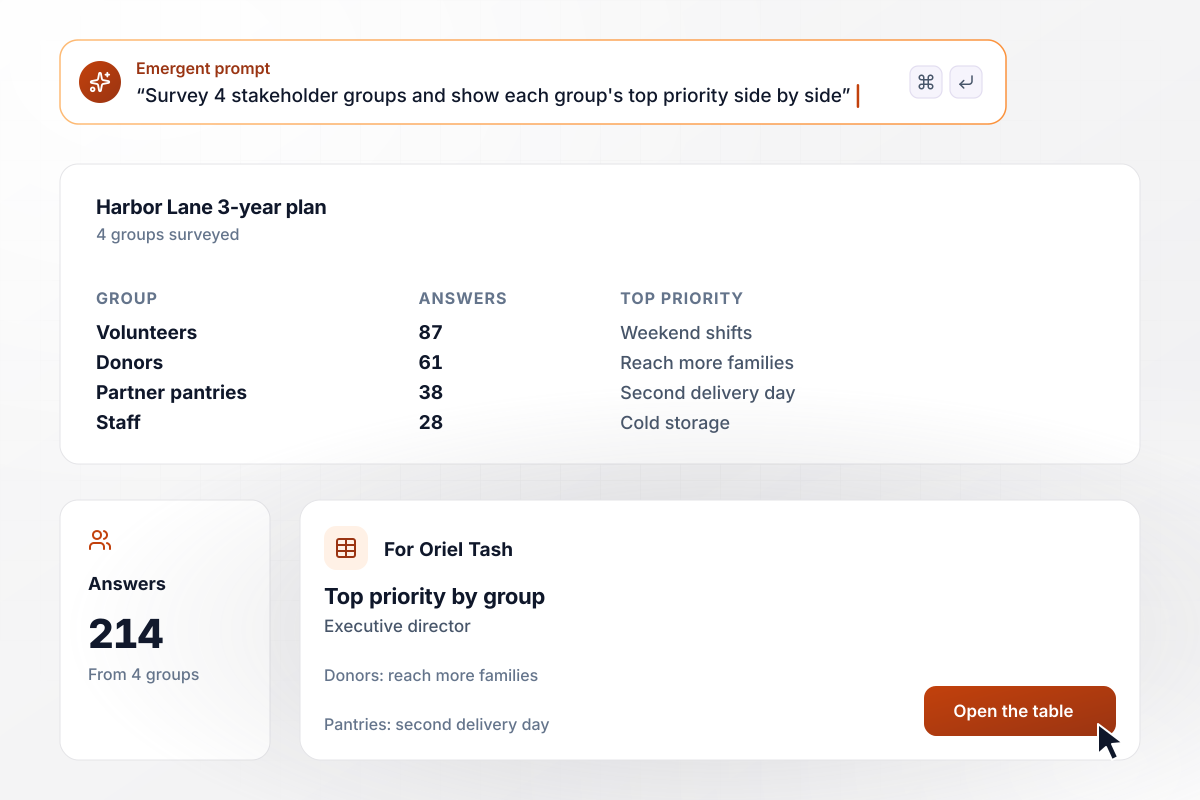
For donors, reach comes first; for pantries, delivery days
For its 3-year plan, Harbor Lane Food Bank surveyed 4 groups and got 214 answers: 87 from volunteers, 61 from donors, 38 from partner pantries, and 28 from staff. Donors put reaching more families first; pantries chose a second weekly delivery day. Executive director Oriel Tash saw each group's top pick side by side.
window.awbMockup = { strategicPlanSurvey: "Build a survey for our food bank's 3-year plan that goes to 4 groups: volunteers, donors, partner pantries, and staff. Ask each group to rank 6 possible priorities and add a comment. Save every answer with the group it came from, and show the executive director one table with each group's answer count and top priority.", projectCheckIn: "Build a monthly check-in for our warehouse system rollout. Ask people on 5 teams how well informed they feel on a 1 to 5 scale, what they need to know next, and which team they are on. If a team averages under 3.0, email that team's scores and comments to the project lead.", mainStreetInput: "Build a community survey for our Main Street redesign with one public link. The first question asks whether you are a resident, a commuter, or a business owner, and each group gets its own questions after that. Save every answer with the role, and give the town planner a separate table of business owner answers.", partnerFollowUp: "Build an annual survey for our 42 industry partners about the research they fund and how well we report back. Ask for a rating out of 5, a comment, and a checkbox to request a call. Put every partner who asks for a call on one list for our partnerships lead, with their rating and comment." };
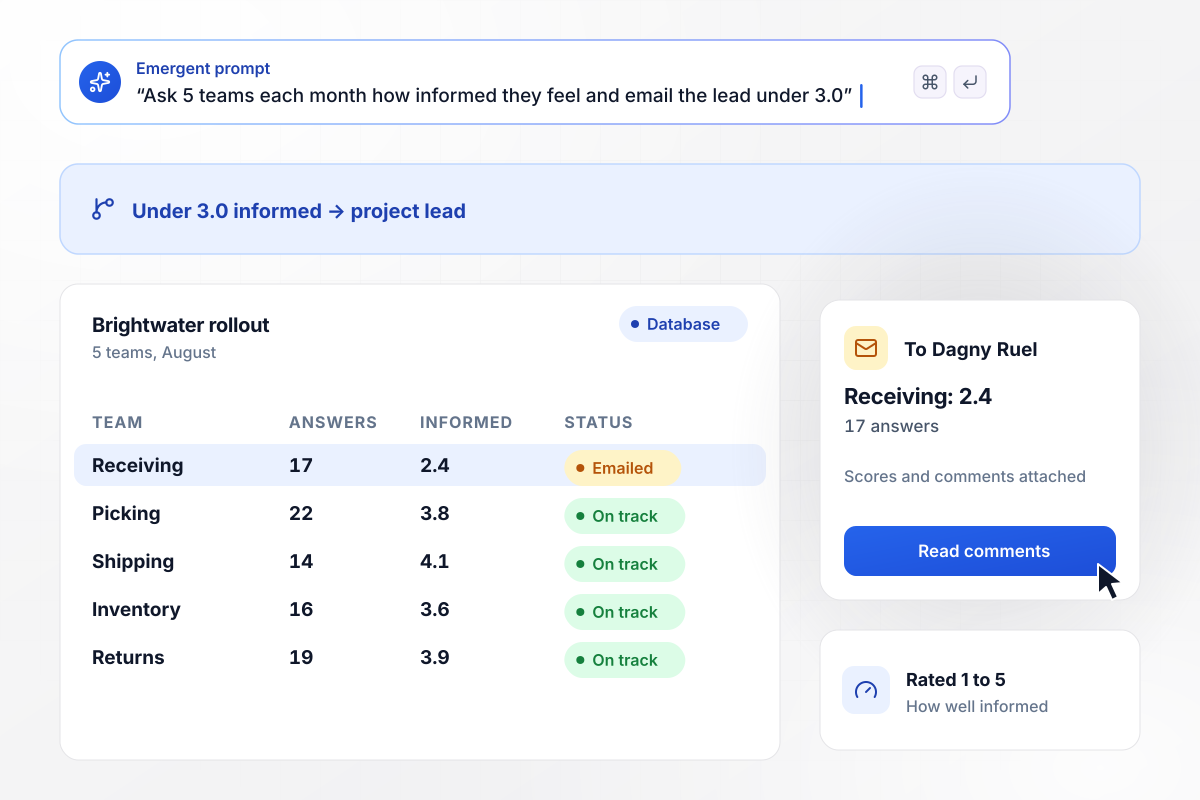
Receiving drops to 2.4, and the project lead sees it first
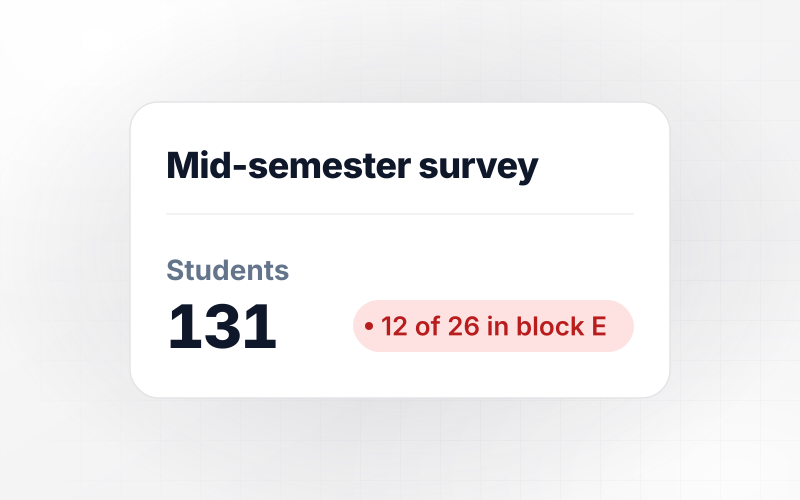
Five teams at Brightwater Supply rate monthly, on a 1 to 5 scale, how informed they feel about the new warehouse system. In August, Receiving averaged 2.4 from 17 answers, under the 3.0 floor, and every other team scored 3.6 or higher. The app emailed that team's scores and comments to the project lead, Dagny Ruel.
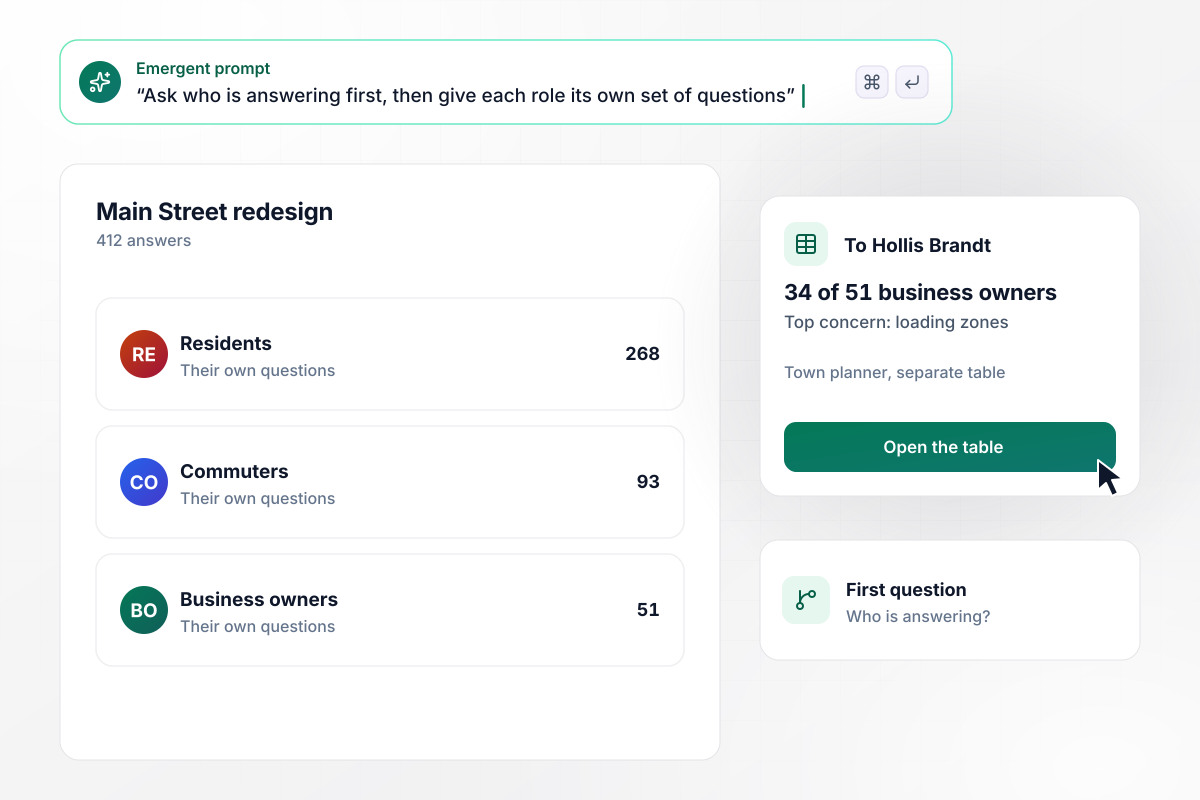
A resident and a business owner see different questions
One link went out for Pell River's Main Street redesign, and the first question sorts people by role. Of 412 answers, 268 came from residents, 93 from commuters, and 51 from business owners. Hollis Brandt, the town planner, got a separate table: 34 of those 51 owners named loading zones as their top concern.
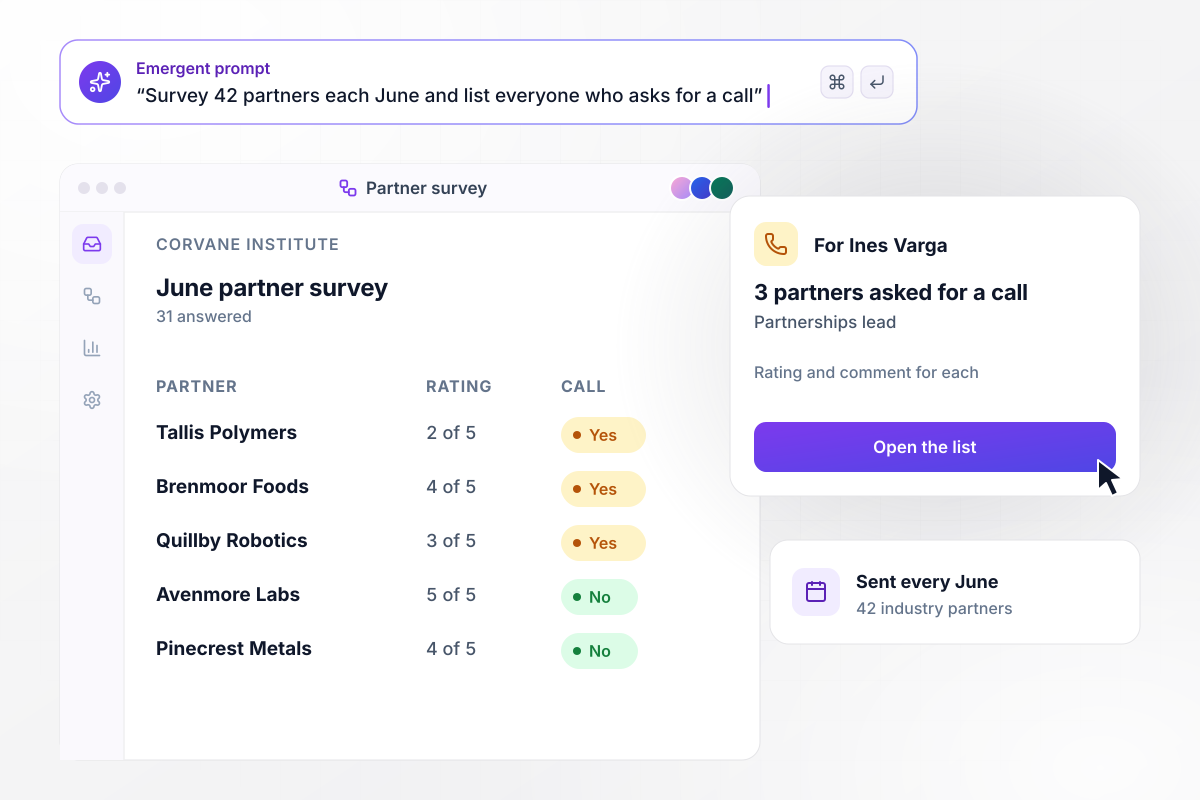
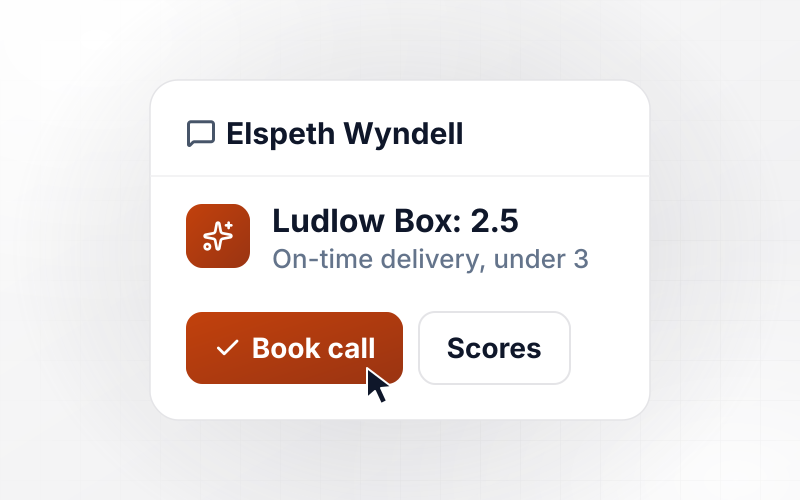
Three partners asked for a call, all on one list
Every June, the Corvane Institute surveys its 42 industry partners on the research they fund and how well the institute reports back. This year 31 answered, and 3 ticked the box asking for a call. Those 3 went on one list for Ines Varga, the partnerships lead, each with the partner's rating and comment.






How to Create a Stakeholder Survey
Seven steps to create a stakeholder survey that every group finishes and that shows where the groups disagree.
Decide what the results will change before you write a question, such as a 3-year plan or a rollout date. A question that changes neither costs a stakeholder time and tells you nothing new. Put that decision at the top of your prompt to Emergent.
Write down every group you will survey, like donors and partner agencies, and the person who acts on each group's answers. Make the first question ask which group the person belongs to. Every answer then carries its group from the start.
Turn "How clear and timely are our updates?" into two questions. Pew Research Center says double-barreled questions are difficult for respondents to answer and hard to interpret. Two questions also tell you whether to fix the clarity or the timing.
Give every group the same core ratings, worded identically, then add a short set for each group. Identical wording is what lets you put donor scores beside staff scores. Place the ratings before the open comments, since question order can influence how people respond.
Send the draft to two people from different groups and note where either one stalls or reads a question two ways. Pew calls pretesting an essential step in the questionnaire design process. Fix those questions before the full send.
Send the link with a closing date and one reminder 3 days before it. Track answers by group as they arrive: if partner agencies sit at 6 of 40 while staff are at 30 of 35, chase the agencies, not everyone.
Within a month of closing, send each group its scores next to the overall result, plus the 2 changes you picked. Ask the same core questions next round, and the scores show whether those changes moved anything for that group.
Why Build Your Stakeholder Survey on Emergent?
Each group's answers sit in a database you own, and one prompt adds a group or rewrites a question before the next round.

|
SurveyMonkey | Microsoft Forms | SurveyHero | |
|---|---|---|---|---|
| What you get | Survey, logic, and response database, as code you own | Survey builder with templates, including employee engagement | Surveys, quizzes, and polls with response summaries | Survey builder with templates, including employee satisfaction |
| Pricing model | Credits, no response caps or per-response fees | Per-user team plans with a seat minimum, billed annually | Free with a Microsoft account; included in Microsoft work and school subscriptions | Free plan, then per-account plans with unlimited responses |
| Where responses live | A database table you own, plus any integration | SurveyMonkey account | Microsoft Forms, with export to Excel | SurveyHero account, EU data centers |
| Code ownership | Full code export to GitHub on paid plans | None | None | None |


Pick the Pricing Plan That Works for You
Choose the plan that fits your building ambitions. From weekend projects to enterprise applications, we've got you covered.




Find the right survey, quiz, or poll
for your team
Frequently Asked Questions
Your Questions, Answered
Don't change this element unless you know what you are doing
More things you can build
with Emergent









on Emergent today


